Church Website Features
Church member portals sound great in theory — a private, logged-in area where members can update their contact information, sign up for events, view giving statements, access private documents, and manage their involvement. In practice, most churches that build member portals end up with an underused, poorly maintained feature that consumed far more resources than it returned.
That doesn’t mean member portals are never the right choice. But before building one, you need to honestly assess whether your church actually needs it — or whether a simpler alternative would serve your congregation better.
A member portal makes sense when your church has a genuine operational need that can’t be met by simpler tools. Here are the conditions that justify the investment:
At this scale, manual processes break down. You can’t maintain accurate contact information for 500+ families through office phone calls. Event registration for large-scale programs requires a system. Volunteer coordination across dozens of ministry teams needs digital tools. A member portal (or more accurately, a church management system with a member-facing component) becomes operationally necessary.
If your church runs multiple services with rotating volunteer teams, children’s check-in across classrooms, and coordinated ministry events, a portal with scheduling and sign-up capabilities reduces administrative burden significantly. This is less about a website feature and more about operational infrastructure.
Board meeting minutes, financial reports, leadership resources, and other documents that shouldn’t be public need a secure, access-controlled distribution method. A member portal with login-protected pages is cleaner than emailing PDFs or using shared Google Drive folders.
Most churches reading this article don’t need a custom member portal built into their website. Here’s when to skip it:
A small church can manage member information, event sign-ups, and communication through simple tools — Google Sheets, email, and a group text chain. Building a member portal for 50-200 people creates complexity without proportional benefit. The energy spent building and maintaining a portal would be better spent on actual ministry.
If your congregation hasn’t asked for a member portal, they probably won’t use one. Building features your members don’t want or need wastes resources. Ask your congregation: “Would you use an online portal to update your info, see your giving, and sign up for events?” If the response is lukewarm, invest elsewhere.
A member portal requires ongoing maintenance — managing user accounts, resetting passwords, updating permissions, keeping content current. If you don’t have a dedicated staff member or reliable volunteer committed to maintaining it, the portal will become outdated and frustrating within months. An unmaintained portal is worse than no portal.
Before building a portal into your website, consider these purpose-built alternatives that do the job better:
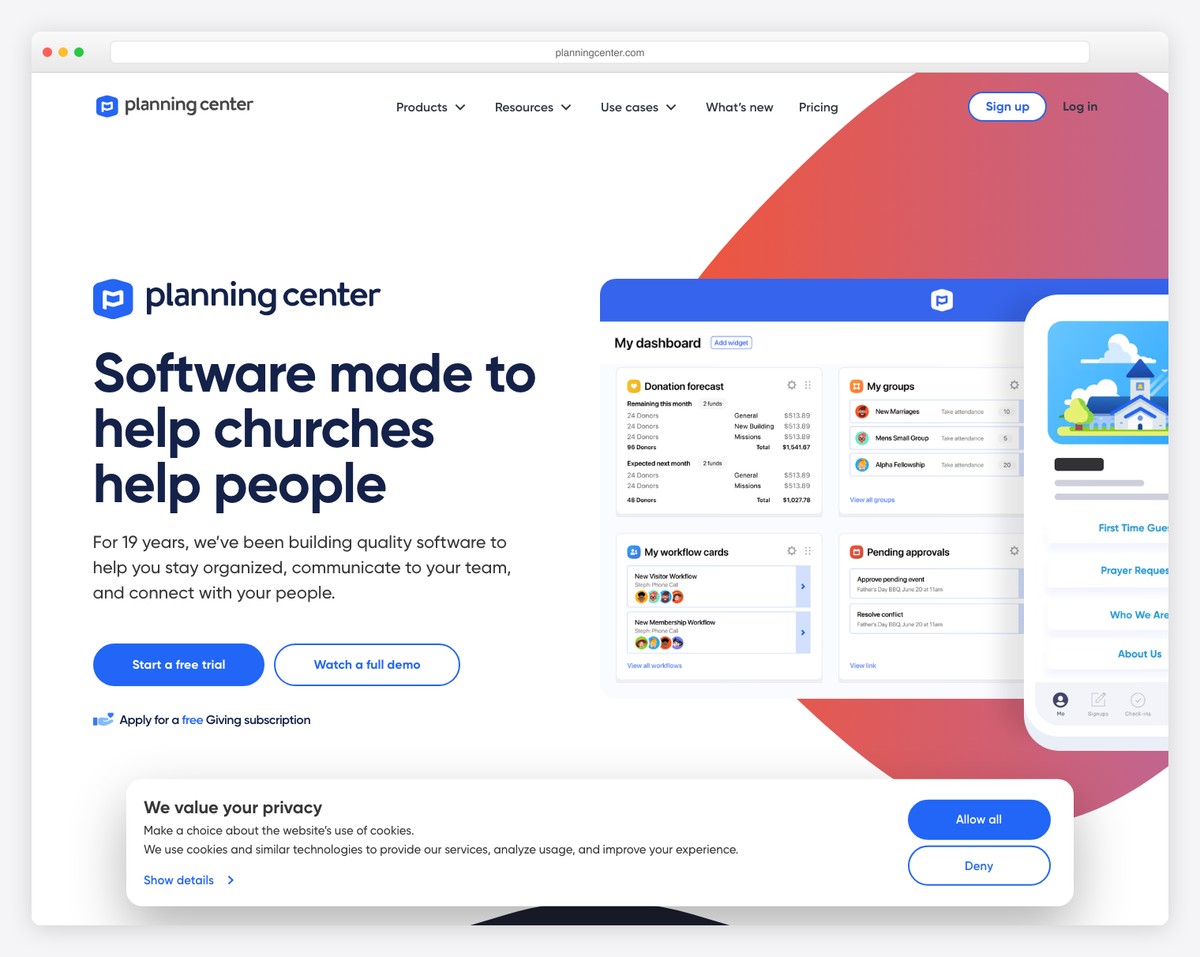
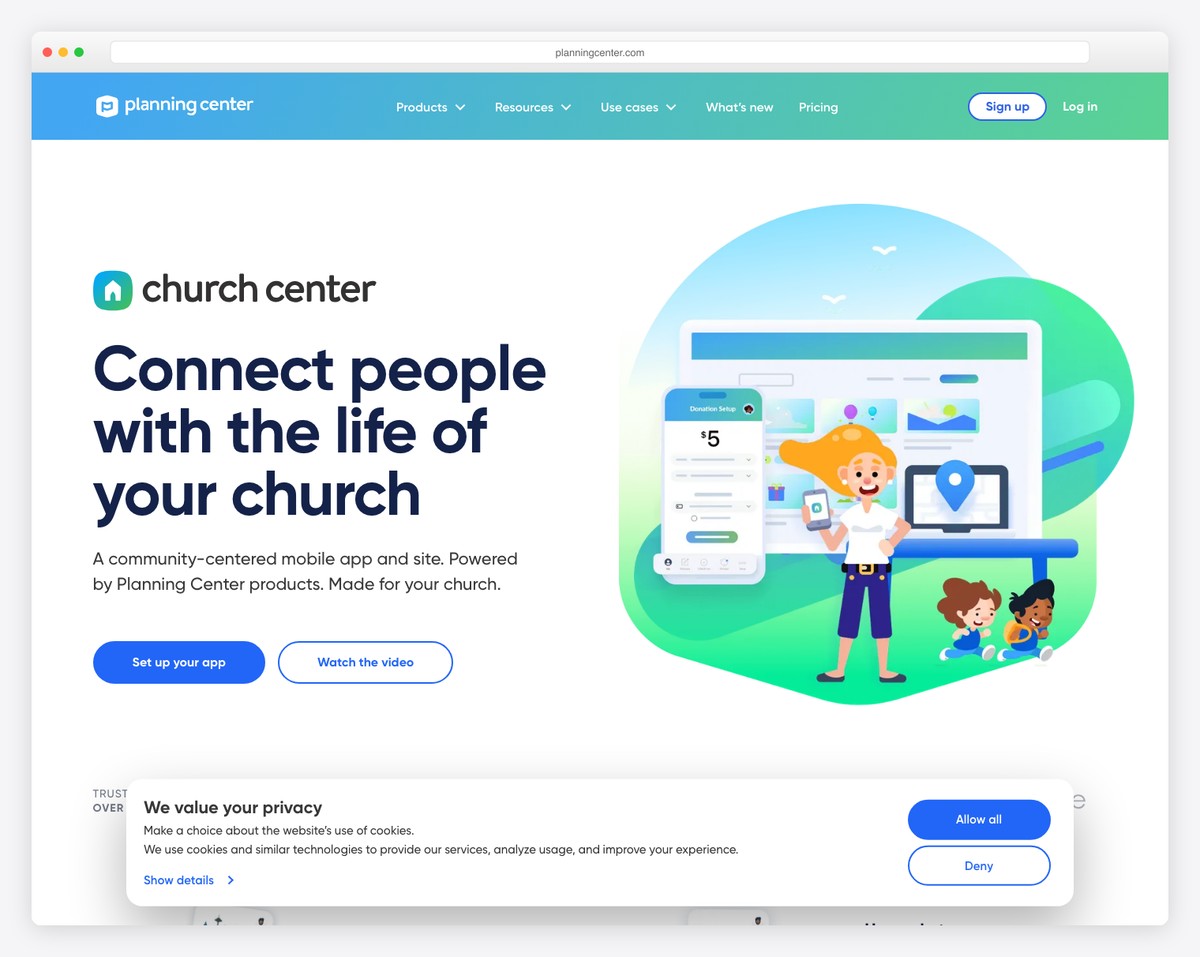
This is the most popular combination in the church tech space. Planning Center handles the back-end management (people, groups, check-in, giving, services), and the Church Center App provides the member-facing experience. Members can update their profile, register for events, view groups, give online, and see their involvement — all through a polished, dedicated app.
The Church Center App is free for members and looks like a custom church app. It’s maintained by Planning Center’s full-time development team, which means it stays updated and bug-free without any effort from your church. This is better than almost any custom portal you could build.
For community discussion, announcements, and informal communication, a private Facebook Group works surprisingly well — especially for smaller churches. Everyone already knows how to use Facebook, there’s nothing to install or maintain, and engagement is typically higher than any church-specific tool. The downside: some members aren’t on Facebook, and you don’t own the platform.
Google offers free Google Workspace accounts for nonprofits (including churches). This gives you shared Google Drive for documents, Google Groups for communication, Google Calendar for shared calendars, and Google Forms for sign-ups. For many small and mid-sized churches, Google Workspace handles everything a member portal would — with tools people already know.
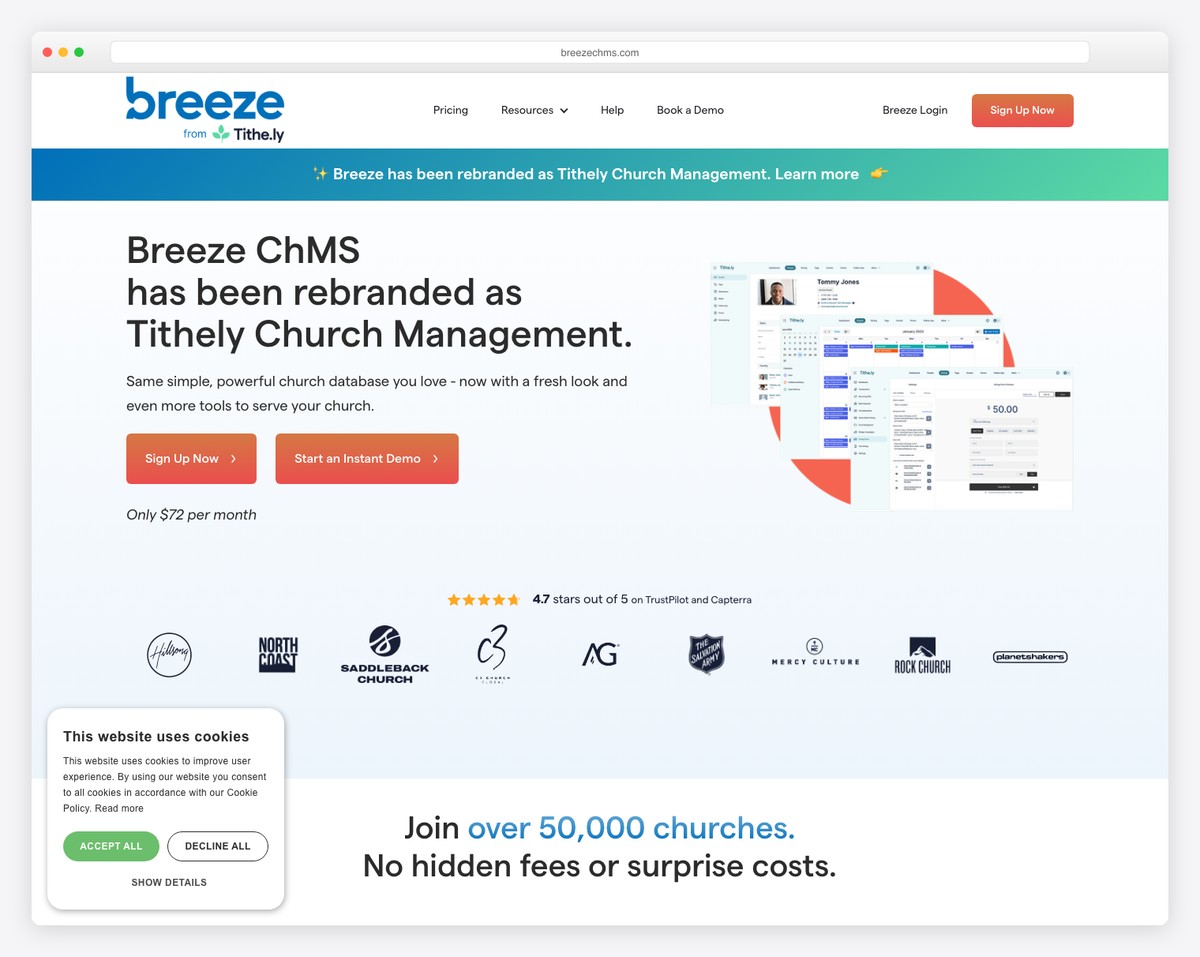
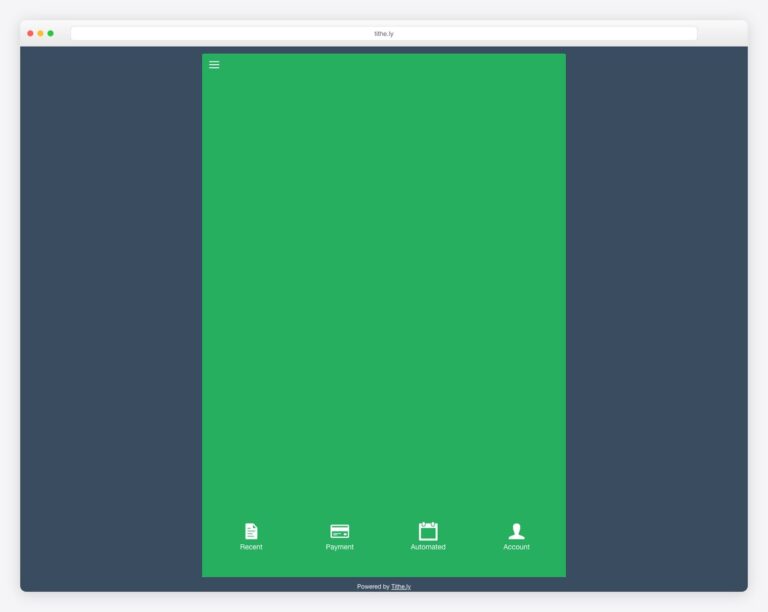
Church management systems like Tithe.ly People and Breeze include member-facing features: online directories, giving statements, and profile management. If you’re already using one of these for church management, the member portal is built in — no need to create a separate one on your website.
If you’ve evaluated the alternatives and decided a website-integrated member portal is right for your church, here are the tools to consider:
On WordPress, membership plugins range from $99-179/year. On Squarespace, member and digital-content features are available on every current plan, with tiered content transaction fees (7% on Basic down to 0% on Advanced). Using Planning Center + Church Center App is free for the member-facing app (Planning Center has its own pricing for the management tools). A custom-built portal from a developer could cost $2,000-10,000+. For most churches, the Planning Center route is the best value.
Adoption depends on two factors: how useful the portal is (does it solve a real problem?) and how easy it is to use (does login work smoothly?). Churches that heavily promote the portal, provide training, and make it the primary way to access useful features (like giving statements or event registration) see higher adoption. Churches that build it and hope people find it see very low usage.
Keep it on your main website behind a login, not on a separate URL. A separate portal creates confusion and is easy to forget. A “Member Login” link in your header or footer that leads to protected pages on your main site is the cleanest approach. If you’re using Planning Center’s Church Center App, the “portal” is the app itself — separate from your website by design but linked from it.
Dedicated volunteer scheduling tools (Planning Center Services, Breeze, Ministry Scheduler Pro) handle this far better than a website portal. Volunteer scheduling requires features like automatic reminders, shift swapping, position management, and team communication that generic membership plugins don’t provide. Use a purpose-built tool for scheduling and link to it from your portal or website.
Any system storing personal data should have clear privacy policies, data retention limits, and the ability for members to request their data be deleted. This applies whether you’re using a portal, ChMS, or spreadsheet. If your church has members in the EU, GDPR compliance is legally required. For US churches, following these practices is still wise. Include a privacy notice explaining what data you collect and how it’s used.

Church Website Features
Church Website Features
Church Website Features
10 complete church website templates, MIT licensed. Browse every demo freely; we will email you whichever folder you want.
All templates