Church Website Templates
Choosing a WordPress theme for your church is one of the most consequential decisions you’ll make during your website build. The wrong theme means fighting the design on every page, dealing with compatibility issues, and eventually rebuilding from scratch. The right theme gives you a solid foundation that handles church content naturally — sermons, events, staff, giving — and looks professional with minimal customization.
We’ve evaluated dozens of church WordPress themes to find the ones worth your time and money. Here are our recommendations for 2026, plus the companion plugins you’ll need and the red flags to avoid.
Here’s every theme in this guide side by side. Scroll down for full screenshots, demos, and download links.
| Theme | Type | Price | Best for |
|---|---|---|---|
| Divi | Premium | $89/yr | Total design freedom (page builder) |
| NativeChurch | Premium | $69 | Best-selling all-in-one church theme |
| Grace | Premium | $69 | Bold, video-forward contemporary churches |
| Deeds | Premium | $59 | Many layouts + recurring donations |
| ChurchWP | Premium | $37 | Lightweight, sermon-focused, budget pick |
| Zegen | Premium | $69 | Larger or multilingual churches |
| Faith | Free | $0 | Most popular free theme, multi-builder |
| Church FSE | Free | $0 | Full Site Editing by Themeisle |
| FSE Church | Free | $0 | Actively updated free FSE theme |
Premium themes cost $59-89 one-time (or a yearly subscription for Divi) and include professional design, dedicated support, and regular updates. For most churches, a premium theme is worth the small investment.
Divi isn’t a church-specific theme — it’s a powerful visual page builder that lets you design any type of website without touching code. What makes it ideal for churches is the combination of unlimited flexibility and a free Church Layout Pack that gives you a complete starting point with pages for home, about, get involved, next steps, and contact.
The drag-and-drop builder means any church volunteer can update content visually — no HTML or CSS knowledge required. Pair it with the Church Content plugin for sermons and The Events Calendar for events, and you have a fully featured church website that looks exactly how you want it. The $89/year plan covers unlimited websites, including client sites if your church helps other congregations get online.
Best for: Churches that want complete design freedom and a visual builder that non-technical volunteers can update.
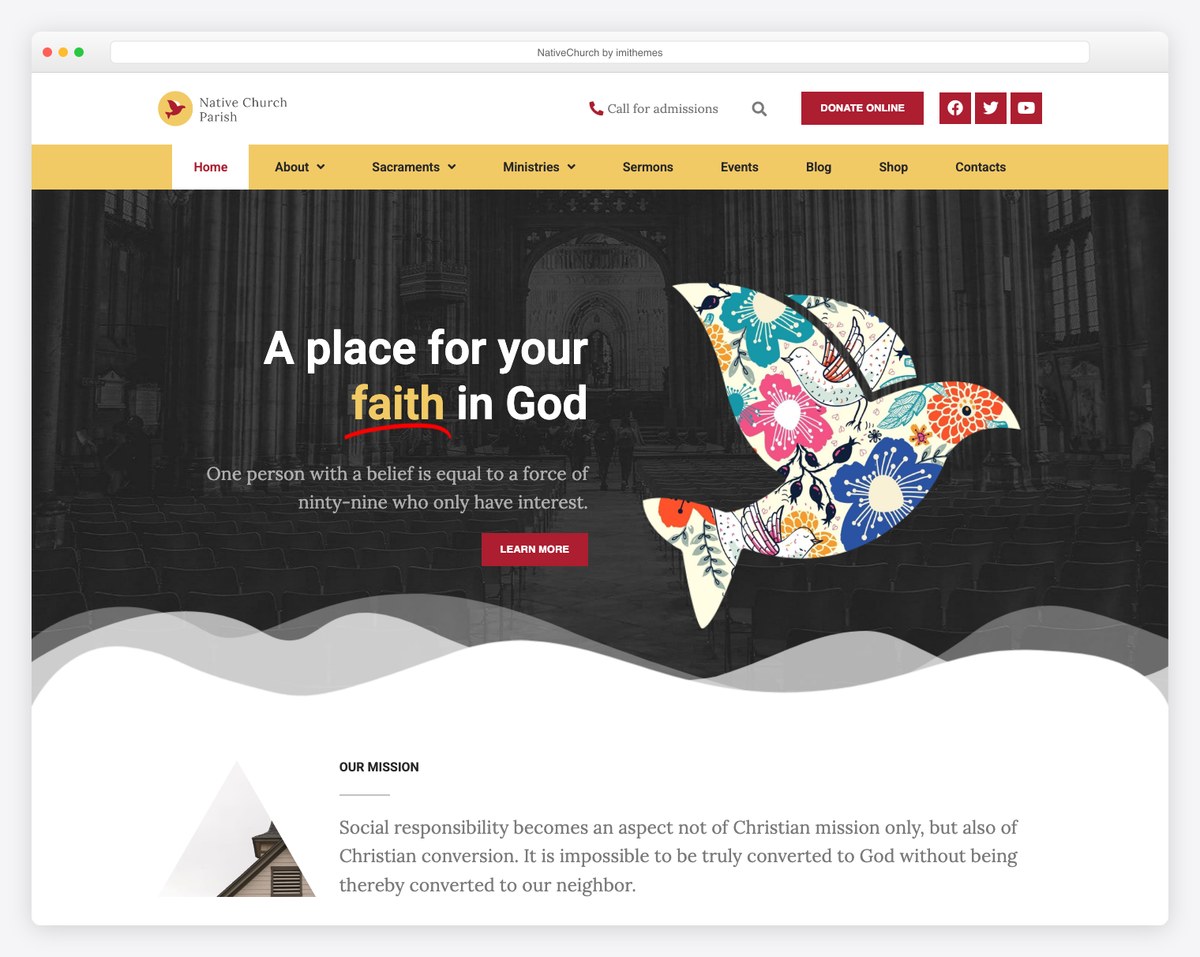
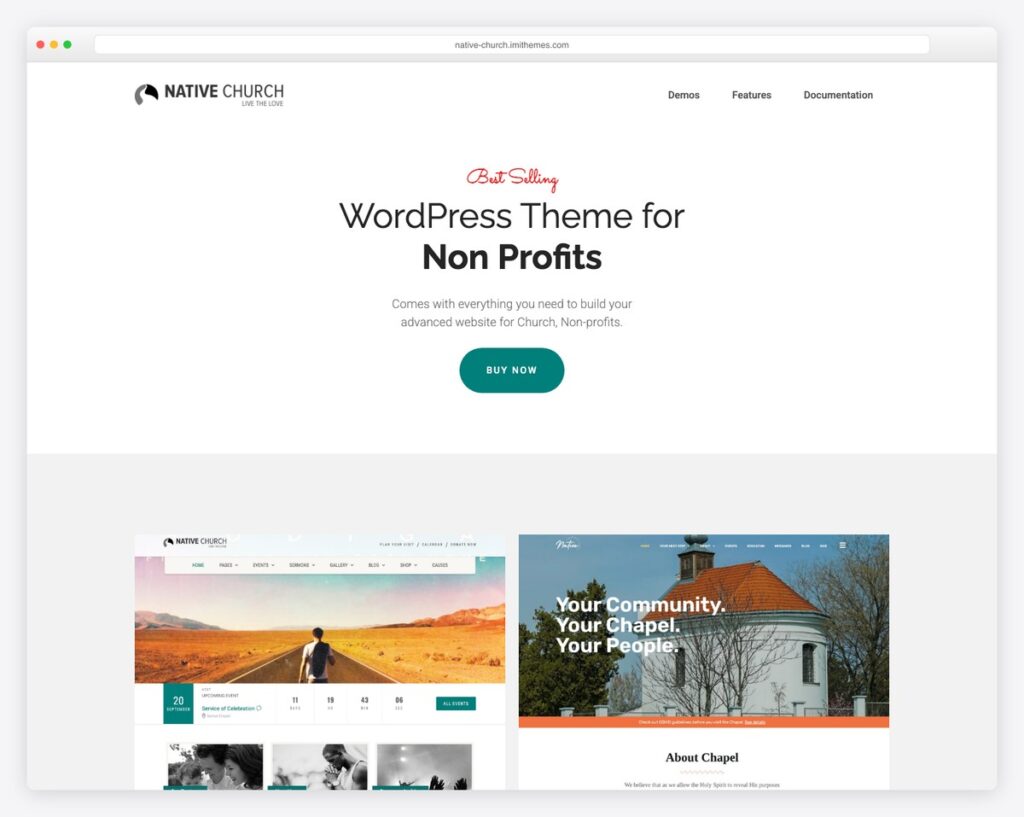
The best-selling church WordPress theme on ThemeForest with over 8,800 sales and a 4.67-star rating. Native Church includes a built-in Events Manager, Sermons Manager with audio and video support, Causes Manager for fundraising, and Elementor page builder compatibility. The theme features a countdown timer for upcoming events, multiple homepage layouts, and a dedicated dashboard for managing church content.
Best for: Churches wanting a proven, well-supported theme with all church features built in and a large community of users.
A visually striking theme designed for contemporary churches. Grace features bold typography, full-width layouts, and a strong emphasis on video and imagery. Includes Events Calendar integration, sermon management, Elementor page builder, WooCommerce support, and Give Donation Plugin integration for online giving. The design also supports livestreaming — increasingly important for churches offering hybrid services.
Best for: Contemporary or non-denominational churches that prioritize visual impact and need livestreaming support.
A versatile theme with 7 homepage layouts, 8 header styles, and 30+ inner pages that can be imported with one click. Deeds includes sermon management with audio and video support, event management, and a built-in donation system with recurring donations and PayPal integration. WooCommerce compatible for churches running a bookstore or merchandise shop. Uses Elementor for drag-and-drop customization.
Best for: Churches that want lots of layout options and need built-in recurring donation functionality.
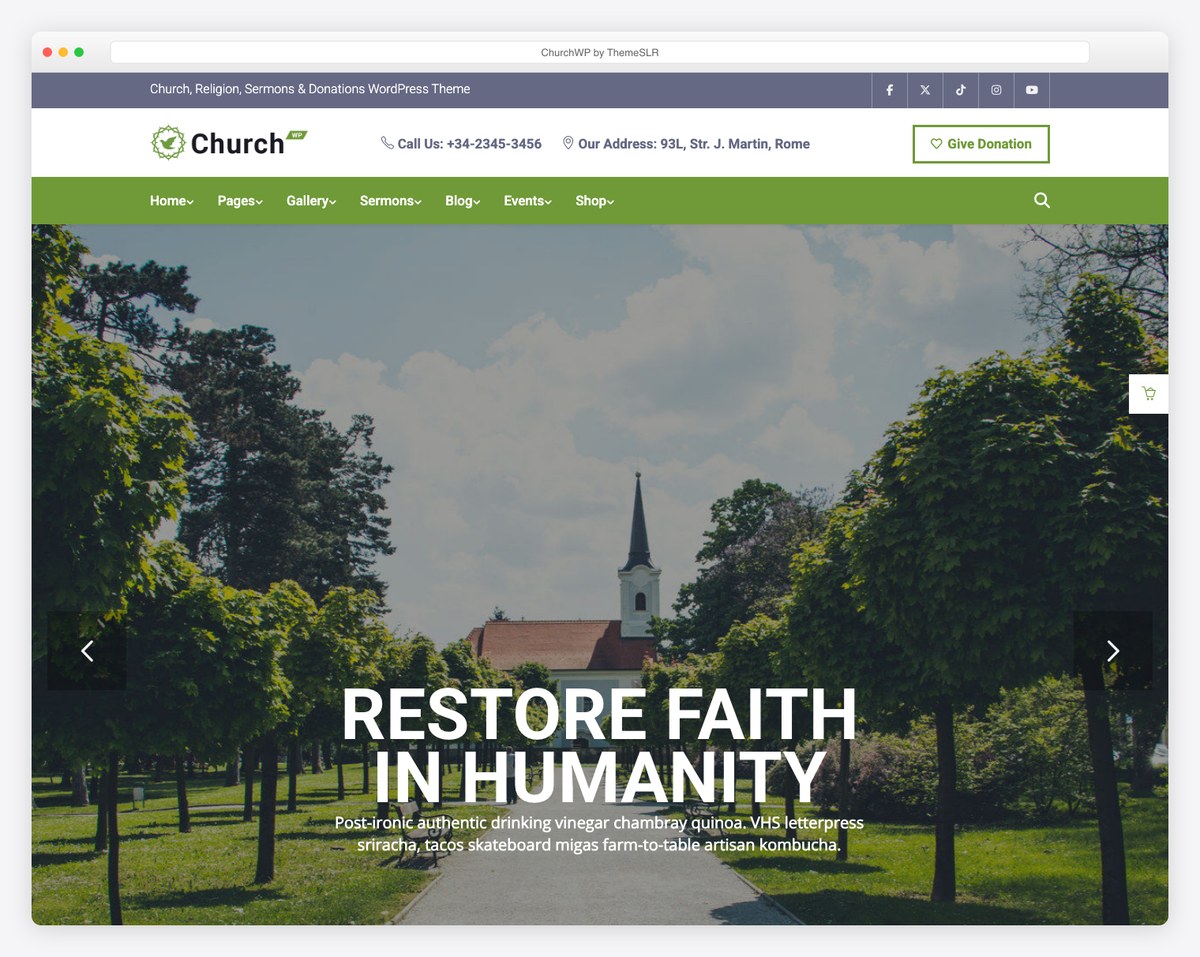
The most affordable premium option on this list. ChurchWP is a lightweight, focused theme built around sermon management — supporting YouTube, Vimeo, local video, audio, and PDF sermon formats in a clean grid layout. Includes the Give Donation Button integration and one-click demo import. The design is clean and modern without the bloat that slows down many premium themes.
Best for: Churches that value speed, simplicity, and strong sermon management on a tight budget.
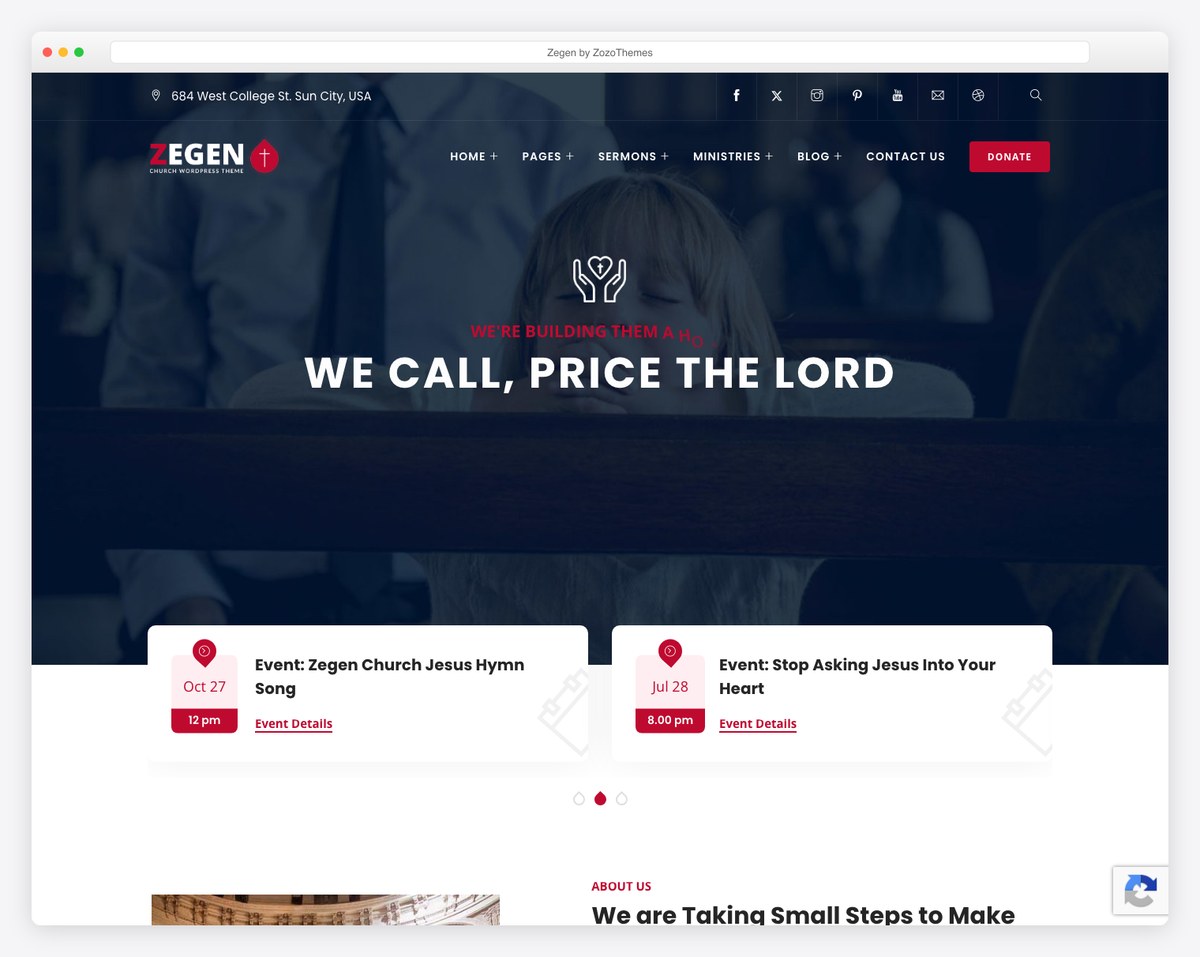
A feature-rich theme with Elementor builder support, one-click demo import, and WPML compatibility for multilingual churches. Zegen includes sermon, event, ministry, staff, and testimonial management. The mega menu system and multiple demo layouts make it suitable for larger churches with complex site structures. RTL support makes it a strong choice for churches serving Arabic, Hebrew, or Farsi-speaking congregations.
Best for: Larger or multilingual churches that need extensive features and language support.
Free themes work for churches on tight budgets, but set realistic expectations. Free themes have fewer features, less support, and may not be updated as frequently.
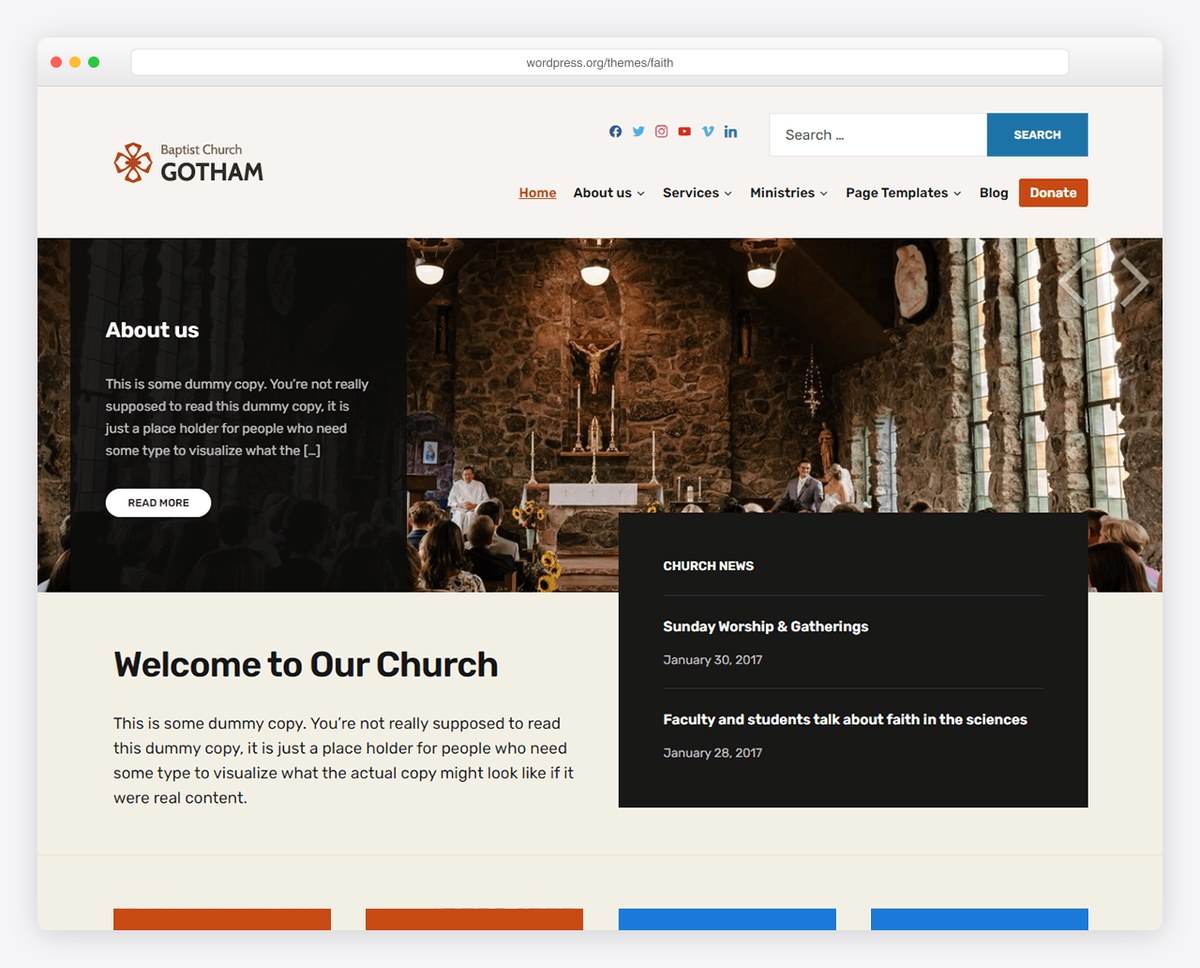
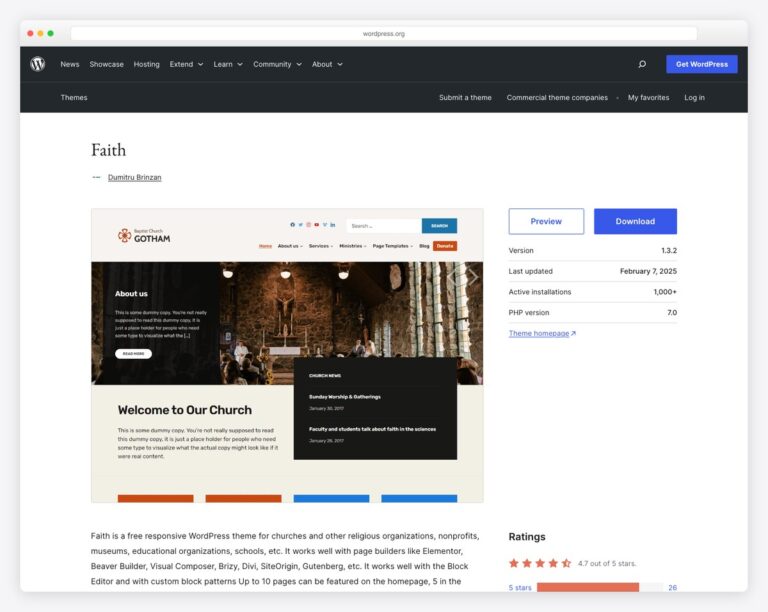
The highest-rated free church theme on WordPress.org with 4.7 out of 5 stars from over 30 reviews. Faith features a customizable 10-section homepage, compatibility with Elementor, Beaver Builder, Divi, and the block editor. The design is warm and inviting — suited for both traditional and contemporary churches. Over 1,000 active installations from developer Dumitru Brinzan — check the theme’s last-updated date on wp.org before committing, as updates have slowed lately.
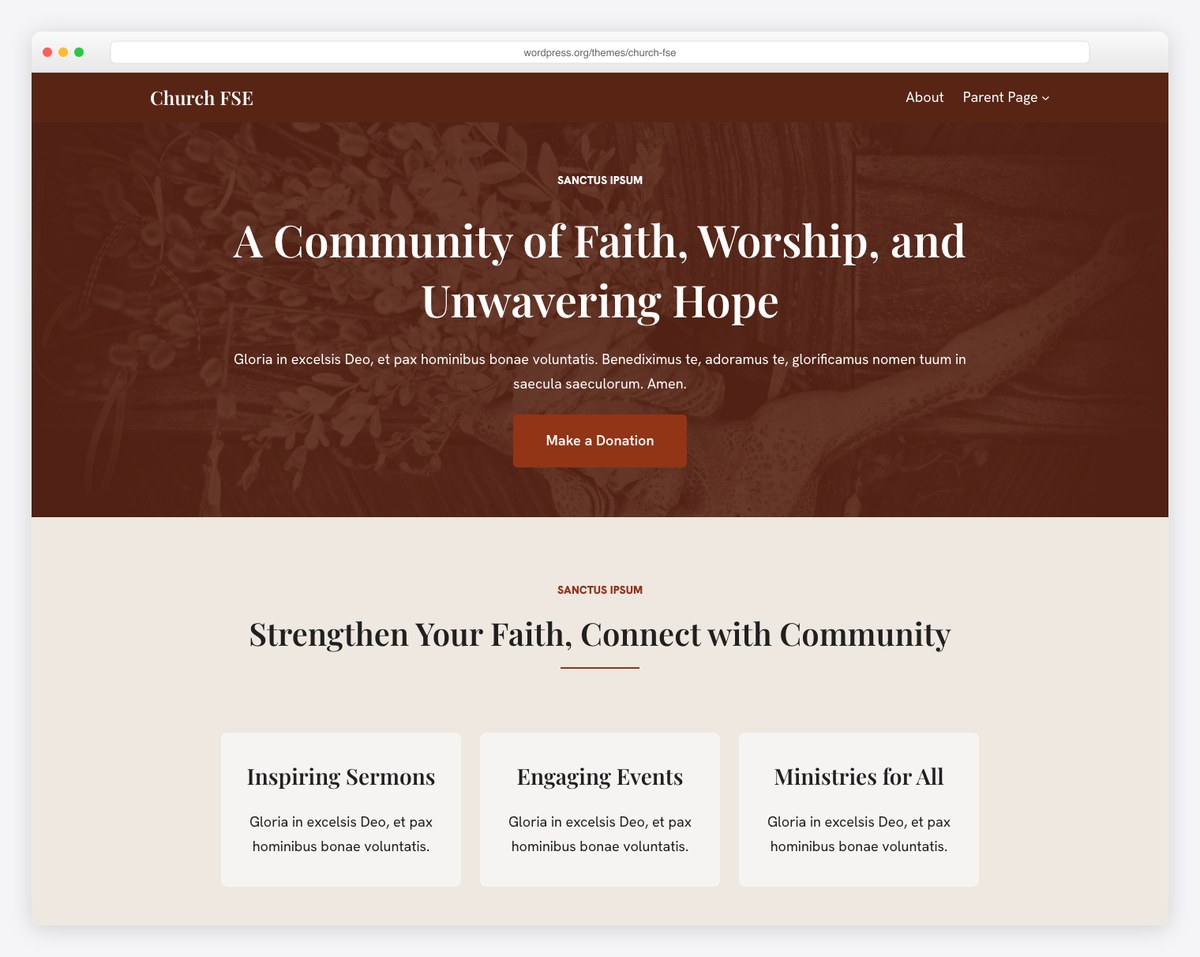
A modern Full Site Editing theme built by Themeisle, one of the most reputable WordPress theme companies. Church FSE includes block patterns for sermons, events, donations, and livestreaming. The theme takes full advantage of the WordPress Site Editor, giving you visual control over headers, footers, and templates without any code. A solid choice for churches that want to embrace the future of WordPress theming.
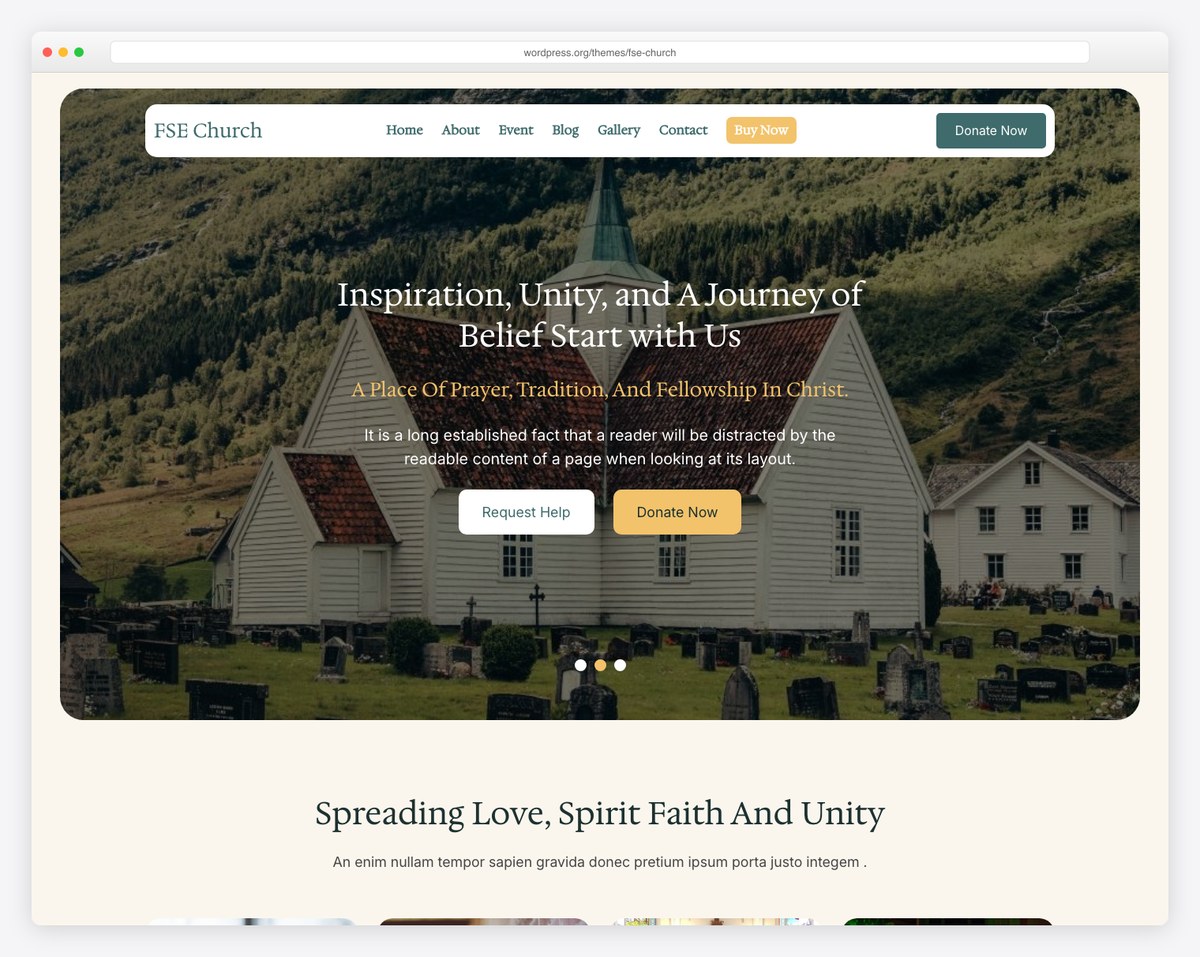
A block-based church theme built on Bootstrap with 6 style variations for different visual looks. FSE Church supports the WordPress Site Editor and includes portfolio support for showcasing ministry work. One of the most actively updated free church themes, so compatibility keeps pace with current WordPress releases.
For more free options, see our free church website templates guide.
No church WordPress theme does everything on its own. These plugins fill the gaps:
For best practices, see our sermon archive guide.
More on this in our event calendar guide.
Details in our online giving guide.
An abandoned theme means security vulnerabilities, compatibility issues with current WordPress versions, and no support when things break. Check the “Last Updated” date in the WordPress theme directory or on the theme’s sales page. If it hasn’t been updated in over a year, move on.
Some themes bundle 10+ “premium plugins” (Visual Composer, Revolution Slider, etc.) as a selling point. These bundled plugins often can’t be updated independently from the theme, creating security risks. They also bloat your site, slowing page load times. A theme that works with the WordPress block editor or a lightweight page builder is a better choice than one packed with third-party plugins.
Only install themes from the official WordPress.org theme directory or reputable marketplaces (ThemeForest, developer websites with established reputations). “Free premium themes” from random websites are frequently loaded with malware, hidden links, or backdoors. The $59 you save on a pirated theme could cost your church thousands in cleanup costs.
If a theme only works with a specific page builder (that isn’t the WordPress block editor), you’re locked in. If you ever want to switch themes, all your page content created in that proprietary builder may not transfer. Prefer themes that work with the standard WordPress block editor (Gutenberg) for long-term flexibility.
Before investing in a WordPress theme, make sure WordPress is actually the right platform for your church. WordPress offers maximum flexibility and control, but it requires ongoing maintenance — updates, backups, security monitoring, and occasional troubleshooting. If nobody on your team is comfortable with this, a managed platform like Squarespace or Tithe.ly may be a better fit.
WordPress is the right choice when your church needs extensive customization, has a large volume of content (sermons, blogs, resources), has someone willing to handle ongoing maintenance, or needs specific functionality that only WordPress plugins can provide. For a platform comparison, see our Squarespace vs WordPress for churches guide or our full builders comparison.
Free themes from the official WordPress.org directory are reviewed for security and coding standards before being listed. They’re safe. Free themes from random websites are not reviewed and may contain malicious code. Only use themes from WordPress.org or reputable developers.
In your WordPress dashboard, go to Appearance → Themes → Add New. Search for the theme name (for free themes) or click “Upload Theme” and select the ZIP file (for premium themes you’ve purchased). Activate the theme, then follow any setup wizards or documentation to configure it for your church. Most premium themes include demo content you can import as a starting point.
Your posts, pages, and media are stored in the WordPress database — they survive theme changes. However, theme-specific features (custom post types, shortcodes, page builder layouts) may break when you switch themes. Content created with the standard WordPress block editor transfers most cleanly between themes. Always back up your site before switching.
$37-89 for a premium theme is a reasonable investment. Avoid themes over $100 unless they include exceptional support or unique features. The theme is a one-time cost (or yearly for Divi) — it’s your hosting, domain, and maintenance time that represent the ongoing expense. See our church website cost guide for the full picture.
Church-specific themes like Native Church or Grace save setup time because they include sermon, event, and staff features out of the box. Multi-purpose themes like Divi are more flexible but require plugins to add church features. For most churches, a church-specific theme gets you to a finished website faster. For churches with a volunteer who wants creative freedom, Divi with the Church Layout Pack works well.

Church Website Templates
10 complete church website templates, MIT licensed. Browse every demo freely; we will email you whichever folder you want.
All templates