Church Marketing
When someone in your city Googles “churches near me,” does your church show up? For most churches, the answer is no. Not because there’s anything wrong with your ministry — but because nobody told Google you exist.
Church SEO (Search Engine Optimization) isn’t about gaming algorithms or chasing rankings. It’s about making sure the people who are already looking for a church can actually find yours. And the good news is that church SEO is dramatically simpler than business SEO — because you’re not competing with multinational corporations. You’re competing with the other churches in your zip code, most of whom are doing nothing.
This guide covers everything your church needs to know about SEO — from the single most important step (that takes 20 minutes) to advanced strategies that build long-term organic traffic. We’ve organized it by priority, so start at the top and work your way down.
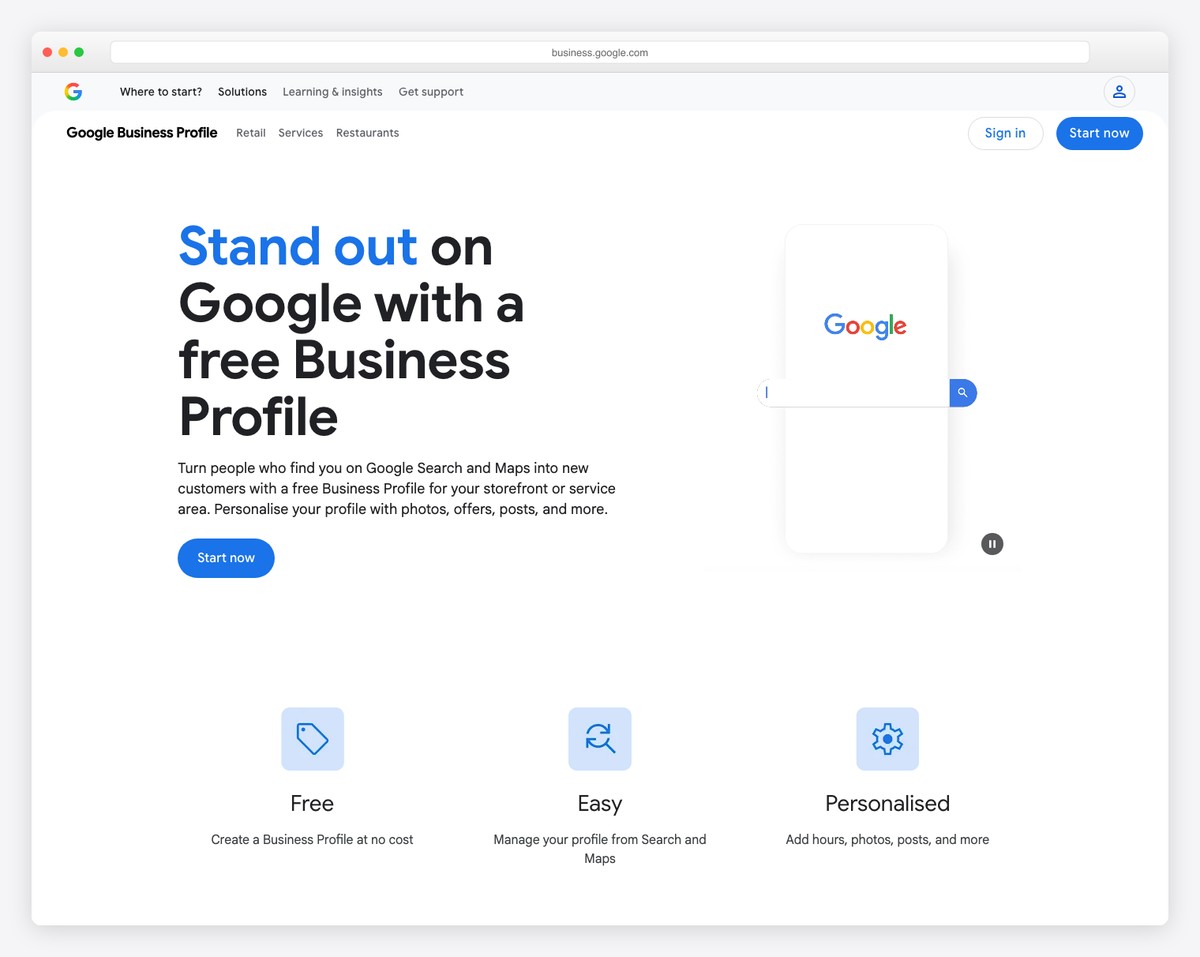
If you do absolutely nothing else from this guide, do this. Your Google Business Profile (formerly Google My Business) controls whether your church appears in the “Local Pack” — the map with three business listings that shows up for “churches near me” and “[city] church” searches. This is where 75%+ of local church discovery happens. For the full step-by-step — choosing the right category, special hours, photos, schema, and a free checklist — see our dedicated guide to the Google Business Profile for churches.
Your Google Business description should be 150-300 words and include:
Example: “Grace Community Church is a welcoming, non-denominational church in downtown Springfield, Missouri. We gather every Sunday at 9:00 AM and 10:45 AM for contemporary worship, verse-by-verse Bible teaching, and genuine community. Our growing children’s ministry serves ages birth through 5th grade during both services, and our youth group meets Wednesday evenings at 6:30 PM. Whether you’ve been in church your whole life or have never stepped foot in one, you’re welcome here. Plan your first visit at gracechurch.com/visit.”
Google Business listings with photos get 42% more direction requests and 35% more click-throughs to websites. Add at least 20 photos:
Use real, high-quality photos. Not stock images — Google’s AI can detect stock photos and they don’t help your listing perform.
Reviews are a major ranking factor for local search. Churches with 50+ reviews and a 4.5+ star rating dominate the local pack. Here’s how to get them:
Google Business has a “Posts” feature that lets you share updates directly on your listing. Active profiles rank higher than dormant ones. Post weekly:
Each post should include an image, 100-300 words of text, and a call-to-action button (“Learn More” → your website, or “Sign Up” → event registration).
On-page SEO means optimizing the content and HTML of your actual web pages so Google understands what each page is about and shows it to the right searchers.
Your page title (the <title> tag) appears in Google search results as the clickable blue link. It’s the single strongest on-page ranking signal. Format every page title like this:
| Page | Title Tag Format | Example |
|---|---|---|
| Homepage | [Church Name] — [Denomination] Church in [City, State] | Grace Church — Non-Denominational Church in Springfield, MO |
| About | About [Church Name] — Our Story, Beliefs & Mission | About Grace Church — Our Story, Beliefs & Mission |
| Plan Your Visit | Plan Your Visit — [Church Name] | [City] Service Times | Plan Your Visit — Grace Church | Springfield Service Times |
| Sermons | Sermons — [Church Name] | Watch & Listen Online | Sermons — Grace Church | Watch & Listen Online |
| Events | Events & Activities — [Church Name] in [City] | Events & Activities — Grace Church in Springfield |
| Give | Give Online — [Church Name] | Tithes & Donations | Give Online — Grace Church | Tithes & Donations |
| Contact | Contact [Church Name] — [City, State] | Directions & Hours | Contact Grace Church — Springfield, MO | Directions & Hours |
Rules: Keep titles under 60 characters (Google truncates longer ones). Always include your city name on key pages. Put the most important words first.
The meta description is the gray text under the title in search results. It doesn’t directly affect rankings, but a compelling description increases click-through rate — which does affect rankings. Write 150-160 characters per page.
Good example: “Join us Sundays at 9 & 10:45 AM in downtown Springfield. Contemporary worship, Bible teaching, and a place for your whole family. Plan your first visit today.”
Bad example: “Welcome to our website. We are a church. Click here to learn more about us and what we do.”
Use headings in proper order: one H1 per page (the page title), H2s for main sections, H3s for subsections. Don’t skip levels (H1 → H3 without an H2). Screen readers and Google both use heading hierarchy to understand your page structure.
Include your target keywords naturally in headings. “Sunday Service Times & Location” is better than “Info” as an H2 on your visit page.
Every image on your website needs alt text — a description that screen readers read aloud to visually impaired users and that Google uses to understand your images.
Include your church name and city naturally in image descriptions where relevant. This strengthens your local SEO signals.
Every page on your website should link to at least 2-3 other pages. This helps Google crawl your site and understand the relationships between your content. It also helps visitors discover more pages.
Practical internal linking for churches:
Google Business is your #1 local SEO tool, but it’s not the only one. These additional steps strengthen your local presence:
NAP stands for Name, Address, Phone number. Your church’s NAP must be identical everywhere it appears online: your website, Google Business, Facebook, Yelp, Apple Maps, church directories, and any other listing. Even small differences (“St.” vs “Street,” “Suite 100” vs “#100”) can confuse Google and dilute your local ranking signals.
Pick one format and use it everywhere. Search for your church name on Google and fix any inconsistencies you find.
Submit your church to these directories (they provide backlinks and citation signals):
Add an embedded Google Map to your Contact page (and ideally your Plan Your Visit page too). This creates an additional local signal connecting your website to your physical location. It also helps visitors get directions directly from your site.
Your church website shouldn’t just be a brochure — it should be a resource that attracts people through search. Publishing content that answers questions people actually ask creates a steady stream of organic traffic over time.
Church SEO keywords fall into three categories:
| Category | Example Keywords | Target Page |
|---|---|---|
| Discovery (visitors finding you) | “churches near me,” “[city] church,” “non-denominational church [city],” “church with youth group [city]” | Homepage, Plan Your Visit |
| Evaluating (visitors researching you) | “[church name] reviews,” “[church name] service times,” “what to wear to [denomination] church” | About, Plan Your Visit, Google Business |
| Engagement (members seeking resources) | “[sermon topic] Bible study,” “prayer for [situation],” “[book of Bible] study guide” | Blog, Sermon Archive |
Use Google’s “People also ask” box and “Related searches” at the bottom of search results to find additional keyword ideas relevant to your church.
Technical SEO ensures Google can find, crawl, and index your website properly. Most of this is handled automatically if you’re on a modern platform, but verify these basics — and if you’re switching platforms or redesigning, follow our guide to migrating a church website without losing rankings so you don’t undo your SEO in the process:
Your website must show a padlock icon in the browser address bar. This means you have an SSL certificate and your site is served over HTTPS. Google penalizes non-HTTPS sites in rankings, and visitors see scary “Not Secure” warnings. Squarespace, Wix, and Tithe.ly include SSL automatically. For WordPress, your host should provide free SSL via Let’s Encrypt.
Slow websites rank lower and lose visitors. Test your site at pagespeed.web.dev and aim for a score above 70 on mobile. The most common speed killers on church websites:
Google uses mobile-first indexing, meaning it primarily evaluates the mobile version of your site for rankings — not the desktop version. Test at search.google.com/test/mobile-friendly and verify that all text is readable without zooming, all buttons and links are tappable, and no content is cut off or hidden on small screens.
A sitemap is a file that tells Google every page on your website. Most platforms generate this automatically:
Submit your sitemap to Google Search Console (see the “Measuring Results” section below).
Schema markup is structured data that helps Google understand your website’s content in a machine-readable format. For churches, the most important schema types are:
This tells Google you’re a church (not just a building or business) and provides structured information about your services. Add this to your homepage:
{
  "@context": "https://schema.org",
  "@type": "Church",
  "name": "Grace Community Church",
  "description": "Non-denominational church in Springfield, Missouri",
  "url": "https://gracechurch.com",
  "telephone": "+1-417-555-0123",
  "address": {
    "@type": "PostalAddress",
    "streetAddress": "123 Main Street",
    "addressLocality": "Springfield",
    "addressRegion": "MO",
    "postalCode": "65802",
    "addressCountry": "US"
  },
  "geo": {
    "@type": "GeoCoordinates",
    "latitude": 37.2089,
    "longitude": -93.2923
  },
  "openingHours": ["Su 09:00-10:15", "Su 10:45-12:00", "We 18:30-20:00"],
  "sameAs": [
    "https://www.facebook.com/gracechurchsgf",
    "https://www.instagram.com/gracechurchsgf"
  ]
}
How to add it: On Squarespace, go to Settings → Advanced → Code Injection → Header and paste the JSON-LD in a <script type="application/ld+json"> tag. On WordPress, use the Yoast SEO plugin’s schema settings or the Schema Pro plugin. Replace the example values with your church’s real information.
If your “Plan Your Visit” page has a FAQ section (and it should), add FAQ schema so Google can display your questions and answers directly in search results. This takes up more SERP real estate and dramatically increases click-through rates.
This is the single most underused resource available to churches. Google provides eligible nonprofits with up to $10,000 per month in free Google Search advertising. That’s $120,000 per year.
Most US churches qualify automatically because they have 501(c)(3) status (or are tax-exempt by default as religious organizations). The program is called Google for Nonprofits, and the ad grant is one of several free tools it provides.
We’ve written a complete guide to the Google Ad Grant for churches — it covers eligibility, application, campaign setup, and maintaining your grant.
Quick summary of what to advertise:
Churches that use the Ad Grant well see 500-2,000+ additional website visitors per month — many of whom become first-time guests.
Backlinks (links from other websites to yours) are a major ranking factor. Churches have some natural advantages here:
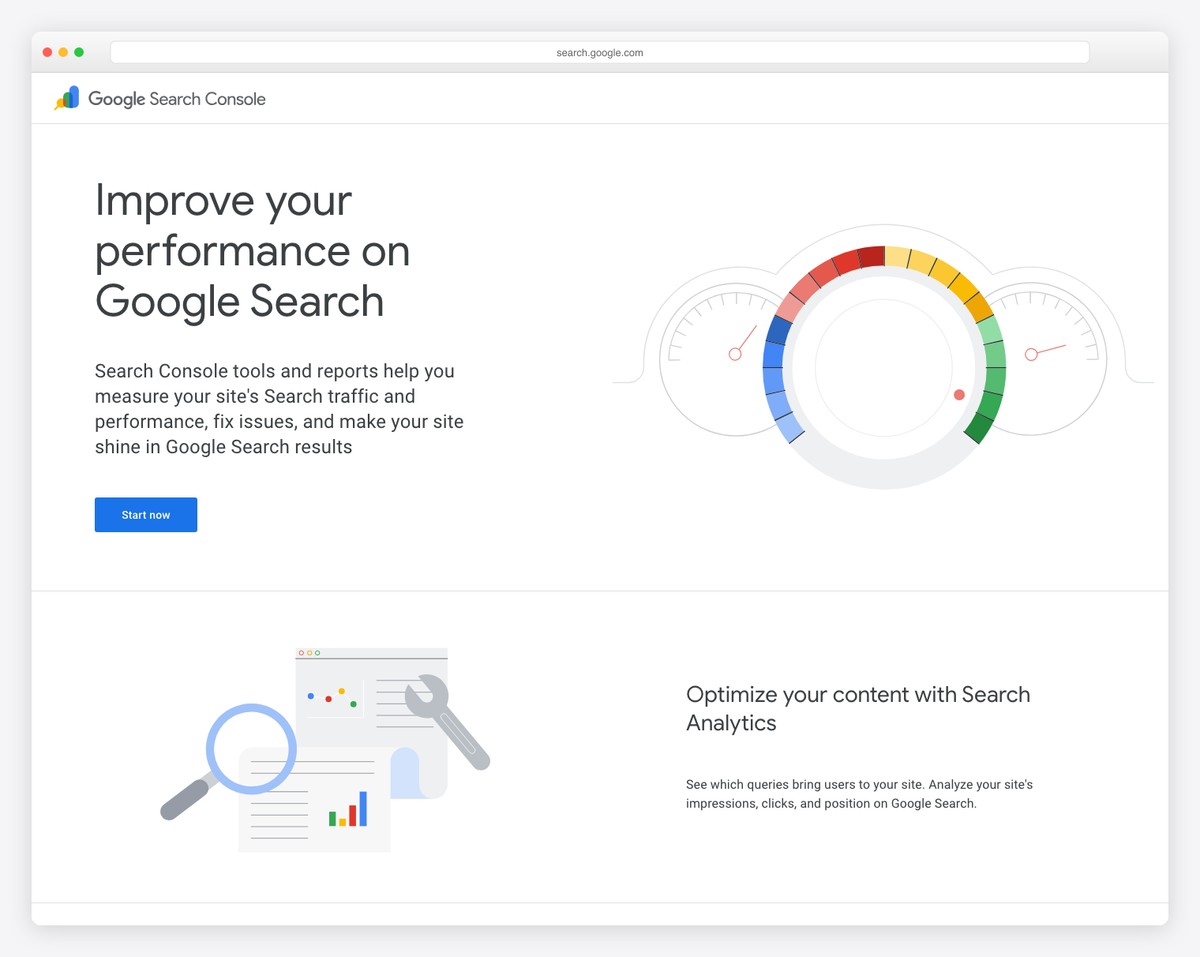
Register at search.google.com/search-console. This free tool shows you:
Submit your sitemap here. Check monthly for any issues. Pay special attention to the “Performance” report — it shows exactly what people search to find your church.
Install GA4 to track visitor behavior on your website. Key metrics to watch monthly:
Don’t try to do everything at once. Here’s the exact order we recommend:
| Timeline | Action | Impact |
|---|---|---|
| This week | Claim and fully optimize Google Business Profile | Highest single-action impact |
| This week | Add 20+ photos to Google Business | 42% more direction requests |
| This month | Optimize page titles on all pages | Improves rankings across entire site |
| This month | Set up Google Search Console and submit sitemap | Ensures Google indexes your site properly |
| This month | Add alt text to all images | Local SEO signals + accessibility |
| Month 2 | Apply for Google Ad Grant | Up to $10K/month free advertising |
| Month 2 | Submit to church directories and Apple Maps | Citation signals for local ranking |
| Month 2 | Add Church schema markup | Rich results in Google |
| Ongoing | Weekly Google Business posts | Active profile ranks higher |
| Ongoing | Ask for Google reviews (quarterly from stage) | Reviews are a top local ranking factor |
| Ongoing | Publish weekly sermon recaps and monthly blog content | Builds organic traffic over time |
Google Business Profile improvements show results within 1-2 weeks. On-page SEO changes typically take 2-4 weeks to affect rankings. Content-driven SEO (blog posts, resource pages) takes 2-6 months to build meaningful organic traffic. The Google Ad Grant delivers traffic immediately once campaigns are live.
For most churches, no. The highest-impact SEO activities (Google Business, page titles, image alt text, reviews) are straightforward enough for any volunteer to handle using this guide. If you have budget for marketing ($500+/month), consider an agency for Google Ad Grant management and content creation — but only after you’ve done the basics yourself.
WordPress offers the most SEO control through plugins like Yoast SEO and RankMath. Squarespace has good built-in SEO features that cover the basics. Wix has improved significantly and now offers solid SEO tools. Church-specific builders like Tithe.ly have more limited SEO options. See our builders comparison for the full breakdown.
A blog significantly helps SEO by creating fresh content that targets additional keywords. But a blog that’s updated once and then abandoned is worse than no blog. If you can commit to publishing at least twice per month (sermon recaps, devotionals, community news), a blog will meaningfully grow your organic traffic. If you can’t maintain it, focus on optimizing your core pages instead.
Very important for local rankings. Google’s local algorithm weighs review quantity, quality (star rating), and recency. A church with 60 reviews averaging 4.8 stars will almost always outrank a church with 5 reviews in the local pack. Start asking your congregation for reviews — most members are happy to help when asked directly.
Church SEO isn’t complicated — it just requires consistency. Start with your Google Business Profile this week, optimize your page titles this month, and build from there. The churches that rank well aren’t doing anything exotic. They’ve just done the basics consistently.
Need a great website to optimize? Browse our 50 best church website examples for design inspiration, or see our step-by-step building guide to create yours from scratch. And if you’d rather have professionals handle your church’s online presence, reach out to us — we build and optimize church websites every day.

Church Marketing
Church Marketing
Church Marketing
10 complete church website templates, MIT licensed. Browse every demo freely; we will email you whichever folder you want.
All templates