Church Website Builders
WordPress powers over 40% of all websites on the internet — including some of the largest church websites in the country. Saddleback Church, Life.Church, and Elevation Church all run on WordPress. It’s the most flexible, extensible, and widely supported platform available.
But flexibility comes with complexity. WordPress gives you unlimited options, which means you need someone to make those choices, maintain the site, and handle the technical responsibilities that platforms like Squarespace or Tithe.ly handle for you automatically.
After years of building and reviewing church websites across every major platform, we can tell you this: WordPress is the best option for some churches and the worst option for others. This review will help you figure out which category your church falls into.
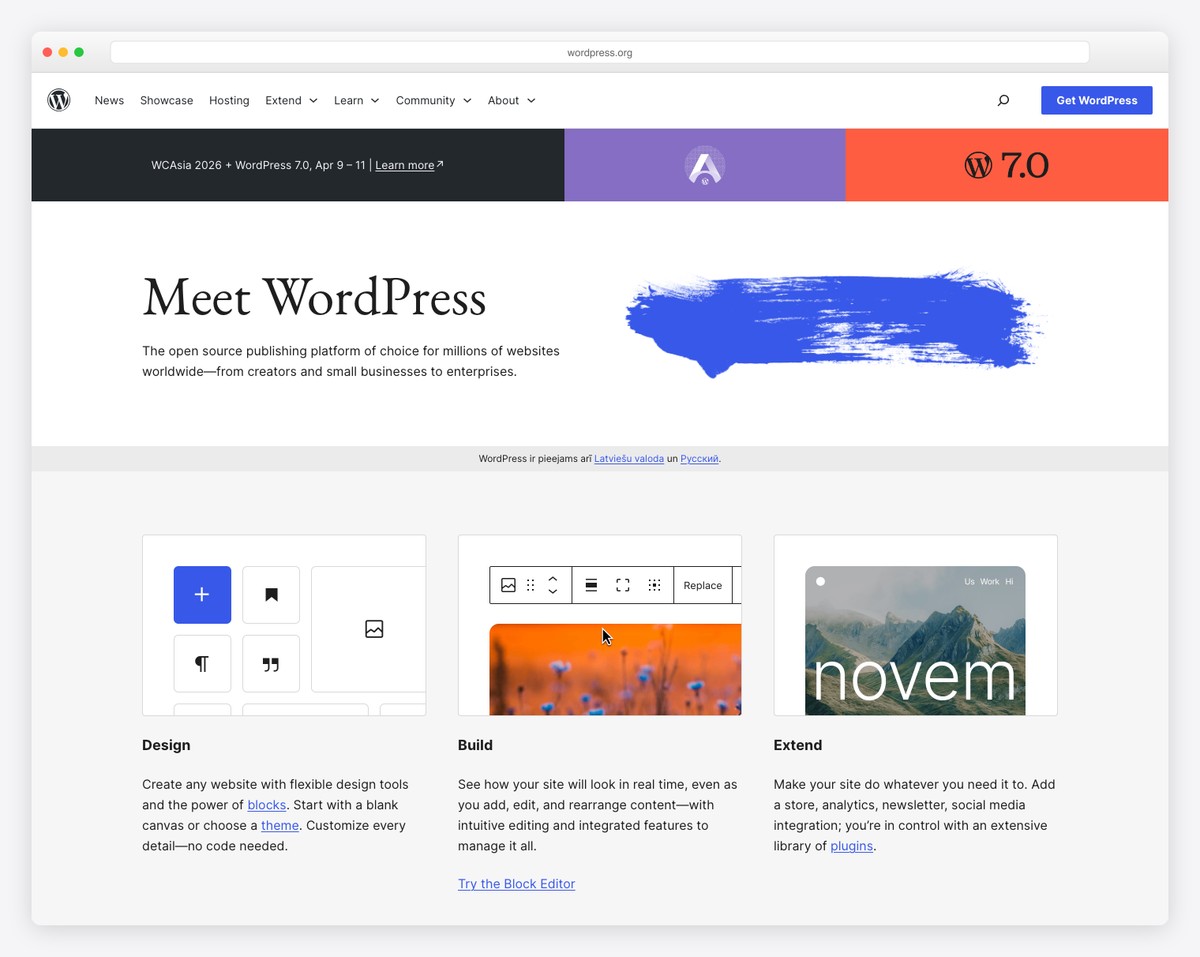
Who it’s for: Churches with a tech-savvy volunteer or staff member who wants maximum control over design, functionality, and data ownership. Especially strong for churches with 200+ members, multiple ministries, and long-term growth plans.
Who should skip it: Churches without anyone comfortable managing hosting, updates, and plugins. Small churches or church plants that need to get online quickly with minimal technical overhead.
Our rating: 4.0 out of 5 for churches
Pricing: $5–$50+/month (hosting + theme + plugins)
Best comparable alternatives: Squarespace (easier, better design), Tithe.ly Sites (church-specific, all-in-one)
No other platform gives you as much control. Want a custom sermon archive that filters by speaker, series, book of the Bible, and topic? WordPress can do that. Need to integrate your Church Management System (ChMS) directly into your website? There’s a plugin or API connection for that. Want to build a community hub with member profiles, group directories, and private messaging? It’s possible on WordPress.
This flexibility is what draws larger churches to WordPress. When you outgrow what a template builder can offer — and growing churches eventually do — WordPress doesn’t hit a ceiling. You can always add more functionality, redesign sections, or build entirely custom features.
This is a big deal that many churches don’t think about until it’s too late. With WordPress, you own everything: your content, your database, your media files, your sermon archives, your member data. It all lives on your server, and you can move it anywhere.
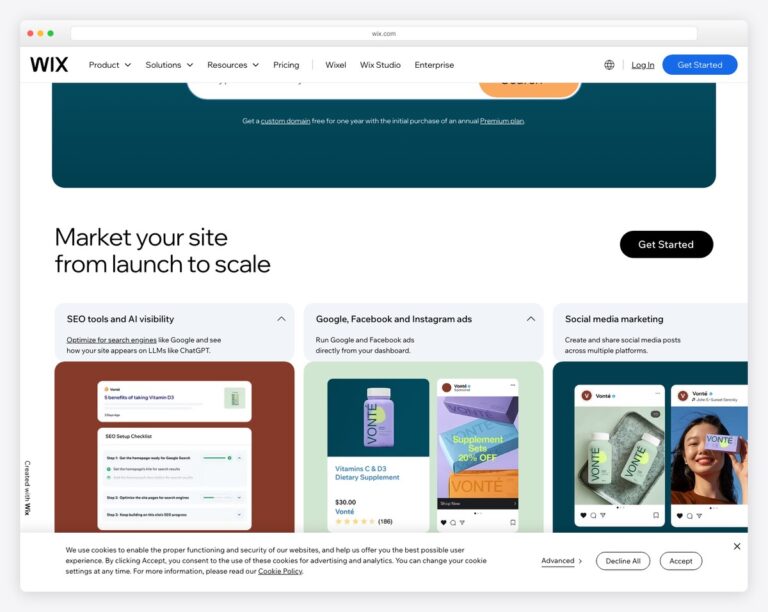
Compare this to platforms like Wix or Subsplash where your content lives on their servers. If Wix changes their pricing, discontinues a feature, or goes out of business, your options are limited. With WordPress, you can pack up your entire site and move it to a different host in an afternoon. For the full head-to-head, see our WordPress vs Wix for churches comparison.
For churches that have built up years of sermon archives, blog posts, event histories, and ministry content, this portability is invaluable. Your digital ministry shouldn’t be held hostage by a platform’s business decisions.
When someone in your community searches “churches near me” or “Sunday service [your city],” you want your church to appear. WordPress gives you the most control over search engine optimization of any platform, which means your church SEO efforts will go further.
With plugins like Yoast SEO or Rank Math, you get granular control over page titles, meta descriptions, XML sitemaps, schema markup, canonical URLs, and social media previews. You can optimize every sermon page, every event listing, and every blog post individually. Combine this with a Google Ad Grant ($10,000/month in free advertising), and WordPress becomes a powerful outreach tool.
The WordPress ecosystem is enormous. There are over 60,000 plugins and 10,000 themes available — including hundreds designed specifically for churches. Need a podcast feed for your sermons? Plugin. Online giving? Plugin. Event registration with capacity limits? Plugin. Volunteer scheduling? Plugin.
This plugin architecture means you can build exactly the church website you need, piece by piece, without paying for features you don’t use. A 50-person church plant and a 5,000-member multi-campus church can both start with WordPress and customize it to their specific ministry needs.
Because WordPress is so widely used, finding help is easy. YouTube tutorials, blog articles, WordPress forums, Facebook groups, and local meetups are all available. Many church tech conferences include WordPress-specific workshops. If you get stuck, someone has already solved your problem and written about it.
This also means finding a developer or designer who knows WordPress is straightforward and affordable. If your volunteer moves on, finding a replacement who can work with WordPress is far easier than finding someone who knows Subsplash or Tithe.ly’s builder.
WordPress core, your theme, and every plugin you install requires regular updates. Skip updates and you risk security vulnerabilities, broken features, or compatibility issues. Run updates without testing and you risk breaking your site right before Sunday morning.
For a typical church WordPress site running 15-20 plugins, you’ll see update notifications weekly. Someone needs to check those updates, apply them, verify nothing broke, and troubleshoot when conflicts arise. If that person is a volunteer who’s also leading worship on Sunday, this becomes a real burden. Our church website maintenance guide covers how to manage this efficiently, but there’s no getting around the ongoing time commitment.
WordPress is the most targeted CMS on the internet — not because it’s insecure, but because it’s the most popular. Outdated plugins, weak passwords, and cheap hosting accounts for the vast majority of WordPress hacks. But the reality is that security falls on you.
You need a security plugin (like Wordfence or Sucuri), SSL certificates, regular backups, strong passwords, two-factor authentication, and a hosting provider that takes security seriously. With Squarespace, all of this is handled automatically. With WordPress, it’s another item on your volunteer’s to-do list.
WordPress.org famously claims you can build a site in minutes. And technically, you can install WordPress in five minutes. But building a church website that looks professional, functions well, and doesn’t embarrass your ministry? That takes significantly longer.
The Gutenberg block editor has improved dramatically, but it still isn’t as intuitive as Squarespace’s drag-and-drop builder or Wix’s visual editor. Page builders like Elementor or Divi add visual editing capabilities but introduce their own learning curves and can slow down your site if not configured properly.
For a volunteer with no web experience, expect 20-40 hours to get comfortable with WordPress — compared to maybe 5-10 hours with Squarespace or 2-3 hours with Tithe.ly Sites. Our step-by-step guide to building a church website helps flatten that curve, but it’s still steeper than the alternatives.
Unlike Squarespace or Wix where hosting is included, WordPress requires you to choose and pay for separate web hosting. The quality difference between hosting providers is enormous — a $3/month shared host will make your site slow and unreliable, while a $30/month managed WordPress host will make it fast and worry-free.
Navigating hosting options (shared, VPS, managed WordPress), understanding bandwidth and storage limits, configuring DNS, setting up email — these are technical decisions that don’t exist with all-in-one platforms. Many churches end up on the cheapest hosting available and wonder why their site is slow.
One of WordPress’s biggest advantages is also one of its most confusing aspects: the price depends entirely on the choices you make. Here’s what a church WordPress site actually costs, from budget to premium. For a deeper breakdown across all platforms, see our church website cost guide.
| Expense | Budget Option | Mid-Range | Premium |
|---|---|---|---|
| Hosting | SiteGround StartUp — $2.99/mo intro ($17.99/mo renewal) | Cloudways — $14/mo | WP Engine — $30/mo |
| Domain | Namecheap — $9 first year (renews ~$18) | Namecheap — $9 first year (renews ~$18) | Namecheap — $9 first year (renews ~$18) |
| Theme | Free (starter church themes) | Premium theme — $59 one-time | ChurchThemes.ct — $99/yr |
| Page Builder | Gutenberg (free, built-in) | Kadence Blocks Pro — $59/yr | Elementor Pro — $49/yr |
| Sermon Plugin | Starter Church Starter — Free | Starter Church Pro — $99/yr | Church Content Pro — $99/yr |
| Events Plugin | The Events Calendar — Free | Events Calendar Pro — $99/yr | Events Calendar Pro — $99/yr |
| Giving | Tithe.ly embed (free, 2.9%+30¢) | GiveWP — Free + Stripe | GiveWP Pro — $199/yr |
| SEO Plugin | Yoast Free | Rank Math Pro — $59/yr | Rank Math Pro — $59/yr |
| Security Plugin | Wordfence Free | Wordfence Premium — $119/yr | Sucuri — $199/yr |
| Backup | UpdraftPlus Free | UpdraftPlus Premium — $70/yr | Host-included (WP Engine) |
| Year 1 Total | ~$57/year | ~$600/year | ~$1,000+/year |
| Monthly Equivalent | ~$5/month | ~$50/month | ~$85/month |
The budget option is genuinely functional — many small churches run perfectly well on this setup. But the mid-range option hits the sweet spot for most churches: reliable hosting, a professional-looking theme, and the key plugins that make a church website actually useful.
Your theme determines how your church website looks and — to a large extent — what it can do. Here are the best options we’ve tested, specifically for churches.
Built specifically for churches by a developer who understands ministry needs. The free version includes sermon management, event listings, and a clean, modern design. The Pro version adds advanced sermon filtering, staff directories, and custom layouts. It’s lightweight, fast-loading, and works beautifully with the native Gutenberg editor — no page builder required.
Best for: Small to mid-size churches that want a purpose-built solution without extra bloat.
Price: Free (Starter) / $99/year (Pro)
ChurchThemes has been in the church WordPress space for over a decade. Their themes (Saved, Risen, Jubilee, and others) integrate with the Church Content plugin for sermons, events, locations, and people. The designs lean traditional but have been modernized in recent years. Their support is church-focused and responsive.
Best for: Traditional to contemporary churches that want proven, church-specific themes with dedicated support.
Price: $99/year (all themes + Church Content Pro)
Kadence is a general-purpose theme that’s become wildly popular for its speed and flexibility. It’s not church-specific, but the free Starter Templates library includes church designs, and the Kadence Blocks plugin gives you advanced layout capabilities without a heavy page builder. Pair it with sermon and event plugins and you get a fast, modern church site.
Best for: Churches with a tech-comfortable volunteer who wants maximum design flexibility and site speed.
Price: Free (Starter) / $59/year (Kadence Pro Bundle)
If you have budget for a professional developer ($3,000–$15,000+), a custom WordPress theme gives you exactly what your church needs without the compromises of a pre-built template. Many churches in our top 50 church website designs use custom WordPress themes.
Best for: Churches with $5,000+ web budget and specific design or functionality requirements.
Price: $3,000–$15,000+ one-time, plus ongoing maintenance
Plugins are what transform a basic WordPress installation into a fully functional church website. Here are the categories you’ll need, with our top picks in each. For a broader look at must-have functionality, see our guide to essential church website features.
A sermon archive is one of the most visited sections of any church website. You need a plugin that handles audio, video, series grouping, speaker profiles, and Bible book tagging.
This is one of the most important features for churches moving to digital ministry. See our full online giving setup guide for detailed instructions.
WordPress is the right choice when:
WordPress is the wrong choice when:
How does WordPress compare to the other platforms churches commonly consider? Here’s a side-by-side comparison. For a deeper dive on each, check our church website builder comparison.
| Feature | WordPress | Squarespace | Tithe.ly Sites | Subsplash |
|---|---|---|---|---|
| Design Flexibility | Unlimited (with themes/builders) | Excellent (best templates) | Good (church-focused) | Limited (church templates) |
| Ease of Use | Moderate learning curve | Easy drag-and-drop | Very easy | Easy |
| Built-in Giving | Via plugin (GiveWP) | No (embed required) | Yes (native) | Yes (native, lowest fees) |
| Sermon Management | Via plugin (excellent) | No (blog workaround) | Yes (native) | Yes (native + podcast) |
| SEO Capabilities | Best available | Good | Basic | Basic |
| Mobile App | No (separate service needed) | No | Yes (with Tithe.ly) | Yes (best in class) |
| Maintenance Required | High (updates, security, backups) | None | None | None |
| Data Ownership | Full (your server) | Exportable | Limited export | Limited export |
| Monthly Cost | $5–$85+ | $16–$33 | $0–$50 | $99–$200+ |
| Best For | Tech-savvy churches wanting full control | Design-focused churches | All-in-one simplicity | Large churches wanting premium app |
For a detailed head-to-head between the two most popular options, read our Squarespace vs. WordPress for churches comparison.
If you’ve decided WordPress is right for your church, here’s the path we recommend:
For a complete walkthrough, our how to build a church website guide covers every step in detail.
WordPress.org (the self-hosted version) is free to download and use. However, you’ll need to pay for web hosting ($4-30/month), a domain name (~$10/year), and potentially premium themes or plugins ($0-500+/year). The total cost depends on your choices, but a solid church WordPress site typically costs $40-80/month when you account for everything. See our church website cost breakdown for full details.
WordPress.org is the free, self-hosted software that gives you full control. WordPress.com is a hosted service (owned by Automattic) that’s more limited and more expensive for the features churches need. For churches, we always recommend WordPress.org — it gives you plugin access, theme flexibility, and data ownership that WordPress.com restricts unless you’re on their most expensive plans.
Day-to-day content updates (adding sermons, posting events, updating service times) are manageable for anyone comfortable with basic computer tasks. The technical aspects (updates, security, backups, troubleshooting) require more comfort with technology. Many churches solve this with managed WordPress hosting (which handles most technical maintenance) plus a brief training session for the content volunteer.
WordPress doesn’t have built-in giving, but the GiveWP plugin is excellent. The free version supports Stripe and PayPal with fund designation, recurring donations, and donor management. Alternatively, you can embed Tithe.ly, Pushpay, or Planning Center giving buttons on any WordPress page. See our complete online giving setup guide.
Page builders make visual design easier but add complexity and can slow your site down. For most church sites, the native Gutenberg editor with a good theme (like Kadence) and a blocks plugin is sufficient and keeps your site faster. If you’re coming from Squarespace and need that visual drag-and-drop experience, Elementor is the closest equivalent — just be aware it adds a maintenance layer.
Both Squarespace and Wix offer content export options, though they’re limited. Squarespace exports to WordPress XML format, which imports reasonably well. Wix migration is more manual. In both cases, you’ll need to rebuild your design in WordPress (your old template won’t transfer), re-upload images, set up plugins, and redirect your old URLs. Many churches find this is a good time to do a full website redesign rather than trying to replicate the old site exactly.
For most churches, we recommend SiteGround (from ~$3/month intro, renewing at ~$18/month) or Cloudways (best performance at ~$14-30/month). If budget allows, WP Engine ($30+/month) handles security, updates, backups, and staging sites automatically — essentially removing the biggest WordPress pain point. Avoid any hosting under $3/month — the performance difference is immediately noticeable to visitors.
Yes, when properly maintained. WordPress core is secure — most vulnerabilities come from outdated plugins, weak passwords, and poor hosting. With a security plugin (Wordfence), regular updates, strong passwords, two-factor authentication, and quality hosting, WordPress is very secure. Our church website security guide covers everything you need to set up.
WordPress is the most powerful platform available for church websites. It gives you more flexibility, more control, better SEO, and full data ownership. But that power comes with responsibility — updates, security, hosting decisions, and a steeper learning curve.
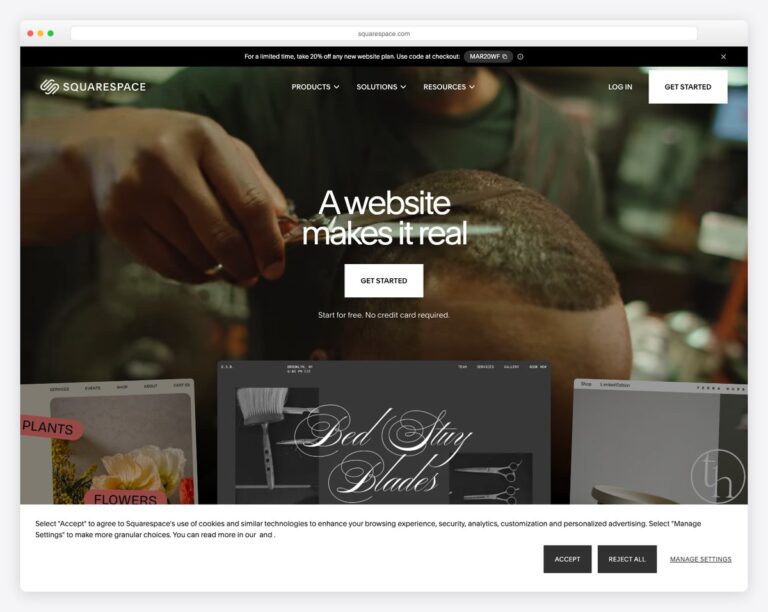
For churches with someone willing to manage the technical side (or budget for managed hosting that handles it), WordPress rewards that investment with a website that can do virtually anything. For churches that just need a clean, professional online presence without the overhead, Squarespace or Tithe.ly Sites will get you there faster and with less ongoing effort.
The right choice isn’t about which platform is “best” — it’s about which platform matches your church’s team, budget, and technical comfort level. If you’re still weighing options, our complete church website builder comparison covers all the major platforms side by side.

Church Website Builders
Church Website Builders
Church Website Builders
10 complete church website templates, MIT licensed. Browse every demo freely; we will email you whichever folder you want.
All templates