Church Website Builders
This is the question we hear more than any other: “Should our church use Squarespace or WordPress?” Both platforms power excellent church websites — but they serve fundamentally different churches with different needs, budgets, and technical capabilities.
We’ve built church websites on both platforms and written detailed reviews of each (Squarespace review · WordPress review). This is the head-to-head comparison with 2026 pricing, church-specific feature analysis, and clear recommendations based on your church’s situation.
Choose Squarespace if: Your church has under 500 members, you don’t have a tech-savvy volunteer, design quality matters to you, and you want zero technical maintenance. ~80% of churches fall here.
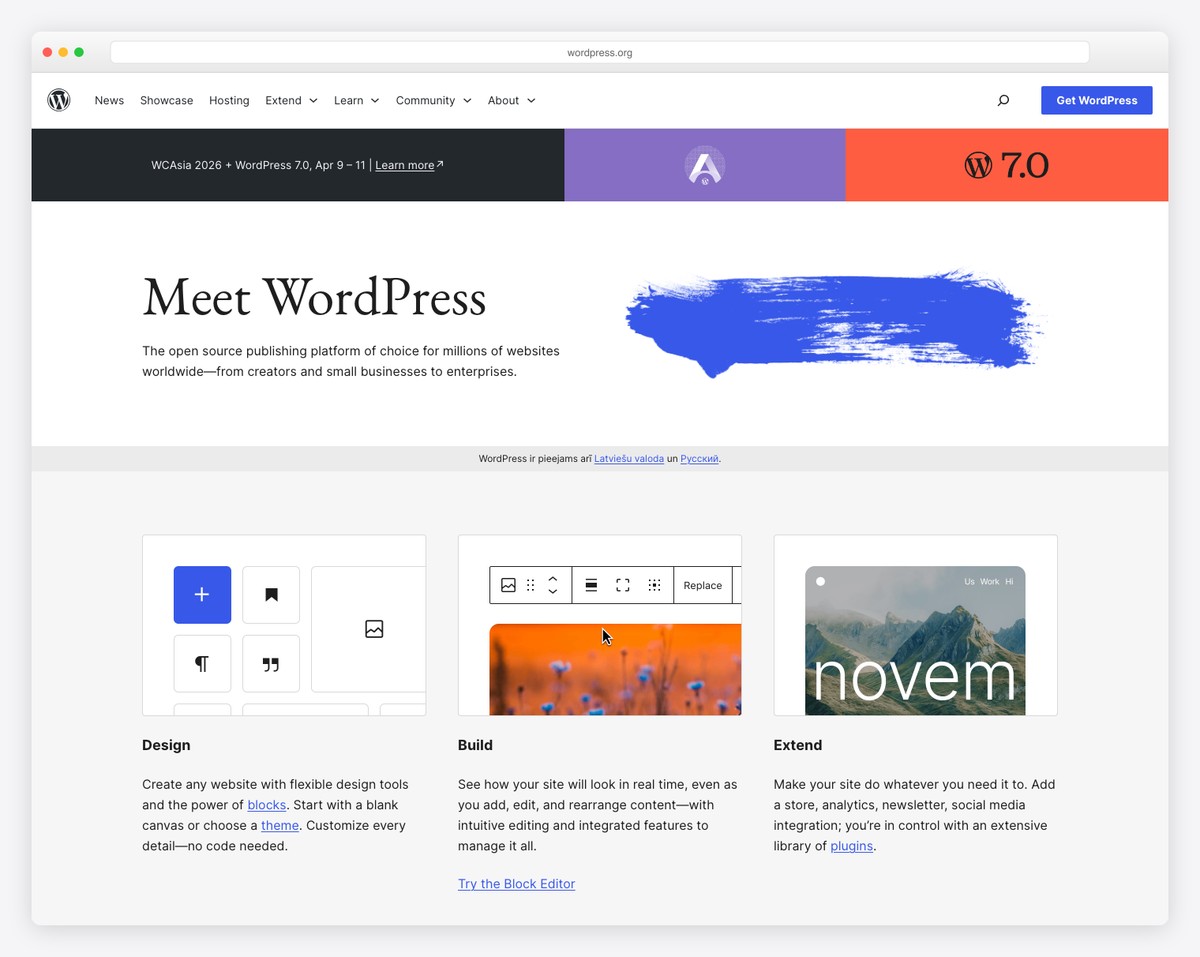
Choose WordPress if: Your church has complex needs (multi-campus, large sermon library, deep ChMS integration), you have a volunteer comfortable with web technology, and you want maximum flexibility and data ownership. ~20% of churches need this.
| Feature | Squarespace | WordPress (Self-Hosted) | Winner for Churches |
|---|---|---|---|
| Design quality | Best-in-class templates, Fluid Engine editor | Depends entirely on theme choice | Squarespace |
| Ease of use | No coding needed, intuitive editor | Moderate learning curve, Gutenberg editor | Squarespace |
| Technical maintenance | Zero — hosting, SSL, updates all handled | Regular core/plugin/theme updates required | Squarespace |
| Setup speed | Launch in a weekend (8-12 hours) | 1-4 weeks depending on customization | Squarespace |
| Customization/flexibility | Constrained to template system | Unlimited — 60,000+ plugins, custom code | WordPress |
| Sermon management | Workaround using blog + categories | Dedicated plugins (Church Content, Starter Church) | WordPress |
| Online giving | Requires Tithe.ly embed (Business plan) | GiveWP plugin or Tithe.ly plugin | Tie |
| SEO capabilities | Good basics (titles, descriptions, sitemap) | Excellent (Yoast/RankMath, full control) | WordPress |
| Multi-campus support | Possible but limited | Multisite or custom post types | WordPress |
| Event calendar | Basic built-in events | The Events Calendar plugin (800K+ installs) | WordPress |
| ChMS integration | Link to external tools only | Deep integrations via plugins | WordPress |
| Mobile responsiveness | Automatic + mobile preview editor | Theme-dependent (most modern themes are good) | Squarespace |
| Page speed/hosting | Fast CDN, managed hosting included | Depends on host choice (can be faster or slower) | Squarespace |
| Security | Fully managed, SSL included | Your responsibility (plugins + host) | Squarespace |
| Data ownership | Platform-dependent, limited export | You own everything, portable | WordPress |
| Church app companion | None | None (need separate service) | Tie (neither has this) |
| Blogging/content | Excellent built-in blog | Born as a blog — the best | WordPress (slightly) |
| E-commerce (merch/resources) | Built-in on Commerce plans | WooCommerce plugin | Tie |
Score: Squarespace wins 7, WordPress wins 7, Ties 3. On paper it’s a dead heat — but the weights matter. For most churches, the things Squarespace wins on (ease of use, maintenance, design, speed) are higher priorities than the things WordPress wins on (customization, SEO, multi-campus).
| Cost Item | Squarespace (Business Plan) | WordPress (Budget) | WordPress (Premium) |
|---|---|---|---|
| Platform/Hosting | $29/month ($348/yr) | $5/month ($60/yr) | $25/month ($300/yr) |
| Domain | Free first year, then ~$20/yr | $12/yr | $12/yr |
| Theme | Included | $0 (free theme) | $59-$99 (one-time) |
| Sermon plugin | N/A (blog workaround) | $0 (free) | $99/yr (premium) |
| Giving plugin | Tithe.ly embed (free) | GiveWP free | GiveWP Pro $149/yr |
| SEO plugin | Built-in | Yoast free | Yoast Pro $99/yr |
| Security plugin | Included | Wordfence free | Wordfence Pro $119/yr |
| Backup plugin | Included | UpdraftPlus free | UpdraftPlus $70/yr |
| Total Year 1 | $276 | $72 | $849 |
| Ongoing Annual | $296 | $72 | $750 |
WordPress can be cheaper ($72/year on the low end), but “budget WordPress” means free themes, free plugins with limited features, and shared hosting that may be slow. “Premium WordPress” with a professional theme, premium plugins, and managed hosting costs more than Squarespace — and requires technical maintenance on top of it.
Squarespace’s pricing is predictable: $276/year for the Business plan, everything included, no surprises. That predictability has real value when presenting budgets to church leadership. See our full church website cost breakdown.
WordPress wins decisively. With plugins like Church Content or Starter Church, WordPress gives you dedicated sermon post types with fields for series, speaker, scripture reference, and media (audio/video). You can filter and search by any combination. The best church WordPress themes build sermon management directly into the template.
Squarespace requires using the blog feature as a workaround — sermons become blog posts, series become categories, speakers become tags. It works (see our sermon archive guide), but it’s not as elegant. For churches with 50+ sermons, WordPress’s native filtering is noticeably better.
Tie — both require third-party tools. Neither platform has built-in church giving. Both work with Tithe.ly (the most popular church giving platform):
WordPress has a slight edge because GiveWP’s plugin integrates more deeply with your site’s design and data. But for most churches, the embedded Tithe.ly form on Squarespace works perfectly well. Full setup: online giving guide.
WordPress wins. The Events Calendar plugin (800,000+ installs) provides a full calendar view, list view, event categories, venue management, Google Maps integration, and ticketing. Squarespace has basic event scheduling through Acuity, but it’s not a full-featured event calendar. For churches with busy event schedules, WordPress provides a significantly better event management experience.
WordPress wins significantly. If your church uses Planning Center, Church Community Builder, Breeze, or another ChMS, WordPress has plugins that create deep integrations: group directories, event sync, member check-in, and giving data sharing. Squarespace can only link to these tools (a button that opens Planning Center in a new tab). It can’t embed or sync data from them.
If your church lives in Planning Center and you want your website to pull group data, volunteer schedules, and event registrations directly from PC — WordPress is the only option.
WordPress wins. With Yoast SEO or RankMath, WordPress gives you full control over meta titles, descriptions, schema markup (including Church/PlaceOfWorship schema), XML sitemaps, canonicals, redirects, and content analysis. Squarespace covers the basics (page titles, meta descriptions, auto-sitemap) but doesn’t allow schema customization or the level of control that serious church SEO requires.
That said, most churches will never need more than Squarespace’s built-in SEO tools. The biggest SEO wins for churches come from Google Business Profile optimization and the Google Ad Grant — both work regardless of your website platform.
Several churches from our top 50 church website designs use Squarespace:
The pattern is clear: Squarespace churches tend to be smaller, design-forward, and contemporary. WordPress churches tend to be larger, content-heavy, and feature-rich. Both produce excellent results — the platform matches the church’s needs.
This is the factor that tips the scales for most churches. Here’s what maintenance actually looks like on each platform:
Managed WordPress hosting ($15-$50/month) handles some of this — automatic updates, security monitoring, daily backups. But it costs more and doesn’t eliminate all maintenance. See our church website security guide for details.
The honest question: Does your church have someone willing and able to spend 2-4 hours per month on website technical maintenance — consistently, every month, for years? If the answer is “probably not,” choose Squarespace. If the answer is “yes, and they enjoy it,” WordPress’s additional power is worth it.
If you start on one platform and later need the other, here’s what migration looks like:
Squarespace can export blog posts in WordPress format. Pages, design, and images need manual recreation. Sermon blog posts will import but lose their series/speaker categorization structure. Budget 2-4 weeks. Set up 301 redirects to preserve any SEO value.
Squarespace has a WordPress importer for blog posts, basic pages, and comments. Custom post types (sermons, events) won’t transfer — recreate manually. Images import with mixed results. Plugin-generated content (forms, calendars, giving pages) must be rebuilt. Budget 2-4 weeks. Warning: Poorly managed migrations can lose 50-75% of organic traffic temporarily. Set up redirects carefully.
For full migration guidance, see our church website redesign playbook.
80% of churches should choose Squarespace. The reality is that most churches are under 500 members, don’t have a dedicated tech volunteer, and need a clean, professional website that’s easy to maintain. Squarespace delivers this at $29/month with zero technical headaches. The design quality means even a tiny church can look professional online. The limitations (no native sermons, embedded giving) are workable.
20% of churches should choose WordPress. Larger churches with complex organizational needs, deep ChMS integration requirements, large sermon libraries needing advanced filtering, and a tech-capable volunteer or staff member will genuinely benefit from WordPress’s flexibility. The maintenance cost (time and money) is justified by capabilities that Squarespace simply can’t match.
Neither platform is wrong. Excellent church websites exist on both. The question isn’t which platform is “better” — it’s which platform fits your church’s specific situation, budget, and technical capacity.
If neither Squarespace nor WordPress feels right, consider church-specific alternatives:
Compare all options: Best church website builders (complete guide)
WordPress powers more church websites overall due to its market dominance (44% of all websites). But among churches building or redesigning in 2025-2026, Squarespace and church-specific platforms (Tithe.ly, Subsplash) are gaining share rapidly because of their ease of use.
Yes, but it’s not painless. Budget 2-4 weeks for migration in either direction. Blog content transfers relatively well; pages, design, and plugin-generated content (sermons, events, giving) must be manually recreated. Set up 301 redirects to preserve SEO. See our redesign playbook.
WordPress gives more SEO control (schema markup, advanced plugin features). But the highest-impact church SEO activities — Google Business Profile, page titles, image alt text, Google Ad Grant — work equally well on both platforms. Choose your platform based on other factors; SEO alone shouldn’t decide it.
Neither Squarespace nor WordPress is free (Squarespace has a 14-day trial, WordPress.org requires hosting). For a truly free church website, use Wix’s free plan (most features) or Google Sites (no ads), and embed Tithe.ly‘s free giving form for donations. See our free church website guide.
Still unsure? Reach out to us — we help churches choose the right platform every day. No sales pitch, just honest guidance based on your church’s specific needs and budget.

Church Website Builders
Church Website Builders
Church Website Builders
10 complete church website templates, MIT licensed. Browse every demo freely; we will email you whichever folder you want.
All templates