Church Website Features
Your sermon archive is the second most-visited section of your church website — right behind the homepage. Members use it to re-listen to Sunday’s message, catch up on weeks they missed, and share sermons with friends. Visitors use it to preview your teaching before deciding to visit. And yet, most church sermon archives are a disorganized list of dates and titles that nobody wants to browse.
It doesn’t have to be that way. This guide shows you how to organize and display your sermons in a way that’s actually engaging — the “Netflix approach” — plus practical setup instructions for every major platform, media hosting comparisons, and tips for maximizing the impact of every message you preach.
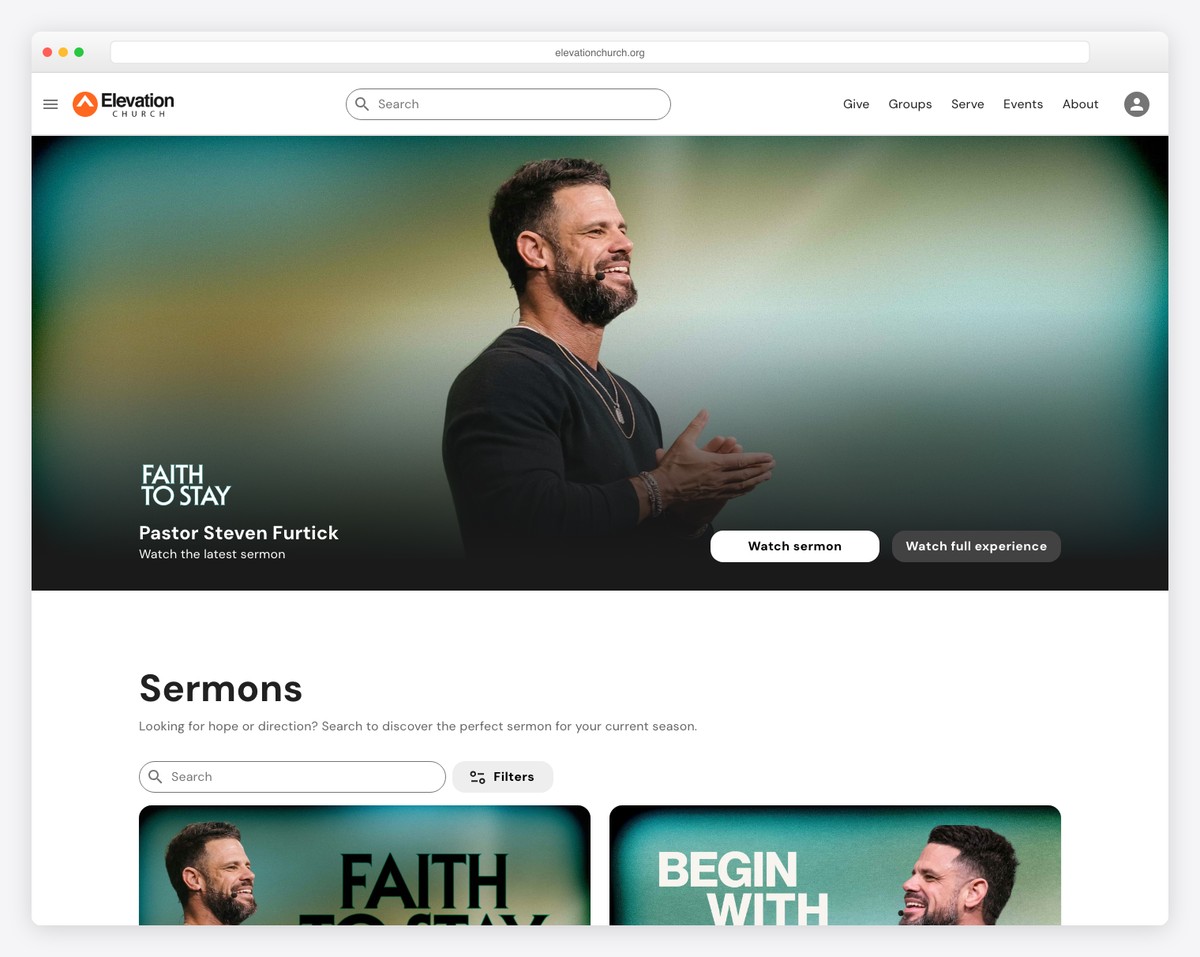
When someone is considering visiting your church, they want to know what they’re walking into — and sermons are the clearest window into your church’s culture, theology, and personality. A visitor who watches a 5-minute clip of your pastor teaching and thinks “I like this person” is dramatically more likely to show up on Sunday than someone who just read your About page.
Your sermon archive also serves your existing congregation in ways you might not realize:
All of this only works if your sermons are easy to find and pleasant to browse. Which brings us to the approach that’s transforming church sermon pages.
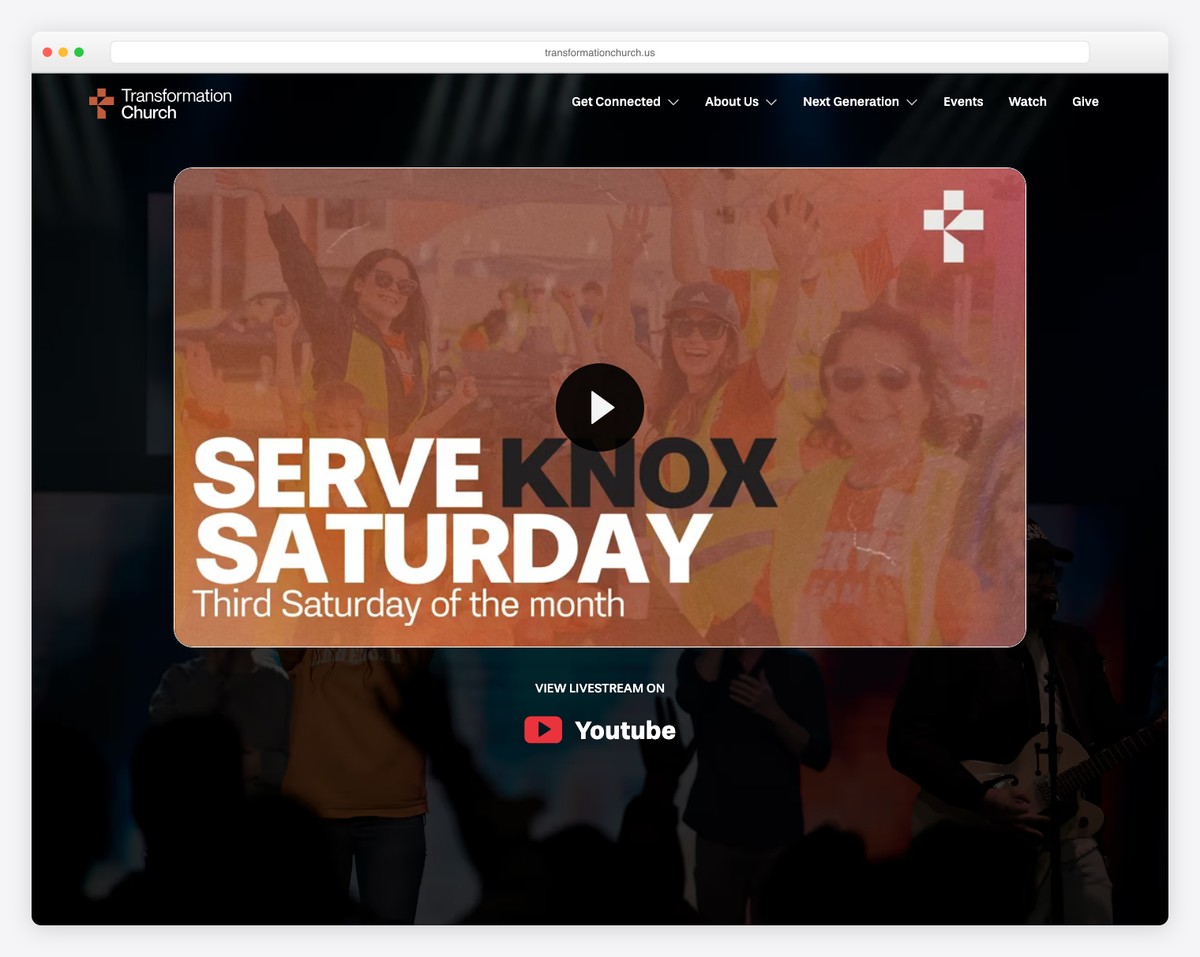
Think about how Netflix presents content. They don’t show you a chronological list of every movie ever made. They feature what’s new, organize by category, display compelling artwork, and make it easy to jump into something that interests you. Your sermon archive should work the same way.
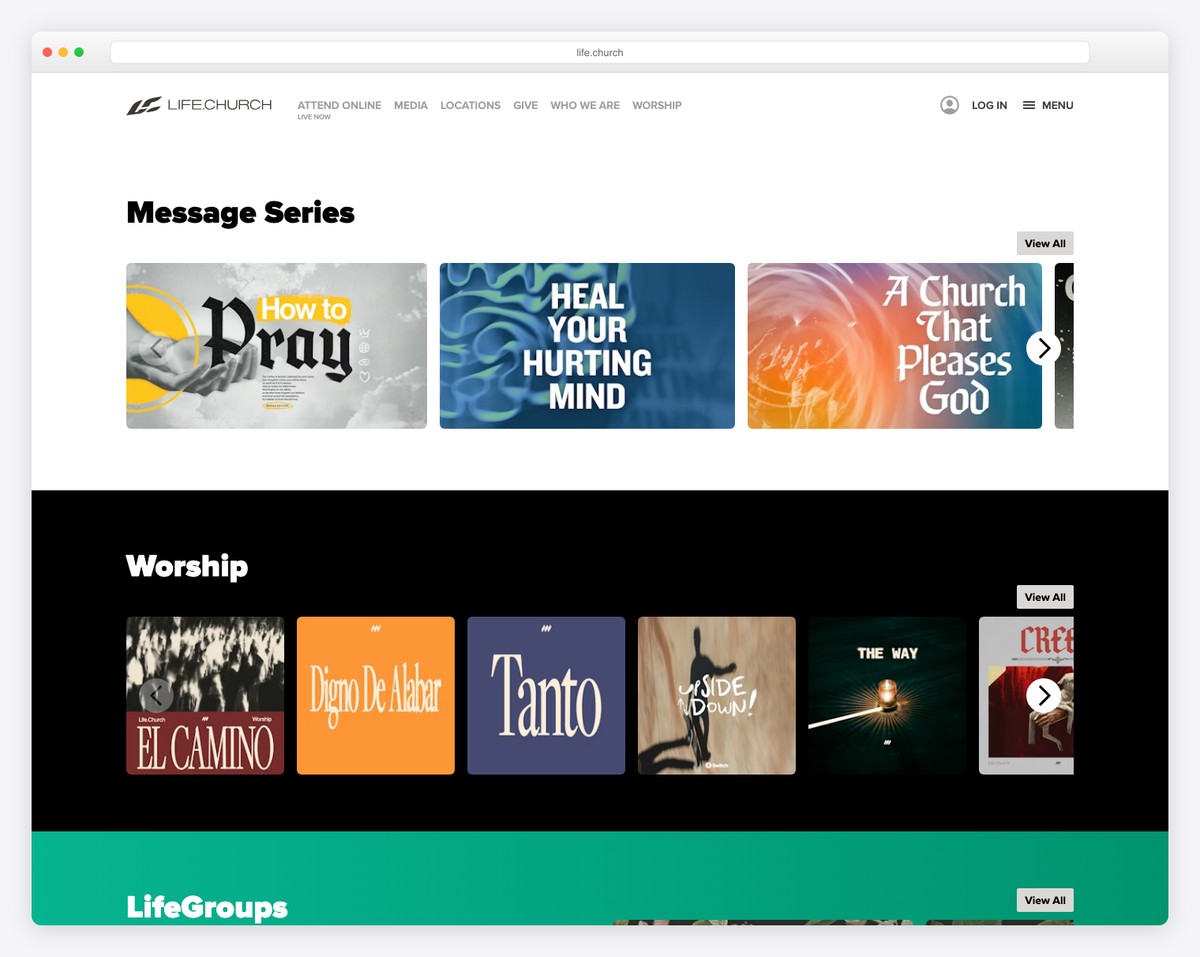
This is the single biggest improvement you can make. Instead of a reverse-chronological list of individual sermons, group them by sermon series. Most churches preach in 4-8 week series — use those as your primary organizing structure.
Each series gets its own artwork (more on that below), a brief description, and a list of individual messages within it. Visitors can browse series like they’d browse shows on Netflix — finding a topic that interests them and diving in.
Your current sermon series should be the first thing visitors see when they land on the sermons page — a hero section with the series artwork, title, description, and latest message. This creates urgency and context: “This is what we’re talking about right now. Jump in.”
Give visitors multiple ways to find what they’re looking for:
Not every platform supports all of these, but even basic series-based organization is a massive improvement over a flat chronological list.
Before you can display sermons on your website, you need somewhere to host the files. Don’t upload large video or audio files directly to your website hosting — it’ll slow your site down and eat through storage. Use a dedicated media platform and embed from there.
| Platform | Cost | Video | Audio | Best For |
|---|---|---|---|---|
| YouTube | Free | Yes | No (video only) | Most churches — unlimited free video hosting with built-in audience |
| Vimeo | $12-75/month | Yes | No | Churches wanting ad-free, branded video player |
| Subsplash Media | Included with platform | Yes | Yes | Churches already on Subsplash for their website/app |
| Spotify/Apple Podcasts | Free (via host) | No | Yes | Audio-only distribution to podcast listeners |
| Buzzsprout | $12-24/month | No | Yes | Dedicated podcast hosting with distribution to all platforms |
| SoundCloud | Free-$16/month | No | Yes | Simple audio hosting with embeddable player |
For most churches, the winning combination is YouTube for video (free, unlimited, great SEO) plus a podcast host like Buzzsprout for audio (reaches people on Spotify and Apple Podcasts). Embed the YouTube videos on your sermon pages and let the podcast feed handle audio-only listeners.
If you want a premium, ad-free experience and don’t mind paying, Vimeo is excellent for video. And if you’re already using Subsplash for your website or app, their media hosting is included and works seamlessly.
How you build your sermon archive depends on your website platform. Here’s how to approach it on the most common church website builders.
Squarespace doesn’t have a dedicated sermon feature, but the Blog section works well as a workaround. Here’s how to set it up:
The Squarespace approach isn’t perfect — you don’t get true series landing pages without some extra work — but it’s clean, simple, and looks great. Most of the small church websites we’ve featured use this approach.
WordPress offers the most flexibility for sermon archives, especially with dedicated plugins:
If you’re on WordPress and serious about your sermon archive, a dedicated plugin or church theme is worth the investment. The filtering and organization capabilities far exceed what you can do with a standard blog.
Tithe.ly includes native sermon blocks that are purpose-built for churches. You can add sermon media (video and audio), organize by series, add sermon notes, and display everything in a clean, browsable layout — no workarounds needed. If sermon management is a high priority and you’re choosing a platform, Tithe.ly’s built-in approach is hard to beat for simplicity.
Adding sermon notes and discussion guides transforms your sermon archive from a passive media library into an active discipleship tool. Here’s how to do it well.
Publish a text summary of each sermon below the video embed. Include:
This doesn’t need to be a full transcript. A 200-300 word summary is plenty. It gives people who prefer reading a way to engage, and it creates text content that Google can index — boosting your site’s SEO for biblical topics and questions.
If your church has small groups, create a weekly discussion guide tied to the sermon. Include:
Publish this as a downloadable PDF on the sermon page, or include it as a collapsible section below the sermon notes. Small group leaders will thank you — it saves them hours of prep time and keeps groups aligned with what the church is teaching.
Good series artwork is what makes the Netflix approach work. Without it, your sermon archive is just another text list. With it, browsing becomes visual and engaging.
You don’t need a professional designer. Canva’s free plan includes everything you need to create compelling sermon series graphics:
Invest 30-60 minutes per series to create the graphic. It’s a small time investment that dramatically improves how your sermon content is presented across your website, social media, and in-person screens.
💡 Pro tip: Create a Canva template for your series graphics and save it. Each new series, duplicate the template, swap the title and background image, and you’re done in 10 minutes. Consistency across all your series artwork makes your archive look intentional and polished.
Both. Full sermons in your archive for people who want the complete message. Short clips (30-90 seconds) on social media to drive traffic back to your site. The clip strategy works especially well on Instagram Reels and YouTube Shorts — it gives people a taste that makes them want more.
If you can do video, do video. It’s more engaging, better for visitors previewing your church, and performs better on YouTube and social media. But audio-only is still valuable — especially as a podcast that people listen to during commutes. The ideal setup is video on your website and YouTube, plus audio distributed as a podcast.
Don’t try to upload 10 years of sermons at once. Start with your current series and the last 3-4 completed series. Going forward, upload every sermon as it happens. If you have time later, you can backfill older series — but focus on building the habit of consistent weekly uploads first.
Yes — if you include text content (sermon notes, key points, scripture references). Google can’t watch your videos, but it can read your sermon summaries. A church with 100 sermon pages, each with 200-300 words of notes, has 100 pages of content indexed by Google. Over time, this drives organic traffic for biblical topics and questions. For more on optimizing your church for search, see our church SEO guide.
If your sermons include copyrighted worship music, YouTube may flag the audio and run ads on those videos (or mute sections). Options: edit out the music before uploading, start recording after worship ends, or use YouTube’s Content ID dispute process if you have a CCLI Streaming License. Many churches simply trim the recording to sermon-only content to avoid the issue entirely.
If you already have sermons recorded, you can set up a basic archive in an afternoon. Create the page structure on your website, upload your most recent series to YouTube, embed the videos, and add brief notes for each sermon. The ongoing time investment is 30-60 minutes per week to upload the latest sermon, add notes, and update the current series. It’s a rhythm, not a project.

Church Website Features
Church Website Features
Church Website Features
10 complete church website templates, MIT licensed. Browse every demo freely; we will email you whichever folder you want.
All templates