Church Website Builders
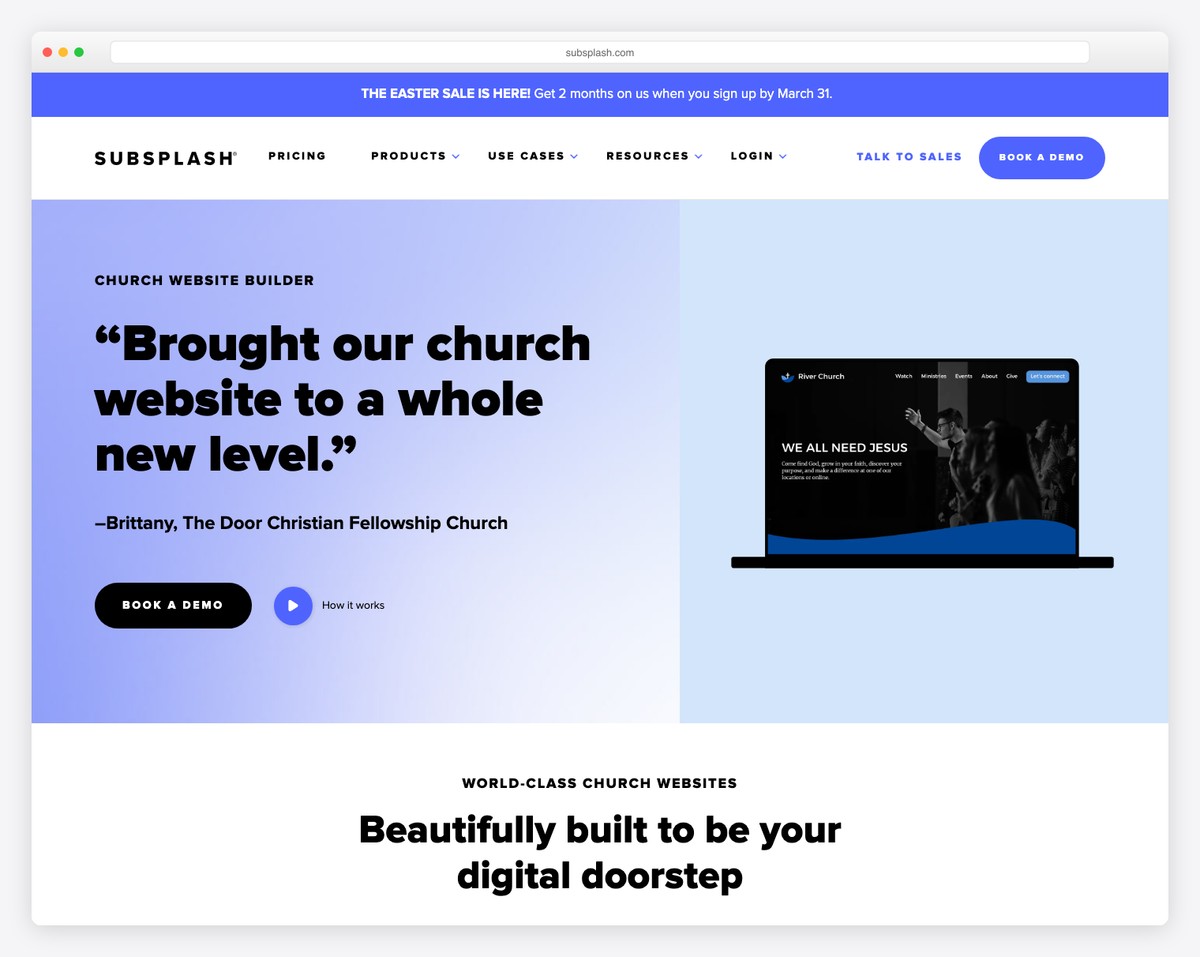
Subsplash is the premium player in the church technology space. While most church website builders focus on giving you a website, Subsplash sells an entire digital ecosystem: custom-branded mobile app, website builder, online giving, media hosting with automatic podcast distribution, live streaming, and church management tools — all under one roof.
The result is a seamless experience for congregations and a powerful engagement platform for church leaders. The trade-off is price: Subsplash is the most expensive option on the market, with custom pricing that churches report typically runs $99-$200+ per month. And while their app and giving products are genuinely best-in-class, their website builder is the weakest link in the chain.
This review covers everything: what Subsplash excels at, where the website builder falls short, what it actually costs, who it’s built for, and whether the premium price tag is justified for your church.
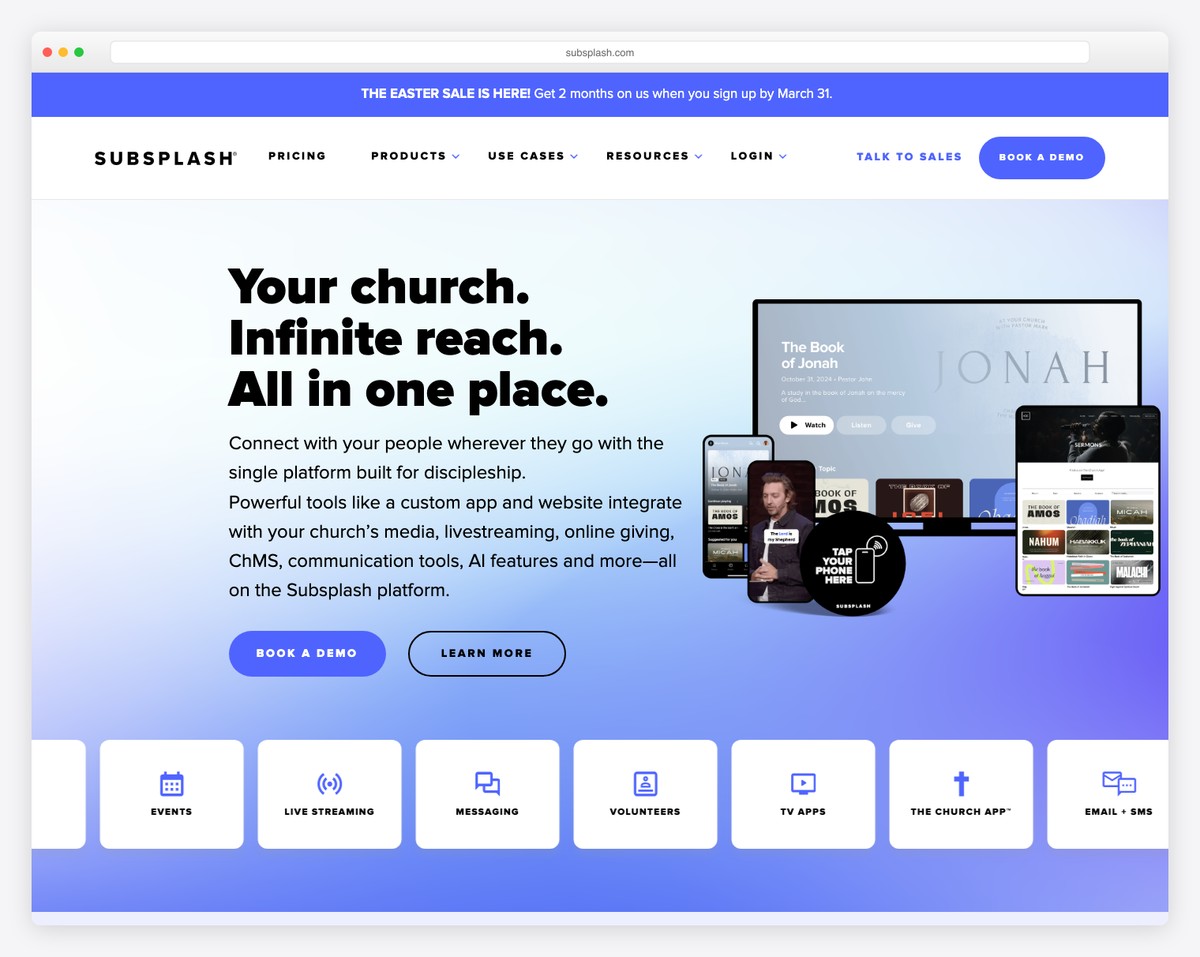
Who it’s for: Mid-size to large churches (300+ members) that want a premium, unified digital platform — especially those that value a custom church app, low-friction giving, and professional media distribution. Multi-campus churches and established congregations with dedicated tech budgets.
Who should skip it: Small churches under 200 members (overkill and overpriced), churches that primarily need a great website (the website builder is mediocre), budget-conscious churches, and church plants that need to minimize expenses.
Our rating: 3.8 out of 5 for churches (4.5 for app + giving, 2.5 for website builder alone)
Pricing: Custom quotes; churches report $99–$200+/month
Best alternatives: Tithe.ly Sites (similar all-in-one at lower cost), Squarespace + Tithe.ly (better website + giving), WordPress (maximum flexibility)
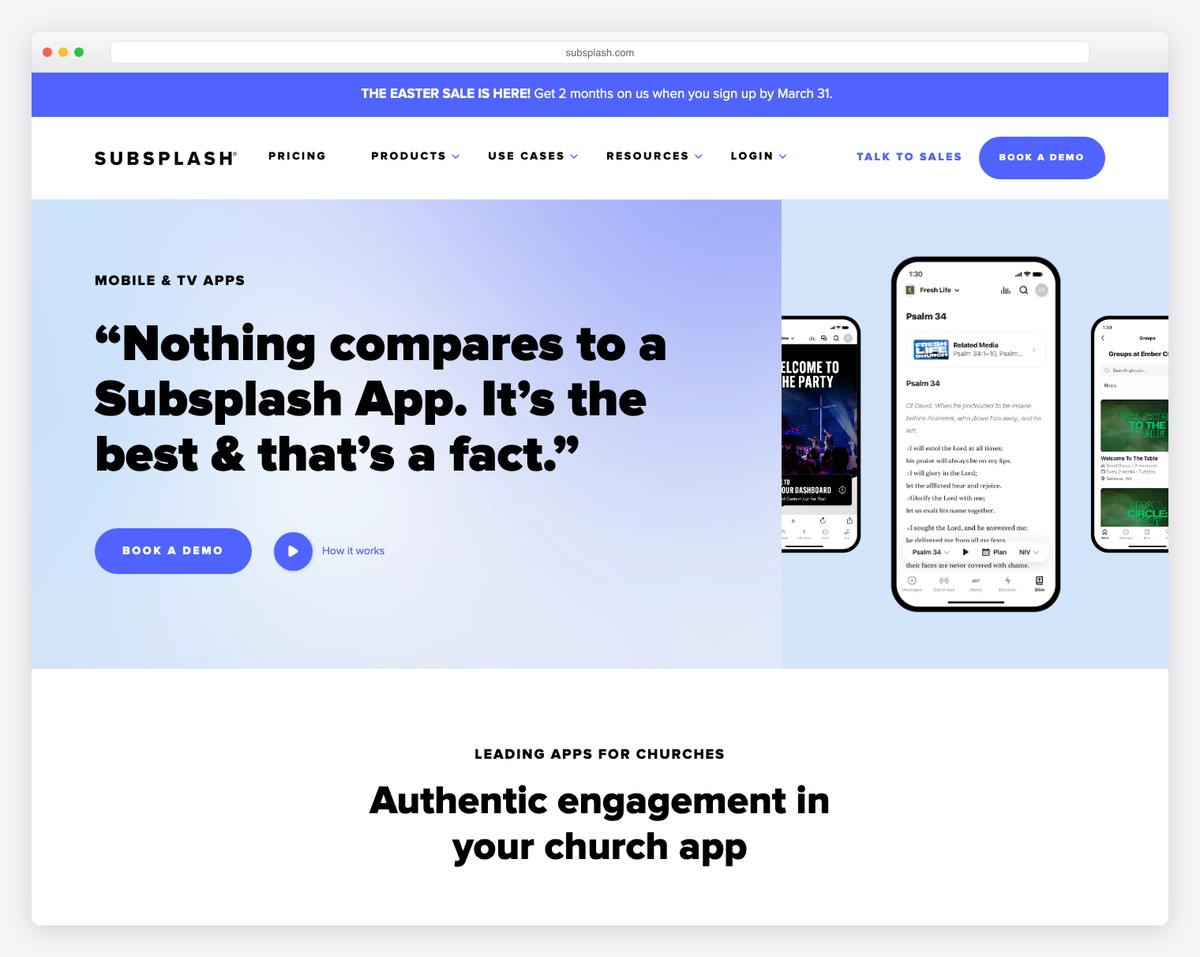
This is Subsplash’s crown jewel and the primary reason churches choose the platform. Subsplash custom church apps are genuinely impressive — they look and feel like professionally developed apps, not template-generated afterthoughts.
Your church gets a branded app in both the Apple App Store and Google Play Store with your church name, logo, and color scheme. Inside, members find:
The app experience is where Subsplash justifies its premium pricing. No other church platform produces apps of this quality. Tithe.ly offers a church app too, but Subsplash’s is more polished, more feature-rich, and more customizable. For churches where app engagement is a strategic priority — reaching members throughout the week, not just on Sundays — Subsplash delivers.
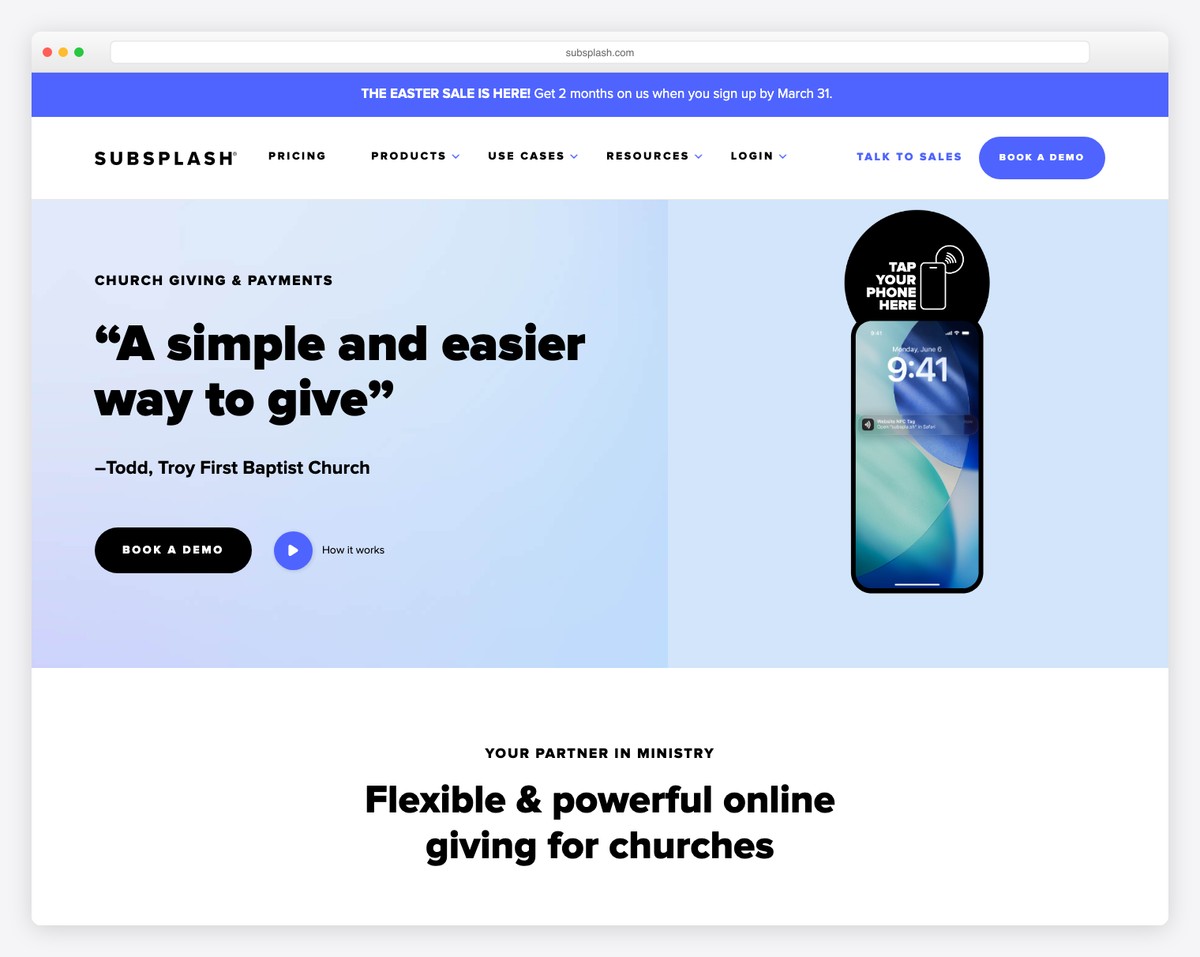
Subsplash Giving is designed to minimize every obstacle between the impulse to give and the completed transaction. It’s the strongest product in the Subsplash lineup.
What makes it exceptional:
For a deeper look at giving platform options, see our online giving setup guide.
Subsplash Media is a serious content platform. Upload your sermon audio or video, and Subsplash automatically:
For churches that produce weekly sermon content (which should be every church — see our sermon archive guide), this is a significant time-saver. Instead of manually uploading to YouTube, your podcast host, your website, and your app separately, you upload once and Subsplash handles distribution everywhere.
Everything — website, app, giving, media, events, groups, analytics — lives in one dashboard. One login, one interface, one vendor. For church staff managing multiple digital tools, consolidation has real value. No more juggling logins for your website builder, giving platform, podcast host, and app management tool.
Here’s the uncomfortable truth: Subsplash’s website builder produces functional but uninspiring websites. The templates are limited in number and variety, the design customization options are constrained, and the final product looks noticeably less polished than what you’d get from Squarespace, quality WordPress themes, or even Tithe.ly Sites.
The builder uses a section-based approach: pick a section type (hero, about, sermons, events), customize the content, and arrange them on your page. It’s simple to use, but “simple” here means “limited.” You won’t create a website that makes visitors say “wow” — you’ll create a website that’s clean, functional, and unmemorable.
Browse through our top 50 church website designs and you won’t find Subsplash sites among the standouts. The app is where Subsplash shines, not the website.
Subsplash doesn’t publish pricing on their website. Instead, you request a custom quote based on your church size and the products you need. This lack of transparency is frustrating, especially for churches that need to present clear budget numbers to their leadership team or finance committee.
Based on our research and conversations with churches using Subsplash:
These are estimates — your actual quote will vary. But compare this to Squarespace at $19-29/month + free Tithe.ly giving, or a full WordPress setup at $40-80/month. Subsplash costs 2-5x more than the alternatives. The question is whether the app, media hosting, and unified platform justify that premium. For a complete cost comparison across platforms, see our church website cost guide.
A church of 75 members doesn’t need a custom-branded mobile app. A church of 120 members probably doesn’t need automated podcast distribution to six platforms. A church plant with a $200/month total tech budget definitely can’t justify Subsplash’s pricing.
Subsplash is built for churches where digital engagement is a strategic priority and the budget exists to support it. For smaller congregations, the platform’s power is wasted — like buying a commercial kitchen when you only cook for your family.
If your church has under 200 regular attenders, Tithe.ly offers most of the same features (website, giving, app, media) at a fraction of the cost. If you primarily need a great website, Squarespace delivers better design for $19-29/month.
Subsplash’s website builder offers basic SEO settings (page titles, meta descriptions) but lacks the advanced optimization capabilities of WordPress or even Squarespace. If your church is serious about SEO — targeting local searches, building content that ranks, maximizing a Google Ad Grant — Subsplash’s website builder will hold you back.
When your website, app, giving, and media all live on Subsplash, leaving becomes expensive and disruptive. You’d need to find replacements for every service simultaneously. This isn’t necessarily a dealbreaker — most platforms have some degree of lock-in — but it’s more pronounced with Subsplash because it touches so many parts of your digital ministry.
If Subsplash raises prices (which has happened), changes features, or sunsets a product, your alternatives are limited and the migration is complex. With WordPress, you own everything and can move freely. With Subsplash, you’re renting a premium apartment — comfortable, but you don’t own the building.
| Feature | Subsplash | Tithe.ly | Squarespace + Tithe.ly | WordPress |
|---|---|---|---|---|
| Custom Church App | Yes (best in class) | Yes (good) | No | No |
| Website Quality | Basic | Good | Excellent | Unlimited (depends on theme) |
| Online Giving | Yes (2.3% + 30¢) | Yes (2.9% + 30¢) | Yes (Tithe.ly embed) | Via plugin (GiveWP/Tithe.ly) |
| ACH Fees | 1% | 1% | N/A (Tithe.ly) | Depends on plugin |
| Media/Podcast Hosting | Yes (automatic distribution) | Yes (basic) | No (use separate host) | Via plugins |
| Sermon Management | Yes (excellent) | Yes (good) | No (blog workaround) | Via plugin (excellent) |
| Push Notifications | Yes (via app) | Yes (via app) | No | Via third-party |
| SEO Capabilities | Basic | Basic | Good | Best available |
| Data Ownership | Limited (Subsplash servers) | Limited (Tithe.ly servers) | Moderate (content exportable) | Full (your server) |
| Monthly Cost | $99–$249+ (reported) | $0–$119 | $19–$29 (+ free Tithe.ly) | $5–$85+ |
| Maintenance | None | None | None | High (updates, security) |
| Best For | 300+ member churches wanting premium unified platform | Any church wanting all-in-one at low cost | Design-focused churches | Tech-savvy churches wanting full control |
For the complete comparison with additional platforms, see our church website builder comparison, or compare the giving platforms head-to-head in Tithe.ly vs Pushpay and Subsplash vs Pushpay.
Subsplash makes sense when:
Many churches recognize that Subsplash’s app and giving are excellent but the website builder is mediocre. A common and effective solution: use Subsplash for the app, giving, and media — but build your website on Squarespace or WordPress.
This gives you:
The downside is managing two platforms (website + Subsplash) and the combined cost is higher. But for churches that want both a premium app experience and an impressive website, this hybrid approach often makes the most sense.
If you’re interested in Subsplash, here’s what to expect:
Before you sign up, make sure you’ve done your due diligence. Read our guides on essential church website features to know what you need, and our cost breakdown to understand how Subsplash fits your budget.
Subsplash’s website builder (SnapPages) powers thousands of church sites. Here are real congregations running on it today:
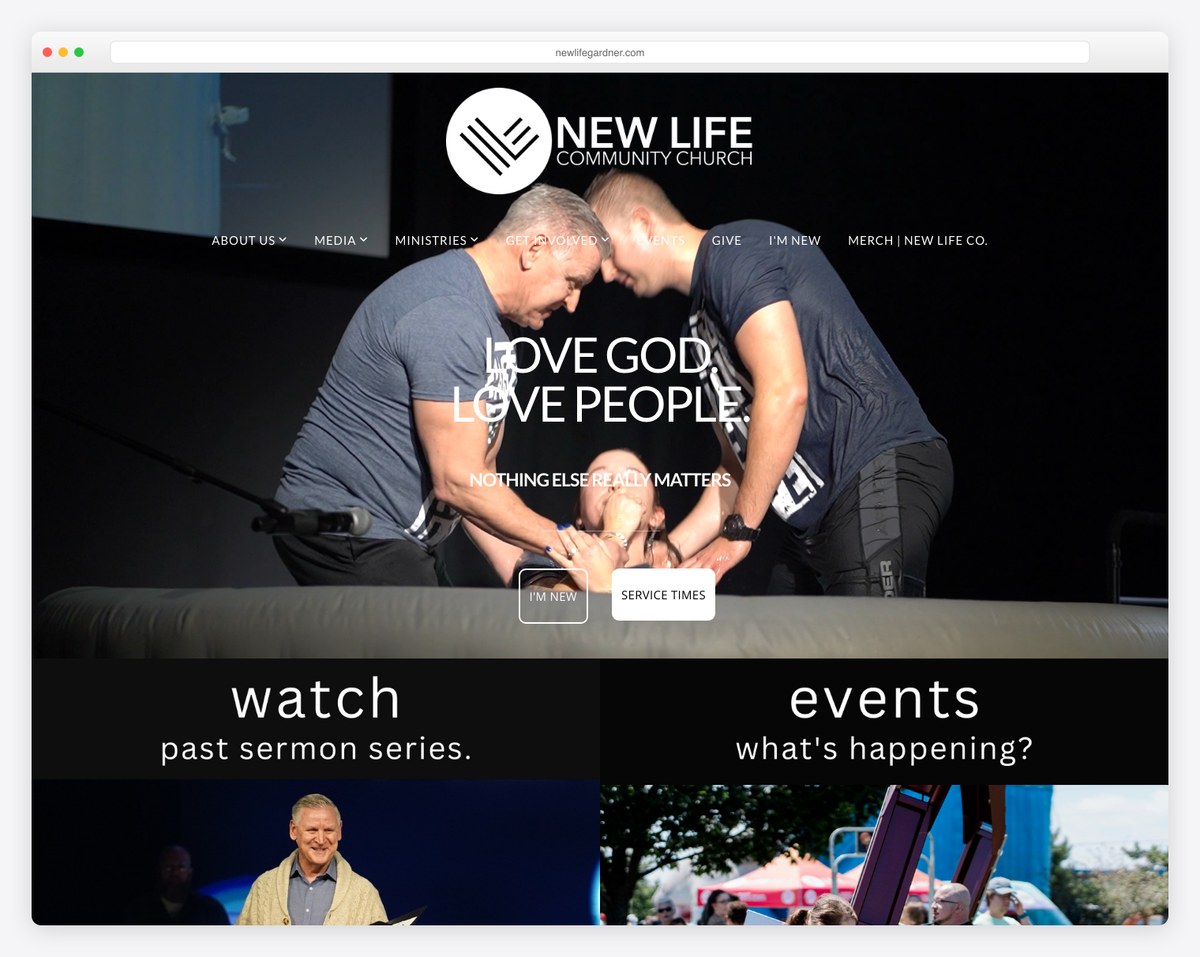
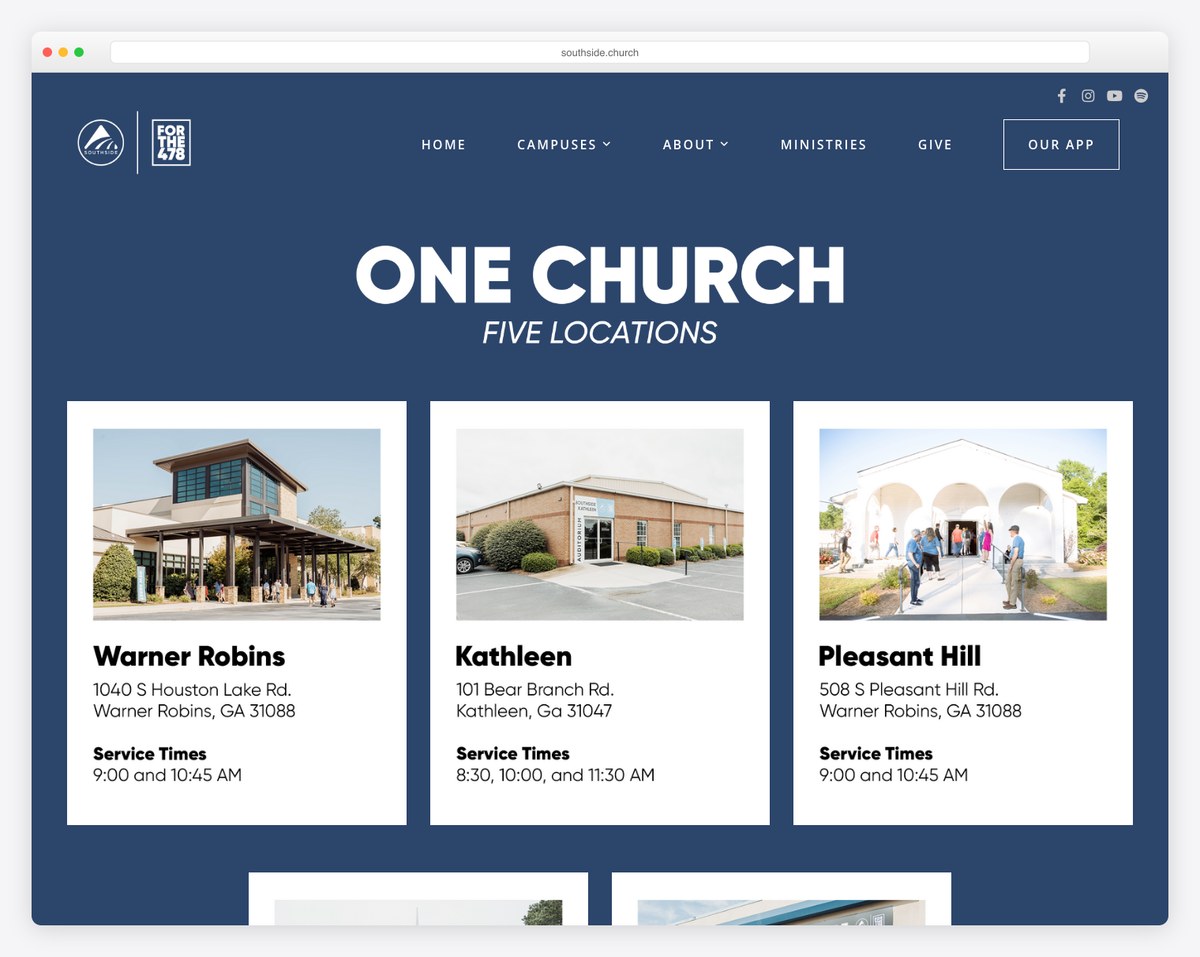
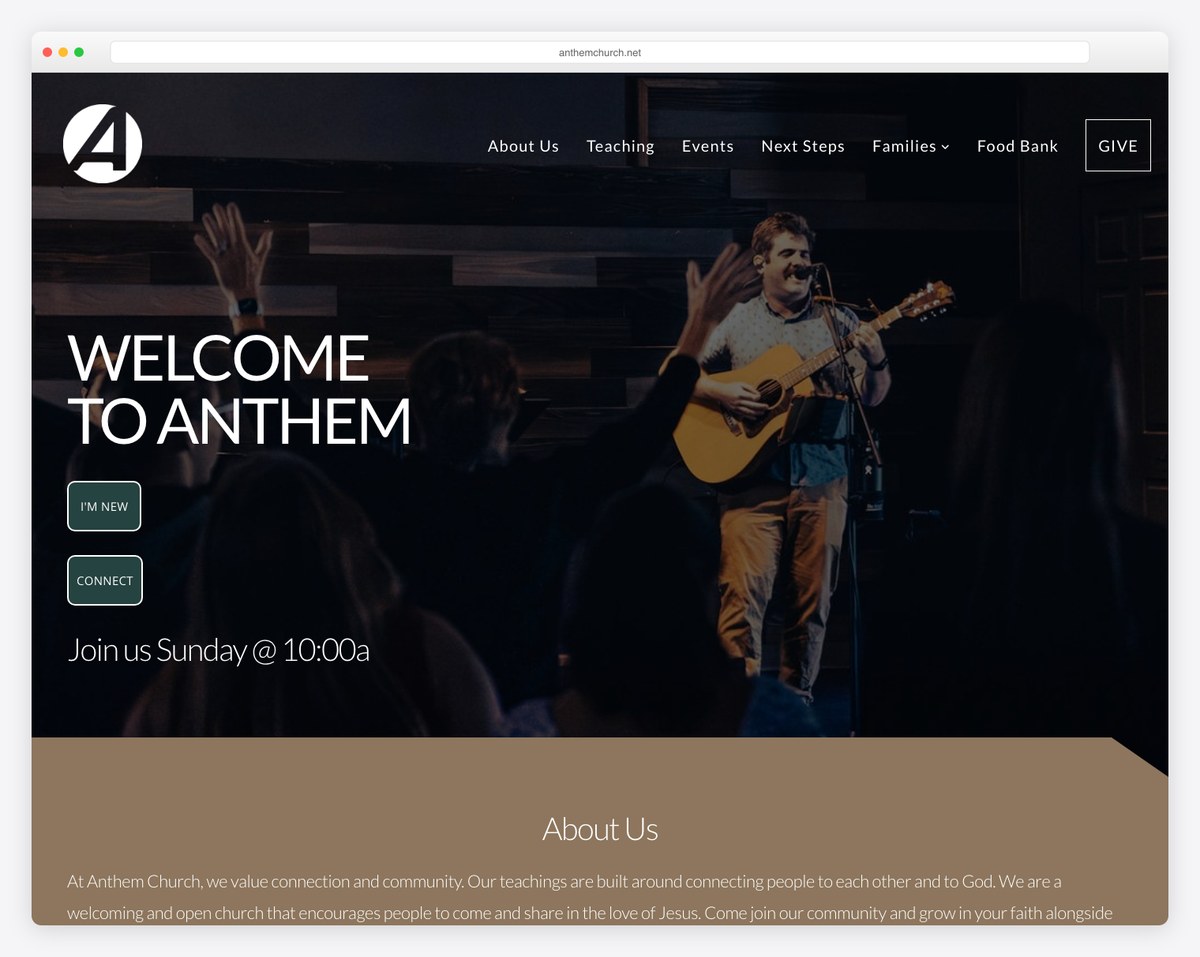
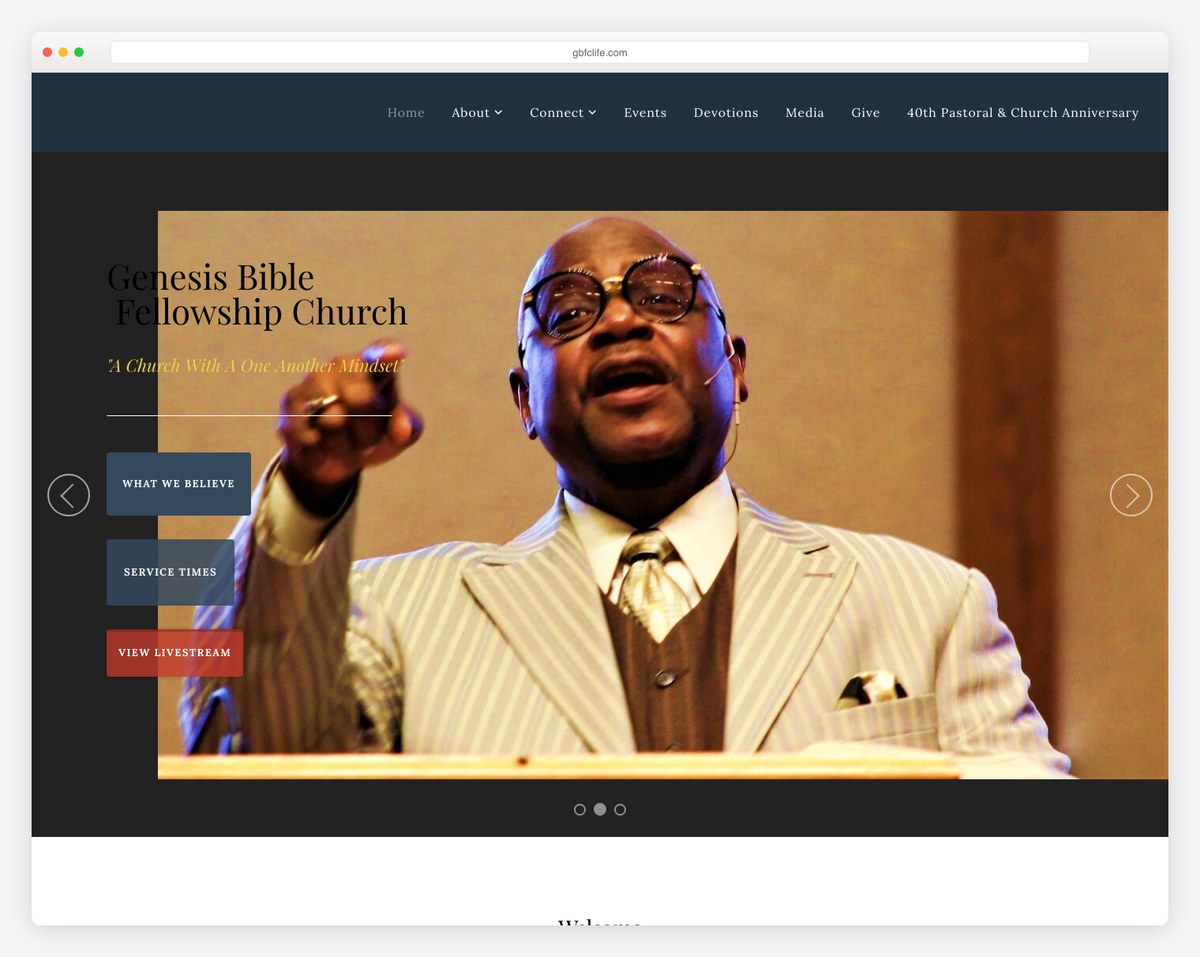
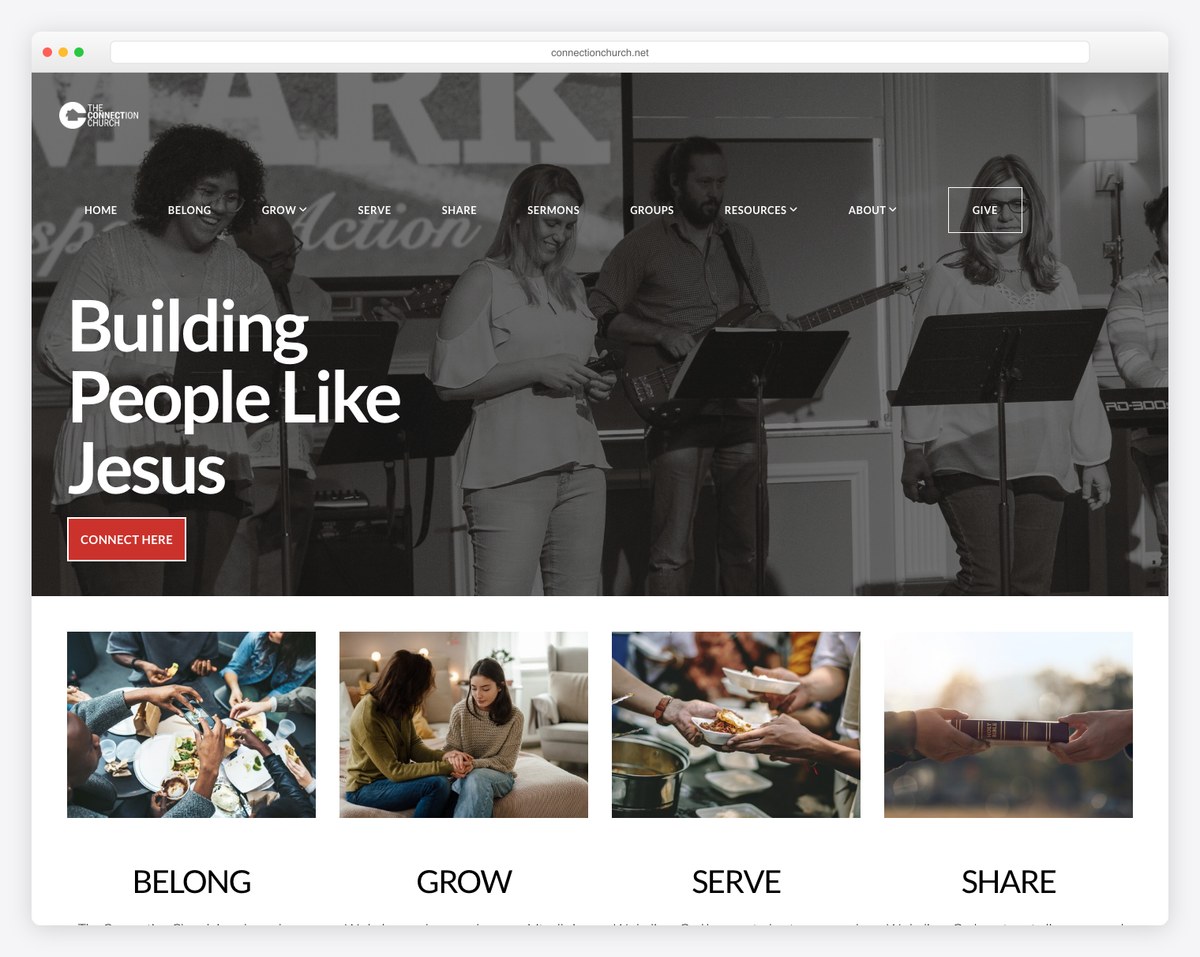
Subsplash sites integrate tightly with its app and giving, so the website is one piece of a larger ecosystem — which is exactly why churches choose (or outgrow) it.
Subsplash uses custom pricing based on your church size and the products you select. Based on our research, expect approximately $49-79/month for website only, $99-149/month for app + giving, and $149-249+/month for the full platform. Request a demo and quote from subsplash.com for exact pricing. Ask about annual discounts and multi-product bundles.
Subsplash doesn’t offer a self-serve free trial like Squarespace. They provide demos where you can see the platform in action and ask questions. Some churches report being able to negotiate a short trial period during the sales process, but this isn’t standard. Ask your sales representative about trial options.
For churches under 150 regular attenders, probably not. App adoption typically mirrors church size — if you have 100 members, you might get 40-60 app downloads, and active weekly users will be even fewer. The per-engaged-user cost becomes hard to justify. For small churches, a well-designed mobile-friendly website serves most of the same purposes as an app.
Yes. Subsplash Giving works as an embedded widget on any website — Squarespace, WordPress, Wix, or any other platform. Many churches use Subsplash for the app and giving while building their website on a different platform. This hybrid approach is common and often the smartest strategy.
Subsplash Giving has lower processing fees (2.3% + 30¢ vs. Tithe.ly’s 2.9% + 30¢) and arguably a more polished in-app giving experience. Tithe.ly has a free platform cost (Subsplash is subscription-based) and a broader integration ecosystem. For large churches processing $200K+ annually, Subsplash’s lower fees save $1,000+ per year. For smaller churches, Tithe.ly’s free platform makes more financial sense.
Leaving Subsplash means replacing multiple services simultaneously: website, app, giving, and media hosting. Sermon content and media can be exported, but the app and website need to be rebuilt on new platforms. Giving donor data migration varies — discuss data portability with Subsplash before signing up. The more products you use, the more complex the exit. This is the biggest risk of the all-in-one approach.
Subsplash has added basic people management features, but it’s not a full Church Management System like Planning Center, Church Community Builder, or Breeze. Most churches using Subsplash still need a separate ChMS. Subsplash integrates with several ChMS platforms to sync data, but it doesn’t replace them.
The website builder’s SEO capabilities are basic — page titles, meta descriptions, and SSL. For local church SEO, you’ll want to pair Subsplash with a strong Google Business Profile, Google Ad Grant, and manual schema markup. If SEO is a primary concern, WordPress with an SEO plugin is a significantly better choice.
Subsplash is a premium product for churches that can afford premium pricing. The app is genuinely the best in the industry. The giving platform is low-friction and competitively priced. The media hosting with automatic podcast distribution saves real time every week. The unified dashboard simplifies church technology management.
But the website builder is average at best, the pricing lacks transparency, and the total cost puts it out of reach for the majority of churches. If your church has 300+ members, a dedicated tech budget, and views digital engagement as a strategic ministry priority, Subsplash delivers meaningful value.
If you’re a smaller church, a budget-conscious church, or a church that primarily needs a great website, the alternatives serve you better. Tithe.ly offers a similar ecosystem at a lower price point. Squarespace + Tithe.ly gives you a beautiful website with solid giving. WordPress gives you maximum control and data ownership.
The right platform depends on your church’s size, budget, technical capacity, and strategic priorities. If you’re still comparing options, our church website builder comparison puts all the major platforms side by side.

Church Website Builders
Church Website Builders
Church Website Builders
10 complete church website templates, MIT licensed. Browse every demo freely; we will email you whichever folder you want.
All templates