Church Website Builders
Tithe.ly is the most popular church-specific technology platform in the world — used by over 40,000 churches for online giving, and increasingly for website building, church apps, and church management. If you’ve Googled “church website builder” or “online giving for churches,” you’ve seen Tithe.ly.
Trust check: Tithe.ly is one of the most-reviewed church platforms anywhere — rated 4.7/5 from 693 reviews on Capterra — so you’re not betting on an unproven tool.
But popularity doesn’t automatically mean it’s right for your church. We’ve used Tithe.ly Sites, reviewed dozens of churches built on the platform, and compared it against every major alternative. This is our complete, honest review — covering what it does well, where it falls short, exact pricing, and who should (and shouldn’t) use it.
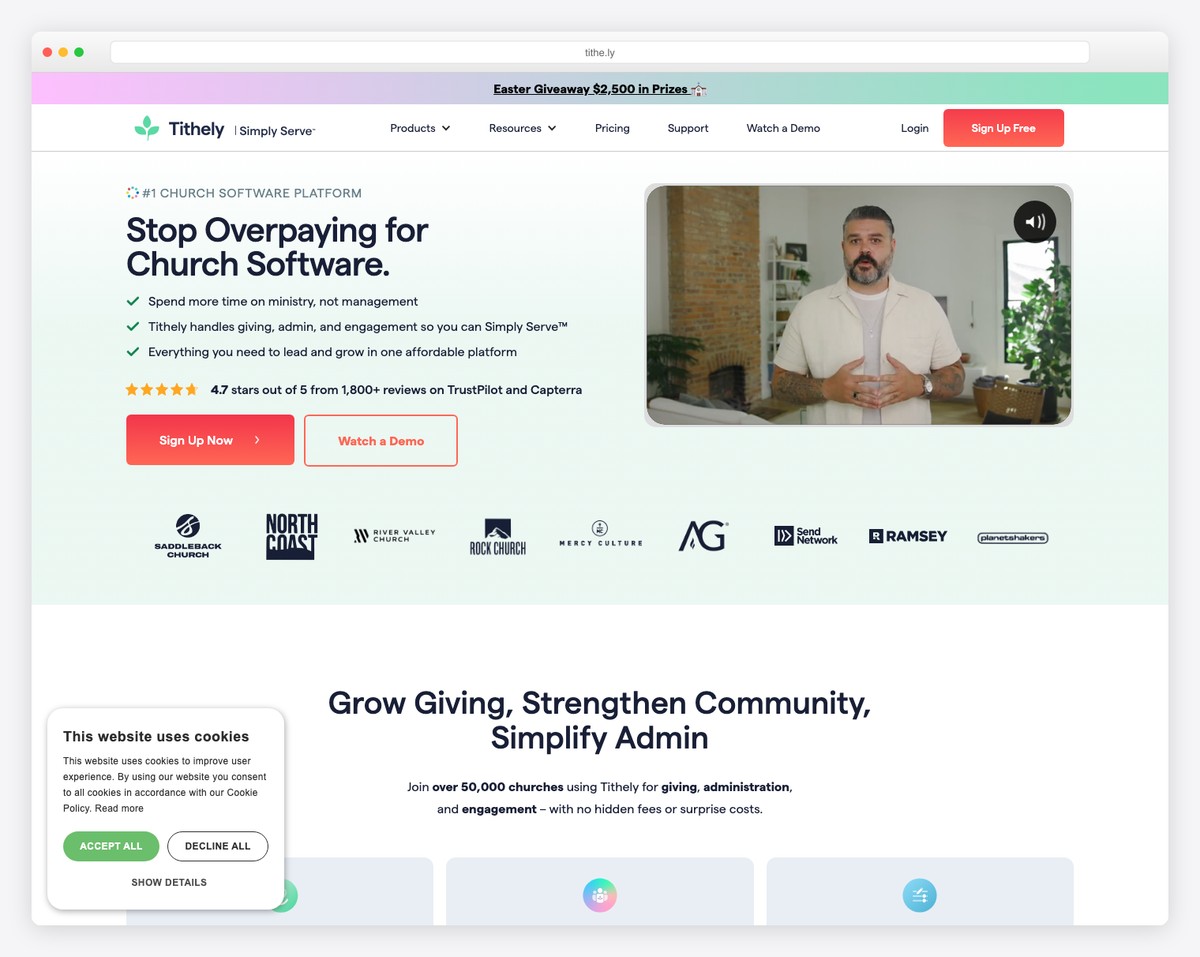
Tithe.ly Sites is the best all-in-one solution for churches that want website + giving + app in a single platform. The integrated giving alone saves most churches $50+/month in separate tool costs. Design quality is good but not Squarespace-level — see the full Squarespace vs Tithe.ly comparison. Tithe.ly Sites is just $19/month with a 30-day free trial, and the ecosystem advantage (everything in one dashboard) is genuinely valuable.
Our rating: 4.3 out of 5 for churches
Best for: Churches wanting an all-in-one platform without piecing together multiple services
Not ideal for: Churches where visual design quality is the #1 priority
Pricing: Tithe.ly Sites $19/month (30-day free trial) · Giving free (per-transaction fees) · All Access $119/month

Tithe.ly started as an online giving platform in 2014 and has expanded into a full church technology ecosystem. Today, it offers five products:
You can use each product separately or bundle them. The ecosystem advantage is real — giving, website, app, and member data all share one backend.
Built-in online giving (the killer feature). This is Tithe.ly’s defining advantage. Online giving isn’t an embed, an iframe, or a third-party link — it’s a native feature of the website builder. The giving form matches your site’s design. Members can give one-time or set up recurring tithes. Transaction data flows into the same dashboard as your website analytics, member management, and church app. Compare this to Squarespace, where you need to embed a separate giving platform (creating a visual mismatch and extra setup), or WordPress, where you need a giving plugin plus a payment processor.
Church-specific content blocks. The drag-and-drop editor includes blocks designed for churches — not adapted from business templates. Sermon archive with audio/video players. Event calendar with registration. Staff directory with photos and bios. Small group finder. Prayer request forms. Location pages for multi-campus churches. These are purpose-built, not workarounds.
The ecosystem effect. A member who gives through the Tithe.ly app sees the same profile on your website. Event registrations sync across platforms. Sermon content posted once appears on your site, app, and podcast feed. For churches tired of five different logins and data living in five different silos, this consolidation is the main selling point.
Zero technical maintenance. Like Squarespace, Tithe.ly handles hosting, SSL, security, and updates. No plugins to maintain, no hosting to manage. Your volunteer website manager can focus on content, not tech support.
Free giving and a low entry price. Tithe.ly Giving is genuinely free forever — you only pay standard processing fees — and a full Tithe.ly Sites website is just $19/month with a 30-day free trial. For a church that wants a real website plus built-in giving without a big commitment, that is one of the lowest entry points in church tech.
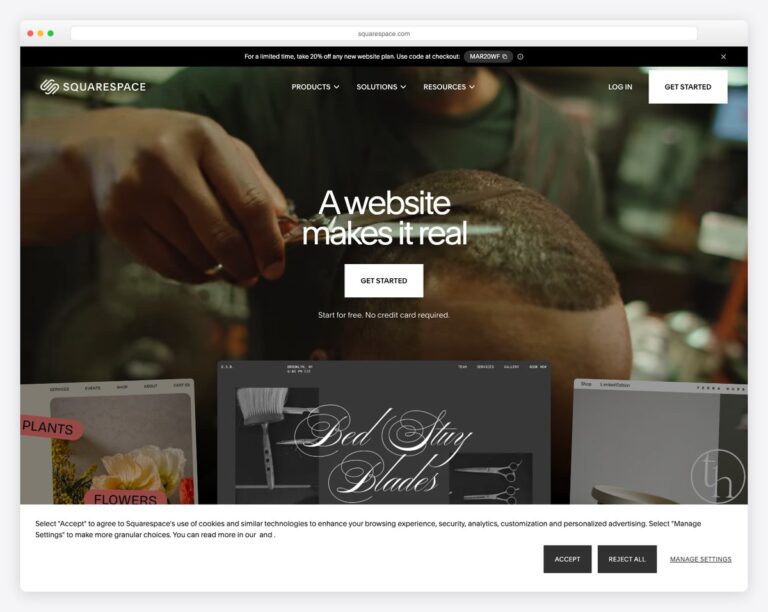
Design customization is limited compared to Squarespace. This is the honest truth that most Tithe.ly reviews won’t tell you: Tithe.ly websites look good, but they don’t look as good as Squarespace websites. The template library is smaller. The design flexibility is more constrained. The editor isn’t as refined. If visual design quality is your top priority — if you want a website that makes visitors feel something the moment they land — Squarespace wins.
That said, Tithe.ly’s design quality has improved significantly and is more than adequate for most churches. We’re talking about the difference between “good” and “great,” not “bad” and “good.”
Transaction fees on giving. Tithe.ly charges 2.9% + $0.30 per transaction on all online giving. For a church receiving $10,000/month in online donations, that’s approximately $320/month in processing fees. This is in line with standard payment processing — Stripe charges the same 2.9% + $0.30 — but it adds up. Tithe.ly does offer a “cover the fee” checkbox that lets donors absorb the processing cost — and most givers (about 60%, per Tithe.ly) opt in, which effectively eliminates this cost for the church.
The all-in-one bundle adds up. Tithe.ly Sites alone is an affordable $19/month — actually less than Squarespace’s Core plan ($29/month) and comparable to self-hosted WordPress ($5-$25/month hosting). The bigger expense is the All-in-One bundle at $119/month, which only makes sense if you will actually use the app and church-management tools.
SEO capabilities are basic. Tithe.ly’s SEO tools are limited compared to WordPress (with Yoast or RankMath) or even Squarespace. You can set basic page titles and meta descriptions, but there’s no schema markup control, limited URL customization, and basic analytics. If church SEO is a strategic priority, WordPress gives you significantly more control.
Smaller third-party ecosystem. WordPress has 60,000+ plugins. Squarespace has a growing app marketplace. Tithe.ly’s ecosystem is largely self-contained — which is a strength (everything works together) and a weakness (fewer options if you need something Tithe.ly doesn’t offer).
| Product | Free Tier | Premium | Notes |
|---|---|---|---|
| Tithe.ly Giving | Free (2.9% + $0.30/txn) | Free (same fees) | Giving is free on all plans; fees are per-transaction only |
| Tithe.ly Sites | 30-day free trial | $19/mo (hosting included) | One of the lowest-cost church site builders |
| Tithe.ly App | Not available free | $89/mo | Custom-branded iOS + Android app |
| Tithe.ly ChMS | $72/mo | Included with All-in-One | People management, groups, check-in |
| Tithe.ly Media | Not available free | Included with All-in-One | Sermon hosting, live streaming |
| All-in-One Bundle | N/A | $119/mo | Everything above combined |
| Scenario | Tithe.ly | Squarespace + Tithe.ly Giving | WordPress |
|---|---|---|---|
| Website | $19/mo | $29/mo | $15/mo (hosting) |
| Giving | Included (per-txn fees) | Free embed (per-txn fees) | Free plugin (per-txn fees) |
| Domain | Included | Free first year, $20/yr after | $12/yr |
| Theme/Template | Included | Included | $0-$99 (one-time) |
| Church app | +$89/mo if needed | Not available | Not available |
| Annual Total (website + giving) | $228/yr | $348-$368/yr | $180-$279/yr |
| Annual Total (all-in-one) | $1,428/yr | N/A (no app/ChMS) | N/A (would need separate tools) |
The value calculation: If your church would otherwise pay separately for a website builder ($19-$29/mo), a giving platform ($0-$50/mo), a church app ($50-$100/mo), and church management software ($50-$100/mo), the Tithe.ly All-in-One at $119/month could actually save money while simplifying your tech stack. For churches that only need a website and giving, Squarespace + Tithe.ly Giving embed is the more cost-effective option.
| Feature | Tithe.ly | Squarespace | WordPress | Subsplash |
|---|---|---|---|---|
| Design quality | ★★★☆☆ | ★★★★★ | ★★★★☆ | ★★★☆☆ |
| Built-in giving | ★★★★★ | ☆☆☆☆☆ (embed only) | ★★★☆☆ (plugin) | ★★★★★ |
| Church app | ★★★★☆ | ☆☆☆☆☆ | ☆☆☆☆☆ | ★★★★★ |
| Ease of use | ★★★★☆ | ★★★★★ | ★★★☆☆ | ★★★★☆ |
| SEO capabilities | ★★☆☆☆ | ★★★☆☆ | ★★★★★ | ★★☆☆☆ |
| Sermon management | ★★★★★ | ★★☆☆☆ (workaround) | ★★★★☆ (plugin) | ★★★★★ |
| Starting price | Free | $16/mo | ~$5/mo | Custom ($99+) |
| All-in-one? | Yes | No | No | Yes |
Detailed comparisons: Tithe.ly vs. Subsplash · Squarespace vs. WordPress · All builders compared
Pros
Cons
Here are real church websites built on Tithe.ly Sites — so you can see the design quality the builder produces before you sign up:
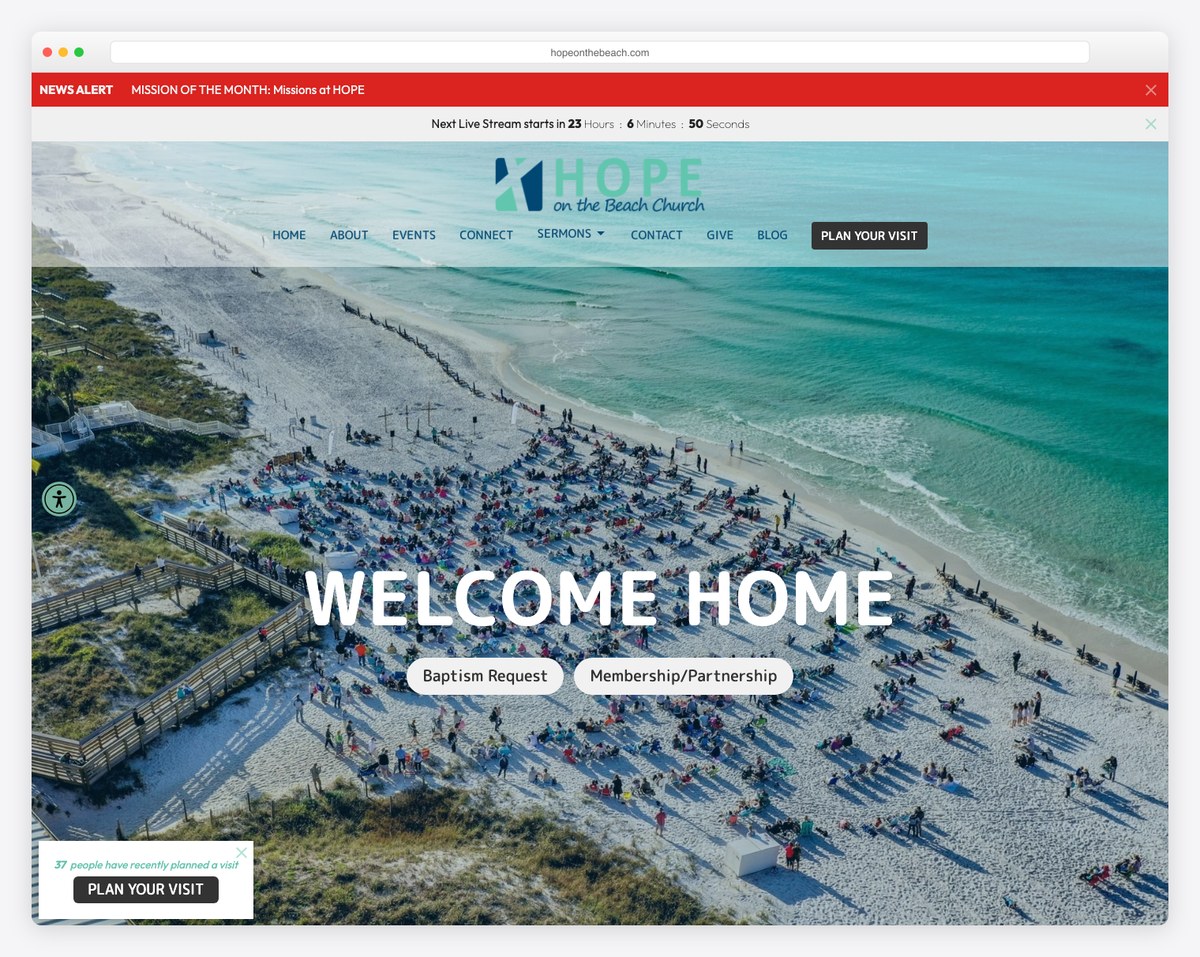
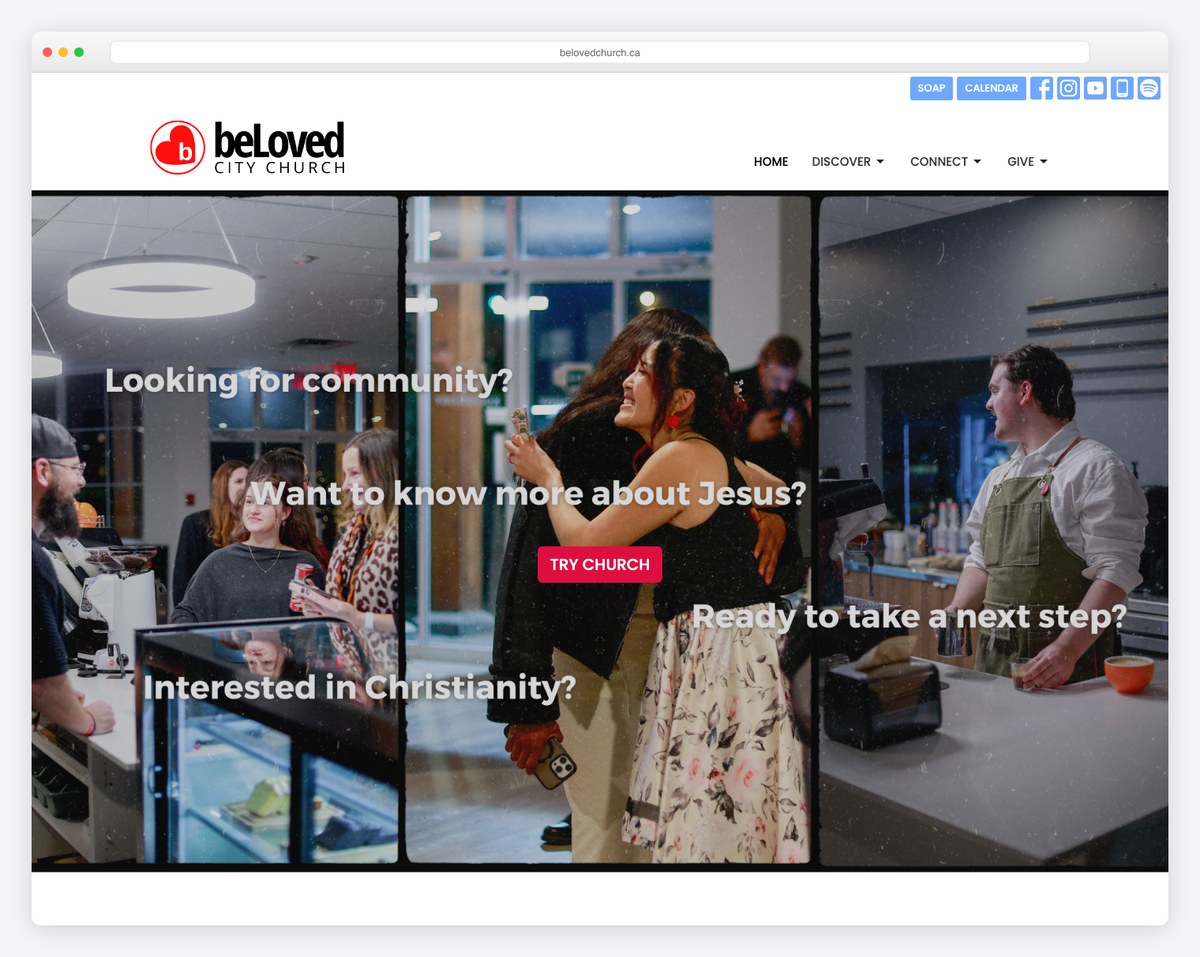

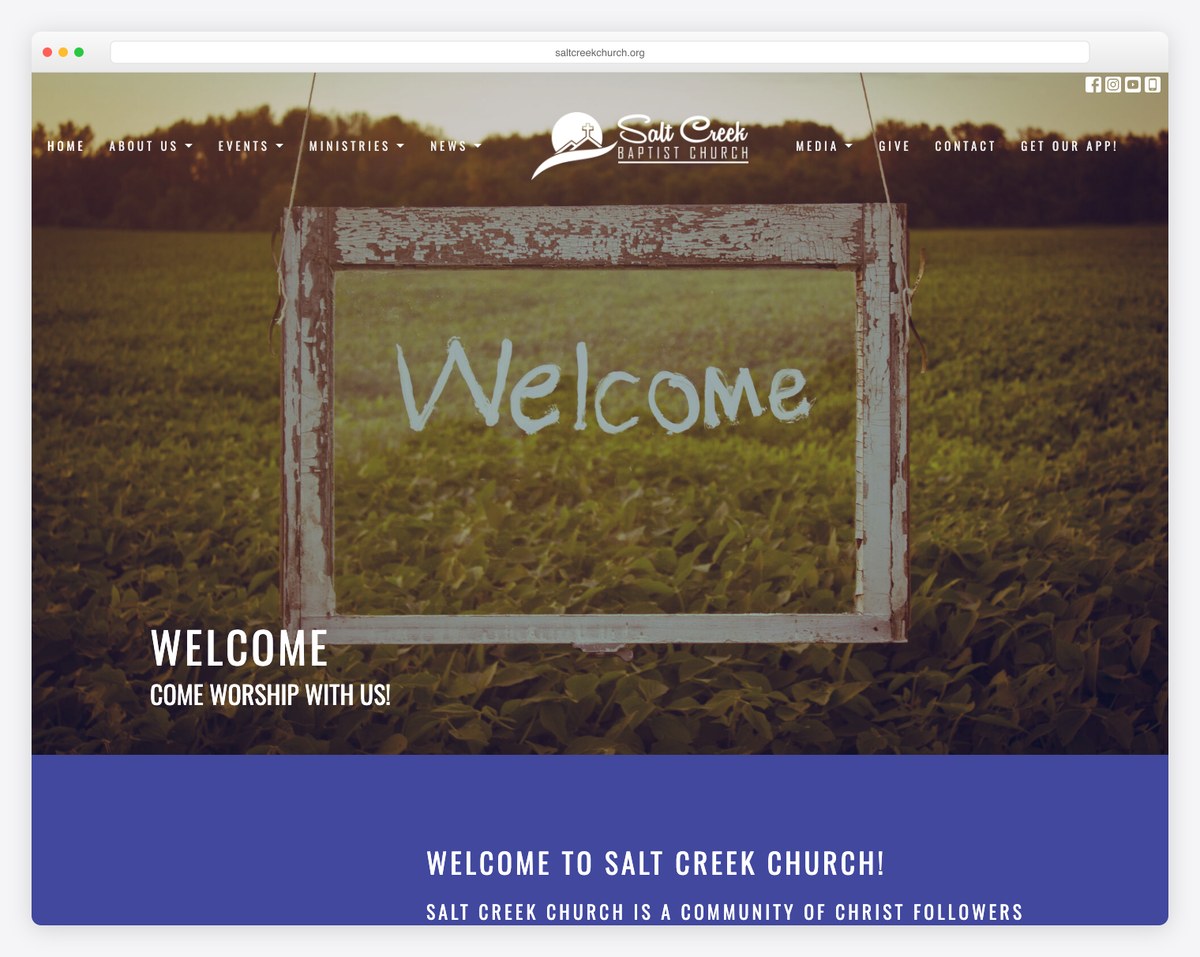
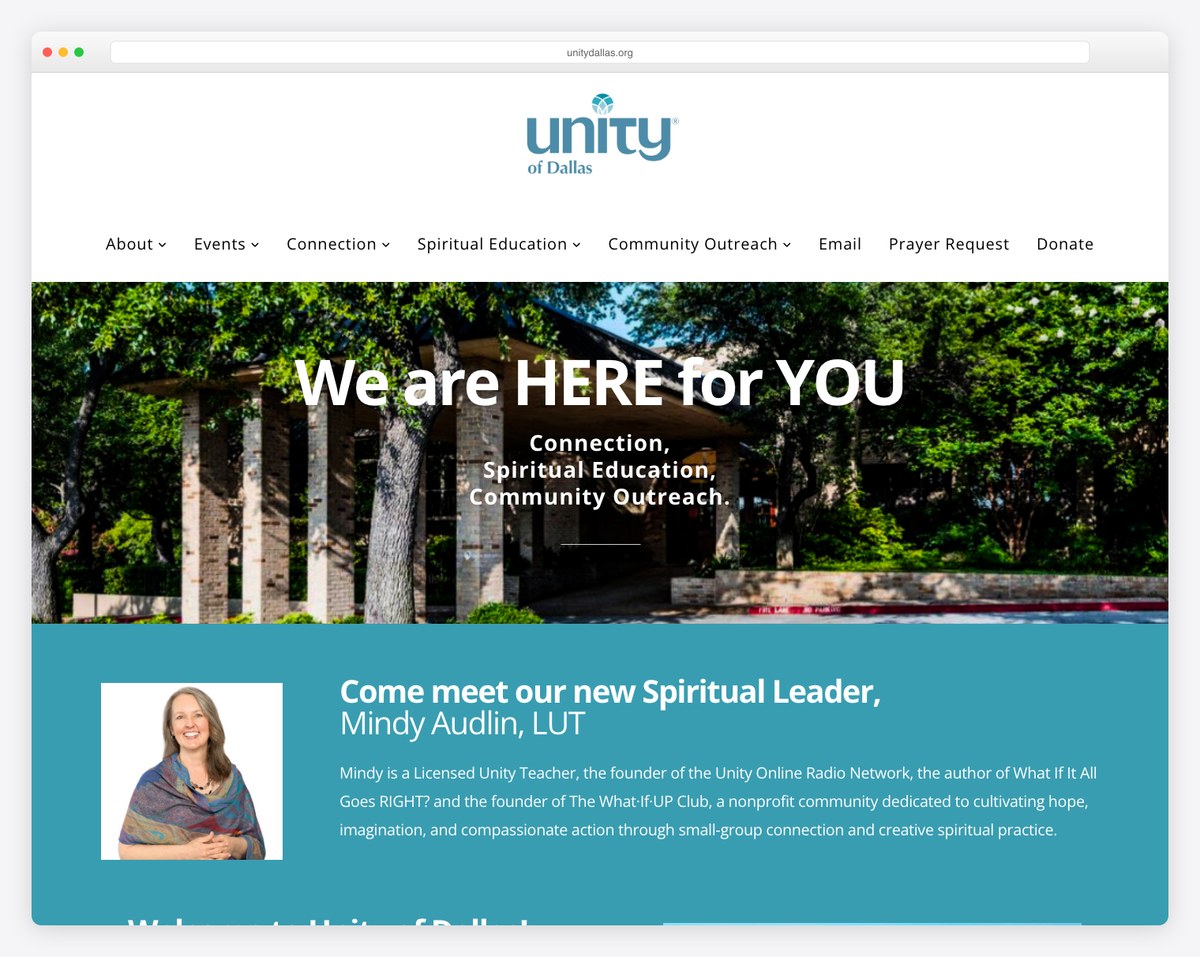
These are clean, modern, mobile-friendly sites — proof that the low-cost plan can produce a genuinely professional church website without a designer.
The Tithe.ly Giving platform is free to use — you only pay per-transaction processing fees (2.9% + $0.30). Tithe.ly Sites costs $19/month with a 30-day free trial; Tithe.ly Giving itself is free forever, and you only pay standard per-transaction processing fees.
Pushpay is the premium option — higher adoption rates, better app experience, and dedicated support. But Pushpay doesn’t publish pricing (churches report a few hundred to over a thousand dollars a month on an annual contract), while Tithe.ly’s giving is free (per-transaction only). For most churches, especially those under 500 members, Tithe.ly’s giving is more than sufficient. Pushpay makes sense for large churches that want maximum giving adoption and can justify the premium. See our full Tithe.ly vs Pushpay comparison for the details.
Yes. Tithe.ly provides an embeddable giving form that works on any website — Squarespace, WordPress, Wix, or any platform that supports HTML embeds. This is actually a very common setup: churches use Squarespace for the website and embed Tithe.ly for giving. See our online giving setup guide for instructions.
Tithe.ly for better value and self-service setup. Subsplash for the best church app experience and dedicated support. We have a detailed Tithe.ly vs. Subsplash comparison.
Tithe.ly doesn’t have an automated import tool, so you’ll need to manually recreate your pages and content. The upside: starting fresh on Tithe.ly means you can redesign simultaneously. Budget 1-2 weeks for a full migration from another platform.
Tithe.ly is the best choice for churches that want a unified technology platform. If you’re currently paying separately for a website builder, giving platform, church app, and church management system — or if you’re starting from scratch and want everything in one place — Tithe.ly delivers the most complete solution at a fair price.
If design quality is your #1 priority, go with Squarespace (and embed Tithe.ly for giving). If you need maximum flexibility and SEO control, go with WordPress. If you want the best church app experience and have the budget, consider Subsplash.
But if you want one platform that does everything a church needs — and does it well enough across the board — Tithe.ly is the clear winner. Start with the 30-day free trial and see for yourself.
Compare all options in our complete church website builders guide. And if you’d prefer a custom-built church website, reach out to us — we help churches choose platforms and build websites every day.

Church Website Builders
Church Website Builders
Church Website Builders
10 complete church website templates, MIT licensed. Browse every demo freely; we will email you whichever folder you want.
All templates