Church Website Builders
Tithe.ly and Subsplash are the two biggest church-specific technology platforms, and most churches shopping for an all-in-one solution will compare them head-to-head. Both offer websites, apps, giving, and communication tools. Both market specifically to churches. But they serve different needs, budgets, and church sizes.
We’ve used both platforms extensively. This is a detailed, honest comparison to help you decide which one fits your church — not a rehash of marketing pages.
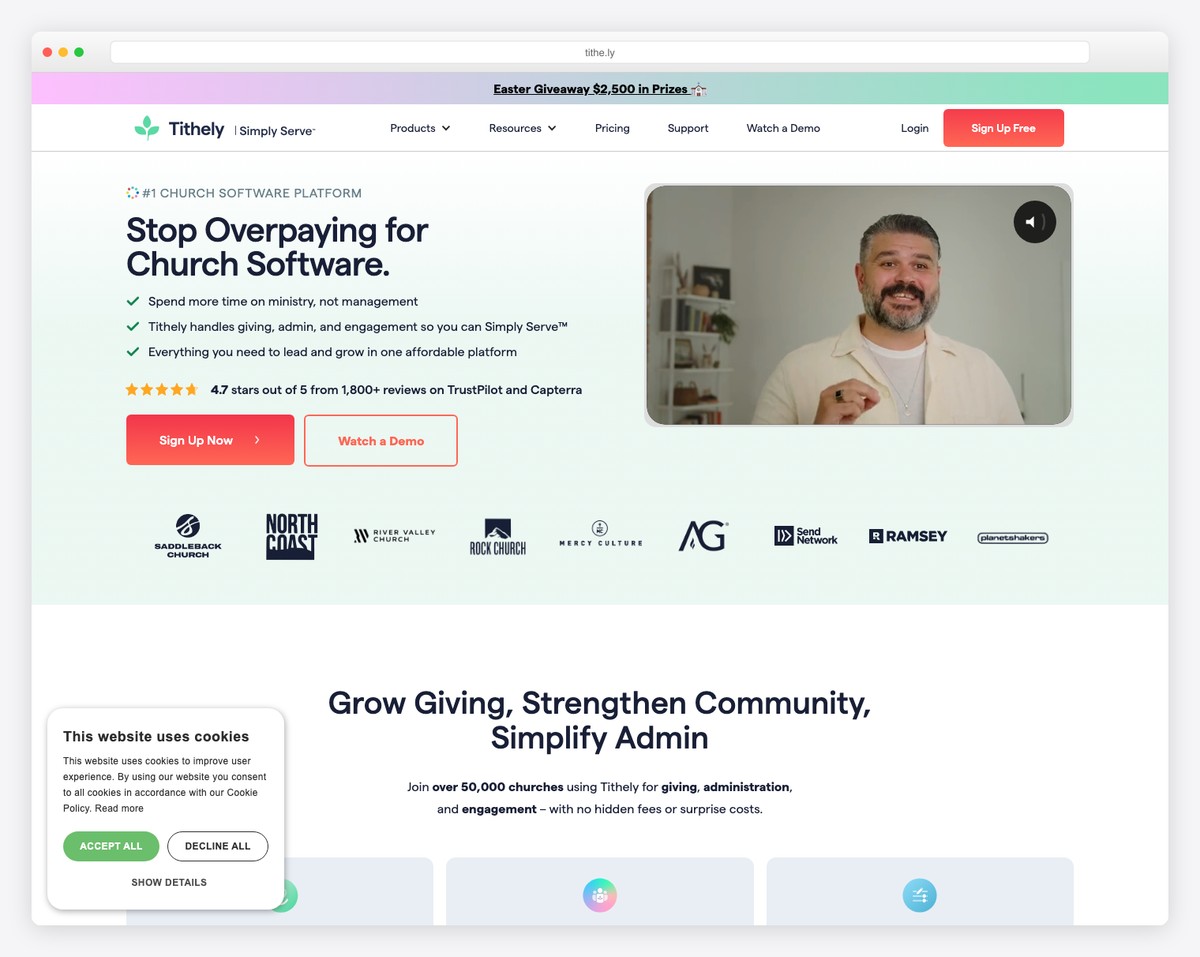
Choose Tithe.ly if your church is small to mid-size, budget-conscious, needs a website first and foremost, and wants to start free or cheap with room to grow.
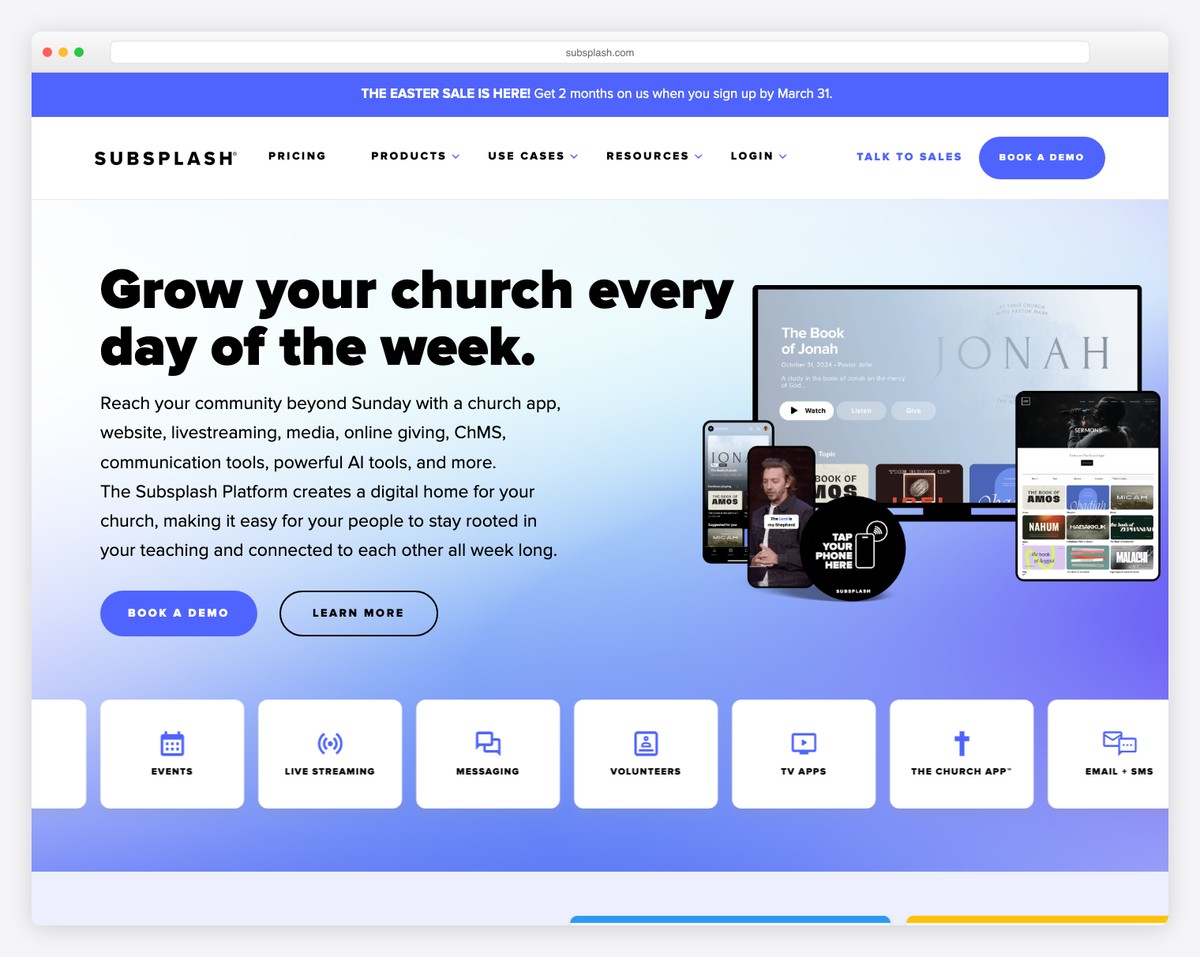
Choose Subsplash if your church is mid-size to large, prioritizes a custom mobile app, wants the best sermon/media management, and has the budget for a premium platform.
| Feature | Tithe.ly | Subsplash |
|---|---|---|
| Website builder | Included (Tithe.ly Sites) | Included (Subsplash Sites) |
| Website design quality | Good — clean, modern templates | Good — slightly more template variety |
| Custom mobile app | Available (paid add-on) | Core strength — best church app platform |
| Online giving | Core feature, excellent | Included, solid |
| Giving processing fee | 2.9% + $0.30 (credit/debit) | 2.99% + $0.30 standalone; 2.3% + $0.30 on Subsplash One |
| ACH/bank transfer fee | 1% + $0.30 | 1% (no fixed fee) |
| Text-to-give | Yes | Yes |
| Sermon management | Basic — audio/video hosting | Advanced — best-in-class media management |
| Live streaming | Available | Available (strong integration) |
| Church management (ChMS) | Tithe.ly People (included in higher tiers) | Limited — relies on integrations |
| Communication tools | Email and SMS included | Push notifications, SMS, email |
| Check-in | Available | Available |
| Groups management | Available | Available |
| Free tier | Free giving only (site is $19/mo) | Free giving only (Subsplash Giving $0/mo) |
| Starting price (paid) | ~$19/month | ~$99-199/month (custom quote) |
| Pricing transparency | Published on website | Quote required for most plans |
| Best for church size | Under 500 attendance | 500+ attendance |
| Integrations | Planning Center, Mailchimp, others | Planning Center, strong API |
Both platforms include a website builder, and both produce clean, mobile-responsive church websites. Neither will win a design award against Squarespace, but both look professional and include church-specific content sections (sermons, events, giving, staff).
Tithe.ly Sites is slightly easier to use for non-technical volunteers. The drag-and-drop editor is intuitive, and the $19/month entry price keeps the barrier low. Templates are clean but somewhat limited in variety.
Subsplash Sites offers more template options and slightly more customization depth. The editor is capable but has a steeper learning curve. There’s no free website tier — Subsplash Giving is free standalone, but the platform itself is paid from day one.
Winner: Tithe.ly — The $19/month entry price and free standalone giving make it the better choice for most churches. If you’re comparing paid tiers only, it’s close to a tie.
This is where Subsplash clearly separates itself. Subsplash was originally a mobile app company, and their church app is still the best in the industry. Custom-branded, available on iOS and Android, with deep integration for sermons, giving, push notifications, events, and media.
The app experience is polished: smooth navigation, fast loading, offline sermon access, and a design that matches your church’s branding. Push notifications through the app are one of the most effective ways to reach your congregation — better open rates than email.
Tithe.ly offers a mobile app as well, but it’s a newer addition to their platform and not as mature. The app works and covers the basics, but it doesn’t match Subsplash’s depth or polish. If a custom church app is a priority for your church, Subsplash is the clear choice.
Winner: Subsplash — Not close. Their app is best-in-class.
Both platforms handle online giving well. Fees are close but not identical: Tithe.ly charges 2.9% + $0.30 for cards and 1% + $0.30 for ACH; Subsplash charges 2.99% + $0.30 standalone (2.3% + $0.30 on its full platform) and 1% with no fixed fee for ACH. Both support recurring giving, text-to-give, and giving statements.
Tithe.ly has a slight edge here because giving was their original product. The giving experience is refined, the donor interface is clean, and the admin tools for tracking and reporting are excellent. Tithe.ly also offers a standalone giving product you can use without their website or app — useful if you only need giving.
Subsplash Giving is equally functional but feels more like one feature among many rather than the flagship product. The in-app giving experience is excellent (leveraging the strong app), and text-to-give works seamlessly.
Winner: Tithe.ly — Marginally, because of their giving-first heritage and standalone giving option.
Subsplash excels at media management. Their platform handles sermon audio, video, series organization, speaker profiles, and media libraries with more sophistication than Tithe.ly. If your church produces a lot of media content — multiple sermon series, podcast-style content, video teachings — Subsplash’s tools are superior.
Tithe.ly handles sermon management adequately. You can upload audio and video, organize by series and speaker, and display sermons on your website. For most churches that publish one sermon per week, it’s sufficient. But for churches with extensive media libraries, Subsplash is the better tool.
For best practices on either platform, see our sermon archive guide.
Winner: Subsplash — Especially for media-heavy churches.
Tithe.ly includes Tithe.ly People, a church management system, in their higher-tier plans. It covers member directories, groups, volunteer management, and basic pastoral care tracking. It’s not as comprehensive as dedicated ChMS tools like Planning Center or Breeze, but for churches that want everything in one place, it’s a genuine option.
Subsplash doesn’t offer a full ChMS. They integrate with external tools — most notably Planning Center — and focus on being the front-end experience (website + app) rather than the back-end management tool. This is actually a smart approach if your church already uses and loves Planning Center.
Winner: Tithe.ly — If you want ChMS included. Subsplash — If you prefer best-of-breed tools connected via integrations.
This is where the decision gets real for most churches.
| Tier | Tithe.ly | Subsplash |
|---|---|---|
| Free/Entry | $19/mo site; giving free | Giving free ($0/mo); no free site or app |
| Basic paid | ~$19/month | ~$99-149/month |
| Mid-tier | ~$99/month | ~$199-299/month |
| Full platform | ~$149/month | ~$299-499/month (custom) |
| Custom app add-on | Additional cost | Included in most plans |
Tithe.ly is roughly half the cost of Subsplash at comparable feature levels. The free tier makes the gap even larger for churches that are just getting started. For a small church spending $50-100/month with Tithe.ly, switching to Subsplash would mean $200-400/month for a similar feature set plus a better app.
Is the better app and media management worth 2-3x the cost? For some churches, absolutely. For most small and mid-size churches, probably not. For a broader cost comparison, see our church website cost guide.
For most churches reading this article — especially those under 500 in attendance — Tithe.ly is the better choice. The combination of a low $19/month entry price, free standalone giving, transparent pricing, a solid website builder, and a growing feature set makes it the most practical option for the majority of churches.
Subsplash is the better platform, feature for feature, at the premium tier. But “better” only matters if your church needs those premium features and can afford the premium price. A $300/month platform that your church can’t sustain isn’t better than a $49/month platform that serves you well for years.
If you’re still unsure, start with Tithe.ly’s 30-day free trial. Build your website, set up giving, and use the platform for 3-6 months. If you hit limitations that matter — especially around the mobile app or media management — then evaluate Subsplash. You’ll be making the decision based on actual experience rather than marketing materials.
And if neither platform appeals to you, remember that a general-purpose builder like Squarespace paired with a standalone giving tool can produce a beautiful website at a lower total cost than either church-specific platform. See our church website builders comparison for all the options.
Yes, but it requires rebuilding your website and migrating your giving data. Sermon content, member information, and website design won’t transfer automatically between platforms. The process typically takes 2-4 weeks and is similar to a full website redesign. Giving history can usually be exported as CSV files for record-keeping.
Yes. Both Tithe.ly and Subsplash support recurring giving with options for weekly, bi-weekly, and monthly schedules. Donors can manage their recurring gifts through the website or app. Both platforms send giving receipts and year-end statements. Card fees are nearly identical — 2.9% + $0.30 vs 2.99% + $0.30 (2.3% on the full Subsplash platform) — so the financial difference for giving is small.
Both offer chat and email support. Subsplash is generally reported to have more responsive support with dedicated account managers for larger churches. Tithe.ly’s support is adequate but can be slower during peak times. If responsive support is critical to your church, ask about dedicated account management during your evaluation of either platform.
Most churches under 300-500 attendance don’t need a custom app. A well-built, mobile-responsive website handles the same functions — sermons, events, giving, contact — without requiring people to download anything. Apps become valuable when your congregation is large enough for high adoption rates and when you want to use push notifications as a primary communication channel. If you’re unsure, start without an app and add one later if there’s demand.
Yes. Tithe.ly’s giving tools can be embedded on any website, including Squarespace, WordPress, or Wix. You don’t need to use Tithe.ly Sites to use Tithe.ly giving. Many churches use Squarespace for their website (better design) and Tithe.ly for giving (best church giving platform) — it’s a strong combination.

Church Website Builders
Church Website Builders
Church Website Builders
10 complete church website templates, MIT licensed. Browse every demo freely; we will email you whichever folder you want.
All templates