Church Website Builders
Wix is one of the most popular website builders in the world, with an enormous user base. It’s heavily advertised, has a generous free plan, and its AI-powered builder can generate a website in minutes. So naturally, church leaders ask: can we use Wix for our church website?
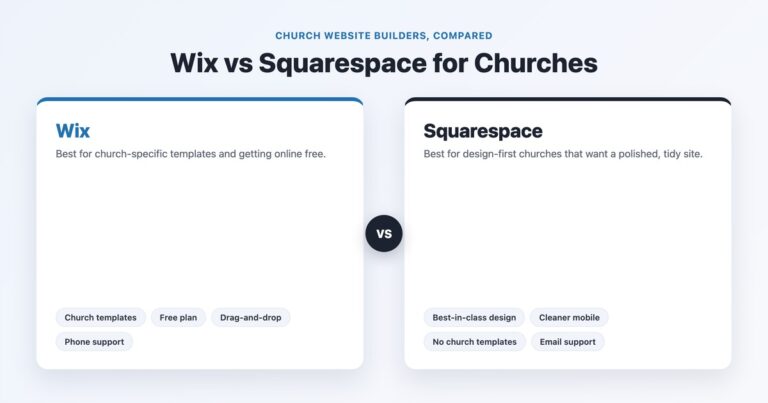
The short answer: yes, but with significant trade-offs. Wix is a capable general-purpose builder that can work for churches — especially small churches with tight budgets. But it wasn’t designed for churches, it lacks some critical church-specific features, and its design quality doesn’t match what you’ll get from Squarespace or dedicated church builders like Tithe.ly Sites. For a direct head-to-head, see our Wix vs Squarespace for churches comparison.
This is an honest, thorough review. We’ll cover what Wix does well, where it falls short for churches specifically, what it actually costs, and who should (and shouldn’t) use it.
Who it’s for: Small churches (under 100 members) with near-zero budget that need a basic online presence quickly. Church plants that need something free right now and plan to upgrade later.
Who should skip it: Any church that cares about design quality, needs online giving integration, wants church-specific features (sermon management, event registration), or has $16+/month to spend on Squarespace or Tithe.ly.
Our rating: 2.8 out of 5 for churches
Pricing: Free plan; paid ~$17–$39/month for most churches
Better alternatives: Squarespace (better design, same price), Tithe.ly Sites (church-specific, $19/mo), WordPress (more flexibility)

Wix’s free plan is the most functional free website builder available. You get a fully operational website with pages, contact forms, a blog, and basic SEO — for $0. The catch is Wix ads on your site and a Wix-branded URL (yourchurch.wixsite.com/site-name), but for a church that truly has zero budget, it works.
Compare this to other platforms: Squarespace has no free plan (only a 14-day trial), WordPress.org requires paid hosting, and Tithe.ly’s $19/month plan is more limited in design flexibility. If you need a website today and have no money, Wix is a legitimate option.
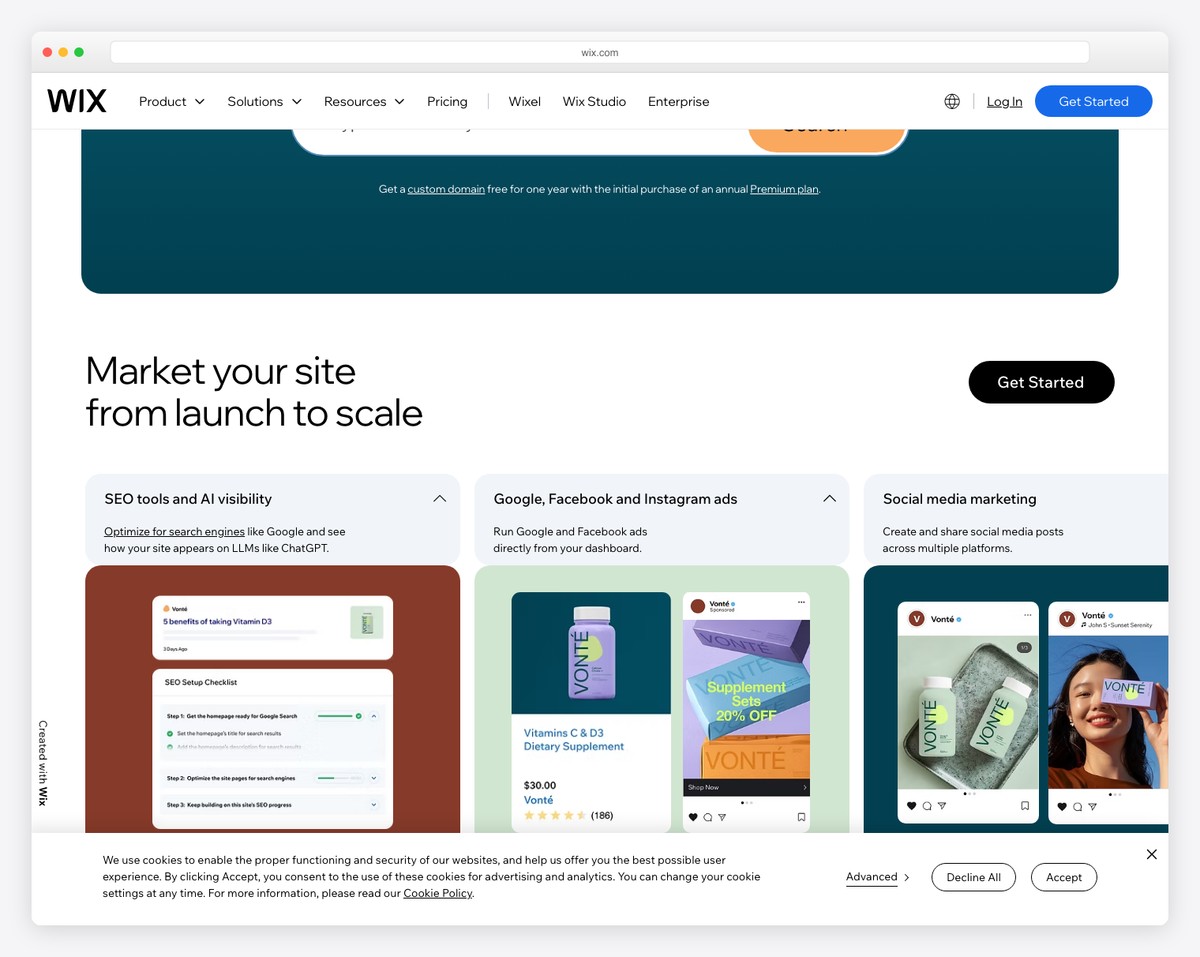
Wix’s AI Design Intelligence (ADI) can generate a complete website in minutes. Answer a few questions about your church — name, type, features you need — and Wix creates a multi-page site with images, text, and layout. It’s impressive technology that removes the blank-canvas intimidation many church volunteers feel.
The AI-generated sites aren’t going to win design awards, but they’re functional starting points. For a volunteer who’s been asked to “get us a website” with no design background, Wix ADI eliminates the hardest part: starting from nothing.
Wix’s App Market has over 500 apps that add functionality to your site. While none are specifically designed for churches, several serve church needs:
Wix gives you absolute pixel-level control over every element on your page. You can drag anything anywhere — text, images, buttons, shapes, videos. For people who think visually and want total creative freedom, this is appealing.
However, this is also a double-edged sword (more on that in the “Where It Falls Short” section).
Wix has improved its SEO capabilities significantly. The “Wix SEO Wiz” walks you through basic optimization step by step, and the platform now supports custom meta tags, alt text, structured data, XML sitemaps, and URL customization. While not as powerful as WordPress with a dedicated SEO plugin, Wix’s SEO tools are adequate for local church visibility. Pair them with a Google Ad Grant and basic church SEO practices for good results.
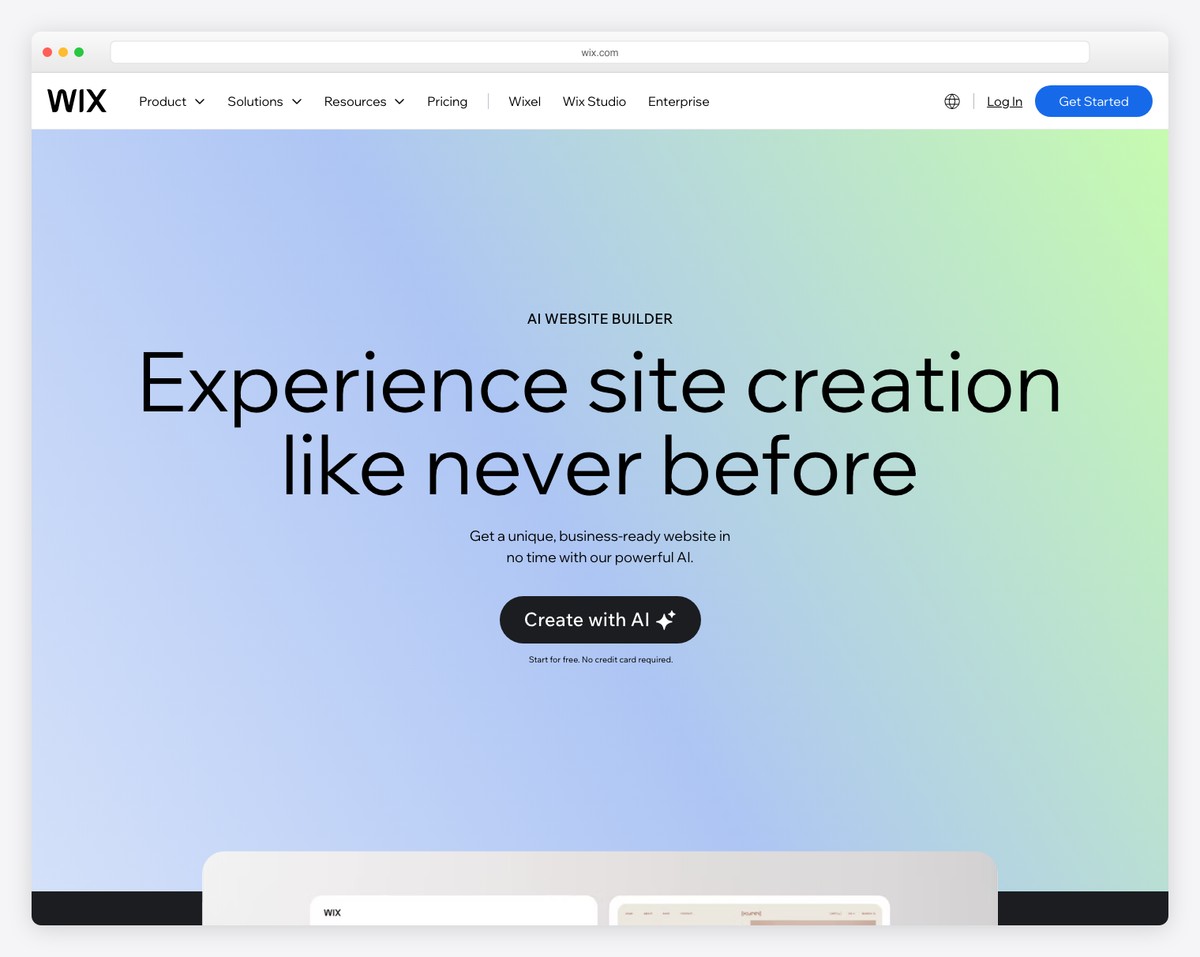
This is the biggest issue. Wix templates look dated compared to Squarespace templates, and the pixel-level freedom that sounds great in theory often leads to inconsistent, amateur-looking designs in practice.
With Squarespace, it’s hard to make an ugly website — the system constrains you within beautiful design guardrails. With Wix, it’s easy to make an ugly website because there are no guardrails. Misaligned text, inconsistent spacing, clashing fonts, and cluttered layouts are common on Wix sites because the editor lets you do anything — including things you shouldn’t.
For a church website, first impressions matter enormously. Research shows visitors form opinions about your church in 3-5 seconds based on your website. A Squarespace site at $16/month will consistently look more professional than a Wix site at $17/month. Compare church websites across platforms in our top 50 church website designs to see the difference.
Wix’s native Donations app (added from the App Market, on a payments-capable plan) is generic — it has no church-specific giving features. You can embed third-party giving tools (like Tithe.ly’s giving button), add a PayPal donate button, or use Wix’s general-purpose payment forms — but none of these provide the church-specific features you need: fund designation, recurring giving, donor statements, and tax receipts.
Platforms like Tithe.ly Sites and Subsplash include giving natively. Even on Squarespace, embedding Tithe.ly is a cleaner experience because of Squarespace’s better code embed support. On Wix, the workarounds feel clunky.
There’s no sermon plugin or app for Wix. You can embed YouTube videos on blog posts (using the blog as a makeshift sermon archive), but you won’t get the organized, searchable sermon archive that dedicated church platforms or WordPress plugins provide — filtering by speaker, series, Scripture reference, or topic.
For churches that take their sermon content seriously (and you should — sermon pages are often the most visited pages on church websites), this is a significant gap.
Once you choose a Wix template and start building, you’re locked in. If you want a different template later, you have to rebuild your entire site from scratch. Every page, every piece of content, every customization — gone.
Squarespace lets you switch templates while keeping your content. WordPress lets you change themes freely. Even Tithe.ly Sites lets you swap layouts. Wix’s template lock-in means your initial choice carries permanent consequences — which is stressful for volunteers who aren’t sure what they want yet. For a full head-to-head, see our WordPress vs Wix for churches comparison.
Wix’s editor packs an enormous number of options into the interface: panel after panel of settings, apps, widgets, design tools, and media options. For experienced web designers, this is powerful. For a church volunteer who updates the website once a week, it’s overwhelming.
We’ve spoken with church communications directors who describe Wix as “exhausting to work in” compared to Squarespace’s cleaner interface. When your website volunteer dreads opening the editor, content stops getting updated — and an outdated church website is worse than no website at all.
If you decide to leave Wix, moving your content is painful. Wix doesn’t offer a native export feature for most content types. Blog posts can be exported, but pages, images, forms, and design elements need to be manually recreated on your new platform. This vendor lock-in should factor into your decision.
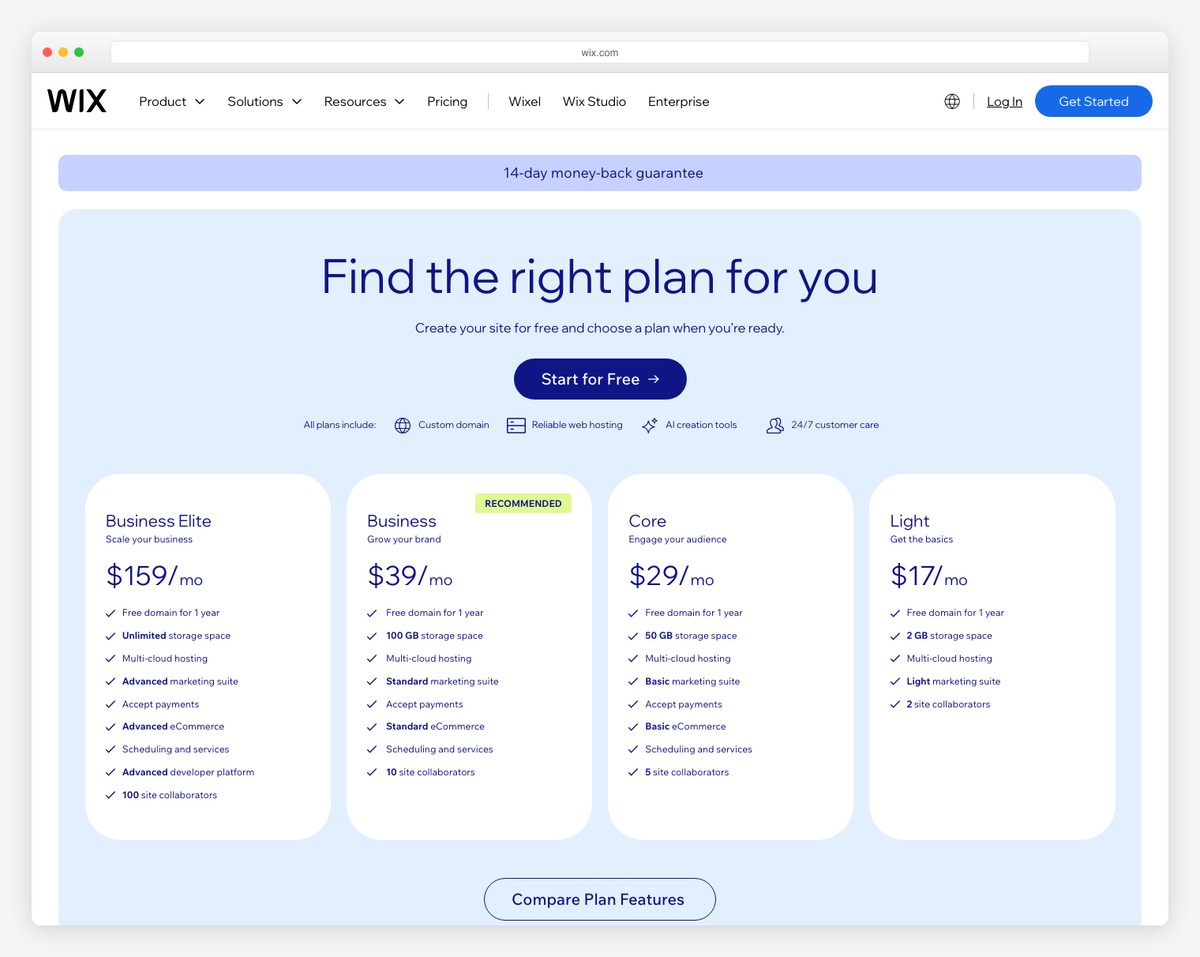
Wix offers a free plan and four paid tiers. Here’s what each one gives you and what churches actually need. For context on what other platforms cost, see our church website cost breakdown.
| Plan | Monthly Price | Storage | Bandwidth | Custom Domain | Remove Wix Ads | Key Features |
|---|---|---|---|---|---|---|
| Free | $0 | 500 MB | 1 GB | No (wixsite.com) | No | Basic site, Wix branding, limited storage |
| Light | $17/mo | 2 GB | Unlimited | Yes (1 year free) | Yes | Custom domain, basic analytics, removed ads |
| Core | $29/mo | 50 GB | Unlimited | Yes (1 year free) | Yes | Online payments, 50 GB storage, basic eCommerce |
| Business | ~$39/mo | 100 GB | Unlimited | Yes (1 year free) | Yes | Accept payments, 100 GB storage, priority support |
If you’re using the free plan, you get a functional but unprofessional-looking site with Wix branding and a clunky URL. Not ideal for a church trying to make a welcoming first impression.
Most churches need at least the Light plan ($17/month) for a custom domain and ad removal. If you want to accept any kind of payment (event registrations, resource sales, or workaround giving), you need the Core plan ($29/month).
Here’s the problem: at $17-29/month, Wix costs the same as or more than Squarespace ($19-29/month) while delivering inferior design quality. And Tithe.ly Sites offers church-specific features Wix doesn’t have at any price point, for $19/month after a 30-day trial. Wix’s value proposition really only holds on its free plan.
Beyond the plan price, factor in:
A realistic annual cost for a church Wix site with necessary paid features: $204-450/year.
Wix has invested heavily in AI tools, and they’re worth discussing for churches:
Tell Wix you’re building a church website, answer a few questions, and ADI generates a complete site. The results are usable but generic — the AI doesn’t understand church culture, and the suggested content often misses the mark. You’ll spend as much time editing the AI’s output as you would building from a template. Think of it as a starting point, not a finished product.
Wix can generate text for your pages using AI. For churches, the output ranges from “decent starting draft” to “robotic and soulless.” Church copy needs to be warm, authentic, and reflect your specific community — AI struggles with this. Use it for initial drafts of things like event descriptions or meta descriptions, but write your About page, welcome messages, and mission content yourself. Our church website copywriting guide will help.
Wix includes an AI image generator. For churches, we strongly advise against using AI-generated images. Your website should show real photos of your real community. Stock photos are better than AI images, and real photos are better than both. Visitors want to see what your church actually looks like — AI-generated images feel deceptive in a ministry context.
Wix makes sense in a narrow set of circumstances:
Since these are the three most common platforms churches consider at similar price points, here’s a direct comparison. For the full rundown including WordPress and Subsplash, see our church website builder comparison.
| Feature | Wix | Squarespace | Tithe.ly Sites |
|---|---|---|---|
| Lowest Price | Free (with ads + Wix URL) | $16/mo | Free (basic) |
| Design Quality | Average | Excellent | Good (church-focused) |
| Ease of Use | Moderate (cluttered editor) | Easy (clean editor) | Very Easy |
| Online Giving | No (embed third-party) | No (embed third-party) | Yes (native, built-in) |
| Sermon Management | No | No (blog workaround) | Yes (native) |
| Event Management | Yes (Wix Events app) | Yes (Acuity Scheduling) | Yes (native) |
| Mobile App | No | No | Yes (with Tithe.ly) |
| Template Switch | No (rebuild required) | Yes (keep content) | Yes |
| SEO Tools | Good | Good | Basic |
| Data Portability | Poor | Moderate | Limited |
| AI Builder | Yes (ADI) | Yes (basic) | No |
| Best For | Zero-budget churches | Design-focused churches | All-in-one simplicity |
If you’ve decided to use Wix (or you’re already on it), here are tips to make the most of the platform:
Here are real church websites built on Wix — from a polished site on a custom domain to free-plan examples — so you can judge the range for yourself:
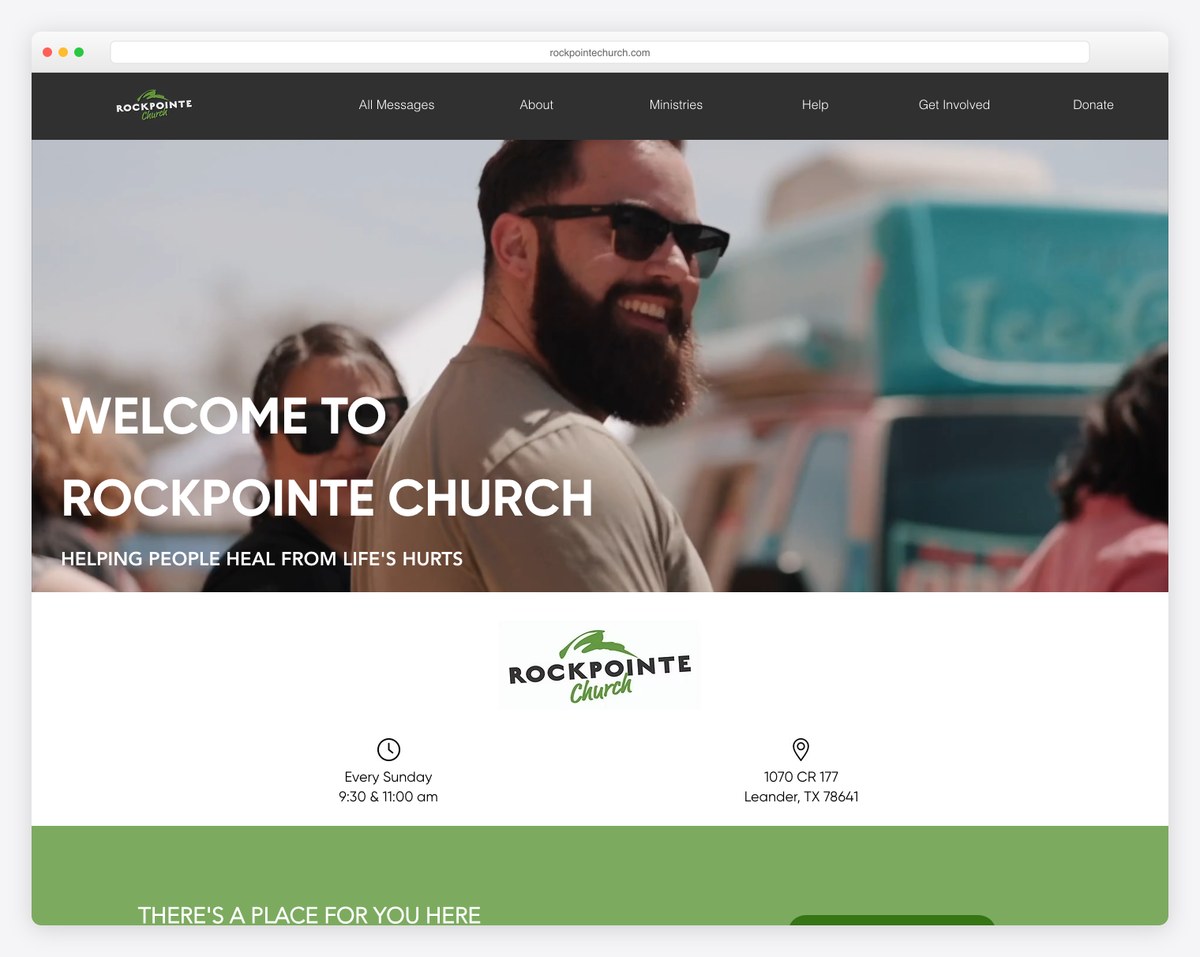
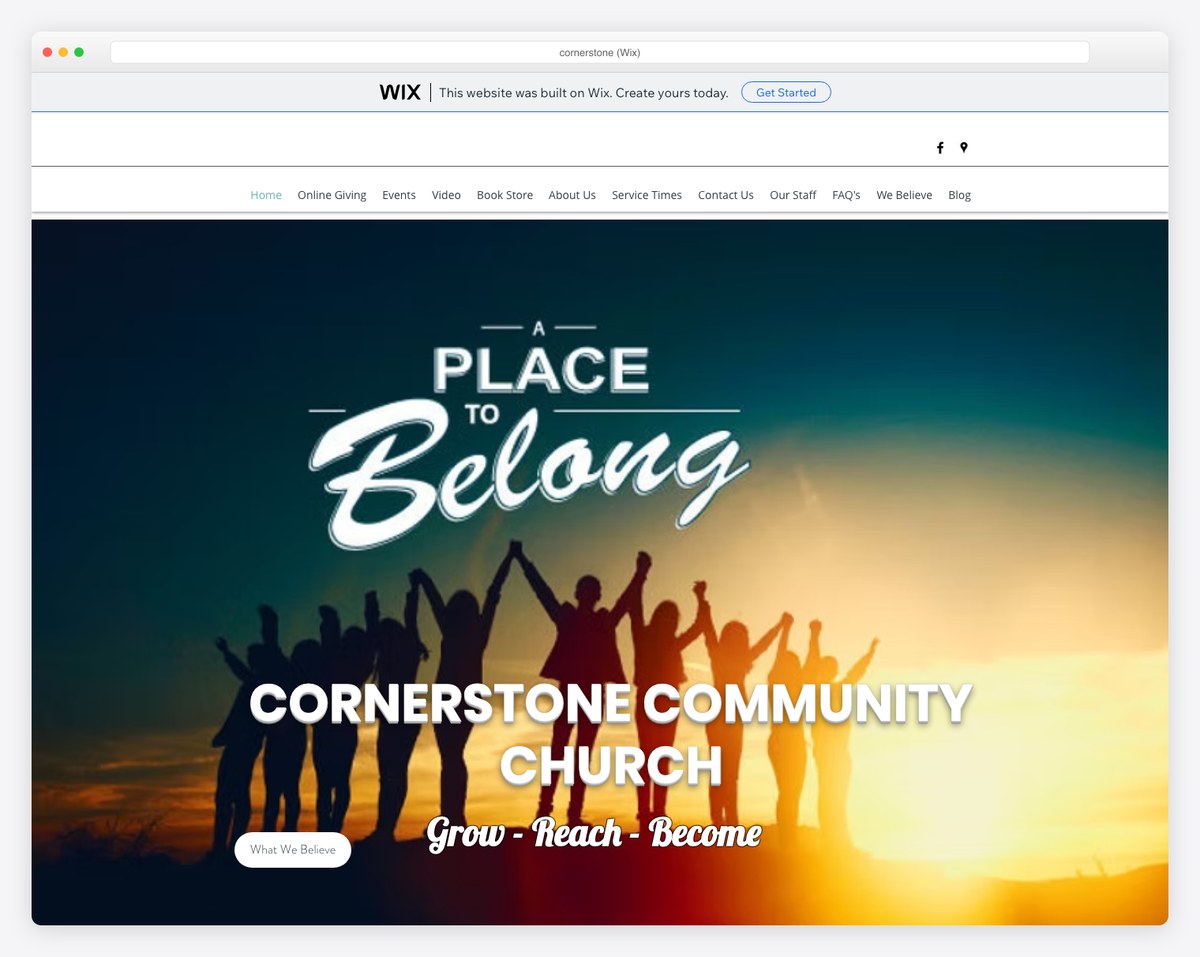
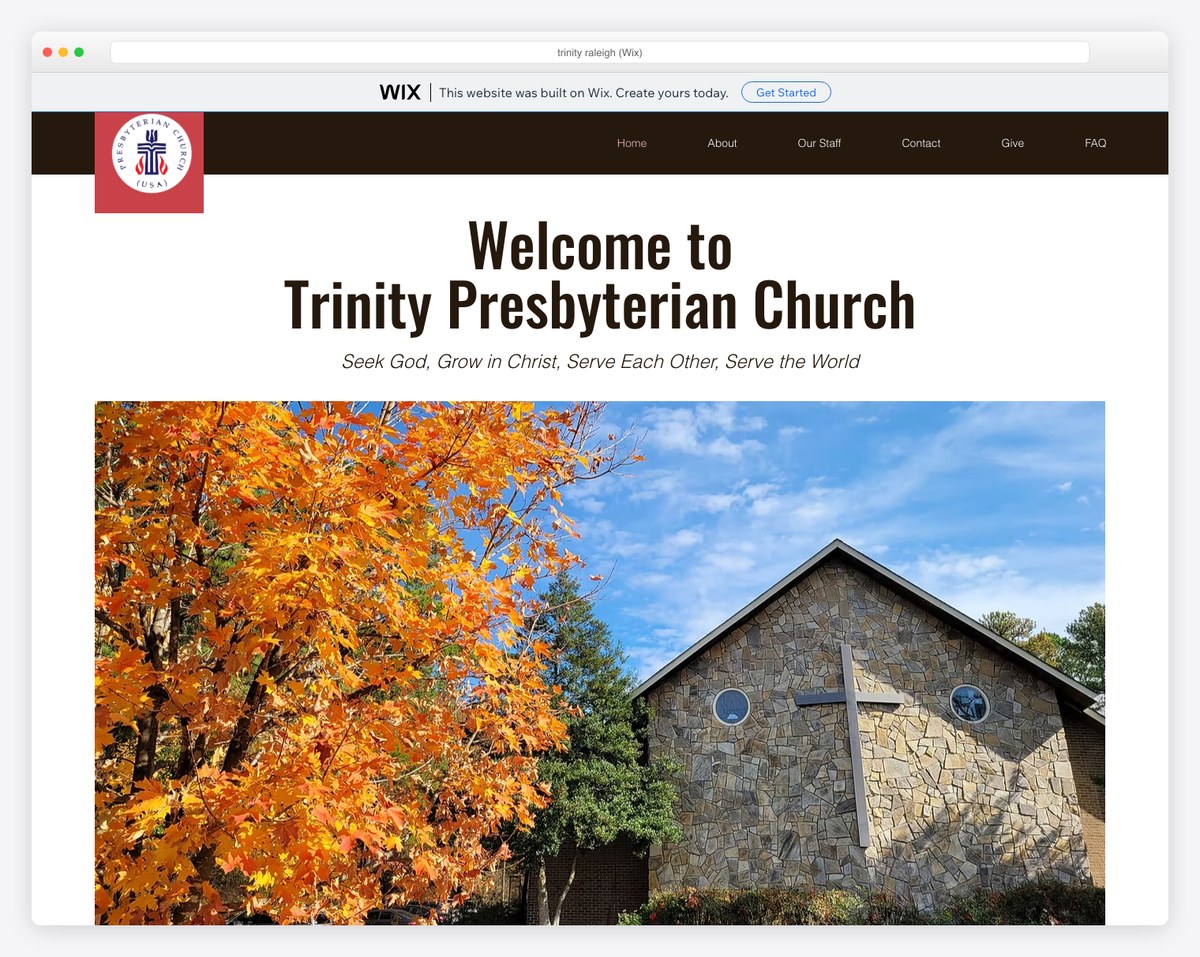
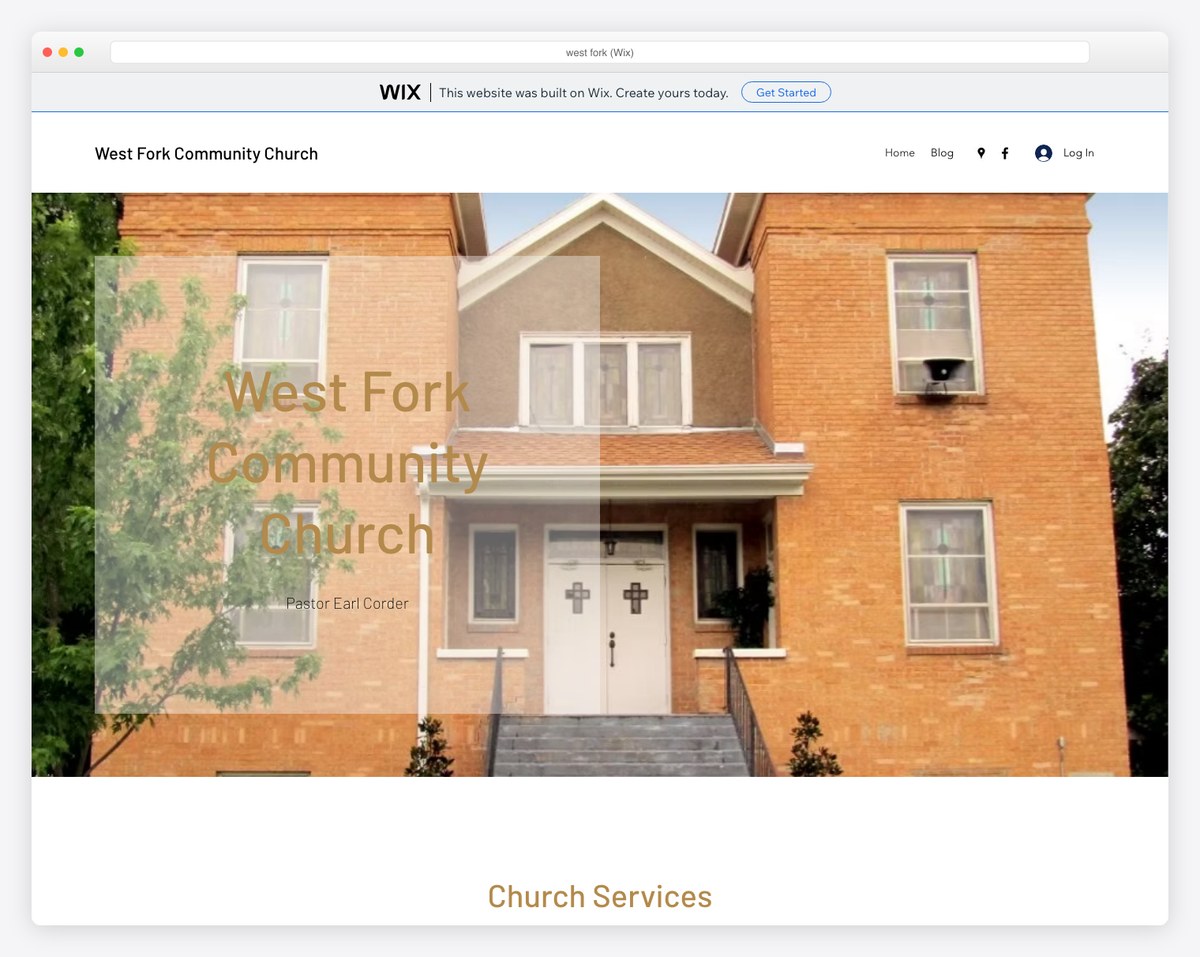
The takeaway: on a paid plan with a custom domain, Wix can look genuinely professional (see RockPointe). On the free plan you get a Wix banner and a wixsite.com address — fine for getting online, but worth upgrading before you promote the site widely.
Wix’s free plan is genuinely free — no credit card required, no time limit. However, your site will display Wix ads, use a wixsite.com URL, and have limited storage (500 MB). For a professional church presence, you’ll want at least the Light plan ($17/month) to remove ads and use your own domain. At that price, though, Squarespace offers better value.
Wix does not offer formal nonprofit or church discounts on their standard plans. Squarespace doesn’t either. If cost is a primary concern, Tithe.ly Sites is built specifically for churches at $19/month (30-day trial, no free tier), and WordPress.org is free with only hosting costs ($4-15/month).
Not natively, but you can embed a Tithe.ly giving button or link to an external giving page. The experience isn’t as seamless as platforms with built-in giving, but it works. See our online giving setup guide for step-by-step instructions.
Yes, but it’s not easy. Wix doesn’t offer a full site export. Blog posts can be exported, but pages, images, and design need to be manually recreated. The earlier you plan a migration, the easier it is. Many churches treat Wix as a temporary solution while saving for Squarespace or a WordPress setup.
Wix’s SEO has improved significantly and is adequate for local church visibility. You can customize page titles, meta descriptions, URLs, and alt text. The Wix SEO Wiz guides you through basic optimization. For most churches targeting local searches (“churches in [city]”), Wix’s SEO tools combined with a Google Business Profile and Google Ad Grant will get you found. WordPress still offers more SEO control if that’s a priority.
Wix automatically creates a mobile version of your site, and you can customize the mobile layout separately. However, because Wix uses absolute pixel positioning, the mobile conversion isn’t always clean — elements can overlap or appear in unexpected order. Always preview and adjust the mobile version manually after building your desktop site.
If you’re brand new to website building, start with ADI to generate a baseline, then switch to the regular editor to customize. If you have any web experience, skip ADI and start with a template in the regular editor — you’ll have more control and typically end up with a better result.
Wix is a functional but uninspiring option for church websites. Its free plan serves a genuine need for churches with zero budget, and its AI builder reduces the intimidation of starting from scratch. But once you’re spending money, Wix doesn’t offer the best value for churches at any price tier.
For design quality, Squarespace wins. For church-specific features, Tithe.ly Sites wins. For flexibility and control, WordPress wins. Wix sits in the middle — decent at everything, exceptional at nothing.
If you’re currently on Wix and it’s working for your church, don’t panic — you can optimize what you have using the tips above. But if you’re choosing a platform for the first time, explore the alternatives before committing. Our church website builder comparison will help you find the right fit.

Church Website Builders
Church Website Builders
Church Website Builders
10 complete church website templates, MIT licensed. Browse every demo freely; we will email you whichever folder you want.
All templates