Church Marketing
Google gives eligible nonprofits — including most churches — up to $10,000 per month in free Google Search advertising. That’s $120,000 per year in free ads that can drive hundreds of visitors to your church website every month.
The Google Ad Grant is one of the highest-ROI tactics covered in our complete church marketing guide.
Yet the majority of churches either don’t know this program exists or haven’t applied because the process seems complicated. It’s not. This guide walks you through everything: qualifying, applying, building your first campaigns, writing effective ads, and maintaining your grant so Google doesn’t take it away.
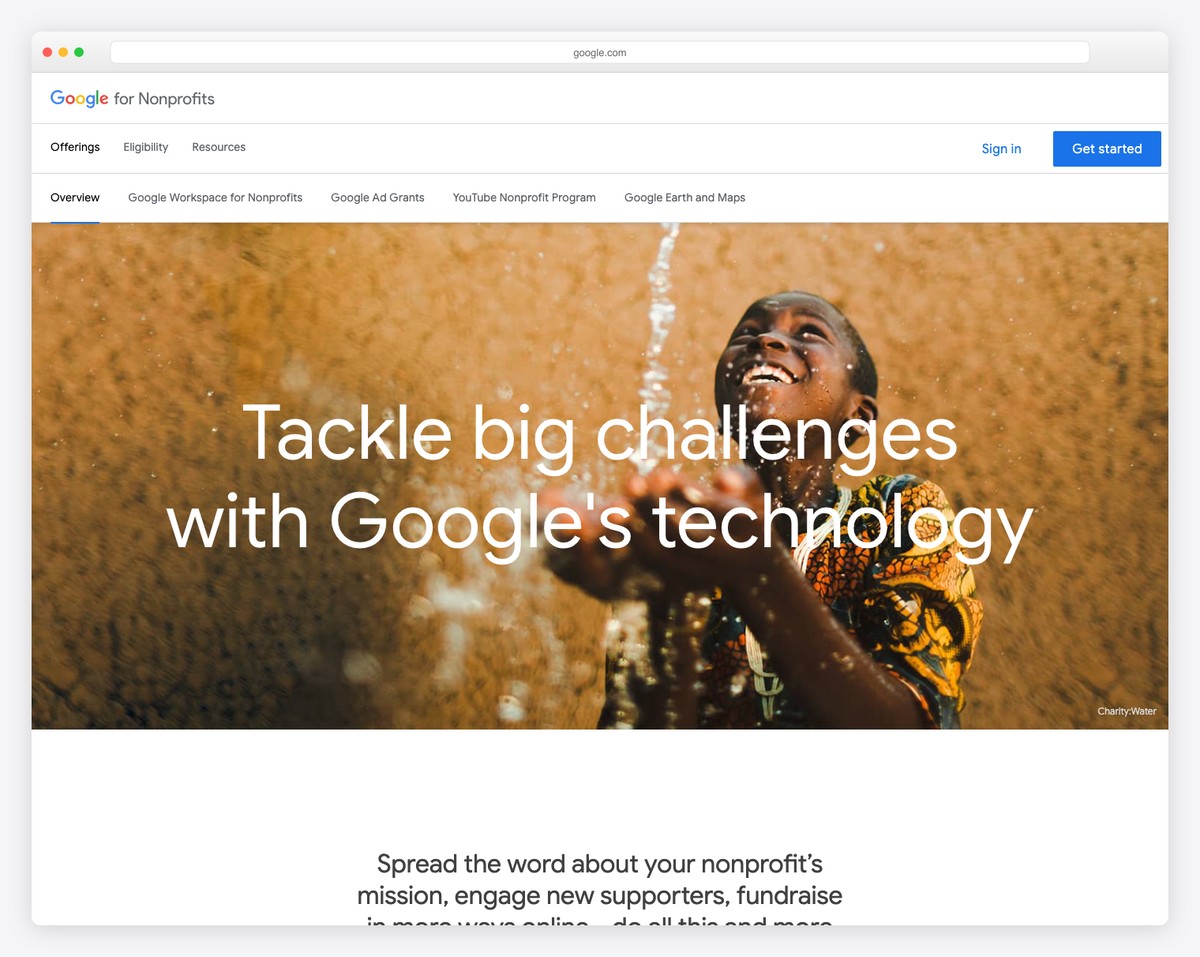
The Google Ad Grant (officially “Google Ad Grants,” part of Google for Nonprofits) provides eligible 501(c)(3) nonprofits with $10,000/month in free advertising credit for Google Search ads. Your church’s website appears at the top of Google search results — the same paid positions that businesses spend $1-$10+ per click for — at no cost to you.
What the grant covers: Text-based Google Search ads only. These are the text listings that appear at the top of Google when someone searches for something. You choose which searches trigger your ads, write the ad copy, and link to pages on your website.
What the grant does NOT cover: Display ads (banner ads on other websites), YouTube ads, Shopping ads, or Google Maps ads. Search text ads only.
Most US churches qualify. Here are the requirements:
⚠️ Important: If your church website is on a free tier with a platform subdomain (like yourchurch.wixsite.com), you’ll need to upgrade to a custom domain before applying. This is one reason we recommend the Squarespace Core plan or Tithe.ly Sites, paired with your own domain.
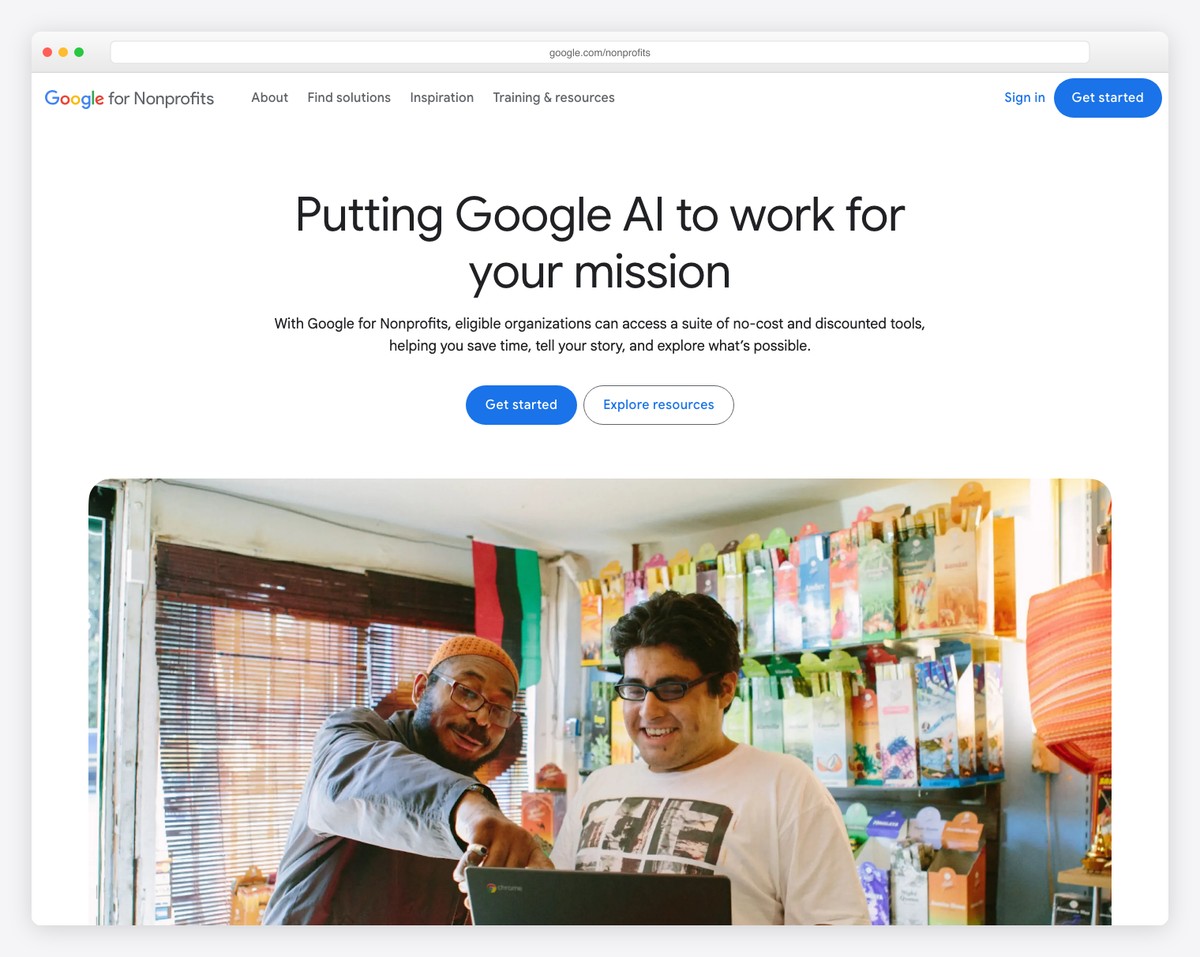
The application process has multiple steps across multiple platforms. Here’s the exact sequence:
Once approved, you’ll have $10,000/month in ad credits. Now you need to build campaigns that use them effectively.
Total timeline: usually 1-2 weeks from start to running your first ads. The waiting is for Goodstack verification and Google approvals — the actual work on your end is minimal.
The most effective church Ad Grant campaigns target people who are already looking for what you offer. Here’s a campaign structure that works:
Target keywords:
Landing page: Your “Plan Your Visit” page — not your homepage. Visitors searching for a church have high intent; send them directly to the page designed to convert them into guests.
Ad copy example:
Grace Church Springfield — Sundays 9 & 10:45 AM
Welcoming community in downtown Springfield. Contemporary worship, Bible teaching, and great kids programs. Plan your first visit today.
gracechurch.com/visit
Target keywords: “church live stream,” “[city] church online,” “watch church service online,” “church sermons online”
Landing page: Your sermon archive or live stream page.
Target keywords: “youth group [city],” “marriage counseling [city],” “grief support group [city],” “christian preschool [city],” “vacation bible school [city]”
Landing page: The specific ministry or program page.
Target keywords: “Easter service [city],” “Christmas Eve church [city],” “Ash Wednesday service [city]”
Landing page: Seasonal event page. Publish these pages 4-6 weeks before the event so Google has time to index them before your ads point to them.
Target keywords: Your church name and common misspellings. This ensures you appear #1 when someone Googles your church specifically.
Google has specific rules for Ad Grant accounts. Violating them can get your grant suspended. The key rules:
| Rule | Requirement | What Happens If Violated |
|---|---|---|
| Click-through rate (CTR) | Must maintain 5%+ CTR overall | 2 consecutive months below 5% → suspension |
| Conversion tracking | Must have valid conversions set up | Required since 2018; no tracking → suspension risk |
| Keyword quality | No single-word keywords (except brand name) | Account will be flagged |
| Keyword relevance | No overly generic keywords (“free videos,” “news”) | Low quality score → wasted budget → CTR drops |
| Account structure | At least 2 ad groups per campaign and 2 sitelink assets | Required by program policy |
| Geo-targeting | Target relevant geographic areas | Nationwide targeting wastes budget on irrelevant clicks |
| Bid strategy | Must use Maximize Conversions or tCPA bidding | Manual CPC limited to $2/click max |
The 5% CTR requirement is what trips up most churches. Here’s how to stay above it:
Google requires at least one conversion action in your account. For churches, the best conversions to track are:
Set these up in Google Ads → Goals → Conversions. Google’s interface walks you through adding the tracking code to your website.
What should you expect from a well-managed church Ad Grant? Based on churches we’ve worked with:
| Metric | Typical Range | Notes |
|---|---|---|
| Monthly ad spend used | $2,000-$8,000 of $10,000 | Most churches don’t exhaust the full $10K |
| Monthly website visitors from ads | 500-2,000+ | Depends on city size and keyword competition |
| Cost per click | $0.50-$3.00 | Lower in smaller markets, higher in cities |
| “Plan Your Visit” conversions | 20-80/month | Not all will actually attend, but it’s measurable interest |
| First-time in-person visitors attributable to ads | 5-15/month | The ultimate metric — hard to track exactly |
The ROI calculation: If just 2 families per month find your church through Google Ads and begin tithing, the lifetime value far exceeds the $0 cost of the grant. Even one new family per month makes this the highest-ROI marketing activity any church can do.
Set a monthly calendar reminder to:
Total time: 30-60 minutes per month. This is the difference between a grant that drives 1,000+ visitors/month and one that gets suspended for low performance.
Several agencies specialize in managing Google Ad Grants for churches (Missional Marketing, Getting Attention, etc.). They typically charge $300-$1,000/month. Is it worth it?
Consider self-managing if: You have a volunteer with basic marketing knowledge, your church is in a smaller market (less keyword competition), and you’re willing to spend 1-2 hours per month learning and optimizing.
Consider hiring a manager if: Your church is in a competitive urban market, nobody on your team has marketing experience, you want to maximize the grant from day one, or you’ve been suspended and need to recover.
The grant itself is free. If a management agency helps you use an additional $3,000/month in ad credits that you’d otherwise waste, the $300-$500/month management fee pays for itself.
Yes. Churches with 501(c)(3) status (or automatic tax exemption, which most US churches have) are eligible. The program is specifically designed for nonprofits, and churches are explicitly included. Thousands of churches already use it.
Usually 1-2 weeks total: Goodstack nonprofit verification (3-5 business days) + Google for Nonprofits approval + Ad Grant activation (1-5 days). The actual work on your end is minimal — most of the time is waiting for approvals.
Yes, if you violate the rules (below 5% CTR for 2 months, no conversion tracking, inactive account). But it can be reactivated by fixing the issues and requesting reactivation. The most common reason churches lose the grant is simply neglect — not logging in and managing campaigns.
You need a custom domain (not a free subdomain) and HTTPS. Beyond that, the grant works with any website platform — Squarespace, WordPress, Tithe.ly, Wix, or any other builder. See our platform comparison.
Yes. You can run a separate paid Google Ads account alongside your grant account. Some churches use the grant for general awareness campaigns and a small paid budget ($50-$100/month) for higher-priority campaigns like Easter services. (Note: with the Maximize Conversions bidding grant accounts generally use, the old $2/click cap no longer applies — so max out the grant first.)
The Google Ad Grant is the single most underused resource available to churches. $10,000/month in free advertising, available to virtually every church in America, requiring less than an hour per month to maintain. If your church has a website and doesn’t have the Ad Grant, apply today.
Need a great website to send ad traffic to? Browse our 50 best church website examples for inspiration, or see our step-by-step building guide. And if you need help with any of this, reach out — we help churches build websites and grow their online presence every day.

Church Marketing
Church Marketing
Church Marketing
10 complete church website templates, MIT licensed. Browse every demo freely; we will email you whichever folder you want.
All templates