Church Website Redesign: A Step-by-Step Playbook
Your church website is outdated, hard to update, or no longer reflects who your church is. You know a redesign is needed. But jumping straight into building a new site without a plan is how churches end up six months into a stalled project with half-finished pages and no launch date. A website redesign is a project — and like any project, it needs phases, ownership, and deadlines.
This playbook breaks the redesign into four phases: Audit, Plan, Build, and Launch. Follow it in order, resist the urge to skip ahead, and you’ll have a new website live in 4-8 weeks.
In This Guide
Phase 1: Audit (Week 1)
Before you design anything, understand what you have and what’s working. Skipping the audit is the most common redesign mistake — it leads to rebuilding the same problems on a new platform.
Content Audit
Go through every page on your current site and categorize each one:
- Keep — Content is current, accurate, and still needed
- Update — Content is needed but outdated (old photos, past staff, wrong service times)
- Remove — Content is no longer relevant (discontinued ministries, past events, dead links)
- Create — Pages that should exist but don’t (Plan Your Visit, online giving, etc.)
Most churches discover that 30-50% of their existing pages can be removed or consolidated. A redesign is your opportunity to declutter. For what should stay, reference our essential church website pages guide.
Analytics Review
If you have Google Analytics installed (and you should), pull the following data from the last 12 months:
- Top 10 most-visited pages — These are what people actually want from your site. Prioritize them in the redesign.
- Traffic sources — Are people finding you through Google search, social media, or direct URL? This shapes your SEO strategy.
- Mobile vs. desktop — If 65% of traffic is mobile (typical for churches), mobile experience must be the design priority.
- Bounce rate by page — High bounce rates suggest pages aren’t delivering what visitors expect.
SEO Baseline
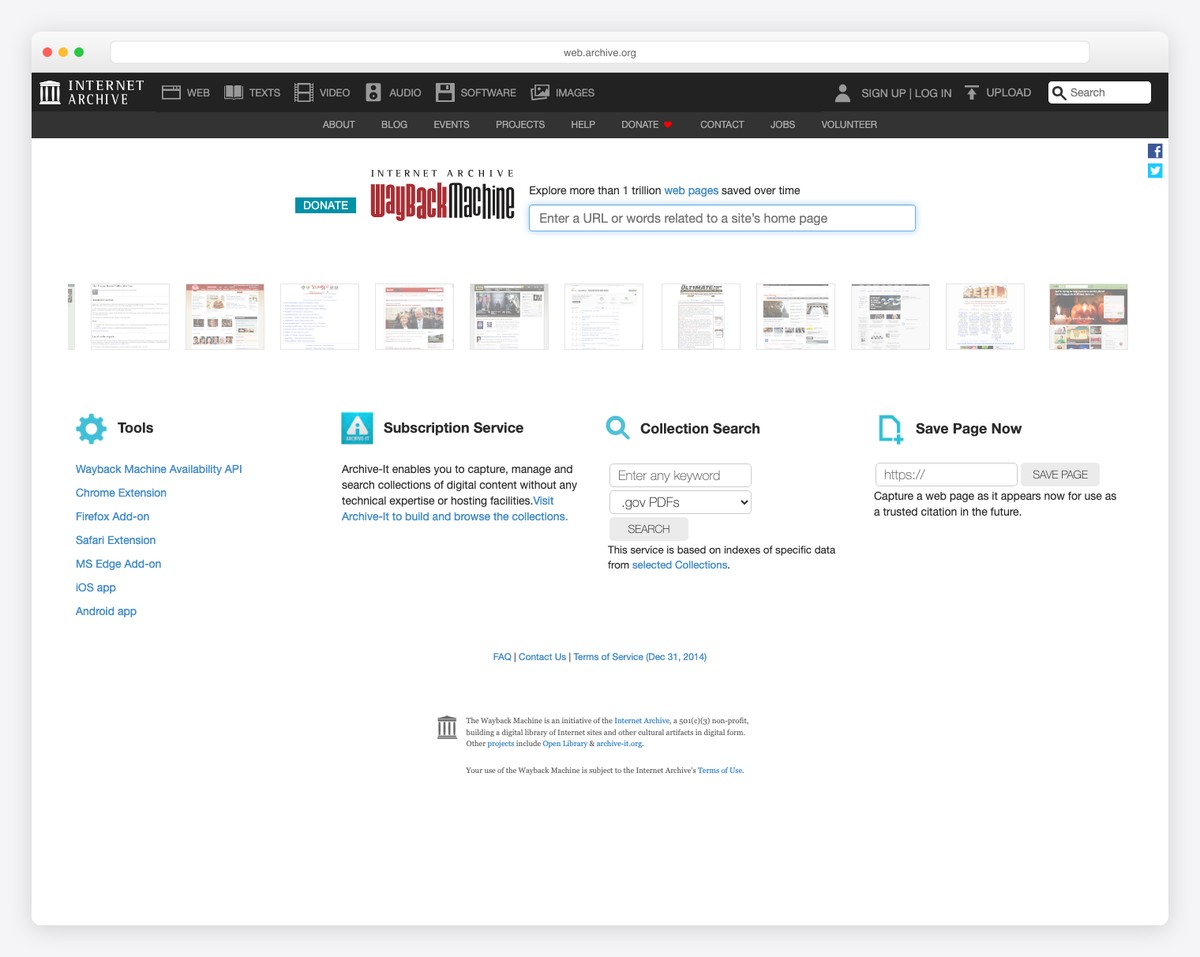
Document your current search rankings before the redesign. Search for your church name, “churches near [your city],” and key phrases related to your ministries. Screenshot or note where you currently rank. After the redesign, you’ll want to verify that your rankings haven’t dropped — and a baseline gives you something to compare against.
Also document all existing URLs. You’ll need these for redirects if your URL structure changes. Broken links after a redesign are a common SEO disaster.
Gather Feedback
Ask 5-10 people for honest feedback on your current site:
- 3-4 regular members — What do they use the site for? What frustrates them?
- 2-3 recent visitors — What was their experience finding information before visiting?
- 1-2 people who’ve never visited your church — Show them your site and ask: “Based on this website, would you visit this church? Why or why not?”
This feedback is more valuable than any committee’s opinions. Real users reveal real problems.
Phase 2: Plan (Week 2)
Define Your Goals
Write down 3-5 specific goals for the new website. Not vague goals like “look better” — specific, measurable goals:
- Increase “Plan a Visit” form submissions by 50%
- Make sermon content accessible within 2 clicks from the homepage
- Reduce the number of “Where do I find X?” calls to the church office
- Enable online giving directly from the homepage
- Make the site updatable by a volunteer without web experience
These goals will guide every design and content decision. When someone suggests adding a feature, ask: “Does this serve one of our five goals?”
Choose Your Platform
If your current platform is the problem, now is the time to switch. Don’t rebuild on a platform you’ve already outgrown. The major options:
- Squarespace — Best design quality, minimal maintenance, no church-specific features
- Tithe.ly — Church-specific features, free integrated giving, sites from $19/month
- WordPress — Maximum flexibility, requires more maintenance
- Wix — Good middle ground, free tier available
For a detailed comparison, see our church website builders guide. If your current platform is fine but the design needs updating, you may not need to switch — just redesign within your existing platform.
Create Your Sitemap
Based on your content audit, create a sitemap — a list of every page your new site will have, organized by navigation structure. A typical church website sitemap:
- Home
- About (Our Story, What We Believe, Staff, Plan Your Visit)
- Ministries (Children, Youth, Adults, Small Groups, Missions)
- Sermons
- Events
- Give
- Contact
Keep your main navigation to 5-7 items maximum. Everything else goes in dropdowns or footer links. A cluttered navigation is one of the most common church website problems.
Gather Assets
Before building begins, collect everything you’ll need:
- Photos — Building exterior/interior, worship, community life, staff headshots. If you don’t have quality photos, schedule a photo session before the build phase.
- Logo — In high-resolution, ideally in vector format (SVG or AI). Both color and white versions.
- Brand guidelines — Colors, fonts, and tone of voice. If you don’t have these, create them now. See our church branding guide.
- Content — Written copy for key pages, especially the homepage, about page, and Plan Your Visit page. Don’t leave copywriting for the build phase — it always causes delays.
Phase 3: Build (Weeks 3-6)
Start with the Homepage
Build your homepage first. It sets the design direction for every other page and is the page that matters most. Once the homepage looks right — tone, colors, layout, imagery — the rest of the site follows naturally. Don’t move to other pages until the homepage is approved by your decision-maker (not your committee — one person who can say yes).
Build Essential Pages Next
After the homepage, build in order of importance:
- Plan Your Visit / I’m New — The most important page for converting online visitors
- About — Who you are, what you believe, your story
- Sermons — Set up the sermon archive and media player
- Give — Set up online giving
- Events — Set up the event calendar
- Contact — Address, map, phone, email, contact form
- Staff — Photos, bios, contact information
- Ministries — One page per major ministry area
Test on Mobile
Test every page on a real phone — not just the browser’s mobile preview. Check that text is readable, buttons are tappable, images load properly, navigation works, and forms are fillable on a small screen. Have someone outside the project test on their phone with fresh eyes. Mobile issues that seem minor on a desktop preview can be deal-breakers on an actual phone.
Write Real Content
Don’t launch with placeholder text. Every page needs real, final copy before going live. If writing is a bottleneck, focus on the homepage, Plan Your Visit, and About page first — those handle 80% of visitor traffic. For writing tips specific to church websites, see our copywriting guide.
Phase 4: Launch (Week 7-8)
Pre-Launch Checklist
Before going live, verify:
- All pages have real content (no “Lorem ipsum” or placeholder text)
- All images have alt text for accessibility
- Contact forms work and send to the right email address
- Online giving works (test with a real small donation)
- Google Analytics is installed and tracking
- Service times, address, and phone number are correct
- SSL certificate is active (HTTPS)
- All links work (no broken links)
- Mobile experience is smooth on actual phones
For the complete list, use our church website checklist.
Set Up Redirects
If any URLs changed from the old site to the new one, set up 301 redirects from the old URLs to the new ones. This prevents visitors (and search engines) from hitting broken links. If you changed platforms, your URL structure likely changed. Every old URL that had traffic should redirect to its equivalent on the new site. This is critical for maintaining your search rankings. For the complete process — a 1:1 redirect map, copy-paste 301 code, and platform-by-platform notes — see our guide to migrating a church website without losing rankings.
Switch Your Domain
Point your domain to the new site. If you’re changing platforms, this means updating DNS records. Most platforms provide step-by-step instructions. Do this during a low-traffic time (not Sunday morning). The switch typically takes a few minutes to a few hours to propagate fully.
Announce the New Site
Don’t let your new website be a secret:
- Announce from the pulpit on Sunday
- Send a dedicated email to your church list
- Post on social media with screenshots
- Update your Google Business Profile with the new URL (if changed)
- Ask members to share it
Common Redesign Mistakes
- Design by committee. Committees produce compromises, not good design. Assign one decision-maker who approves the design. Get input from others, but one person decides.
- Waiting for perfect content. Launch with 80% of your content done rather than waiting months for 100%. You can add and improve after launch. A live site with a few incomplete ministry pages is better than an unlaunched site with perfect content.
- Ignoring mobile. If you only test on your desktop monitor, you’ll miss problems that affect the majority of your visitors.
- Forgetting redirects. Broken links after a redesign hurt your SEO and frustrate visitors who bookmarked specific pages.
- No maintenance plan. A redesign is wasted if the new site becomes outdated in six months. Assign an owner and set up a maintenance schedule before launch.
- Scope creep. “While we’re redesigning, let’s also add a member portal, a podcast, a blog, and a resource library…” Stick to your original goals. Add features after launch if needed.
Frequently Asked Questions
How long should a church website redesign take?
4-8 weeks for most churches using a website builder. If you’re building on WordPress with a professional designer, 8-12 weeks is typical. Any redesign stretching beyond 3 months is usually suffering from scope creep or decision paralysis. Set a launch date from the beginning and work backward.
Should we hire a professional or do it ourselves?
If you have a church member or volunteer comfortable with websites, a builder like Squarespace or Tithe.ly makes DIY realistic. If your church needs a truly custom design or is migrating from a complex WordPress setup, professional help ($2,000-10,000) can be worth it. The hybrid approach — hire someone to set up the design and structure, then train your team to maintain it — is often the best value.
How do we avoid losing Google rankings during a redesign?
Three essentials: (1) Set up 301 redirects from every old URL to its new equivalent, (2) Maintain the same or similar page titles and meta descriptions for key pages, and (3) Submit your new sitemap to Google Search Console after launch. A well-executed redesign can actually improve rankings through better site structure and faster page speeds.
What should we do with the old website during the build?
Keep the old site live and maintained while you build the new one. Most platforms let you build on a staging URL (preview.yoursite.com or a platform-provided URL) while the old site stays at your main domain. Only switch when the new site is fully ready. Never take down your old site before the new one is live.
How often should a church redesign its website?
Every 3-5 years for a full redesign. But if you’re maintaining your site regularly — updating content, refreshing photos, adjusting design elements — you can stretch a good design further. The trigger for a redesign should be “this no longer represents who we are” or “the platform is limiting us,” not “it’s been three years.” Between redesigns, follow our maintenance checklist to keep things fresh.