Church Marketing
Email is still the most reliable way to communicate with your congregation. Social media algorithms decide who sees your posts. Text messages feel intrusive for anything beyond urgent announcements. But email lands in an inbox that people check daily, and it’s the only digital channel where you control the audience completely.
Email is one piece of the puzzle. Our full church marketing guide shows how to combine it with social media, SEO, and events.
The problem isn’t that churches don’t send emails — it’s that they send the wrong kind. A 2,000-word newsletter with 15 announcements that nobody reads. A “friendly reminder” about the potluck that reads like a corporate memo. An unsolicited email blast to everyone who ever filled out a visitor card. This guide covers how to do church email right: the right platform, the right format, and the right strategy for new visitors and existing members.
The right tool depends on your list size, budget, and whether you also want texting. Here’s how the most church-relevant email platforms compare — and most offer a nonprofit discount if you ask:
| Tool | Free tier? | Paid from | Nonprofit discount | Best for churches |
|---|---|---|---|---|
| MailerLite | Yes (500 subscribers) | ~$10/mo | 30% off | Budget-friendly, clean design, generous free tier |
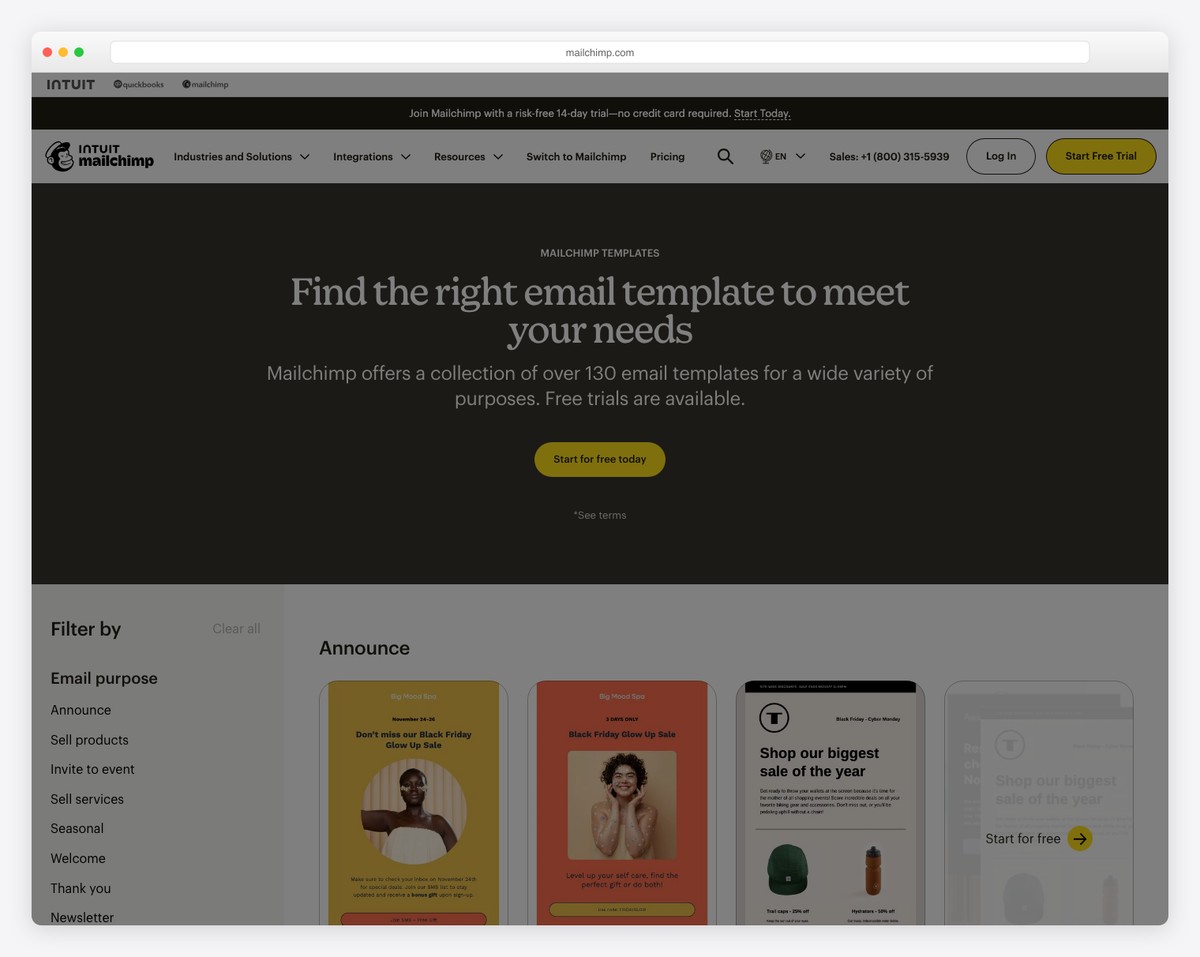
| Mailchimp | Yes (250 contacts) | ~$13/mo | 15% off | Familiar ecosystem with templates & automations |
| Brevo | Yes (300 emails/day) | ~$9/mo | Yes (ask support) | Email + SMS together at low cost |
| Constant Contact | No (free trial) | ~$12/mo | 20–30% (prepay) | Strong support, events, and a real nonprofit discount |
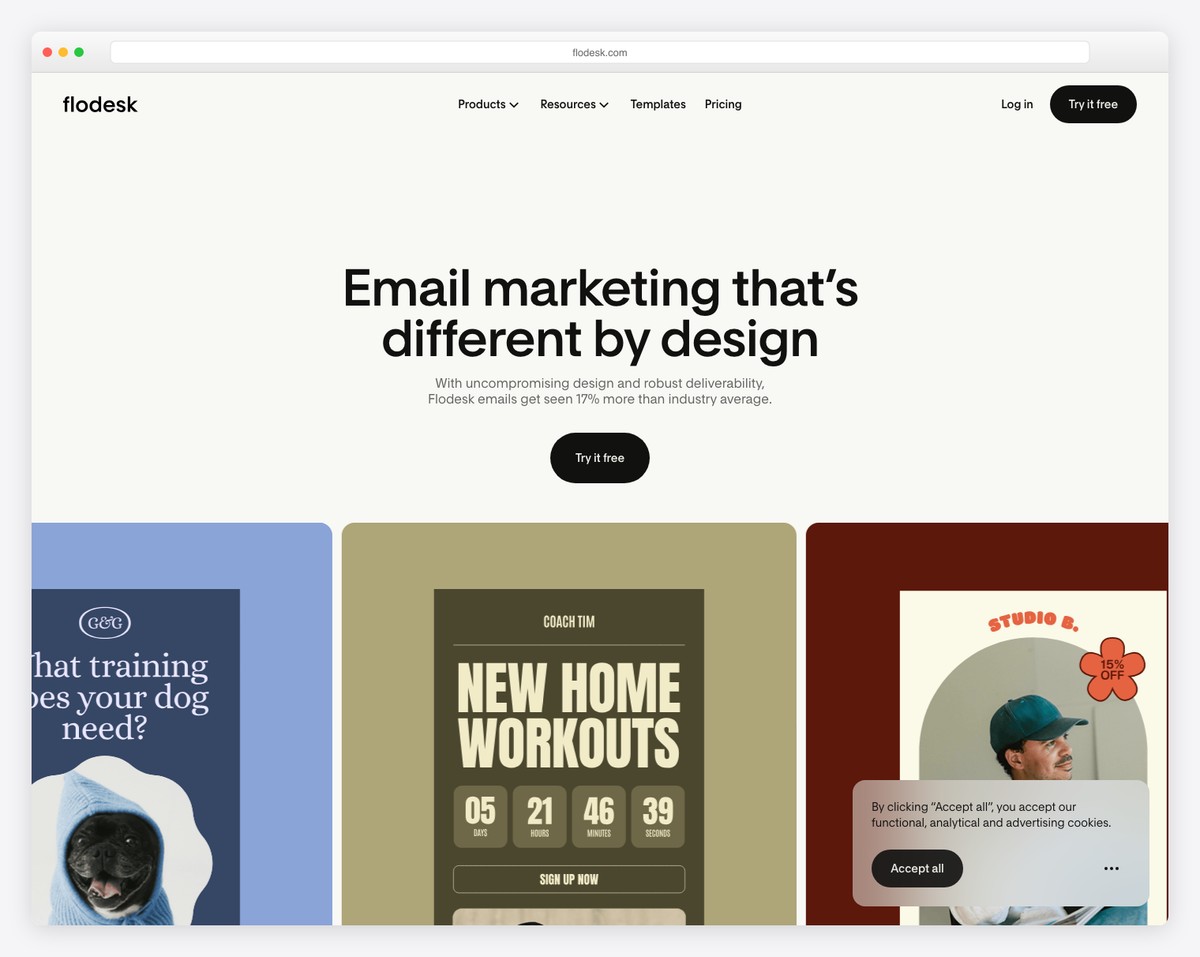
| Flodesk | No (forms only) | ~$19/mo | None | Beautiful, design-forward newsletters |
| Breeze ChMS | Bundled in ChMS | ChMS from ~$70/mo | N/A | Email + texting built into your church database |
| Tithe.ly Messaging | No | ~$19/mo | N/A | Email + SMS tied to your giving/ChMS data |
You need a proper email marketing platform — not your pastor’s Gmail account with 300 people in BCC. Here’s how the main options compare:
The most popular option for churches. The free tier supports up to 250 contacts with 500 sends per month — enough for very small churches. The email editor is drag-and-drop, templates are professional, and basic automation (welcome sequences) is available on the free tier. The paid plan starts at $13/month for up to 500 contacts with higher send limits and more features.
Best for: Churches that want a proven, feature-rich platform with a free starting point. The learning curve is moderate but well-documented.
Flodesk retired its famous flat-rate unlimited plan for new members in late 2025 — pricing now scales with subscriber count, from about $19-25/month at 1,000 subscribers, always with unlimited sends. The email designs are beautiful by default, with templates that look polished without much customization. The editor is simpler than Mailchimp. Automation workflows are straightforward to set up.
Best for: Churches that value design quality and want predictable pricing as their list grows. Unlimited sends and design-first templates keep it strong value as your list grows.
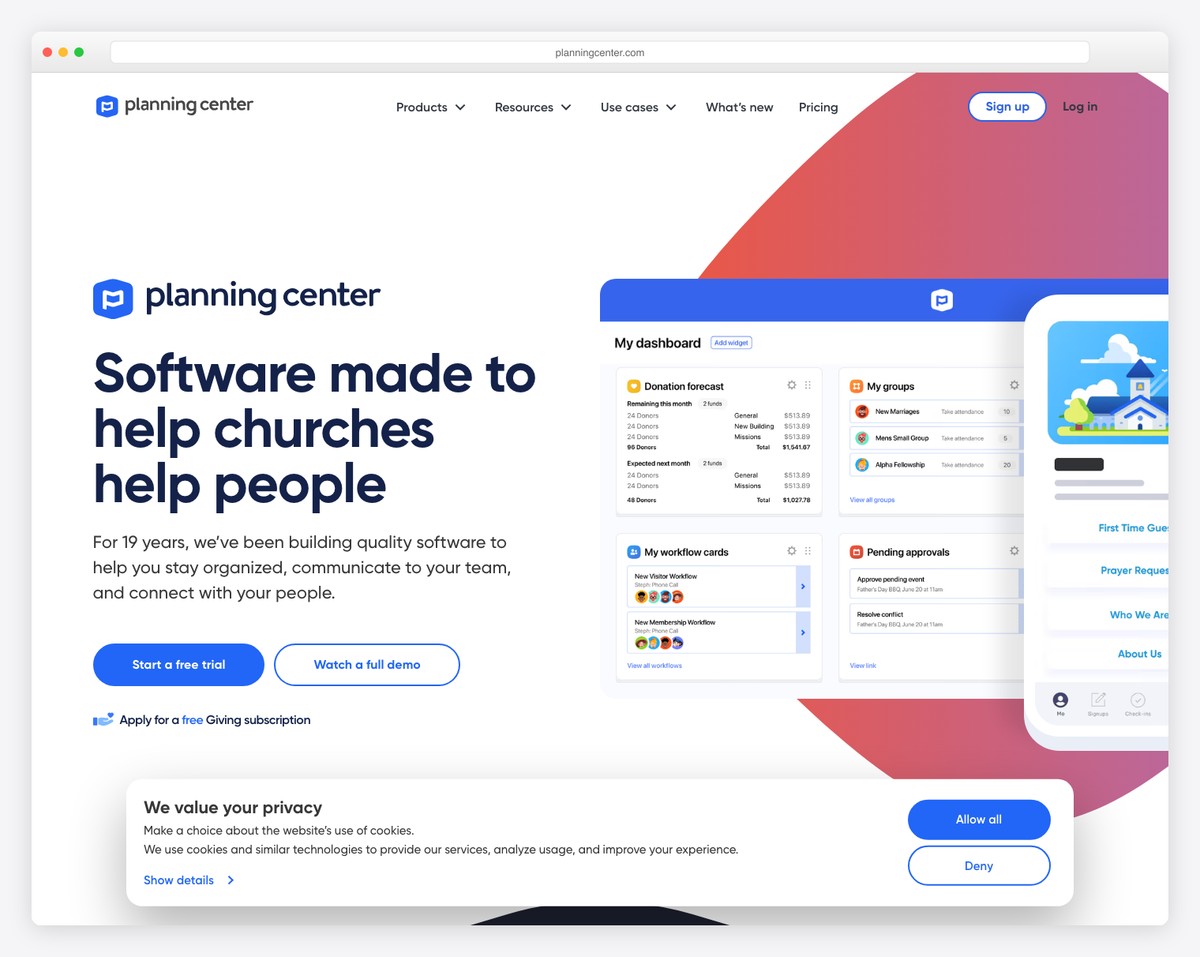
If your church uses Planning Center for church management, their email tool integrates directly with your people database. You can segment emails by groups, serving teams, attendance, and other data you’re already tracking. The email design options are more limited than dedicated email platforms, but the integration value is significant.
Best for: Churches already in the Planning Center ecosystem who want to keep everything in one system.
If your church uses Subsplash for your app and website, their communication tools include email alongside push notifications and SMS. The advantage is unified communication management — one dashboard for all channels. The email features are adequate but not as robust as Mailchimp or Flodesk.
Best for: Churches already on Subsplash who want to consolidate communication tools.
Most churches send a weekly newsletter. Most weekly newsletters are too long, too cluttered, and too predictable. Here’s how to write one people actually read.
That’s it. Not 1,500 words. Not 10 paragraphs. A newsletter that takes more than 2 minutes to read gets skipped. Respect your congregation’s time. If you have more to say, link to your website for details.
Structure your newsletter with these items (not all are required every week):
Consistency builds habits. Choose a day and time and stick with it. Most churches send on Thursday or Friday (before Sunday) or Monday (recap + week ahead). Tuesday-Wednesday mid-morning tends to have the highest open rates across email marketing generally. Test what works for your audience.
Don’t use “Weekly Newsletter” or “This Week at Grace Church” every week. Make it specific: “VBS Registration Opens Tomorrow,” “Meet Our New Youth Pastor,” or “What Sunday’s Sermon Meant for Our Food Pantry.” The subject line determines whether people open or delete. Spend more time on it than you think you should.
When someone visits your church for the first time and gives you their email (through a visitor card, online form, or Plan Your Visit page), don’t just add them to your weekly newsletter. Send a dedicated welcome sequence first. This is an automated series of 4 emails spaced over 2 weeks.
Subject: “Great to meet you at [Church Name]”
Short, warm, personal. Thank them for visiting. Include a link to your latest sermon (in case they want to revisit what they heard). Mention one easy next step: “If you’d like to learn more about our church, our About page covers what we believe and who we are.” Signed by a real person (the pastor or a welcome team leader), not “Grace Church Communications.”
Subject: “A little more about [Church Name]”
Brief overview of your church’s story, values, and what makes you unique. Include 1-2 photos of your community. Link to your About page and beliefs page. The goal: help them understand what your church is about beyond the Sunday experience.
Subject: “Easy ways to get involved at [Church Name]”
Introduce connection opportunities: small groups, serving teams, upcoming events, and classes for newcomers. Don’t overwhelm — highlight 2-3 options that are most relevant for new visitors. Include a link to a group finder or a contact form where they can express interest.
Subject: “One more thing…”
A brief, personal note from the pastor: “Whether you visit again or not, we’re glad you came. If you ever need prayer, support, or just want to grab coffee and talk, I’m here.” Include the pastor’s direct email. Then transition them to your regular weekly newsletter list.
This sequence can be automated in any email platform. Set it up once, and every new visitor gets the same thoughtful experience.
You can’t email people who haven’t given you their address. Here are five strategies to grow your church email list:
Track these three metrics monthly:
Thursday or Friday morning works well for pre-Sunday emails. Tuesday morning works for week-ahead planning emails. Avoid Monday (inbox overload) and weekends (lower open rates). Most email platforms show you when your audience is most active — use that data after a few weeks of sending to optimize timing.
At minimum, segment new visitors (welcome sequence) from regular attenders (weekly newsletter). As your list grows, consider segments for specific ministries (youth parents, small group leaders, volunteers) so you can send targeted updates without cluttering the main newsletter. Don’t over-segment a small list though — if you have under 200 subscribers, one list is fine.
Use tags or segments for each campus. Send church-wide content to everyone and campus-specific updates to the relevant segment. Most email platforms support this through groups or tags. The weekly newsletter should be mostly church-wide content with a brief campus-specific section for each location.
Email wins for reliability — you control the audience and the delivery. Social media wins for reach and discovery — new people find you there. Use both, but differently: email for communicating with your congregation, social media for reaching new people and building community. See our social media strategy guide for platform-specific advice.
The pastor should occasionally write a personal note, but the weekly newsletter is better managed by an admin or communications volunteer. The pastor’s time is better spent on sermon prep and pastoral care than formatting email templates. Have the pastor contribute a personal touch (a brief reflection or encouragement) while someone else handles the logistics, announcements, and scheduling.

Church Marketing
Church Marketing
Church Marketing
10 complete church website templates, MIT licensed. Browse every demo freely; we will email you whichever folder you want.
All templates