Church Marketing
Most churches are on social media. Few churches are using social media well. The typical pattern: someone posts a Sunday sermon graphic, shares the occasional event flyer, and maybe goes live for the Christmas Eve service. Engagement is low, followers grow slowly, and after a few months, the person responsible quietly stops posting because nobody seems to care.
The problem isn’t effort — it’s strategy. Churches try to be on every platform, post the same content everywhere, and wonder why nothing works. This guide gives you a focused social media strategy: choose the right platforms, post the right content, and build engagement that actually supports your church’s mission.
You don’t need to be on TikTok, Instagram, Facebook, YouTube, X, Pinterest, and LinkedIn. You need to be excellent on 1-2 platforms where your audience actually is. Half-hearted presence on five platforms is worse than strong presence on two.
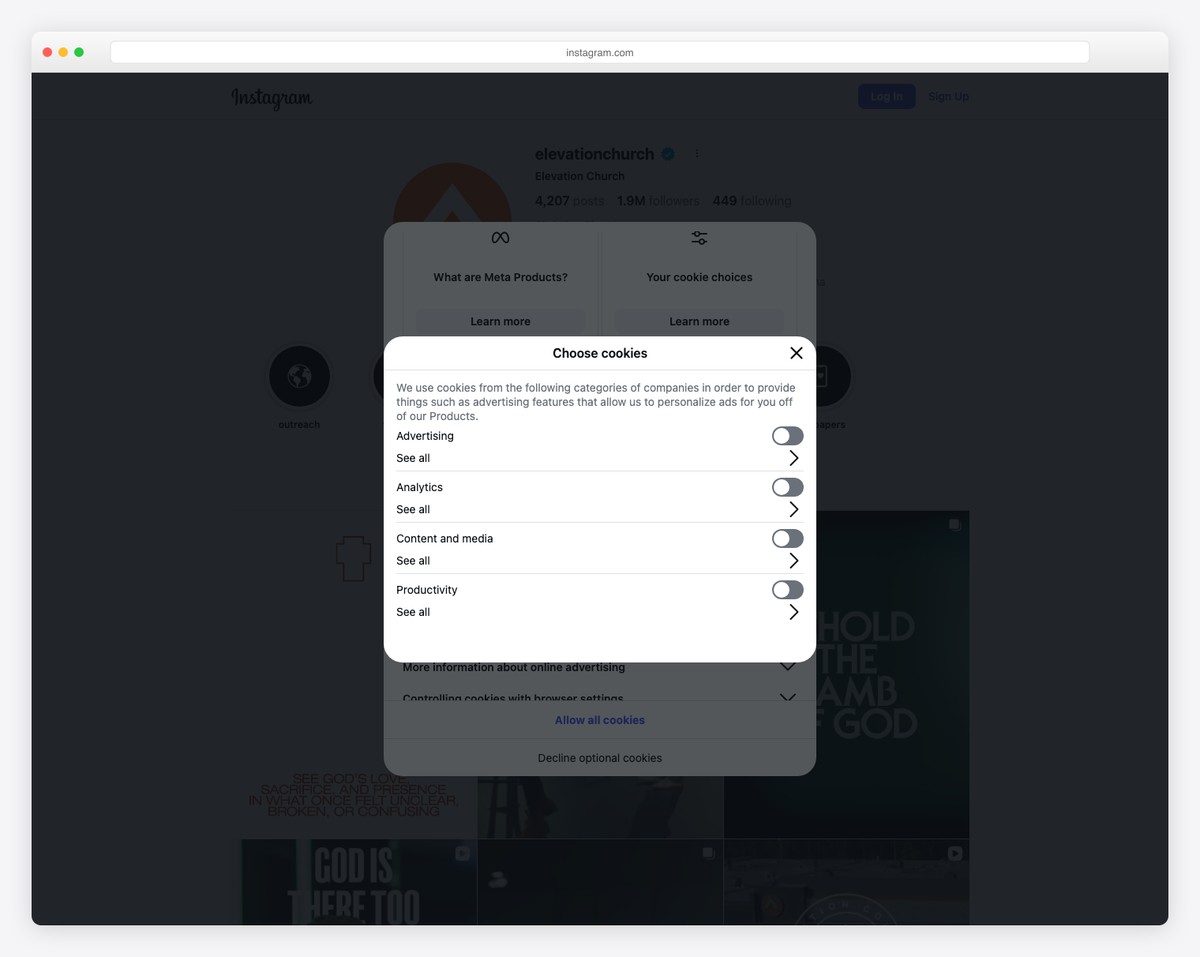
Instagram is the best platform for most churches in 2026. It’s visual, relational, and where younger adults (20s-40s) spend their time. If you’re trying to reach young families, young professionals, or college-age adults, Instagram is your primary platform.
Instagram rewards consistency and authenticity. Churches that post 3-5 times per week with a mix of content types (posts, Stories, Reels) grow steadily. Churches that post once a week or only share Sunday sermon graphics stagnate.
Facebook’s user base skews older than Instagram. If your congregation is primarily 35+, Facebook is likely more effective. Facebook’s strengths for churches: Events (still the best event platform), Groups (for community building), and Live video (for streaming services).
Facebook reach has declined significantly — your posts may only reach 5-10% of your followers organically. But for event promotion and community group management, it’s still unmatched.
If your church invests in video sermon content, YouTube is essential — not as a social media platform but as a content library and search engine. People search YouTube for sermons, worship music, and church content. YouTube videos also rank in Google search results. For churches with a live streaming program, YouTube is a natural home for recorded services.
YouTube requires consistent posting to grow, but the content is evergreen — a sermon from a year ago can still attract new viewers today.
Most churches should start with Instagram + Facebook. If your church has quality video content, add YouTube as a content library (not a daily engagement platform). Add other platforms only when you’re consistently executing on these first.
Consistency matters more than perfection. Three decent posts per week beat one “perfect” post. Mix your content types:
Instagram Stories disappear after 24 hours, which actually works in your favor — they feel casual and low-pressure. Use them daily to show the life of your church: worship team rehearsing, staff meeting fun, setting up for an event, a prayer moment, kids’ ministry chaos. Stories build familiarity and trust. Use interactive features (polls, questions, countdowns) to drive engagement.
Reels (short videos) get 2-5x more reach than standard posts on Instagram. Church content that works well as Reels: 15-30 second worship clips, quick “thought of the day” from the pastor, timelapse of event setup, funny moments from church life. Keep them under 30 seconds, add trending audio when appropriate, and include text overlays since most people watch without sound.
Facebook Events are still the best social media tool for promoting church events. Create a Facebook Event for every public event — services, special events, community outreach, holiday gatherings. People can RSVP, share with friends, and get automatic reminders. Events appear in Facebook’s local event recommendations, exposing your church to people who aren’t following your page.
Facebook Live notifies your followers when you go live, creating an immediate audience. Use it for Sunday services (if you live stream), special events, and casual Q&A sessions with the pastor. Live videos get more engagement than pre-recorded content because of the real-time interaction.
A private Facebook Group for your church community creates a space for discussion, prayer requests, and informal communication that a public page can’t provide. Groups have significantly better reach than pages — group posts appear in members’ feeds more reliably. Use the group for community building and the page for public-facing content.
Here’s a plug-and-play weekly schedule for churches managing Instagram and Facebook:
| Day | ||
|---|---|---|
| Monday | Sermon recap graphic or quote | Sermon recap with link to full sermon |
| Tuesday | Story: Behind-the-scenes or team spotlight | — |
| Wednesday | Reel: Short teaching clip or worship moment | Midweek devotional or encouragement post |
| Thursday | Event promotion or community photo | Event reminder with Facebook Event link |
| Friday | Story: Weekend preview (what to expect Sunday) | Weekend preview post |
| Saturday | Story: Fun, casual content | — |
| Sunday | Live Story during service, recap Reel after | Facebook Live for service (if streaming) |
This schedule requires about 2-3 hours per week total. Batch-create content on one day (Monday works well) and schedule it using a tool like Later, Buffer, or Meta Business Suite.
Social media and your church website should work together. Social media drives awareness and engagement; your website converts that interest into action (visiting, giving, connecting). Always link back to your website: sermon posts link to the full sermon page, event posts link to the event details, and your bio/about section links to your homepage or Plan Your Visit page.
For the broader picture of how social media fits into your church’s digital presence, see our church marketing guide and content strategy guide.
Only if you can create short-form video content consistently and you’re trying to reach a younger audience (under 30). TikTok requires more creative effort than other platforms — the content expectations are high and the algorithm rewards originality. Most churches should master Instagram Reels first (similar format, same audience overlap) before adding TikTok.
Consistent posting, engaging content, and active community interaction. Respond to every comment. Use relevant local hashtags. Encourage members to follow and share. Create shareable content (sermon quotes, short video clips) that people want to send to friends. Growth is slow and steady — churches that expect viral growth will be disappointed. Focus on engagement (likes, comments, shares) over follower count.
Ideally, one person who is consistent, creative, and understands your church’s voice. This can be a staff member, a college-age volunteer, or a creative team member. Avoid having the pastor manage social media — their time is better spent on sermon prep and pastoral care. Set up an approval process if needed, but give the social media manager creative freedom within brand guidelines. Our branding guide helps establish those guidelines.
For specific events (Easter, Christmas Eve, VBS), yes — even $20-50 in targeted local ads can significantly boost awareness. For ongoing growth, organic content is more sustainable. Facebook and Instagram ads can target people within a specific radius of your church, making them efficient for local outreach. If your church qualifies for the Google Ads Grant, that’s an even better advertising investment.
Respond graciously, briefly, and publicly — then move the conversation to a private message if it needs more attention. Never delete negative comments unless they’re spam, abusive, or inappropriate. Deleting honest criticism looks worse than addressing it. A church that responds to criticism with kindness demonstrates its values publicly.

Church Marketing
Church Marketing
Church Marketing
10 complete church website templates, MIT licensed. Browse every demo freely; we will email you whichever folder you want.
All templates