Church Website Builders
Webflow is the platform that designers love. It gives you complete creative freedom — pixel-level control over layout, animations, interactions, and typography without writing code. If you’ve seen a church website that made you think “How did they build that?”, there’s a good chance it was built on Webflow. Vous Church in Miami is the most famous example — their site looks more like a luxury brand than a church.
But should your church use Webflow? For the vast majority of churches, the answer is no. Not because Webflow is bad — it’s excellent at what it does. But what it does isn’t what most churches need. Here’s our honest review.
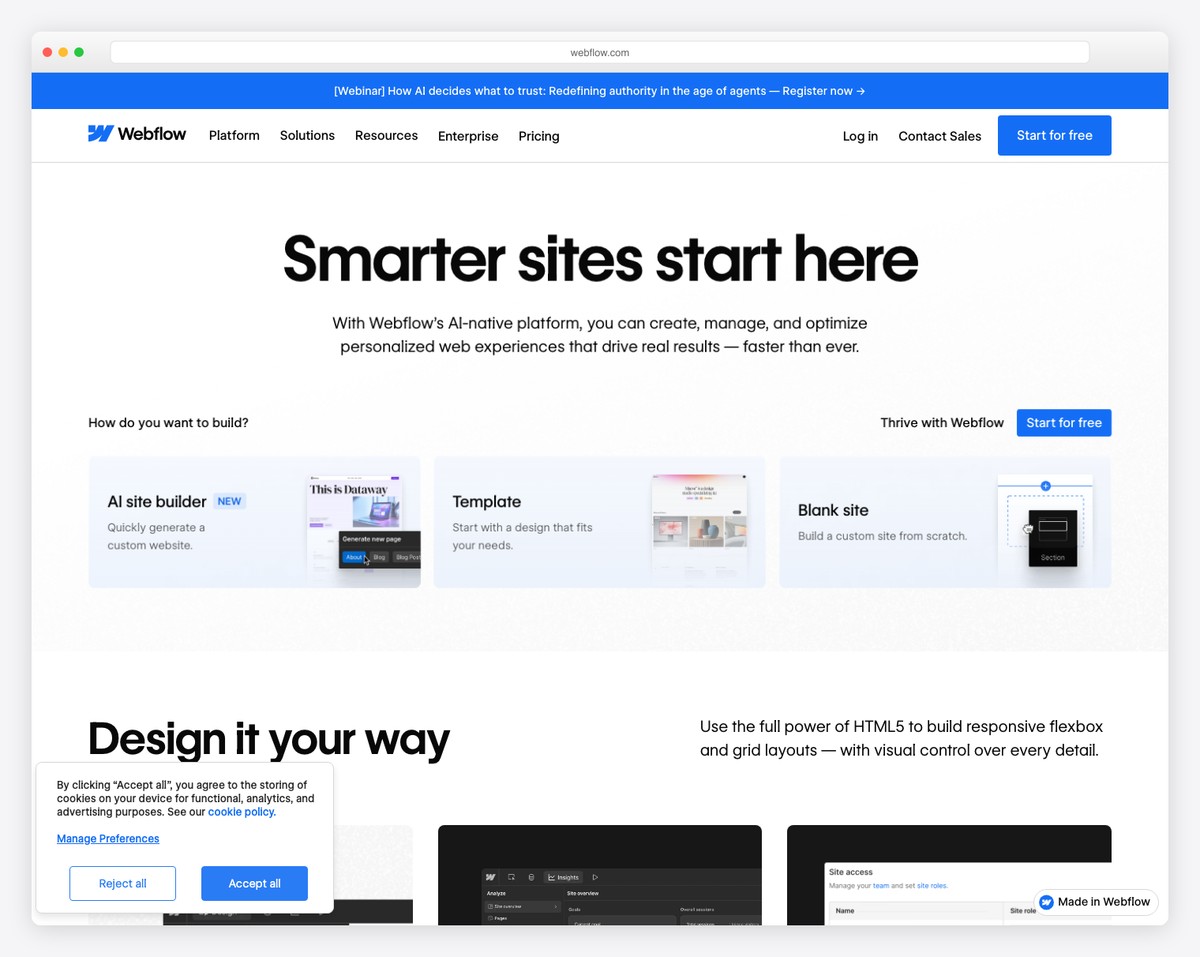
Webflow produces the best-designed church websites on the internet. It also has the steepest learning curve, no church-specific features, the highest cost per feature, and the most difficulty handing off to a non-technical volunteer. It’s the right tool for churches with a professional designer on staff and design as a core value. For everyone else, Squarespace gets you 90% of the design quality with 10% of the complexity.
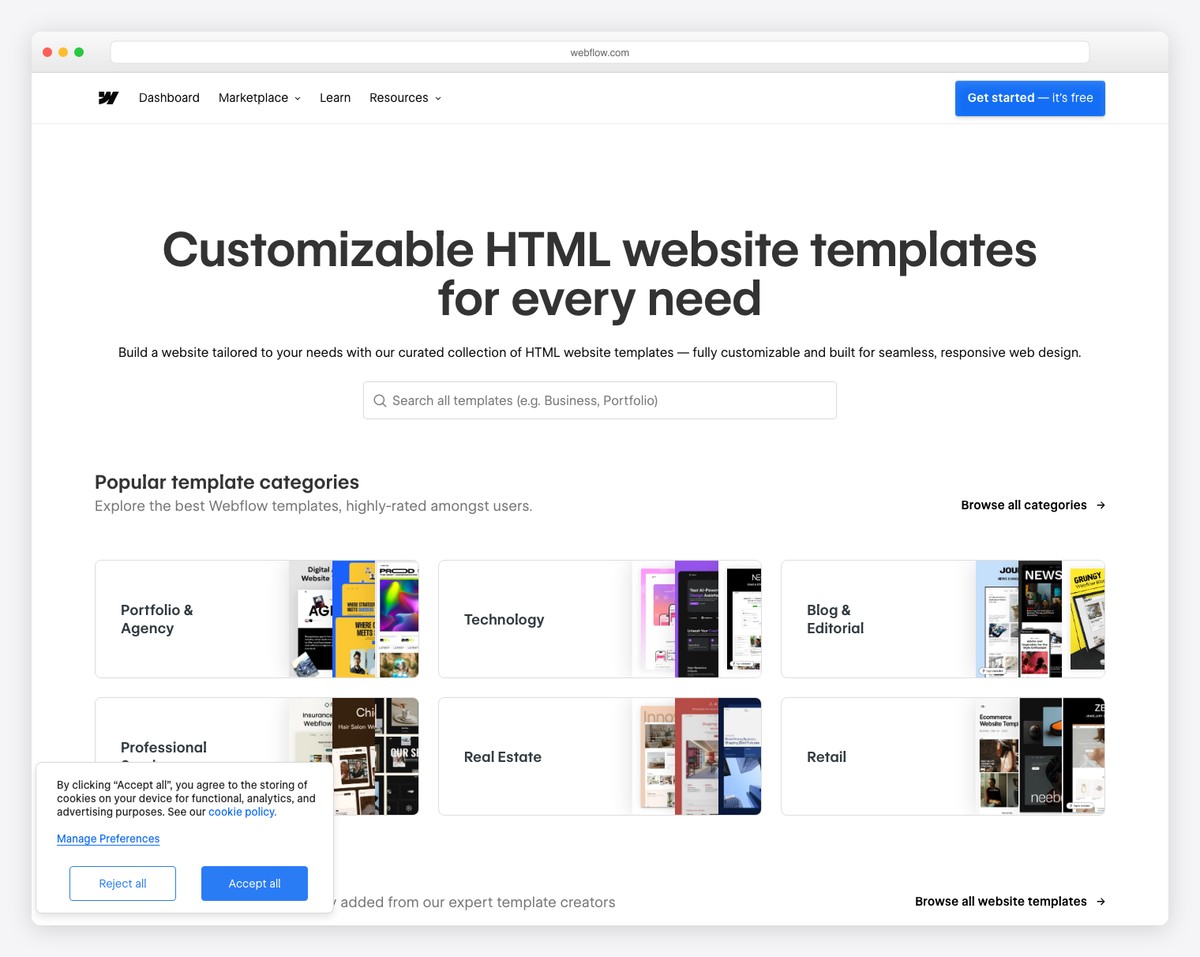
Webflow’s designer tool is essentially a visual interface for writing CSS and HTML. You can create any layout, any animation, any interaction — no templates constraining your creativity. Want a hero section with a parallax scroll, animated text, and a video background? Done. Want a sermon page with a custom grid layout that changes based on screen size? Done. Want micro-interactions on every button hover? Done.
This level of control is why agencies and professional designers gravitate toward Webflow. It doesn’t impose design opinions — it gives you a blank canvas and professional-grade tools to build whatever you imagine.
Webflow generates clean HTML, CSS, and JavaScript — no bloated frameworks, no unnecessary scripts, no page builder overhead. Sites built on Webflow consistently score well on Google PageSpeed Insights, which helps with SEO and user experience. The code quality is better than what most website builders produce.
Webflow’s CMS lets you create collections for dynamic content — sermons, events, staff, blog posts — with custom fields. You design the template once, and each new entry automatically inherits the design. This is powerful for sermon archives: create a sermon collection with fields for title, speaker, date, series, audio URL, and video URL. Design a beautiful sermon page template. Then adding new sermons is just filling in the fields.
The CMS is flexible but requires initial setup by someone who understands Webflow’s data model. It’s not plug-and-play like Tithe.ly’s sermon management.
Webflow hosting is fast, reliable, and includes SSL certificates, automatic backups, and CDN distribution. Sites load quickly globally. You don’t manage servers, updates, or security patches. The hosting experience is comparable to Squarespace — hands-off and reliable.
This is the biggest barrier. Webflow is designed for web designers, not church volunteers. The interface uses concepts like flexbox, grid, CSS classes, responsive breakpoints, and the box model — terms that are meaningless to someone without web design experience. While Squarespace can be learned in an afternoon, Webflow takes weeks of dedicated practice to become proficient.
Webflow University (their free learning platform) is excellent, but the time investment is significant. If your church doesn’t have someone willing to invest 20-40 hours learning the platform, Webflow isn’t viable.
Webflow has no built-in features for online giving, sermon management, event calendars, or church-specific content types. Everything must be built from scratch using the CMS or integrated through third-party tools. Compare this to Tithe.ly, where giving, sermons, and events are ready to use on day one.
To build a full-featured church website on Webflow, you’ll likely need: Tithe.ly or another giving embed for donations, a custom CMS collection for sermons, a third-party tool or custom build for events, and manual setup for everything that church-specific platforms include automatically.
When the person who built your Webflow site leaves the church, you have a problem. Finding a new volunteer who knows Webflow is much harder than finding someone who knows Squarespace or WordPress. And because Webflow sites are custom-designed rather than template-based, the new person needs to understand not just the platform but the specific design decisions and CMS structure of your site.
The Editor mode (Webflow’s simplified content editing interface) helps non-designers update text, images, and CMS content without touching the design. But structural changes — adding pages, modifying layouts, creating new sections — require full Webflow knowledge.
Webflow’s CMS-capable plan (now called Premium) runs $25/month billed annually; the entry Basic plan at $15/month skips the CMS entirely. Custom code works on any paid site plan. Add the cost of third-party integrations for giving ($0-30/month), event management, and email — and you’re paying significantly more than a platform that includes these features natively.
| Feature Need | Webflow Cost | Squarespace Cost | Tithe.ly Cost |
|---|---|---|---|
| Website hosting | $15-25/month (annual) | $19-29/month (annual) | $19/month |
| Online giving | +Third-party | +Third-party | Included |
| Sermon management | Custom build | Manual (blog) | Included |
| Event calendar | Custom build | Built-in | Included |
| Design quality | Unlimited | Excellent | Good |
For a full cost comparison, see our church website cost guide.
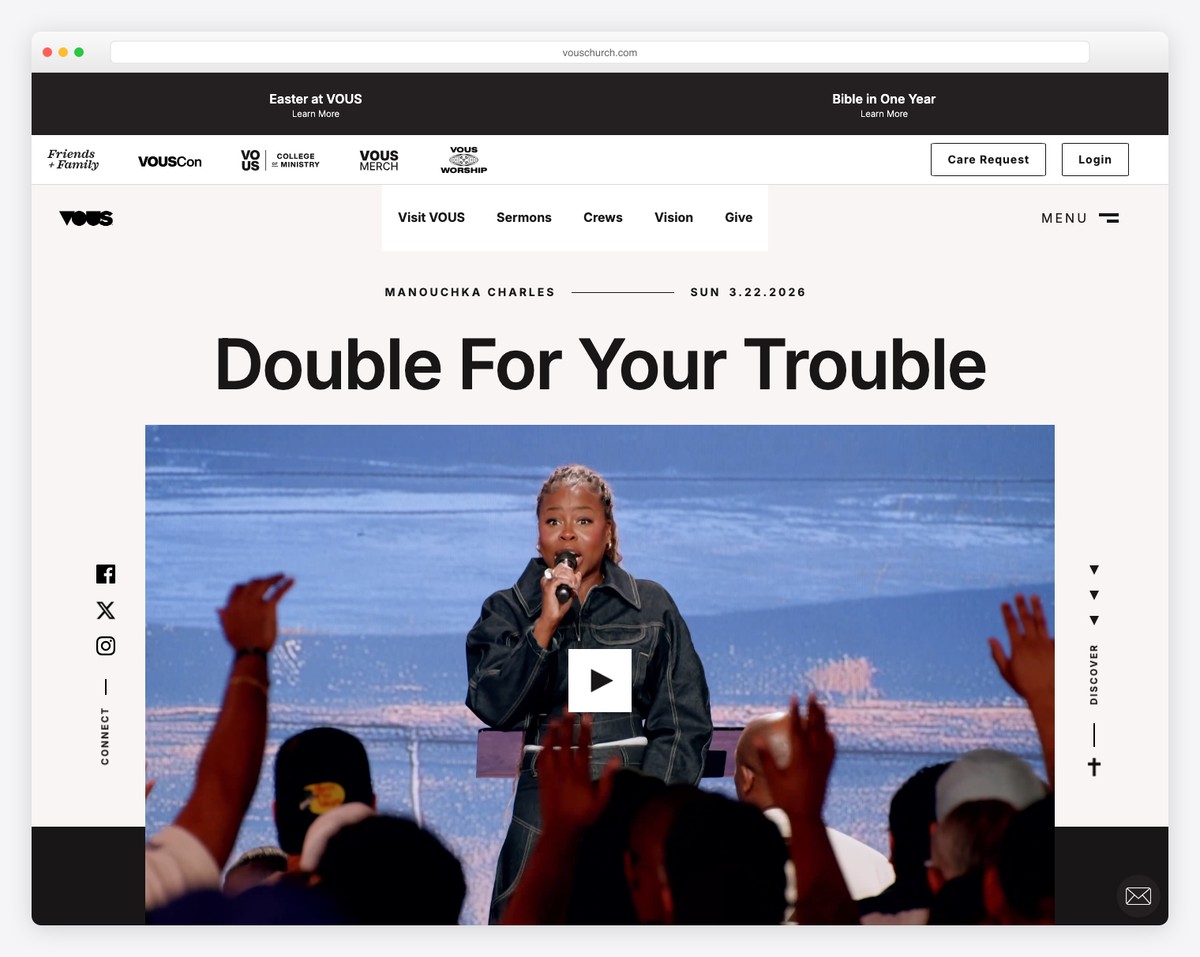
Vous Church in Miami (vouschurch.com) is the poster child for Webflow church websites. The site features custom illustrations, bold typography, dynamic animations, and a design that’s more fashion brand than church. It’s beautiful, memorable, and completely unique.
But here’s the context: Vous Church has professional designers on staff. Their church culture is built around creativity and design excellence. Their target demographic (young creatives in Miami) expects this level of polish. And they have the budget and team to maintain a custom Webflow site long-term.
Most churches don’t have this context. And that’s okay. A beautifully designed Squarespace site serves most congregations just as well as a custom Webflow build — at a fraction of the cost and complexity.
Webflow is the most powerful website builder available. It produces stunning results in the right hands. But for churches, “the right hands” is a narrow category — professional designers who are committed to the church long-term. For the other 95% of churches, Squarespace delivers excellent design quality without the complexity, Tithe.ly delivers church-specific features without the custom build work, and WordPress delivers flexibility without the learning curve.
If you’re drawn to Webflow because you want a beautiful website, try Squarespace first. You’ll likely be surprised by how close you can get to a Webflow-quality design with a fraction of the effort. Compare all platforms in our church website builders guide.
For content editing (updating text, images, blog posts), yes — Webflow’s Editor mode is straightforward. For building pages, modifying layouts, or making design changes, no. Webflow’s designer tool requires understanding of web design concepts. If you need a non-designer to manage everything, choose a different platform.
Embed a giving widget from Tithe.ly or another giving platform. You can also link to an external giving page. Webflow doesn’t have native payment processing for donations. The embed approach keeps donors on your site; the link approach redirects them to the giving platform. Both work, and both are standard practice for churches on non-church-specific platforms.
Webflow offers more design freedom. Squarespace offers easier maintenance, lower cost, built-in features (events, forms, blog), and a vastly larger pool of people who can manage it. For most churches, Squarespace is the better choice. Webflow is better only when you have a designer who needs creative freedom that Squarespace’s templates can’t provide. Read our platform comparisons for more detail.
If built by a volunteer: $15-25/month for hosting (plus their significant time investment learning the platform). If built by a freelance Webflow designer: $3,000-15,000+ for the initial build, plus $15-25/month for hosting. Professional Webflow agencies for churches can charge $10,000-30,000+. Compared to a $19/month Squarespace site that a volunteer can build in a weekend, the cost difference is dramatic.

Church Website Builders
Church Website Builders
Church Website Builders
10 complete church website templates, MIT licensed. Browse every demo freely; we will email you whichever folder you want.
All templates