Church Website Domain Names: Tips for Choosing
Your church domain name is the address people type to find you online. It goes on your building sign, your social media, your business cards, and every piece of communication your church produces. Choosing the wrong one means years of misspellings, confusion, and missed visitors. Choosing the right one means a clean, memorable URL that people can find without thinking twice.
This guide covers best practices for choosing a church domain name, what to do when your ideal .com is taken, where to register, and the practical differences between .com, .church, and .org extensions.
In This Guide
Domain Name Best Practices
Choose .com or .church
.com is the default. When people hear a domain name, they mentally add .com. If you say “Visit our website at Grace Community Church” from the pulpit, half your congregation will type “gracecommunitychurch.com” — even if your actual domain is something else. Going with .com reduces friction.
The .church extension is the best alternative. It’s immediately recognizable, clearly communicates what you are, and is more likely to be available than .com. “grace.church” is clean, memorable, and professional. We’ll compare these extensions in detail below.
Keep It Short
Shorter domains are easier to remember, easier to type, and look cleaner on printed materials. Aim for 15 characters or fewer (not counting the extension). “gracechurch.com” is better than “gracecommunitybiblechurch.com.” If your church has a long name, use an abbreviation or shortened version that your congregation already uses.
No Hyphens or Numbers
Hyphens and numbers create confusion. “grace-church.com” gets mistyped as “gracechurch.com.” “faith2church.com” gets mistyped as “faithtwochurch.com” or “faithchurch.com.” Avoid both. If the only available version of your preferred domain includes hyphens or numbers, choose a different name entirely.
Match Your Spoken Name
If someone asks “What’s your church’s website?”, can you say the domain name once and have them type it correctly? That’s the test. Your domain should match what people call your church in conversation. If everyone calls you “Grace Church” but your legal name is “Grace Community Fellowship Bible Church,” the domain should be gracechurch.com — not the full legal name.
Check Social Media Availability
Before committing to a domain name, check whether the matching username is available on Instagram, Facebook, and YouTube. Ideally, your domain name and social media handles should match. If “gracechurch” is your domain but “@gracechurch” is taken on Instagram, you’ll end up with an inconsistent online identity. Tools like Namechk.com check multiple platforms at once.
What If Your Ideal .com Is Taken?
This happens frequently — especially for churches with common names like Grace, Faith, Hope, or Trinity. Here are your options, in order of preference:
- Add your city or state. gracechurchaustin.com or gracechurchtx.com. This also helps with local SEO — including your city in the domain tells Google where you’re located.
- Use the .church extension. grace.church is clean, professional, and clearly communicates what you are. It’s often available when .com isn’t.
- Use .org. gracechurch.org is the traditional alternative for nonprofits and churches. Less intuitive than .com but widely recognized.
- Abbreviate strategically. If you’re “Grace Community Church,” try gracecc.com or gcchurch.com — but only if these abbreviations are already used by your congregation.
- Consider a different name entirely. If none of the above produce a clean, memorable domain, it might be worth reconsidering your web presence name. Some churches use a branded name online (like “The Movement Church” → movement.church) that’s different from their legal name.
What NOT to do: don’t add random words (gracechurch123.com), hyphens (grace-church.com), or unusual extensions (.info, .biz, .site) that people won’t remember or trust.
.church vs .com vs .org: Comparison
| Factor | .com | .church | .org |
|---|---|---|---|
| Familiarity | Most familiar — people default to .com | Growing recognition — instantly clear purpose | Well-known for nonprofits |
| Availability | Low — most common names are taken | High — newer extension, many options | Moderate — better than .com availability |
| Cost | $10-15/year | ~$7-10 first year; renews $47-90/year | $10-15/year |
| SEO impact | None — Google treats all extensions equally | None | None |
| Professionalism | Universally professional | Professional for churches specifically | Professional for nonprofits |
| Email appearance | [email protected] (standard) | [email protected] (clean, distinctive) | [email protected] (standard) |
| Memorability | Highest — automatic mental model | High — the extension IS the identifier | Good — familiar alternative |
✅ Our recommendation: Go with .com if it’s available and clean. If not, .church is an excellent modern alternative that many churches are adopting successfully. .org is a solid fallback. The key is choosing one that your congregation can remember and type without help.
Where to Register Your Domain
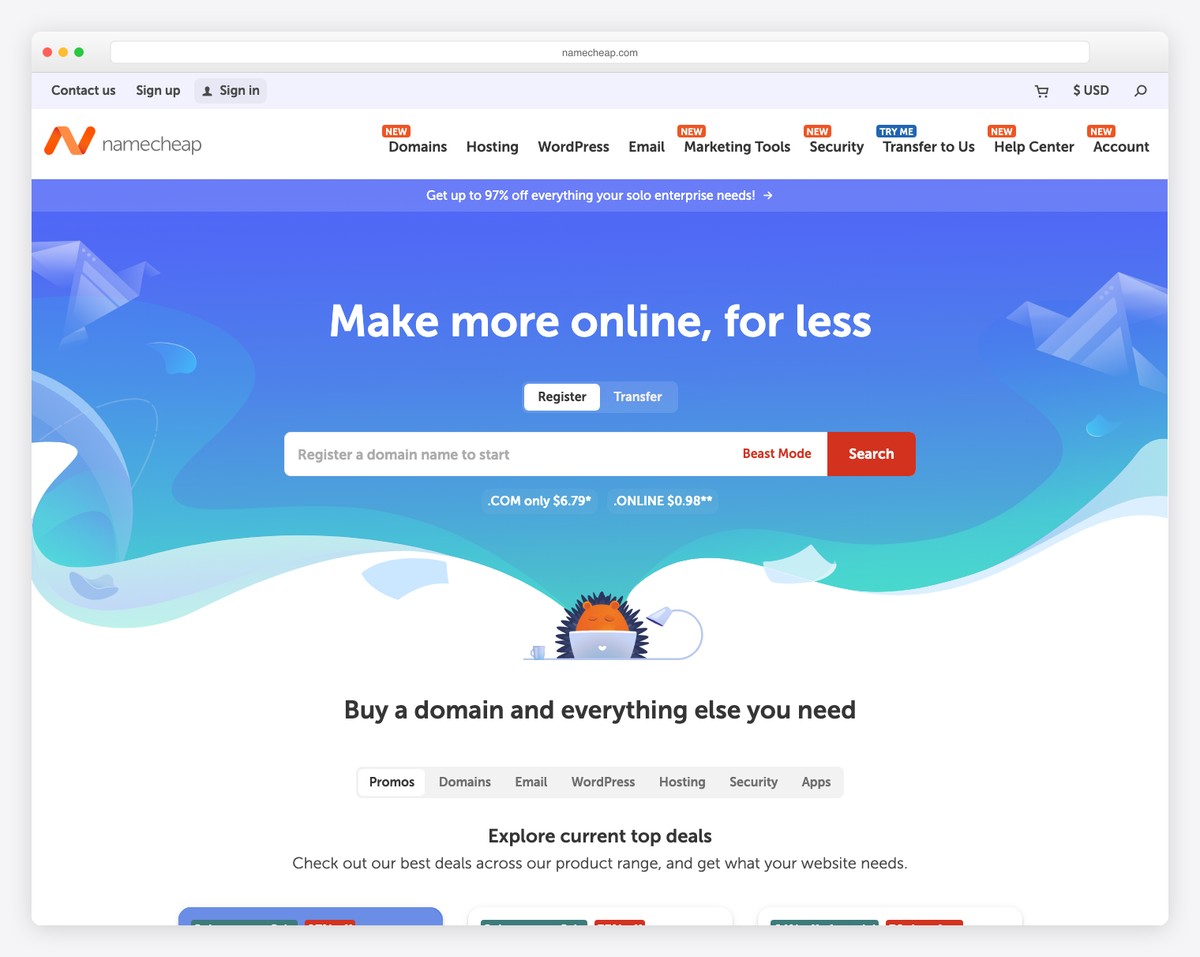
Namecheap
Our top recommendation for domain registration. Clearly displayed renewal prices (check them — renewals run well above first-year promos), free WHOIS privacy protection, clean interface, and excellent support. Domains start at $6-12 for the first year (~$18/year at renewal) for .com. The .church extension is available here as well.
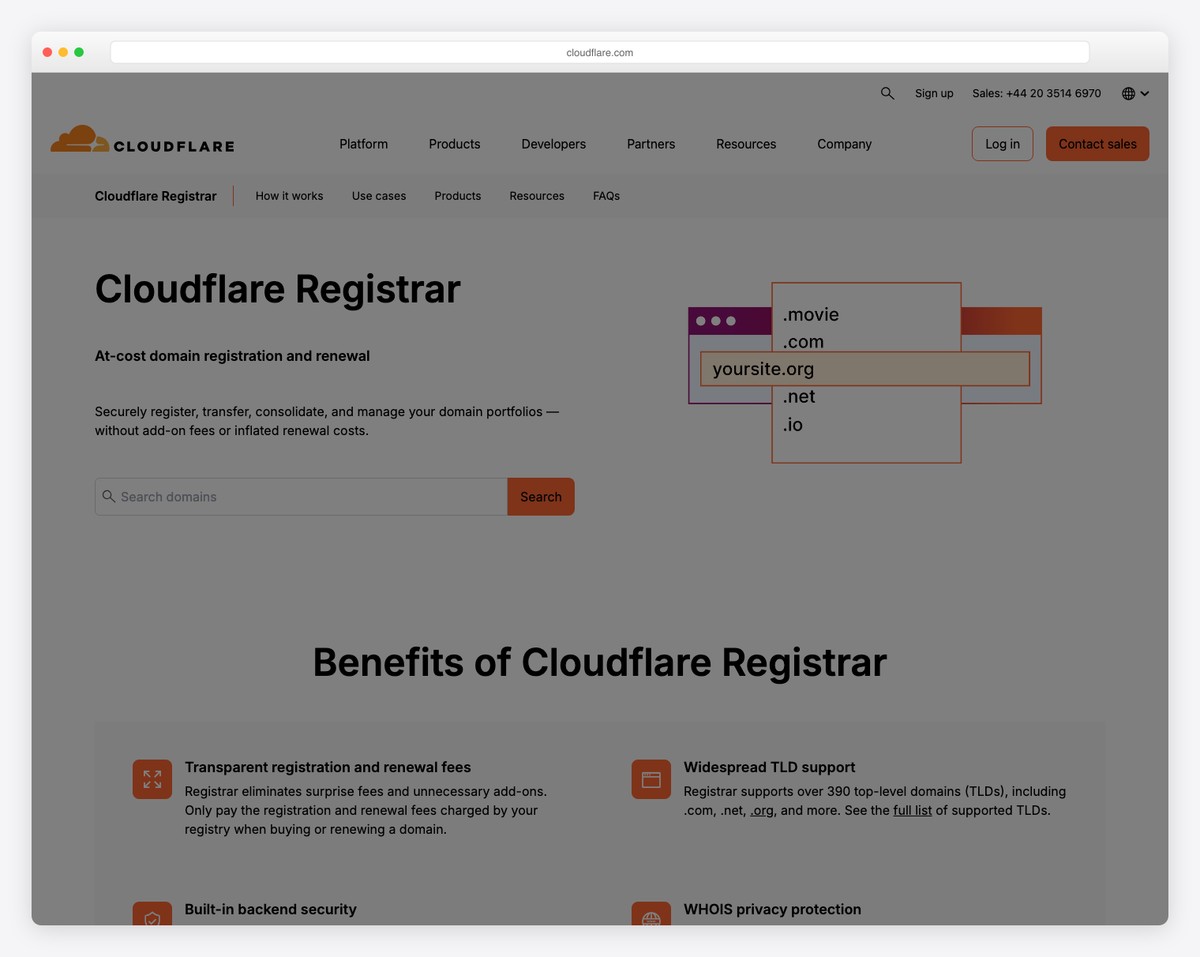
Cloudflare Registrar
Cloudflare sells domains at wholesale cost with no markup — the cheapest option available. No upsells, no premium features to pay for — just the domain at cost. The interface is more technical than Namecheap, so it’s better for churches with a tech-savvy volunteer managing the domain.
Through Your Website Builder
Most website builders — Squarespace, Wix, Tithe.ly — offer domain registration as part of their service. The advantage: everything is in one account, and the domain connects to your site automatically. The disadvantage: if you switch platforms later, you need to transfer or redirect your domain. Squarespace includes a free domain for the first year with an annual plan.
Google Domains (Now Squarespace Domains)
Google Domains was acquired by Squarespace in 2023. Existing customers were migrated. The pricing and features remain solid — transparent renewal rates, free WHOIS privacy, and easy DNS management. If you’re already on Squarespace for your website, managing your domain here makes administration simple.
Domain Management Tips
Register Under the Church, Not a Person
This is critical. The domain should be registered in the church’s name with the church’s email and payment method — not the pastor’s personal account or a volunteer’s credit card. When that person leaves the church, you need the domain to stay with the church. Create a generic church email ([email protected] or [email protected]) for domain registration.
Enable Auto-Renewal
Expired domains get snatched up by domain speculators within hours. Enable auto-renewal on your domain and keep the payment method current. Set a calendar reminder to verify the payment method annually. Losing your domain because a credit card expired is an avoidable disaster.
Enable WHOIS Privacy
Domain registration information (name, address, phone, email) is public by default. WHOIS privacy protection hides this information behind your registrar’s proxy. Most registrars include this for free — enable it to prevent spam and protect your church admin’s personal information.
Document Your Domain Details
Store your domain registrar, login credentials, and renewal date in a secure location that church leadership can access. If the person managing your domain becomes unavailable, the church needs to be able to manage the domain. Include this in your website security documentation.
Setting Up Email at Your Domain
Once you have a custom domain, set up email — [email protected] looks far more professional than [email protected]. Options:
- Google Workspace ($6/user/month) — Gmail interface with your custom domain. Familiar, reliable, includes Drive and Calendar. Free for nonprofits through Google for Nonprofits.
- Microsoft 365 ($6/user/month) — Outlook with your custom domain. Also free or discounted for nonprofits.
- Email forwarding (free) — Many registrars offer free email forwarding. Mail sent to [email protected] forwards to their personal email. No separate inbox to manage, but replies come from their personal address.
Frequently Asked Questions
Does our domain name affect SEO?
Slightly. Having your city in the domain (gracechurchaustin.com) can help with local search rankings. But Google officially states that the domain extension (.com, .church, .org) doesn’t affect rankings. The content on your website matters far more than the domain name. Choose a domain for human visitors first, search engines second.
Should we buy multiple domain extensions?
If you can afford it, buying the .com, .org, and .church versions of your domain (and redirecting them all to your primary site) prevents confusion and competitor squatting. At $10-40 per year each, it’s cheap insurance. At minimum, buy the .com version even if your primary domain is .church or .org — to prevent someone else from claiming it.
Can we change our domain name later?
Technically yes, but it’s painful. Changing domains means updating all printed materials, social media profiles, Google Business Profile, email addresses, and any external links pointing to your old domain. You’ll also need to set up redirects from the old domain to the new one to preserve SEO value. It’s much better to choose the right domain from the start than to change it later.
How much does a domain name cost?
Standard domains run $10-20/year for .com and .org. A .church domain looks cheap the first year (~$7-10) but renews at $47-90/year. Beware of registrars that offer a low first-year price with a much higher renewal rate — Namecheap and Cloudflare are both transparent about pricing. For the full cost picture of getting your church online, see our church website cost guide.
What if someone else owns the domain we want?
You can try contacting the current owner to negotiate a purchase, but expect to pay $500-5,000+ for a desirable domain. For most churches, it’s more practical to choose an available alternative: add your city, use a different extension (.church), or use an abbreviated version of your name. Don’t spend thousands on a domain when that money could fund a great website on a slightly different URL.