Cornerstone
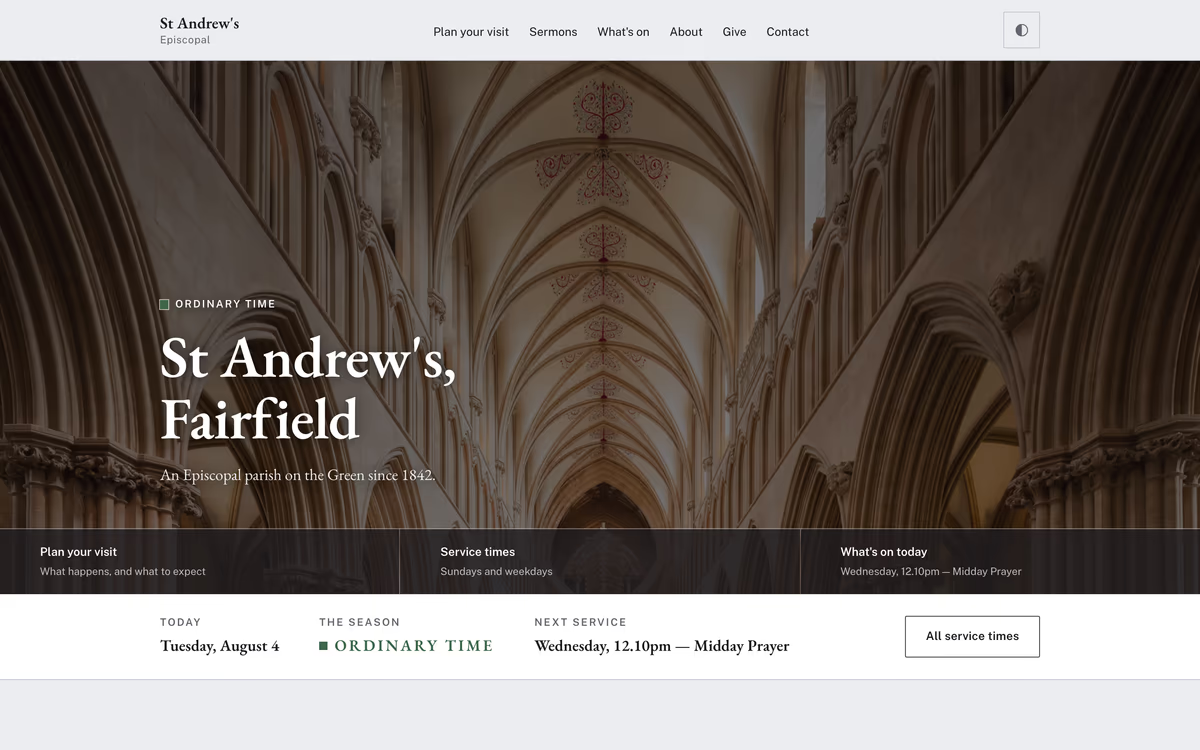
Episcopal, Anglican and Lutheran parishes that keep the calendar
10 complete templates — 77 pages of hand-written HTML — for parishes, chapels, benefices and cathedrals. Try any of them live, then we will email you the folder.
Episcopal, Anglican and Lutheran parishes that keep the calendar
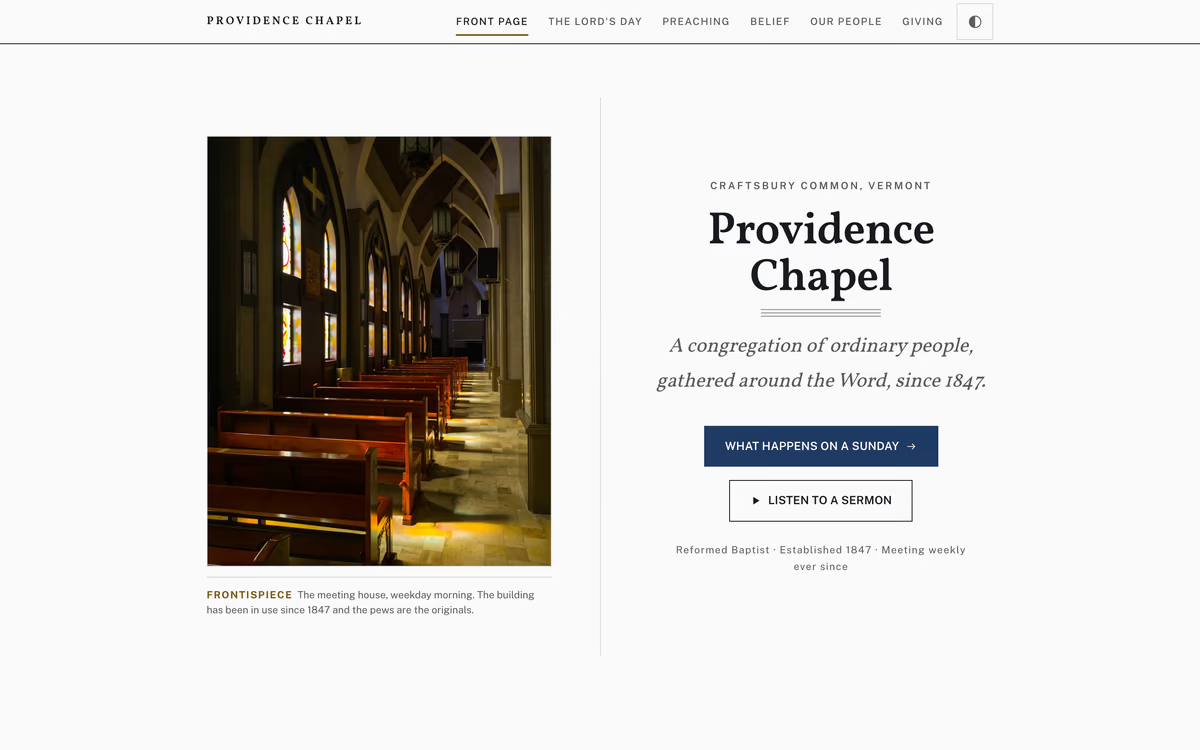
Reformed and confessional congregations where the sermon is the centre
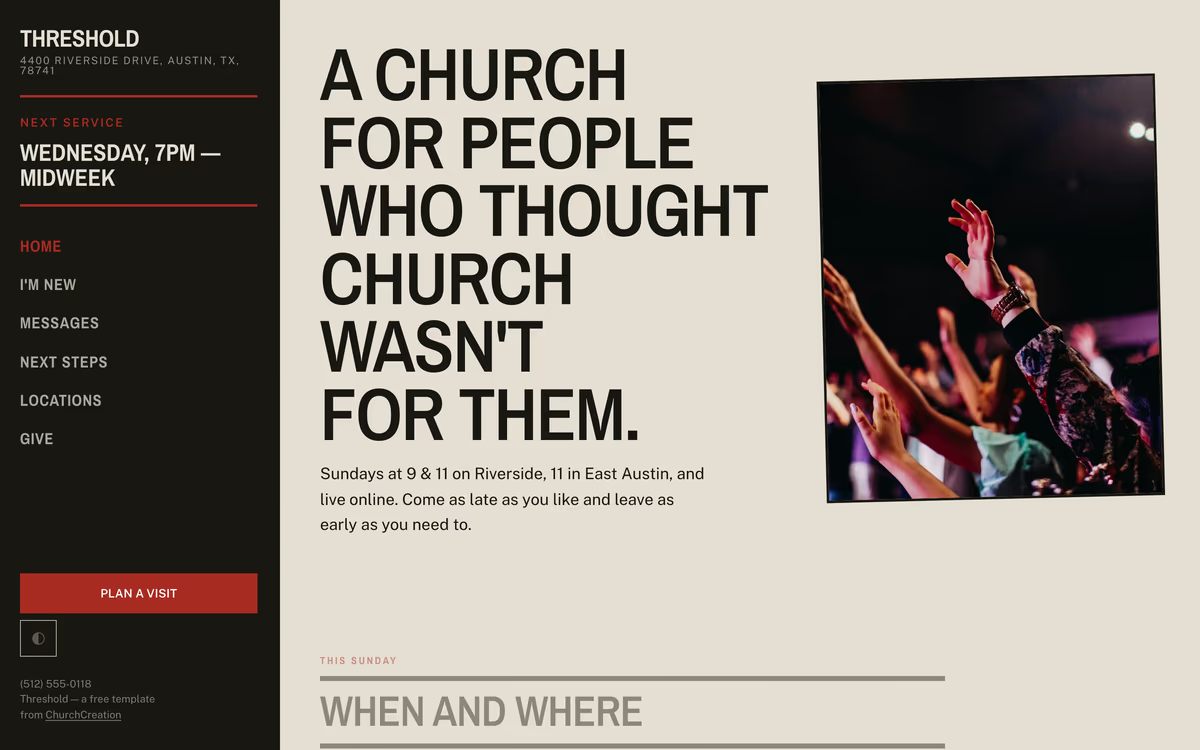
Non-denominational and multi-site churches reaching people who have never been
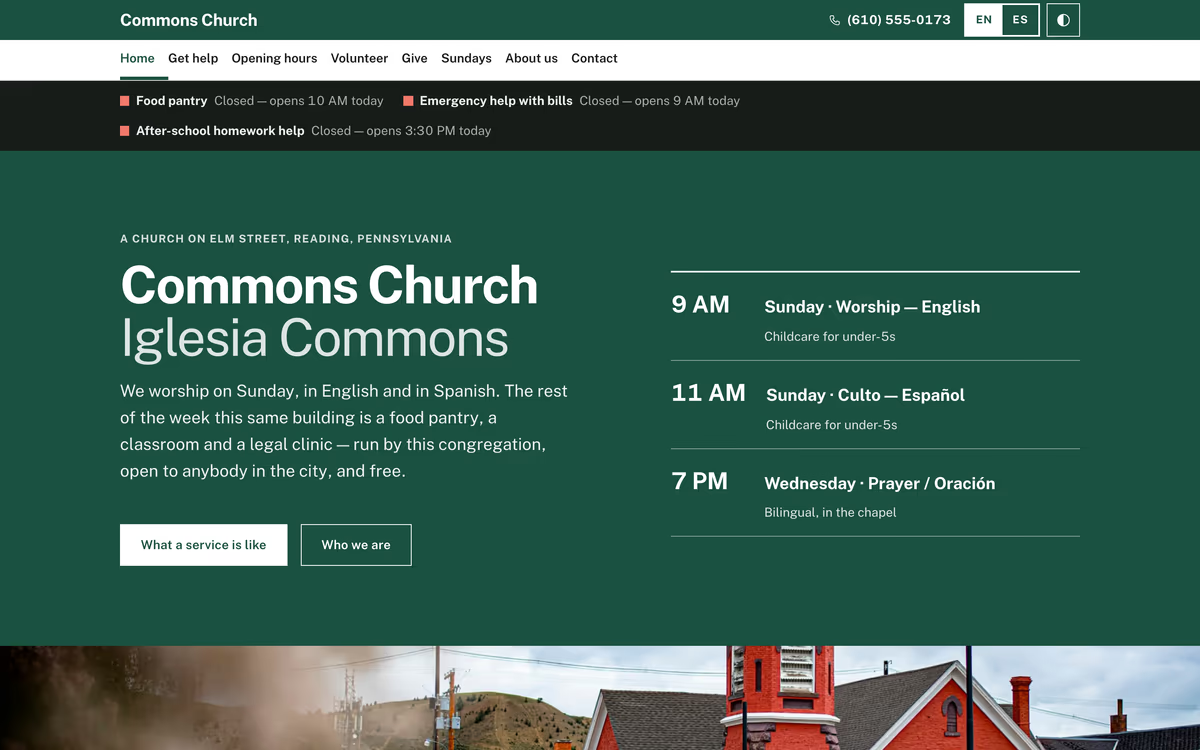
Churches whose building is open and busy on weekdays
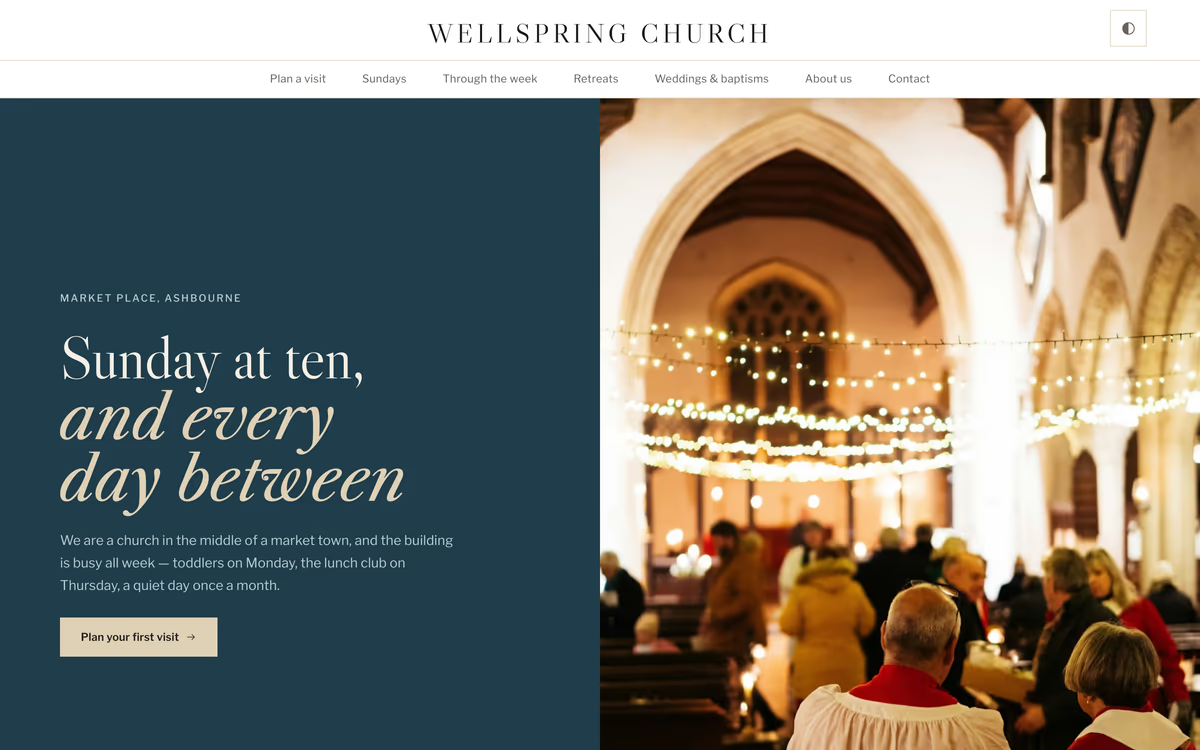
Market-town parishes, retreat houses, and anywhere welcome is the message
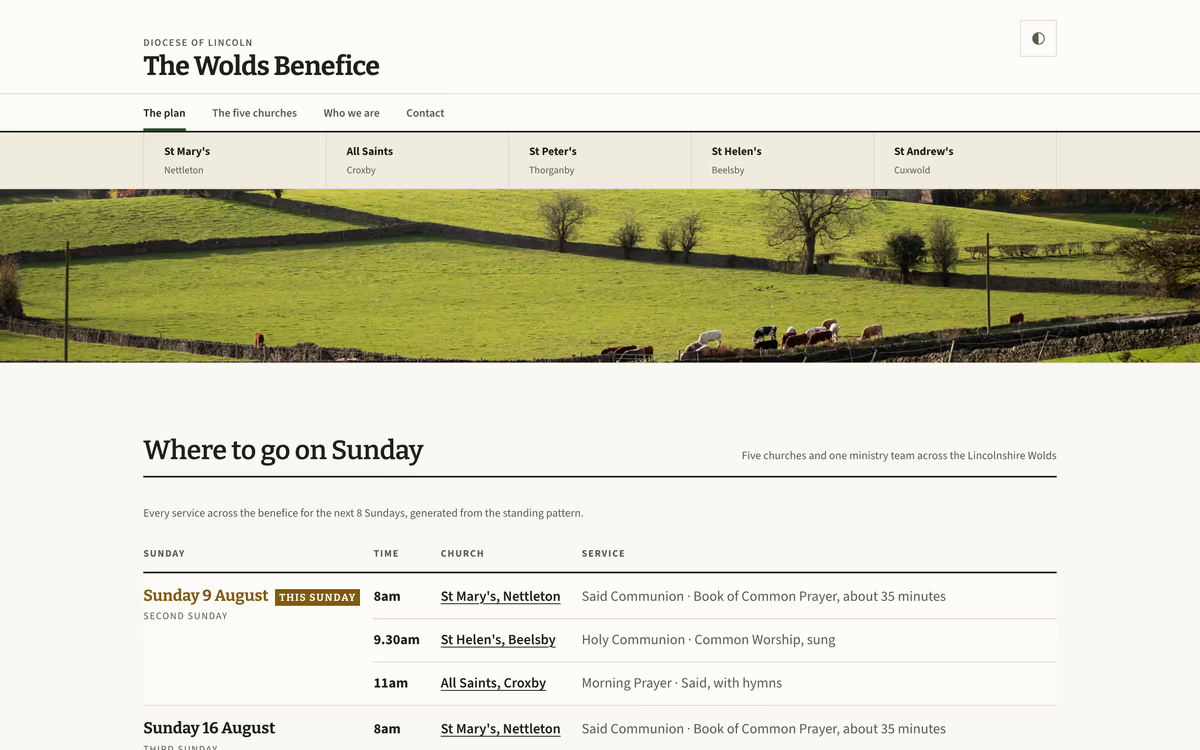
Benefices, circuits and groups of parishes sharing one ministry team
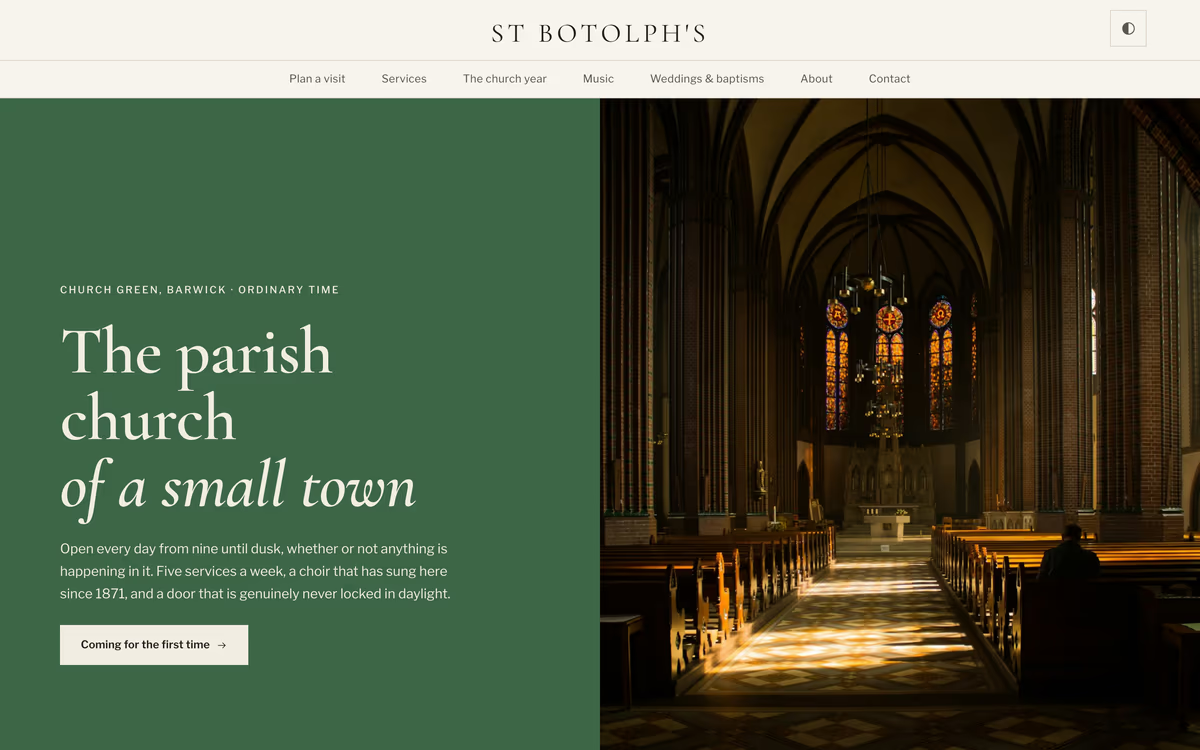
Church of England parishes keeping the daily office
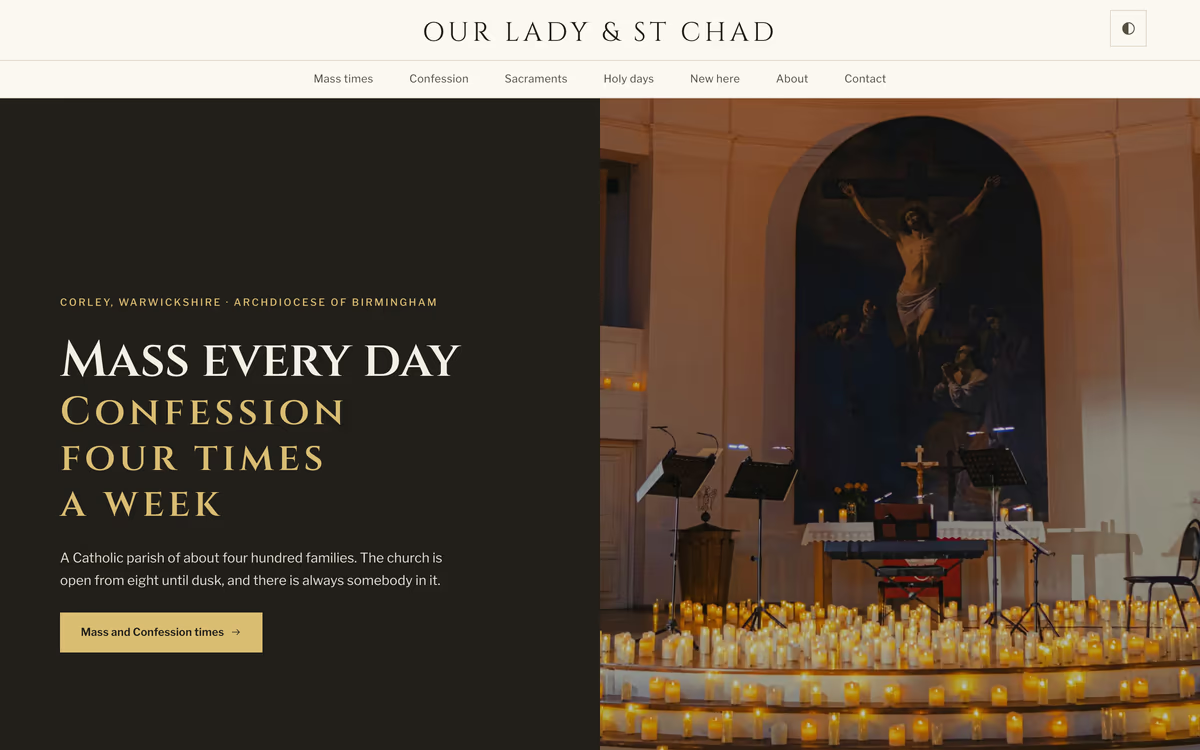
Roman Catholic parishes
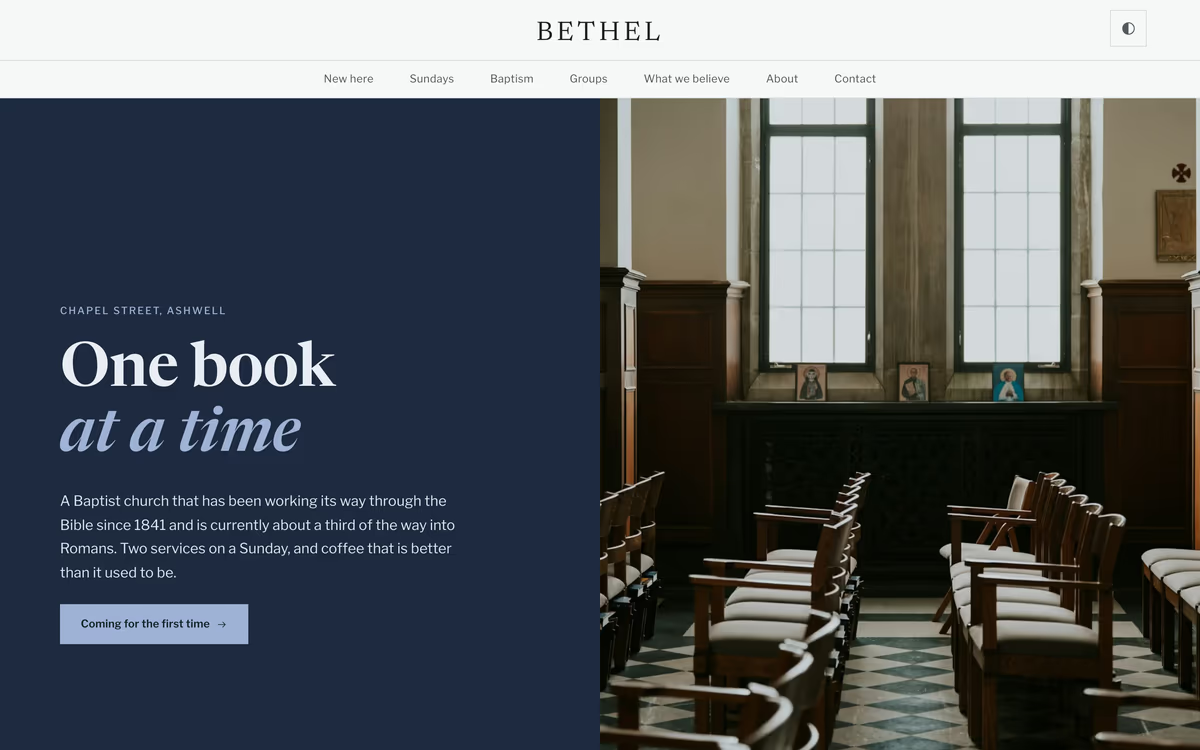
Baptist and independent evangelical churches teaching through books
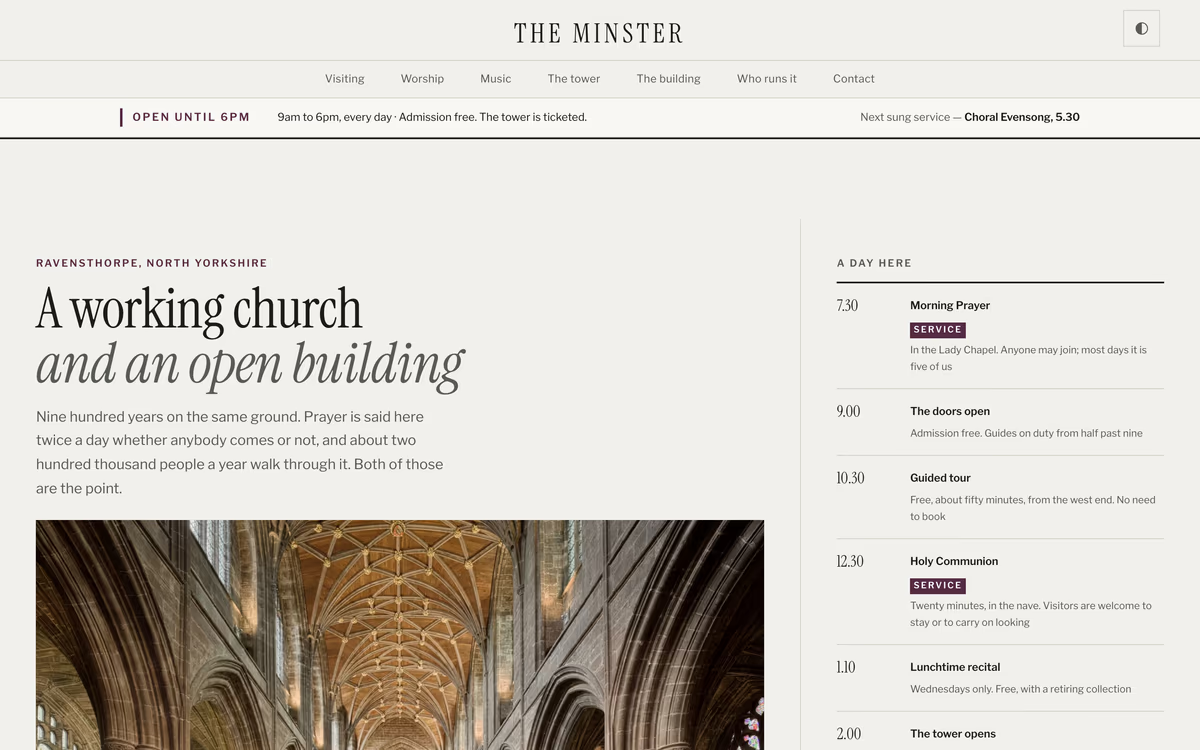
Minsters, cathedrals and large historic churches with visitors as well as a congregation
A folder of files. That is the whole product, and it is deliberate.
No placeholder text anywhere. Service times, plan your visit, weddings and funerals, giving — with real copy you edit rather than invent.
Nothing to install, nothing to compile, no account to make. Unzip it, open index.html, and the whole site works offline.
Liturgical seasons, movable feasts and benefice rotas are computed in the browser — so they stay right in a year nobody updates them.
WCAG 2.2 AA, checked by a script rather than by eye. Fonts are self-hosted, so no third party sees your congregation.
Choosing a builder, writing the pages, and what things actually cost.
Yes, under the MIT licence — the permissive one. Use a template for your church, modify it, and never mention where it came from. There is no paid version, no locked page and no licence key. We ask for an email address so we can send you the files and tell you when a new template is ready; the demos need nothing at all.
You need to be willing to open an HTML file in a text editor and change the words between the tags. That is genuinely it — no framework, no build step, no command line. If that sounds like more than you want to do, a hosted church website builder will suit you better, and the guides here compare them honestly.
No. They are static HTML templates, meant to be uploaded to a host as a folder of files. A developer can convert one, and the markup is clean enough to make that a short job rather than a rescue mission.
Each demo uses photographs from Unsplash, and each folder carries a CREDITS file naming every photographer. You may keep them, but replacing them with pictures of your own church is the single biggest improvement you can make to any of these.
Anywhere that serves static files, and several will do it for nothing — Netlify, Cloudflare Pages, GitHub Pages, or ordinary shared hosting over FTP. There is no database and no PHP, so there is nothing to keep patched.
10 templates, every one free. Open any demo without giving us anything; tell us where to send the files and we will email them over.
All templates