Get Your Church Website Ready for Christmas (Checklist + Examples)
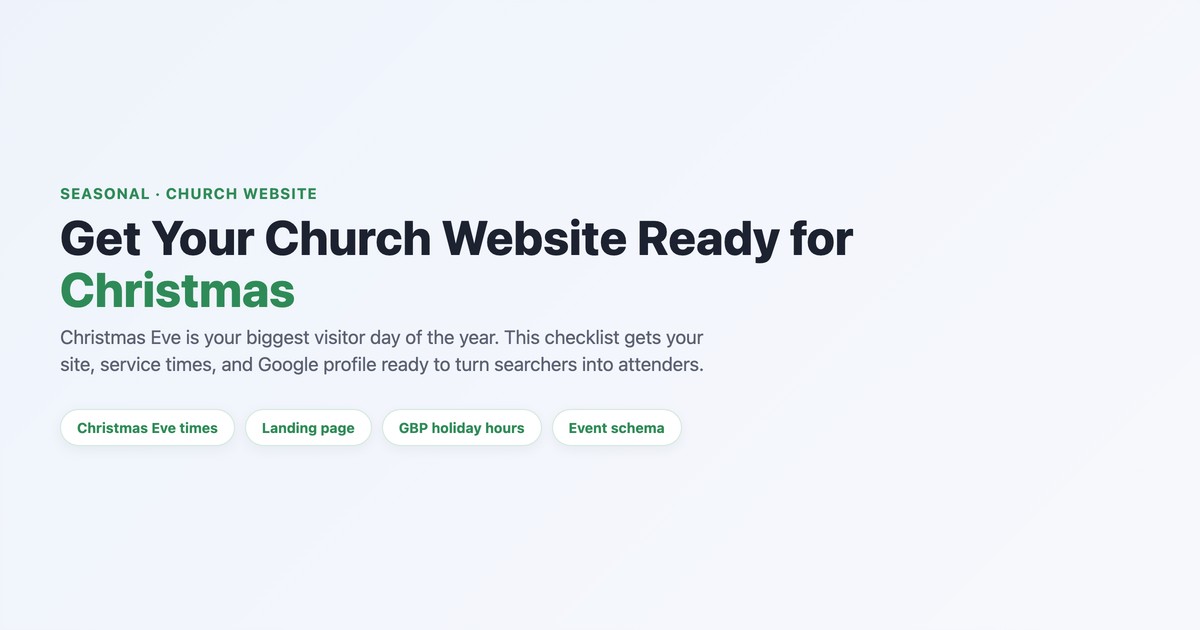
Christmas Eve is, for most churches, the single biggest influx of first-time and returning visitors all year — and almost every one of them will check your website before they decide to come. They’re searching “Christmas Eve service near me” on a phone, and in about ten seconds they’re deciding whether they can find a service time, know where to park, and trust they’ll be welcome. This checklist gets your website (and your Google listing) ready to turn that search into a full sanctuary. Start early — this is worth doing weeks ahead.
The Christmas-readiness checklist
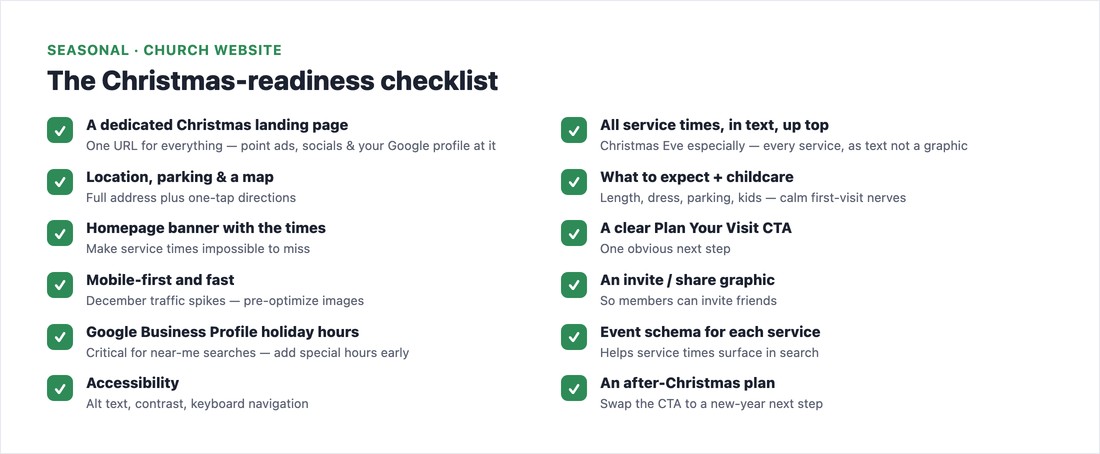
The centerpiece is a dedicated “Christmas at [Church]” landing page — one URL that holds everything and that you point all your ads, social posts, and Google profile to. On it, put every service time and date in actual text (search engines and screen readers can’t read a JPEG), with Christmas Eve front and center, plus location, parking, and an embedded map, a “what to expect” section with childcare info to calm first-visit nerves, and a clear “Plan Your Visit” call to action. Add a homepage banner so the times are impossible to miss, make sure the page is mobile-first and fast (December traffic spikes are exactly when a slow site times out), and create an invite graphic members can share. Our plan-your-visit guide covers the visitor-facing details.
The part that actually wins “near me”: local SEO
Most “Christmas Eve service near me” searches are decided in Google’s local results, often before anyone clicks a website — so your Google Business Profile matters as much as your site. Add holiday/special hours for Christmas Eve and Christmas Day several weeks early (Edit profile → Hours → Special hours) so they surface in Maps, publish a Google profile post linking your Christmas page, and use “[your city] Christmas Eve service” in the page title, H1, and body. Add Event schema for each service so the dates and times can show directly in search. Our Google Business Profile guide walks through it.
A simple timeline
- Early–mid November: publish the landing page so Google has time to index it before demand peaks.
- About two weeks before: put the homepage hero live, add your Google profile special hours, deploy the Event schema, and send the invite graphics to your congregation.
- Day before / day of: confirm the livestream link works and the parking and childcare details are right, and do a final speed check.
- After Christmas: don’t let the page die — see below.
Don’t waste the after-Christmas moment
Most churches let all that Christmas traffic evaporate on December 26. Instead, swap the page’s call to action to a “Join us in the new year” next step — a January sermon series, a New Year’s service, a newcomers’ coffee — and follow up promptly with anyone who filled out a connect card or RSVP. Then repurpose the page toward Easter when the season turns (our Easter readiness guide picks up there). Capturing even a fraction of your Christmas visitors for a return visit is the whole point.
📄 Free download: The Christmas-Readiness Checklist (PDF) — the full website checklist, the local-SEO steps, the after-Christmas plan, and the publish timeline on one page.
The bottom line
Your website is the front door for the biggest crowd you’ll see all year. Give them one clear Christmas page with every service time in plain text, make it fast and mobile-friendly, set your Google holiday hours early, and plan how you’ll invite them back in January. Do it weeks ahead, and your website does what it’s there to do — gets neighbors through the doors on Christmas Eve. Run the page past our church website checklist before it goes live.
Frequently asked questions
When should I publish my church’s Christmas page?
Publish the landing page in early-to-mid November so Google has time to index it before December searches peak, then put the homepage banner live and add your Google Business Profile holiday hours about two weeks before Christmas. Earlier is better — the page needs to be findable when demand spikes.
How do I get my church to show up for “Christmas Eve service near me”?
Set Christmas Eve and Christmas Day special hours on your Google Business Profile a few weeks early, publish a profile post linking your Christmas page, and use “[your city] Christmas Eve service” in your page title, H1, and body text. Make sure service times are in real text (not just a graphic), and add Event schema so the times can appear in search.
Does my church need a separate Christmas landing page?
Yes — a single dedicated page is far more effective than scattering Christmas details across your site. It gives you one URL to point all your ads, social posts, and Google profile to, keeps every service time and detail in one place, and is easy for a searching visitor to act on. Reuse and update it each year.
What should a church Christmas landing page include?
Every service time and date in text (Christmas Eve especially), your location with parking and an embedded map, a “what to expect” section with childcare info, a clear Plan Your Visit call to action, a shareable invite graphic, and a fast, mobile-first design. Behind the scenes, add Event schema and update your Google Business Profile holiday hours.