Church Website Builders
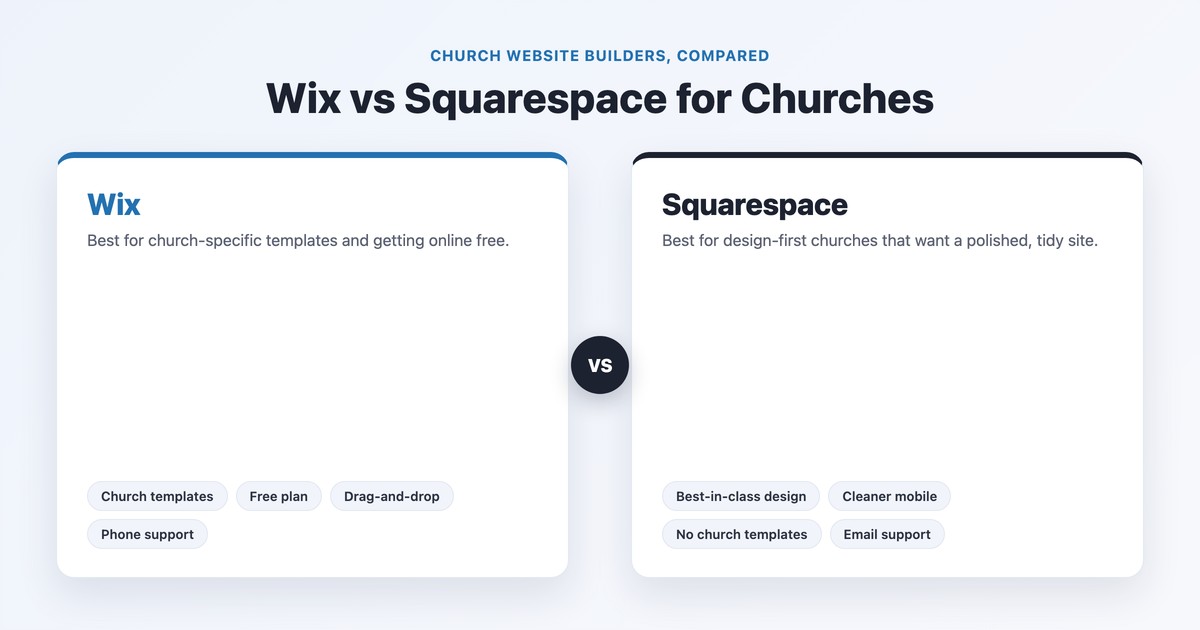
Wix and Squarespace are the two most popular do-it-yourself website builders, and for a church choosing between them the trade-off is fairly clean: Wix wins on church-specific templates, a genuinely free plan, and drag-anywhere flexibility, while Squarespace wins on design polish and tidy, automatic mobile layouts. Neither has true built-in church tools like giving or a sermon manager — both lean on add-ons for that — so the decision comes down to how much you value ready-made church templates and a free start (Wix) versus best-in-class design out of the box (Squarespace).
We’ve published full standalone reviews of Wix for churches and Squarespace for churches; this guide puts them head-to-head with current pricing, real screenshots of both, a church-giving comparison, and a clear “best for your church” verdict.
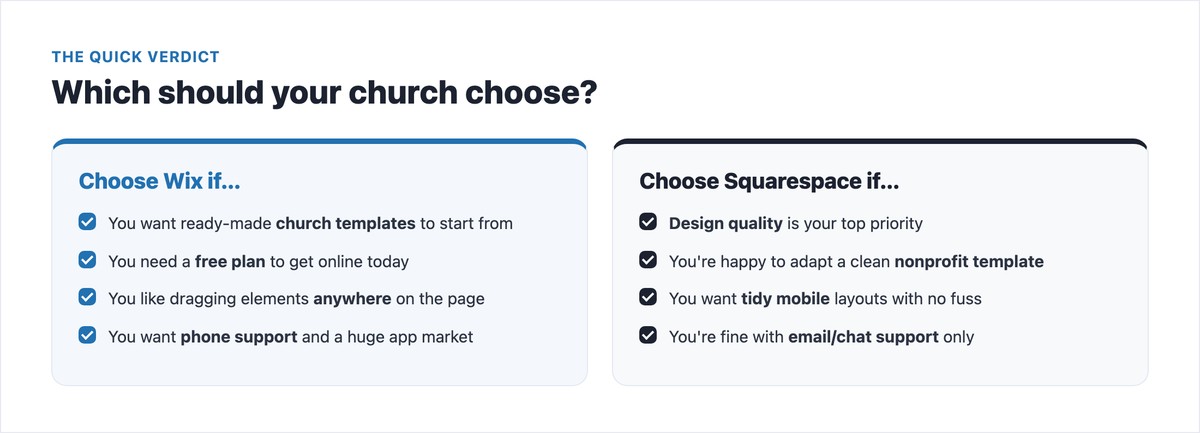
The quick verdict: Choose Wix if you want church templates to start from, a free plan to get online today, or maximum drag-and-drop freedom. Choose Squarespace if design quality is your priority and you’re happy to adapt one of its clean nonprofit templates. For most small-to-mid churches that want church-ready building blocks fast, Wix is the easier yes; for design-led churches and creatives, Squarespace is worth the trade-offs.
| Wix | Squarespace | |
|---|---|---|
| Church templates | Yes — a dedicated religion template set | None — adapt a nonprofit/community template |
| Free plan | Yes (with Wix ads, no custom domain) | No (14-day free trial) |
| Editor | Freeform drag-and-drop | Structured, section-based grid |
| Design quality | Good, very flexible | Excellent, polished by default |
| Mobile layout | Manual; freeform can get messy | Tidy and automatic |
| Online giving | Embed Tithe.ly / Givebutter / Planning Center | Embed Tithe.ly / Givebutter / Planning Center |
| Sermons & media | Embed (YouTube/Vimeo/podcast) | Embed (YouTube/Vimeo/podcast) |
| Events calendar | Built-in + large app market | Built-in events collection |
| App / add-on market | Huge (Wix App Market) | Limited (extensions + embeds) |
| Support | Phone, chat & help center | Chat & email-first (24/7) |
| Starting price (annual) | ~$17/mo (selling from ~$29/mo) | ~$19/mo (0% fee from ~$29/mo) |
Both price by annual or month-to-month billing (annual is cheaper, and both include a free custom domain for the first year). Pricing changes periodically, so confirm the current figures on Wix’s pricing page and Squarespace’s pricing page before you commit.
| Plan | Approx. price (annual) | Good for a church that… |
|---|---|---|
| Free | $0 (Wix ads, wixsite.com URL) | Just wants to experiment or get something online today |
| Light | ~$17/mo | Needs a simple info site, no online selling/giving store |
| Core | ~$29/mo | Wants payments, a store, and proper e-commerce/giving tools |
| Business | ~$39/mo | Needs more advanced commerce and storage |
| Business Elite | ~$159/mo | Large multi-ministry sites that need the full feature set |
Squarespace renamed its plans (the old Personal/Business/Commerce tiers are now Basic, Core, Plus, and Advanced). There’s no free plan, but you get a 14-day trial.
| Plan | Approx. price (annual) | Good for a church that… |
|---|---|---|
| Basic | ~$19/mo (2% fee on Squarespace sales) | Wants a clean site; minimal/no built-in selling |
| Core | ~$29/mo (0% Squarespace sales fee) | The church sweet spot — removes the sales fee |
| Plus | ~$49/mo | Larger sites with more commerce needs |
| Advanced | ~$99/mo | Advanced features and the lowest processing rates |
Watch the true cost of giving. The Squarespace “sales fee” applies to its own commerce, not to a dedicated giving tool. In practice, most churches collect tithes through an embedded service like Tithe.ly or Givebutter on either builder, which carries its own processing fee (commonly around 2.9% + $0.30). So your real monthly cost is the plan price plus whatever your giving tool charges — budget for both. For the full breakdown, see our church website cost guide.
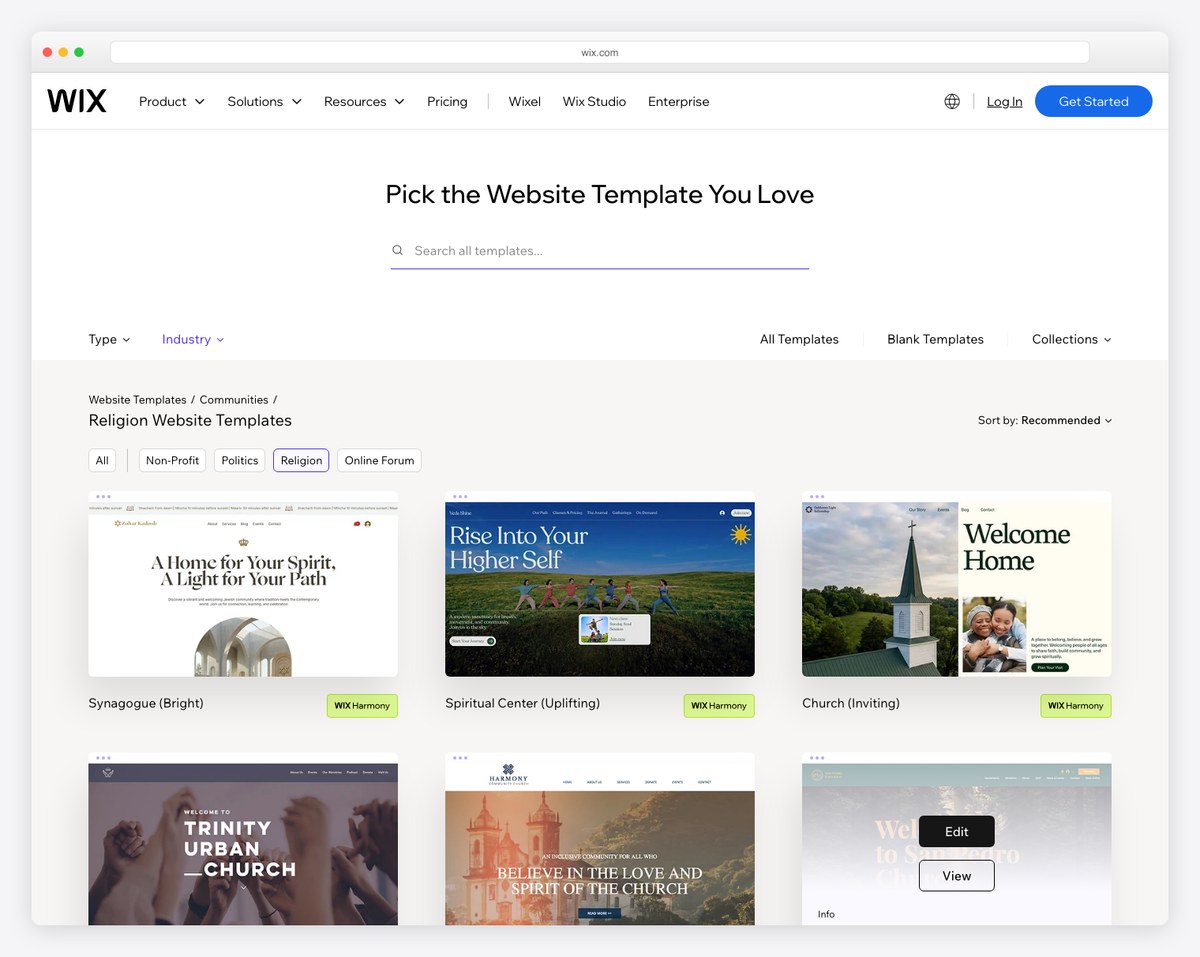
This is the single biggest practical difference for churches. Wix has a dedicated set of church and religion templates — you start from a layout already built for service times, sermons, events, and giving, then swap in your content.
Squarespace has no church-specific templates. Its starting points for a church live under “community & non-profit,” so you adapt a clean nonprofit or community template to church use. The upside: Squarespace’s templates are widely considered the best-looking in the industry, with typography and spacing that look designed even before you touch them.
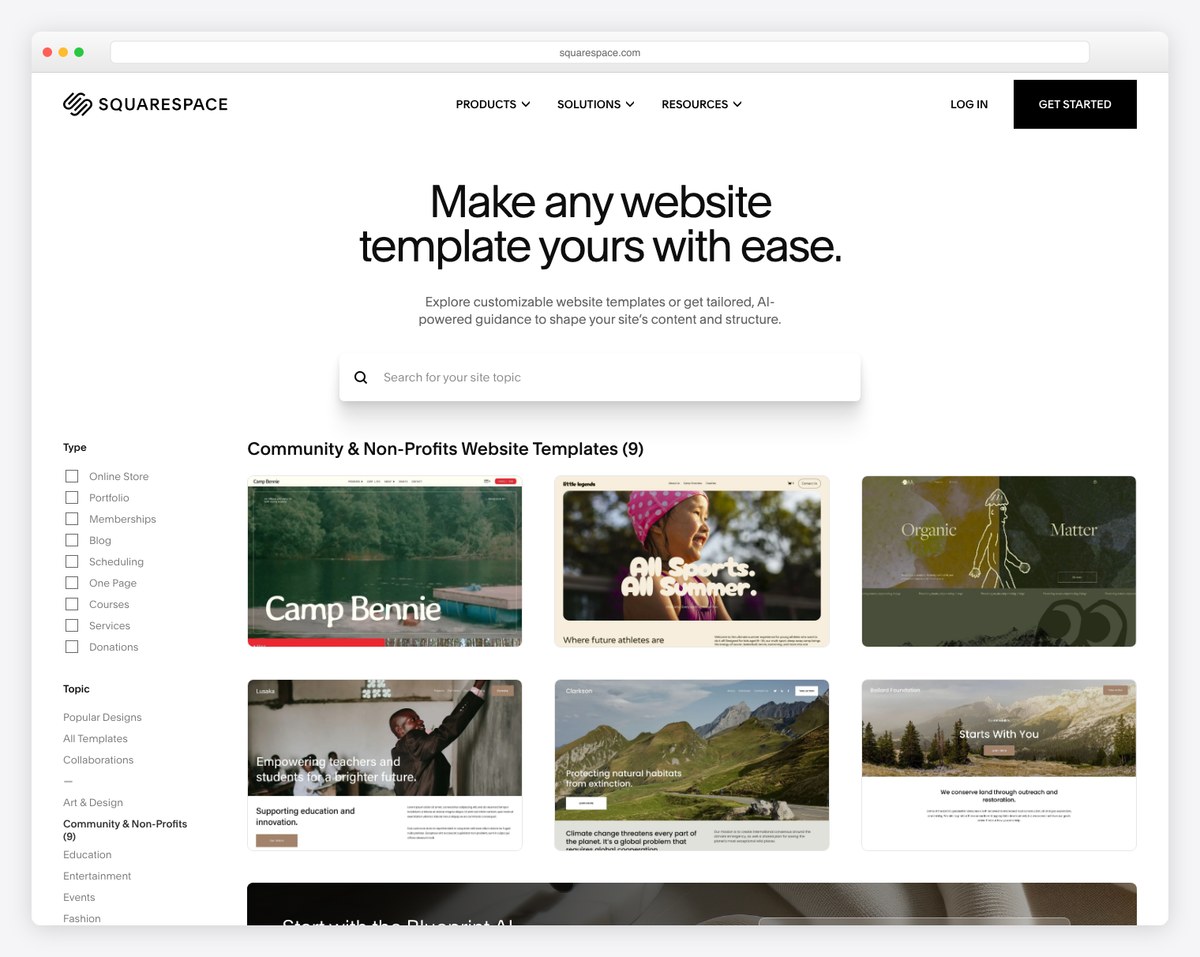
The trade-off in a sentence: Wix gives you a church-shaped starting line; Squarespace gives you a more beautiful blank canvas. If you want to look professional with the least effort, Wix’s head start matters. If you (or a volunteer) have an eye for design and want the most polished result, Squarespace rewards it. Either way, browse our best church website designs for inspiration before you start.
The two builders take opposite approaches to editing. Wix is freeform — you can drag any element anywhere on the page, which feels powerful and intuitive at first. Squarespace is structured — you work within sections and a grid that keeps everything aligned.
For a non-technical volunteer, this is the real fork in the road. Wix’s anywhere-you-want freedom is forgiving when you’re adding content but can produce a messy result — especially on mobile, where freeform layouts need manual cleanup. Squarespace’s guardrails make it harder to “break” the design and keep mobile tidy automatically, at the cost of some flexibility. Neither is hard to learn; Wix feels more open, Squarespace feels more guided.
Here’s the honest truth that most comparisons skip: neither Wix nor Squarespace has a true built-in church-giving module with recurring tithes, funds, and text-to-give. Both let you accept one-off payments through their commerce tools, but for real church giving you’ll embed a dedicated service on either platform:
So on church-specific features, the two are close to a tie — both depend on add-ons. Wix’s edge is the sheer size of its app market (more plug-and-play options, including some church-oriented ones); Squarespace keeps you in a smaller, cleaner set of integrations. If giving and integrations are your top priority, also weigh an all-in-one church platform like Tithe.ly or Subsplash against a general builder — our best church website builders guide covers those options.
SEO: both give you the essentials — editable titles, meta descriptions, alt text, clean URLs, and automatic sitemaps — and both are perfectly capable of ranking a church locally when set up well. Squarespace’s tidy code and fast, consistent themes give it a slight edge in technical cleanliness; Wix has closed its old SEO gaps and is now competitive. The bigger ranking lever for a church is your local presence, not the builder — see our church website SEO guide.
Mobile: Squarespace wins here for most churches. Its layouts adapt to mobile automatically and stay tidy; Wix gives you a separate mobile editor with more control, but freeform desktop designs often need manual mobile cleanup or they look cluttered on a phone.
Support: Wix offers phone support, chat, and an extensive help center. Squarespace’s 24/7 support is chat and email-first — no advertised phone line — though its documentation is excellent. For a volunteer-run church team that may want to call someone, Wix’s phone support is a real advantage.
The best way to judge a builder is to see real churches using it. Here are live examples on each.
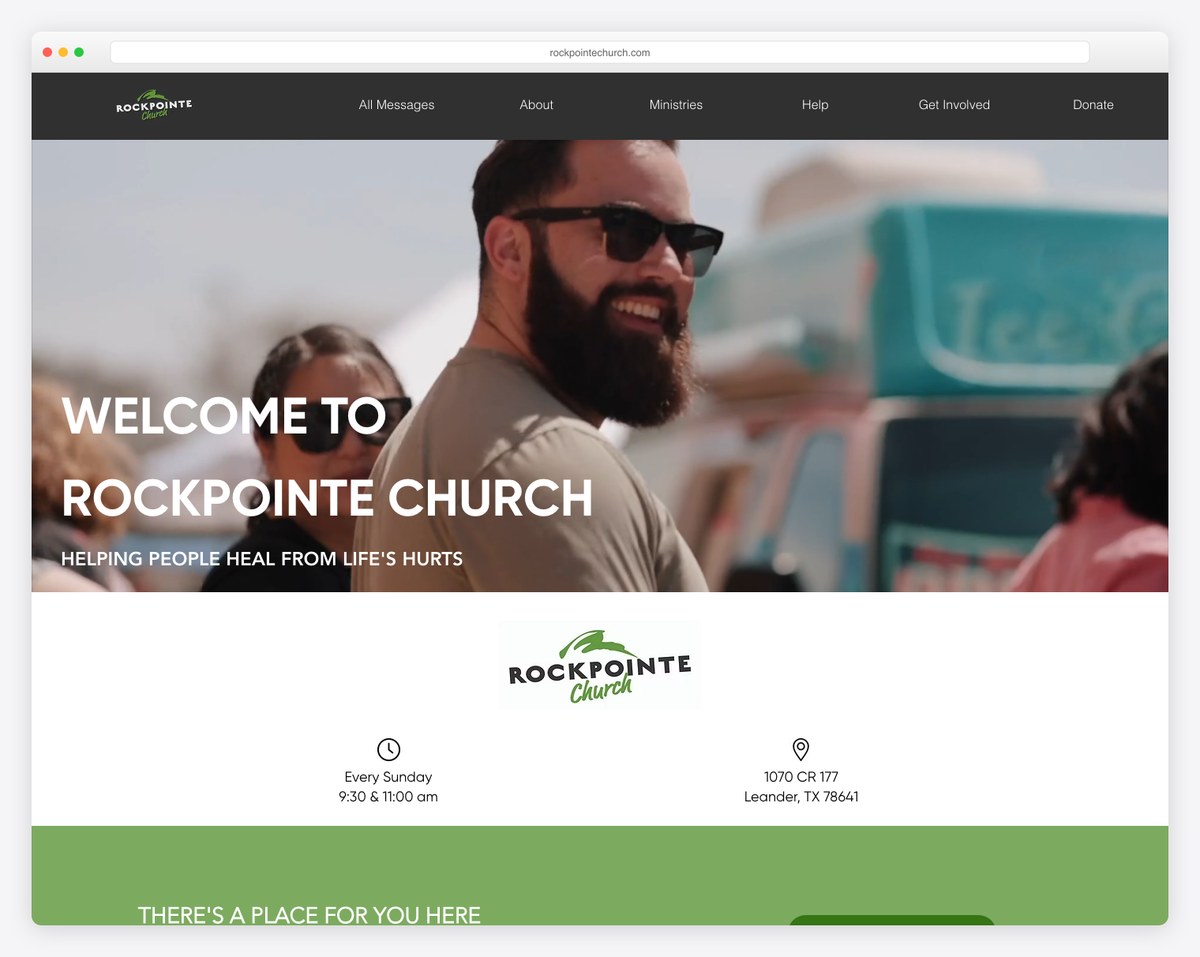
RockPointe Church shows Wix at its best — bold imagery, clear service times and location, and strong calls to action, all on a custom domain. It looks every bit as professional as a custom build.
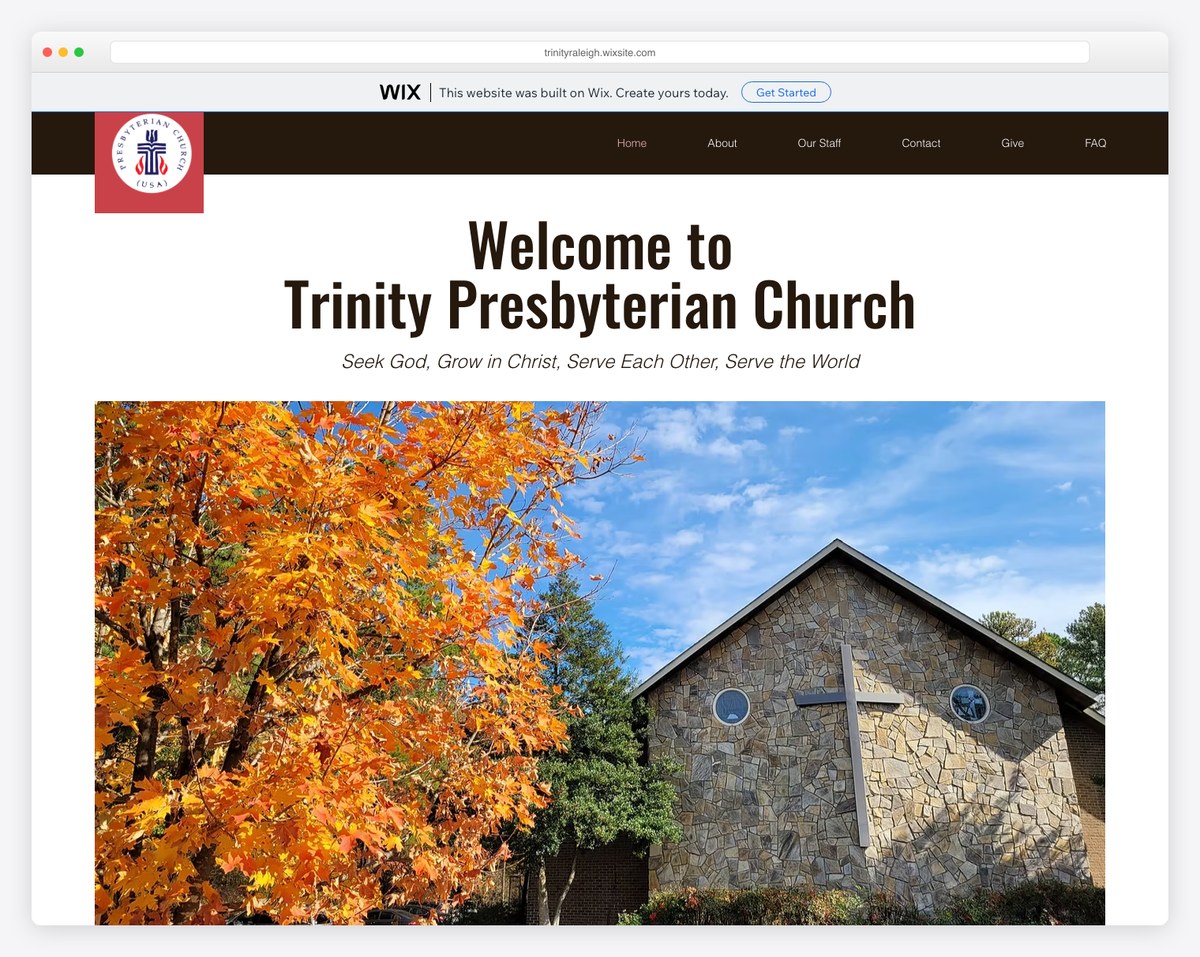
Trinity Presbyterian Church shows the other end: a smaller congregation on Wix’s free plan. Notice the “this website was built on Wix” banner across the top and the wixsite.com address — that’s the free-tier trade-off. It’s a legitimate way to get online for $0, but upgrading to a paid plan removes the banner and lets you use your own domain.
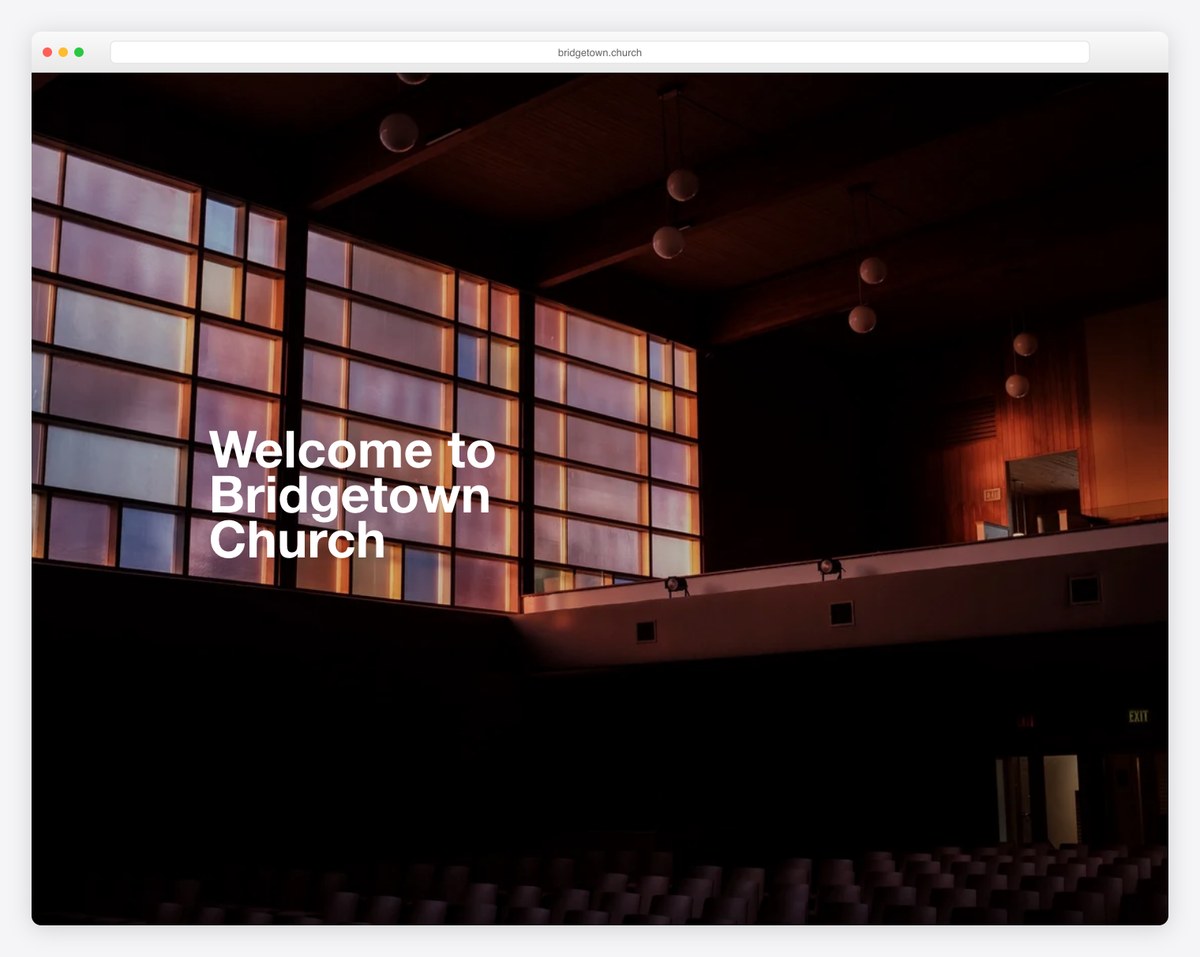
Bridgetown Church is a showcase of Squarespace’s design strength — restrained typography, full-bleed imagery, and generous spacing that feels intentional and calm. This is the look churches choose Squarespace for.
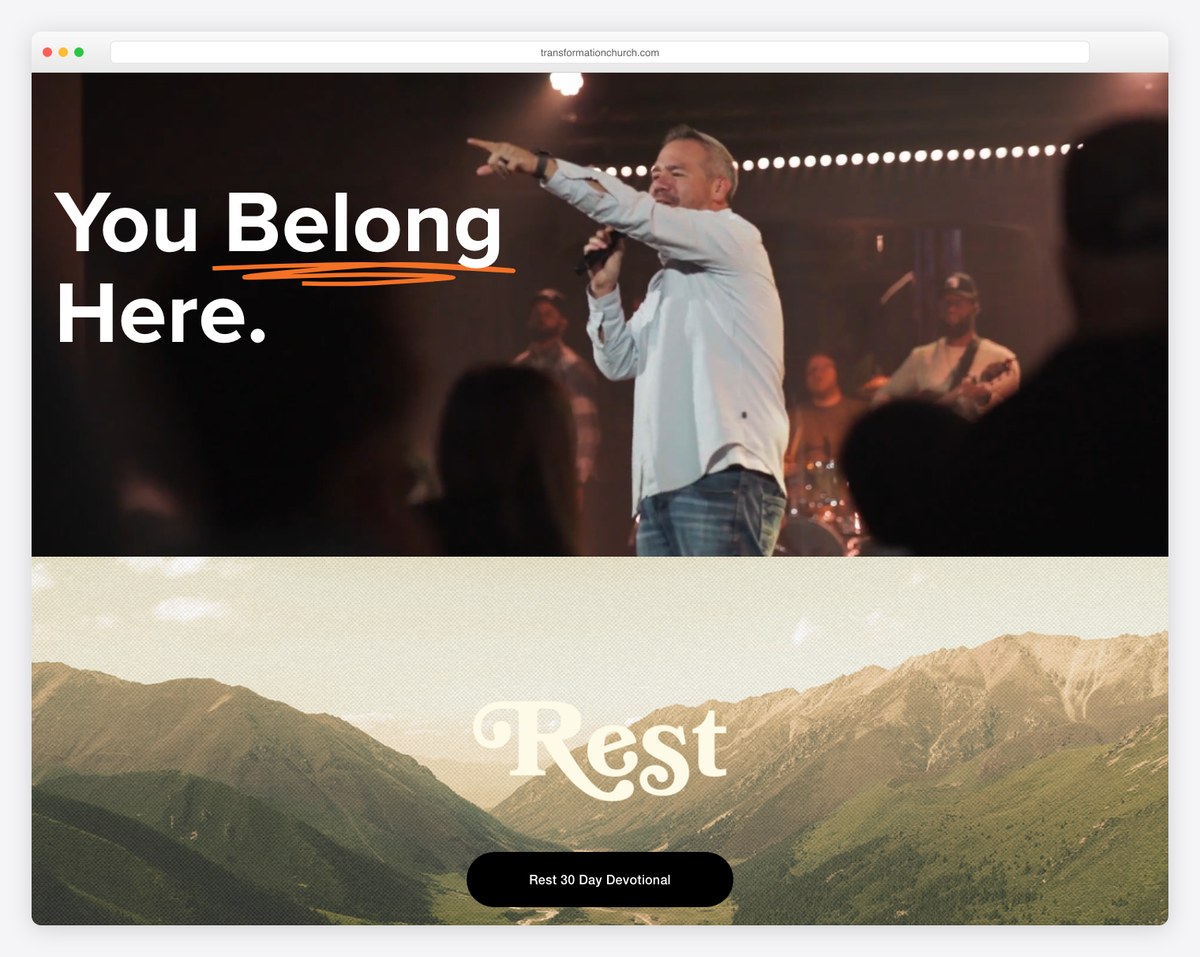
Transformation Church pushes Squarespace further with bold type and confident, high-impact sections — proof that the “design-first” reputation translates into striking, modern church sites.
| If your church is… | Lean toward |
|---|---|
| Small or volunteer-run, wanting a church template fast | Wix |
| A new plant on a tight budget that needs a free start | Wix (free plan) |
| Design-led, with someone who has an eye for layout | Squarespace |
| Focused on the most polished, modern look | Squarespace |
| Wanting phone support and a big app market | Wix |
| Prioritizing flawless mobile with zero fuss | Squarespace |
| Planning heavy online giving + ChMS integrations | Either — or a church-specific platform |
No builder is perfect. Being honest about the weak spots:
Still deciding between a general builder and other routes? Compare this with Squarespace vs WordPress for churches and our overview of WordPress for churches to see the flexibility-versus-ease spectrum in full.
It depends on your priority. Wix is better if you want ready-made church templates, a free plan, drag-and-drop flexibility, and phone support. Squarespace is better if design quality is your top concern and you’re comfortable adapting a clean nonprofit template. For most small-to-mid churches that want to look professional quickly, Wix is the easier choice; for design-led churches, Squarespace is worth the trade-offs.
No. Squarespace does not offer dedicated church templates. Its closest starting points are under “community & non-profit,” so you adapt a clean nonprofit or community template for church use. Wix, by contrast, has a dedicated set of religion and church templates built around service times, sermons, events, and giving.
Yes — Wix has a genuinely free plan, which is one of its biggest advantages over Squarespace (which has no free tier, only a 14-day trial). The catch is that the free Wix plan shows Wix ads and gives you a wixsite.com address instead of your own domain. Upgrading to a paid plan removes the ads and lets you use a custom domain.
Yes, on both — but neither has a true built-in church-giving module with recurring tithes and funds. The standard approach on either builder is to embed a dedicated giving tool like Tithe.ly, Givebutter, or Planning Center Giving. Budget for that tool’s processing fee (commonly around 2.9% + $0.30) on top of your plan price.
Both are beginner-friendly, but differently. Wix uses freeform drag-and-drop, so you can place anything anywhere — flexible but easier to make messy, especially on mobile. Squarespace uses a structured, section-based editor that keeps your design tidy and mobile-friendly automatically, at the cost of some flexibility. Wix feels more open; Squarespace feels more guided.
For a small or volunteer-run church, Wix is often the most practical pick: its church templates give you a professional starting point fast, and the free plan lets you get online at no cost. Squarespace is the better choice if a small church cares most about a beautiful, design-forward site and has someone willing to adapt a nonprofit template. Either can serve a small church well.

Church Website Builders
Church Website Builders
Church Website Builders
10 complete church website templates, MIT licensed. Browse every demo freely; we will email you whichever folder you want.
All templates