Church Website Features
A prayer request page is one of the most meaningful features you can add to your church website. It tells visitors and members: “We care about what you’re going through, and we will pray for you.” It also serves a practical purpose — giving your prayer team a structured way to receive and organize requests instead of relying on Sunday morning verbal requests or scattered text messages.
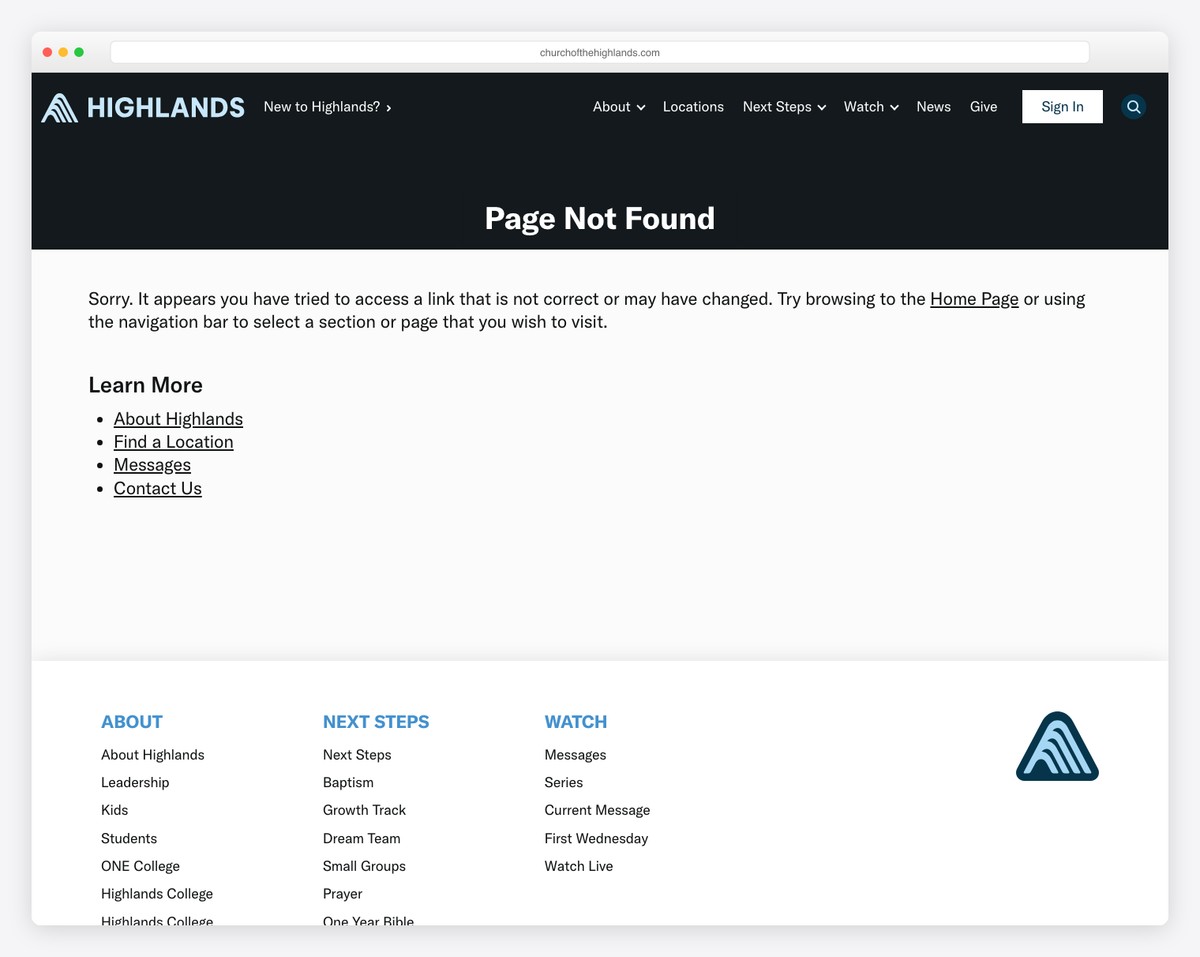
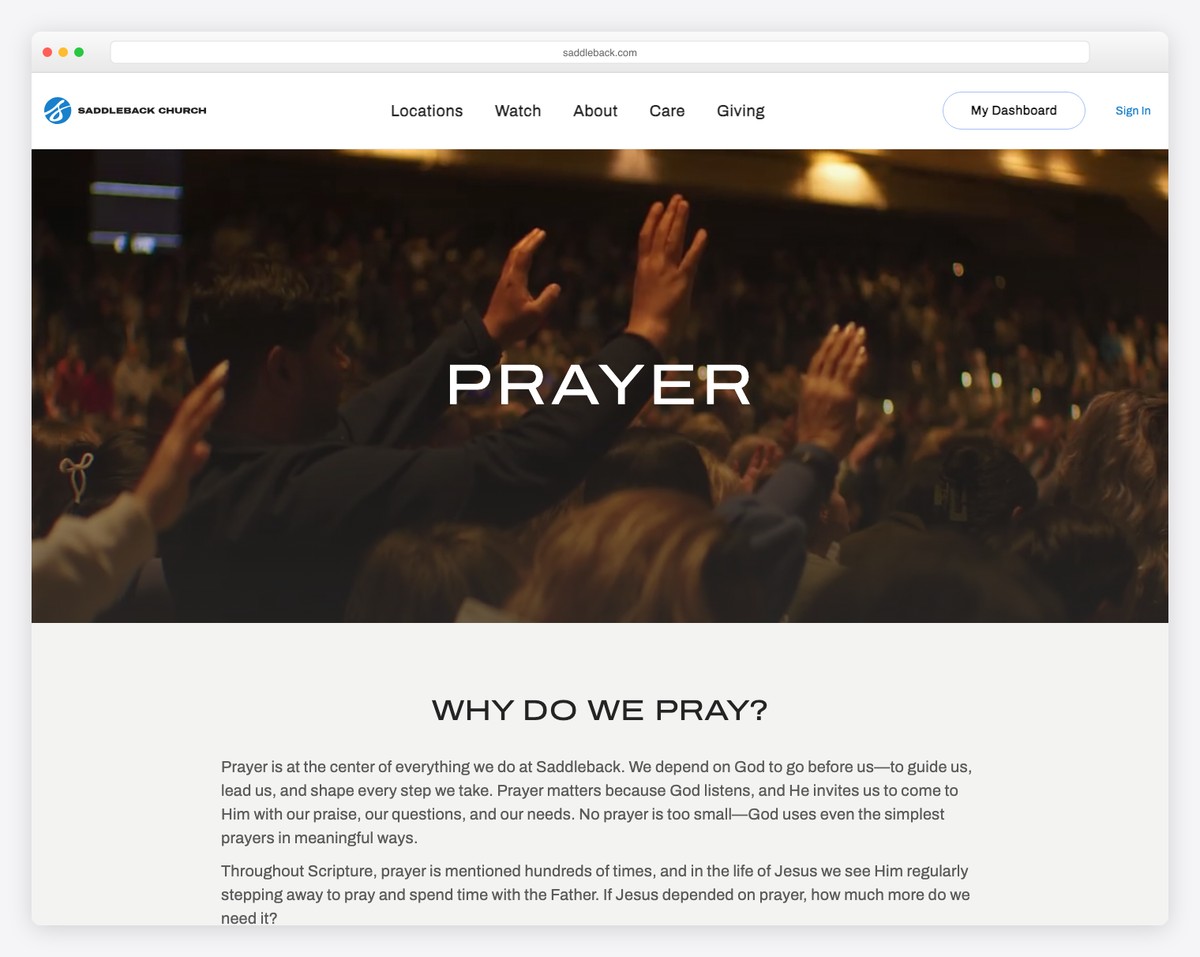
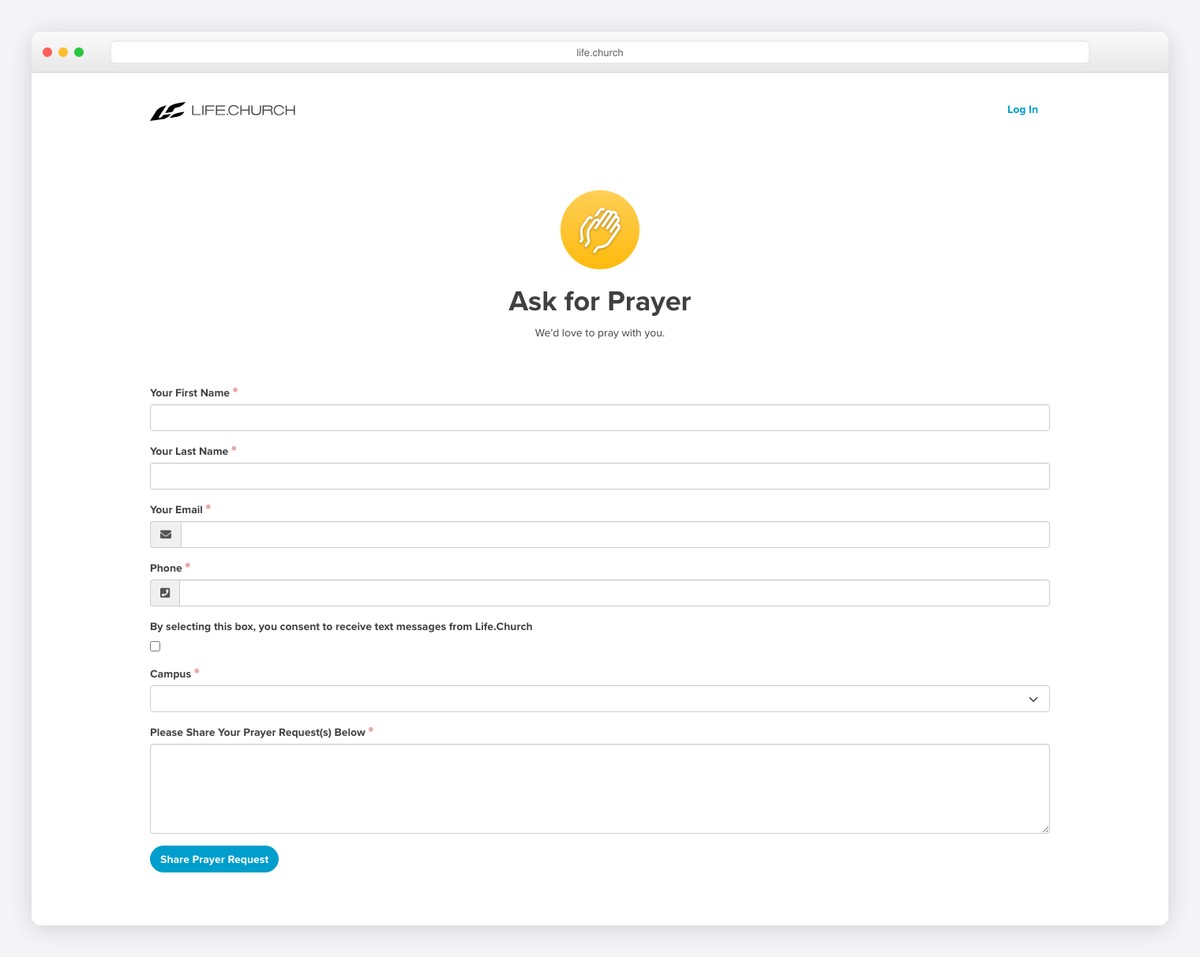
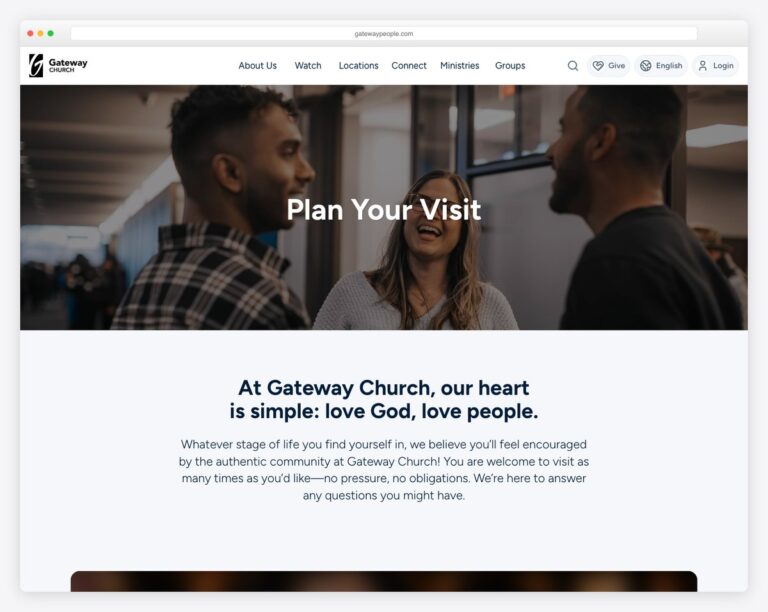
Not sure what a great prayer page looks like? Here are real examples that get it right — a simple request form paired with a moderated, public prayer wall:
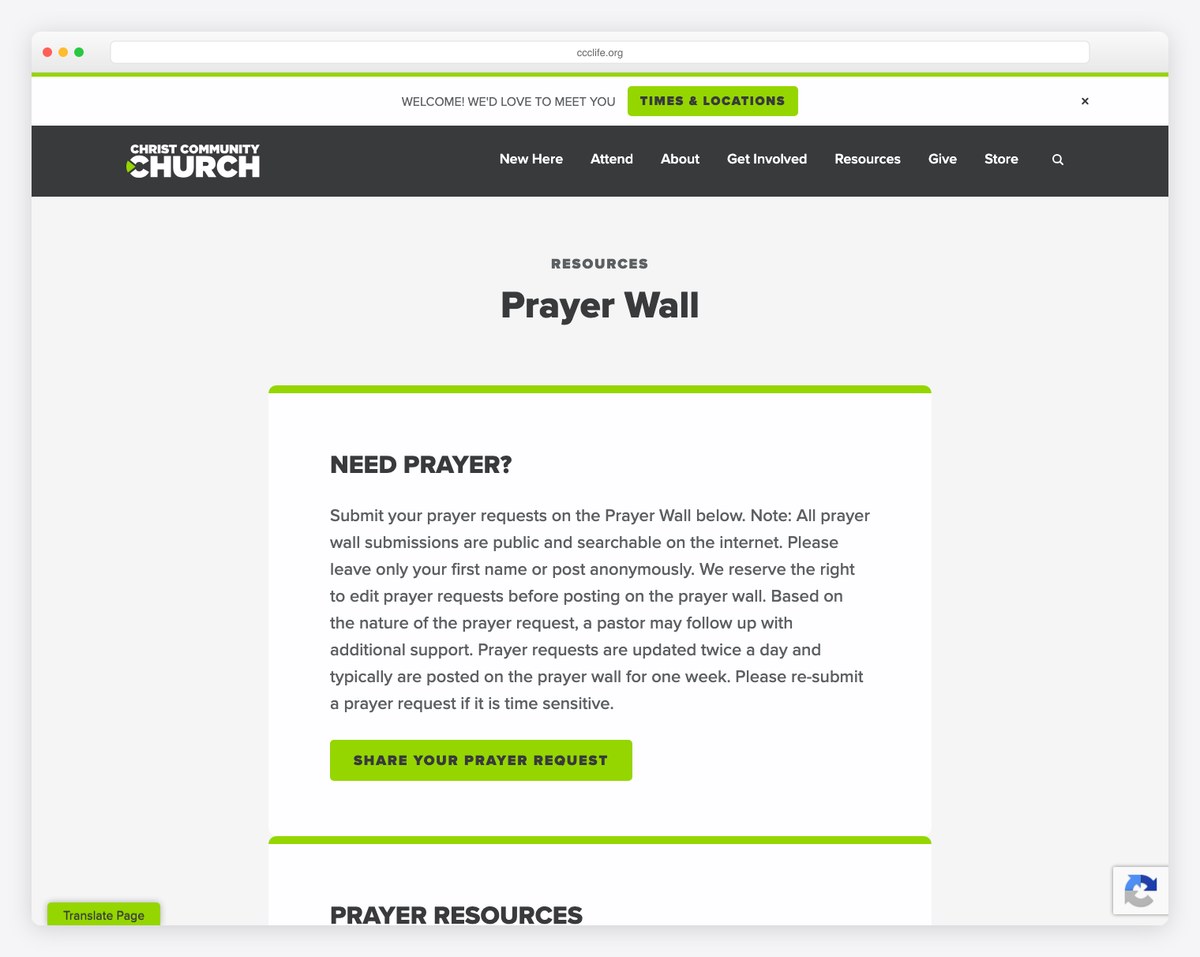
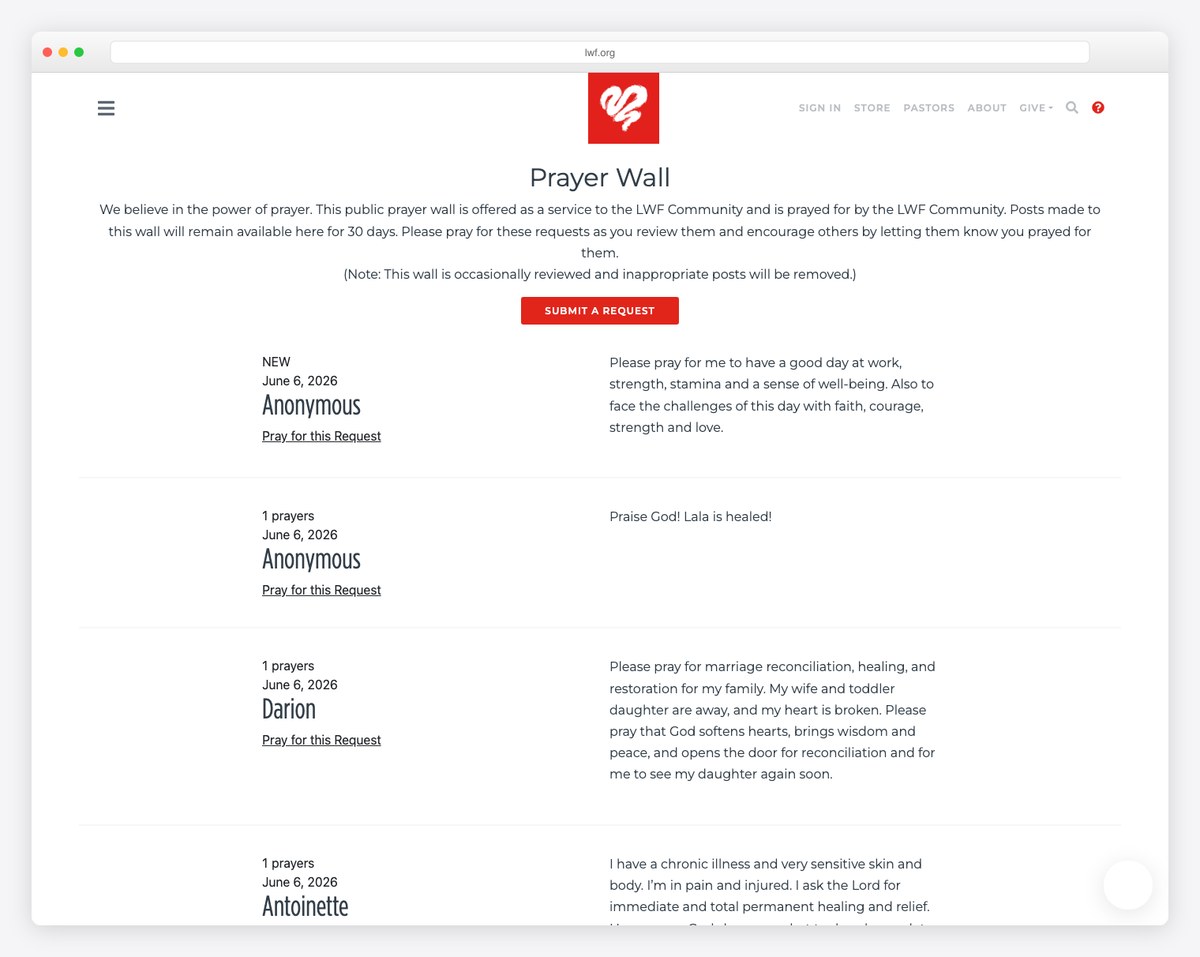
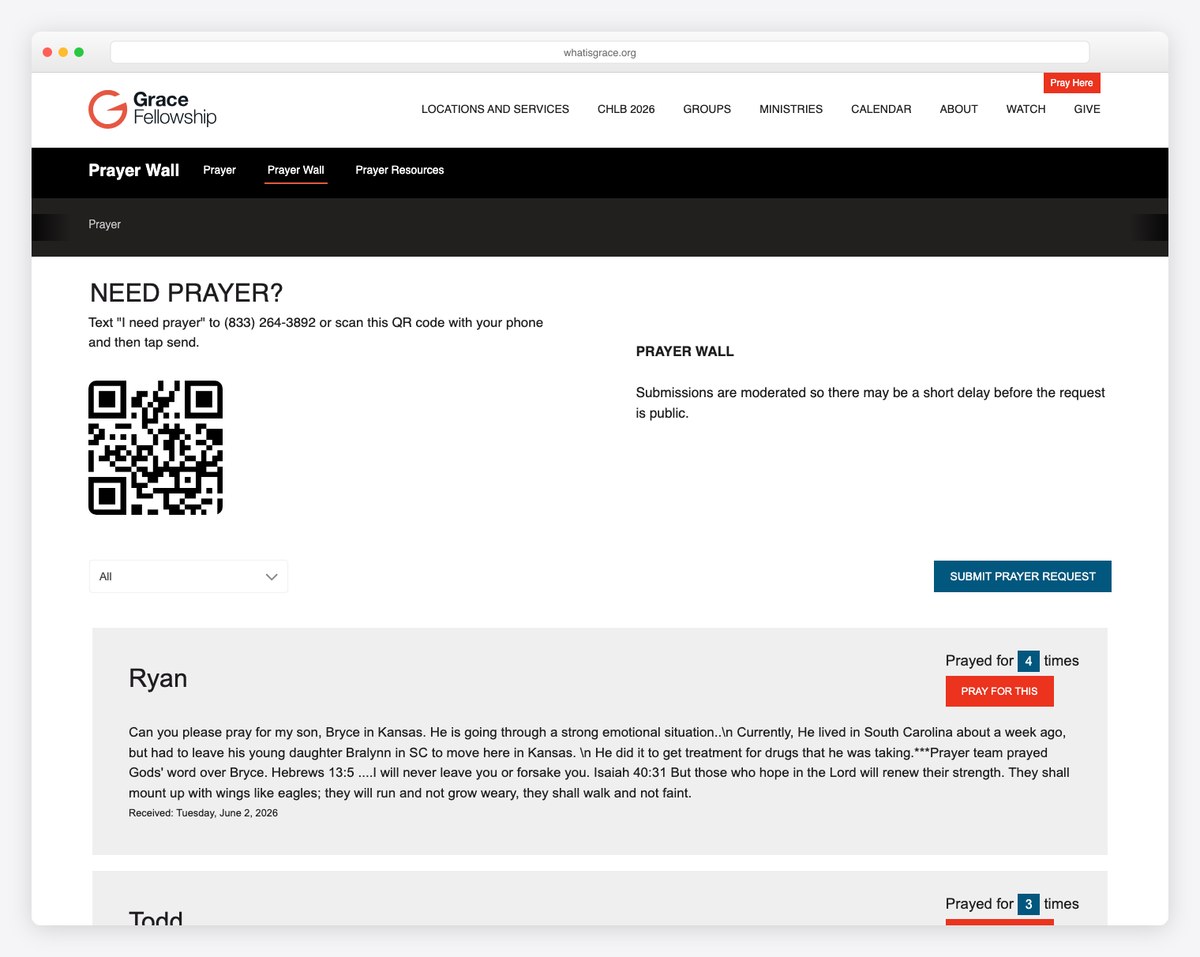
Notice the pattern: a short form (so people actually finish it), clear privacy wording, and a public wall that lets the whole congregation pray together. We break down how to build each of these elements below.
But a prayer request page done poorly — with no privacy safeguards, no follow-up process, or a broken form that nobody monitors — does more harm than good. This guide covers how to set up a prayer request page that’s functional, secure, and pastorally responsible.
Keep the form simple. People sharing prayer requests are often in vulnerable moments — they don’t want to fill out a 15-field form. Here are the essential fields:
That’s it. Resist the urge to add categories, urgency levels, or other organizational fields. Those serve your internal processes, not the person submitting the request. You can organize requests on the back end.
The simplest option. Create a Google Form with the fields above, embed it on your prayer request page, and responses go to a Google Sheet that your prayer team can access. Advantages: free, easy to set up, works on any website platform, and responses are organized in a spreadsheet. Disadvantage: the form looks like Google, not like your church website. You can link to it instead of embedding for a cleaner experience.
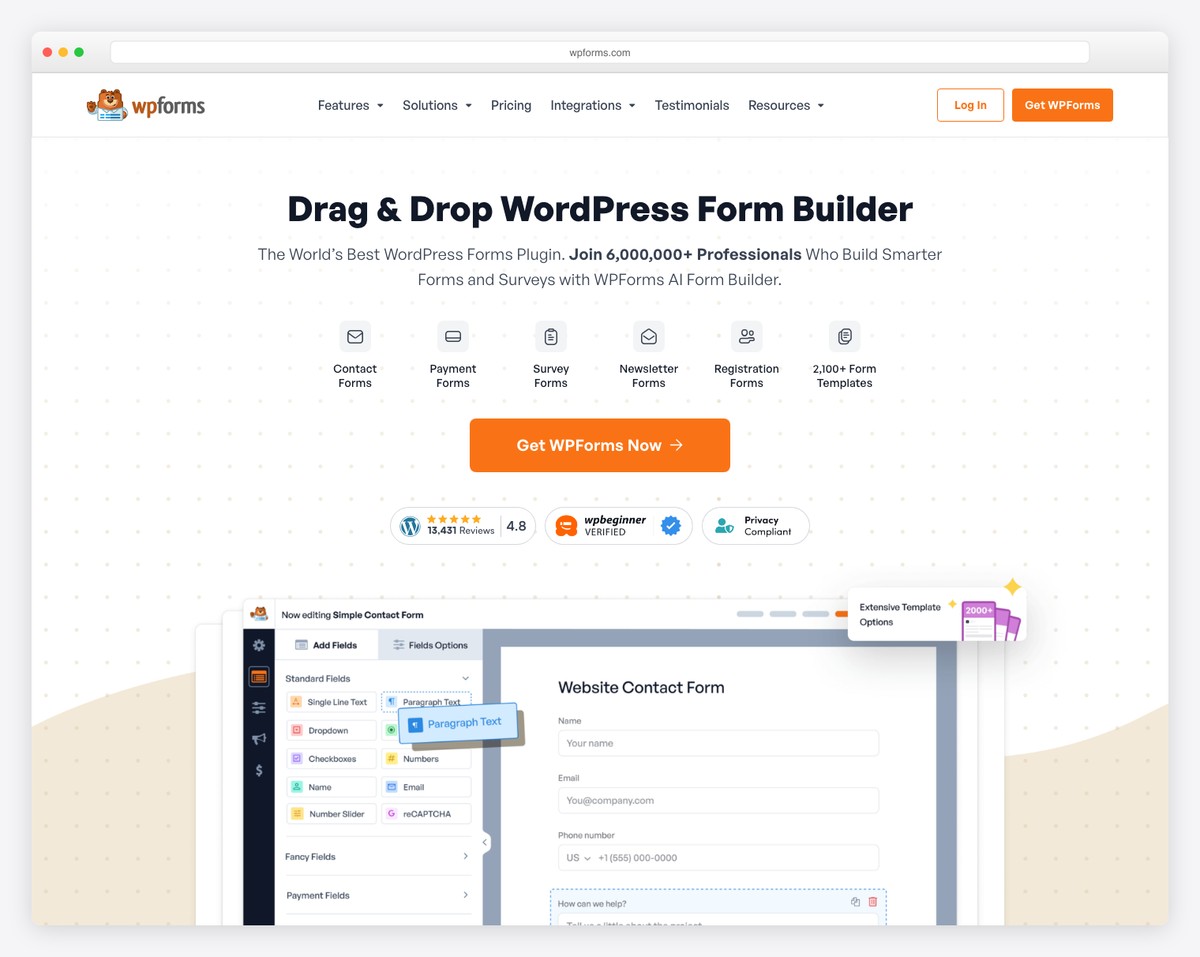
If your church uses WordPress, plugins like WPForms, Gravity Forms, or Contact Form 7 let you build custom forms that match your website’s design. Submissions can be emailed to your prayer team, stored in the WordPress dashboard, or sent to a Google Sheet. WPForms has a free tier that handles basic prayer request forms.
Squarespace includes a built-in form builder on every plan. Create a custom form on your prayer request page with the fields you need. Submissions are emailed to a designated address and stored in your Squarespace panel. The form automatically matches your site’s design. Clean and simple.
Tithe.ly Sites includes form functionality as part of the platform. Prayer request submissions can route to your pastoral team through the Tithe.ly dashboard, keeping everything in one system. If you’re already on Tithe.ly, this is the most integrated option.
Wix includes a form builder that can be placed on any page. The form matches your site’s design and submissions go to your Wix dashboard and email notifications. Similar to Squarespace in functionality and ease of use.
Prayer requests contain deeply personal information — health diagnoses, family conflicts, financial struggles, addiction, marital problems. Treating this data carelessly is a serious pastoral failure. Privacy must be built into your prayer request process from the start.
Only your pastoral staff and designated prayer team leaders should have access to prayer requests. Don’t send submissions to a general church email that multiple staff and volunteers can read. Create a dedicated email address ([email protected]) that only authorized people can access.
Never share a prayer request with the broader congregation, prayer chain, or in a public setting without the person’s explicit permission. Include a sharing preference field on your form. If someone says “Keep this between me and the pastoral staff,” honor that absolutely. Violating this trust can cause real harm.
Above or below your prayer request form, include a brief privacy statement:
“Your prayer request is confidential. Only our pastoral team and prayer ministry leaders will see your submission unless you give us permission to share it more broadly. If you’d like to remain anonymous, you may leave the name field blank.”
This simple statement increases form submissions because people feel safe sharing. For broader website privacy considerations, see our church website security guide.
Some churches display prayer requests on their website for the community to pray over. This can be meaningful — but only if every displayed request has explicit, informed consent from the submitter. Many churches that display requests use only first names and general descriptions (“Please pray for Sarah’s upcoming surgery”) rather than the full, detailed submission.
A form without a process is just a suggestion box that nobody checks. Establish a clear workflow:
Your prayer request page should include crisis resources for people who may be in immediate danger or distress. Below or alongside your form, add:
Include a note like: “If you or someone you know is in immediate danger, please call 911. For crisis support, call or text 988.” This is responsible ministry. Prayer request forms are not real-time — someone in crisis needs immediate help, not a form that gets checked on Monday morning.
Here’s a quick setup guide:
The entire setup takes about 30 minutes on any platform. Include a link to the prayer request page in your homepage and in your weekly email communications.
Yes. Make the name field optional or include an “I’d prefer to remain anonymous” checkbox. Some people want prayer but aren’t comfortable sharing their identity — especially for sensitive topics like addiction, mental health, or family conflict. Anonymous requests are harder to follow up on, but they still serve a genuine pastoral purpose.
Only with explicit consent from each submitter. A public prayer wall can be a beautiful community feature, but the default should always be private. Add a field to your form: “Would you like your request (first name only) displayed on our prayer wall?” Never publish a request without this explicit permission.
Daily, at minimum during business days. If your church promotes the prayer request form actively, check it multiple times per day. Set up email notifications so requests arrive in real-time rather than requiring someone to remember to log in and check. Nobody should wait more than 24-48 hours for acknowledgment.
This is why crisis resources on the page are essential, and why your triage process matters. If a submission indicates someone may be in danger, the person monitoring requests should immediately contact a pastor. If contact information was provided, reach out directly and promptly. If the submission is anonymous, you can’t do direct outreach — which is why the crisis resources displayed on the page are your safety net.
Some church management systems (like Planning Center, Breeze, or Tithe.ly People) include prayer request features or can receive form submissions. This keeps pastoral care, prayer requests, and member information in one system. If your ChMS supports it, the integration is worth setting up — it helps pastors see a complete picture of a person’s engagement with the church, including their prayer needs.

Church Website Features
Church Website Features
Church Website Features
10 complete church website templates, MIT licensed. Browse every demo freely; we will email you whichever folder you want.
All templates