Church Website Builders
Clover Sites is a church website builder that’s been around since 2009, making it one of the older church-specific platforms still operating. It’s part of the broader Clover ecosystem that includes giving, church management, and media tools. The pitch is straightforward: a simple website builder designed specifically for churches, with templates and features that make getting online quick and painless.
| What you pay for | Cost |
|---|---|
| Website design & setup | ~$1,000 one-time (as churches have reported) |
| Monthly subscription | Historically ~$29/month; current pricing is quote-only |
| Free plan | None — sales are demo-based (booked with the Ministry Brands team) |
| Online giving | Amplify Giving (formerly Clover Give) — a separate product; processing fees apply |
| Media library | Now an Amplify module; pricing not published |
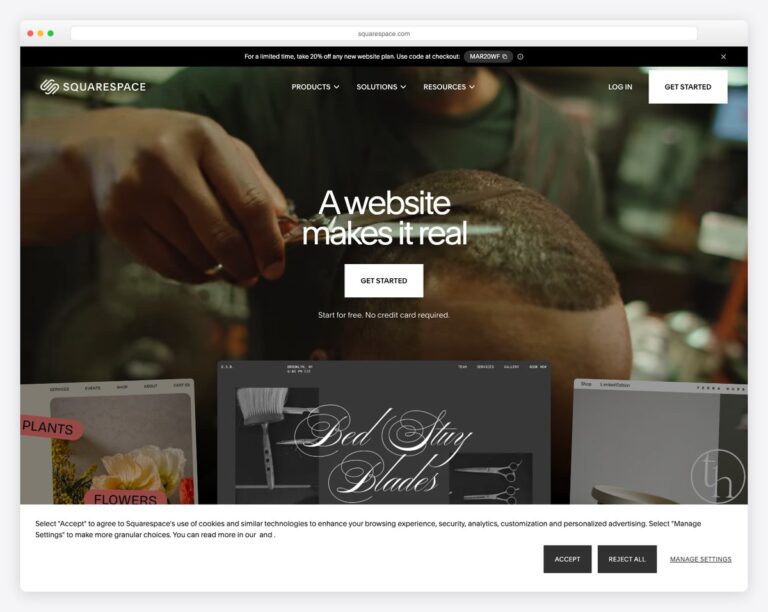
But the church website landscape has evolved significantly. Platforms like Tithe.ly and Subsplash now offer more features at competitive prices, and general-purpose builders like Squarespace produce better-looking sites. Where does Clover Sites fit? Here’s our honest review.
Clover Sites is a functional, easy-to-use church website builder that gets the basics right. It’s a reasonable choice for churches already in the Clover ecosystem. But for churches evaluating platforms from scratch, Tithe.ly offers more features at a similar or lower price point, and Squarespace offers better design quality for the same cost. Clover Sites isn’t bad — it’s just not the best option in any single category.
Clover Sites is genuinely easy to get started with. Choose a template, swap in your church’s information, add photos, and you have a website. The learning curve is shallow — a church volunteer with no web experience can build a basic site in an afternoon. The editor uses a drag-and-drop interface with pre-built content blocks for common church elements: service times, staff directory, sermon player, events, and giving.
For churches where the primary requirement is “get something online quickly with minimal confusion,” Clover delivers.
Every Clover Sites template is designed for churches. You won’t have to repurpose a restaurant template or strip out e-commerce elements. The templates include appropriate content sections — hero area with service times, about section, upcoming events, sermon embed, giving button, and contact information. This saves time compared to adapting a general-purpose builder’s template for church use.
If your church uses Clover Give for online donations, Clover Church Management for your member database, or Clover Media for sermon hosting, the website integrates seamlessly. Giving buttons connect directly to your Clover Give account. Sermons pull from your Clover Media library. This ecosystem approach means less manual work connecting separate tools.
Clover handles hosting, SSL certificates, and basic maintenance. Sites load at reasonable speeds, and the platform has been stable for years. Customer support is responsive, particularly for churches on paid plans. You won’t need to manage server updates, security patches, or hosting configurations — it’s all handled for you.
The template selection is small compared to competitors. Squarespace offers 100+ templates (adaptable for churches), and even Tithe.ly has expanded its template library significantly. Clover’s templates are adequate, but if none of them match your church’s aesthetic, you have limited options for customization beyond the basics (colors, fonts, images).
The design quality of the templates is middle-of-the-road — professional enough but not as polished as Squarespace or The Church Co. For churches where design quality is a priority, Clover won’t be the top pick.
The trade-off of simplicity is limited flexibility. The drag-and-drop editor works well for standard church website layouts, but if you want to create something custom — a unique homepage layout, a complex ministry page structure, or a creative visual design — you’ll hit the editor’s limitations quickly. There’s minimal support for custom code, advanced animations, or complex page layouts.
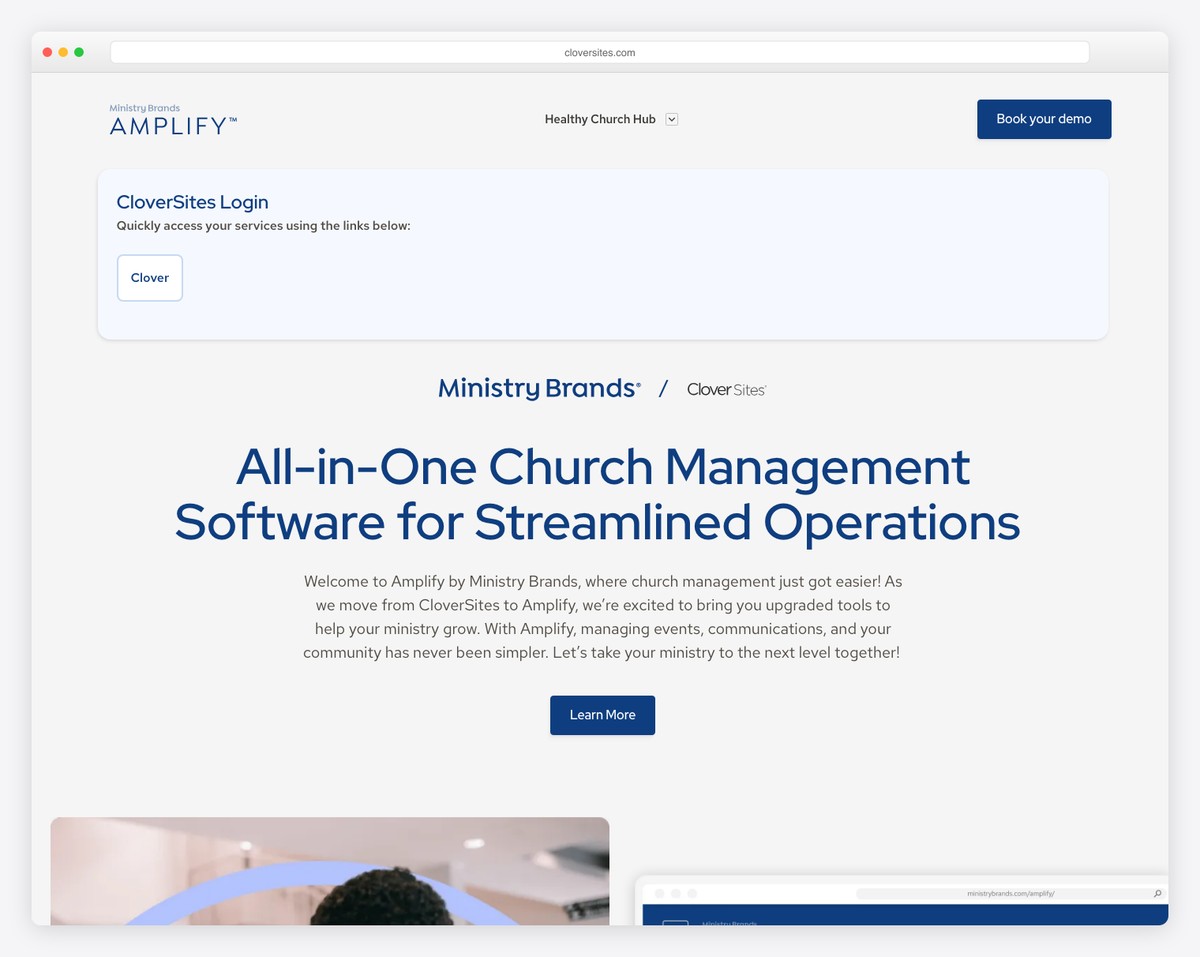
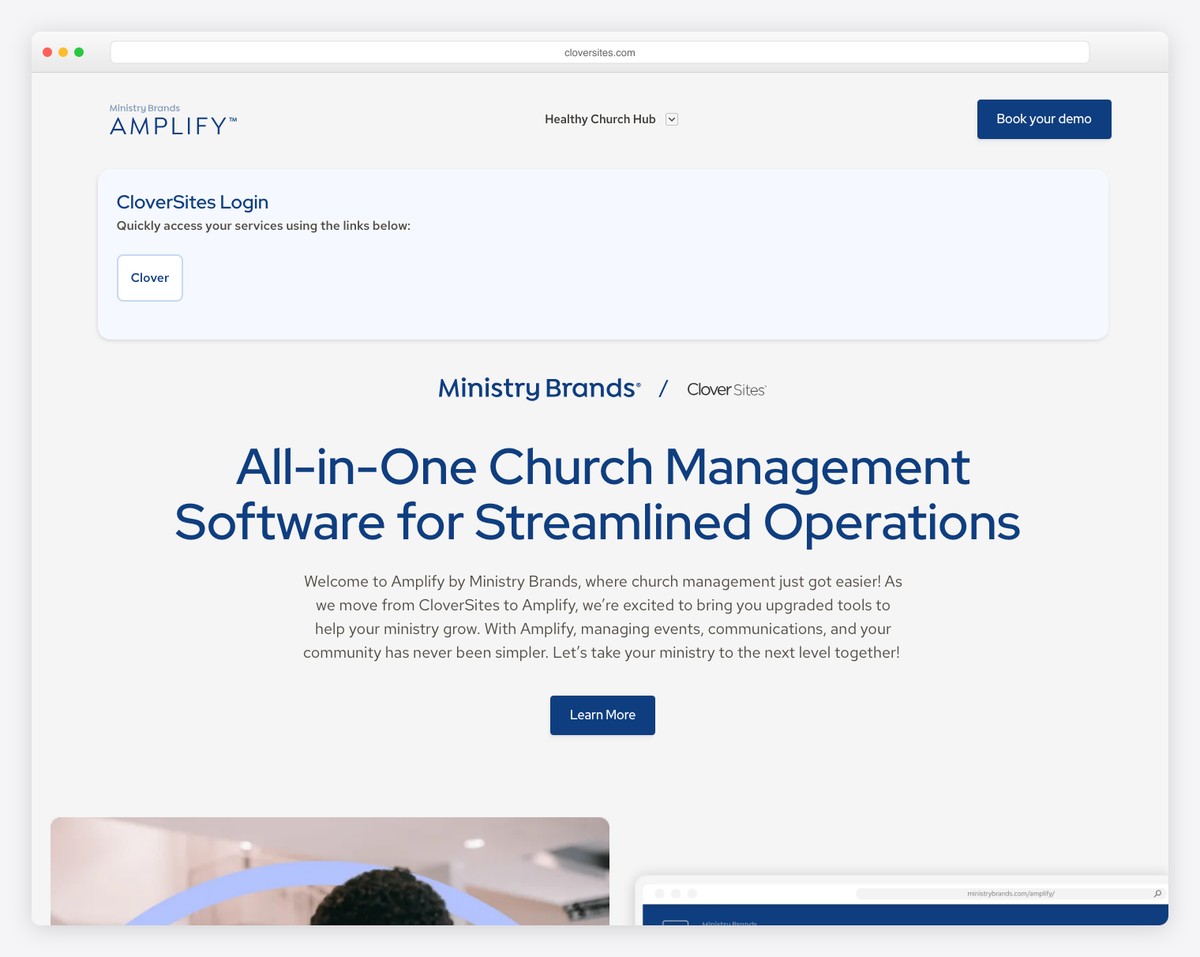
Clover no longer publishes pricing at all — since the move into Amplify by Ministry Brands, getting a number means booking a sales demo. Churches have historically reported paying in the $30-50/month range plus a build fee. Whatever quote you receive, you’re competing with:
For a comprehensive cost comparison, see our church website cost guide.
Clover Sites has a smaller user base than Tithe.ly, Subsplash, WordPress, or Squarespace. This means fewer tutorials, fewer community forums, fewer YouTube walkthrough videos, and a smaller pool of freelancers familiar with the platform. If your church website volunteer leaves and you need to find someone to take over, finding a “Clover Sites person” is harder than finding a “Squarespace person.”
| Feature | Clover Sites | Tithe.ly | Squarespace |
|---|---|---|---|
| Church-specific | Yes | Yes | No (adaptable) |
| Design quality | Adequate | Good | Excellent |
| Template variety | Limited | Growing | 100+ |
| Free tier | No | No (free giving only) | No (14-day trial) |
| Starting price | Not published (demo quote) | $19/month | $19/month |
| Giving integration | Clover Give | Tithe.ly Giving | Third-party needed |
| Sermon management | Clover Media | Built-in | Manual (blog) |
| Ease of use | Very easy | Easy | Easy |
| Customization depth | Basic | Moderate | Moderate-High |
Clover Sites is a competent platform that does what it promises. But “competent” isn’t compelling in a market where competitors offer more features, better design, or lower prices — often all three. If you’re already in the Clover ecosystem and happy with your current workflow, Clover Sites is a fine choice for your website. For everyone else, we recommend evaluating Tithe.ly (best church-specific value) or Squarespace (best design quality) first.
For a complete comparison of all church website platforms, see our best church website builders guide.
Here are real church websites running on Clover Sites today. Clover’s templates lean more traditional than newer builders — a fit for established congregations that want simple, set-and-forget management:
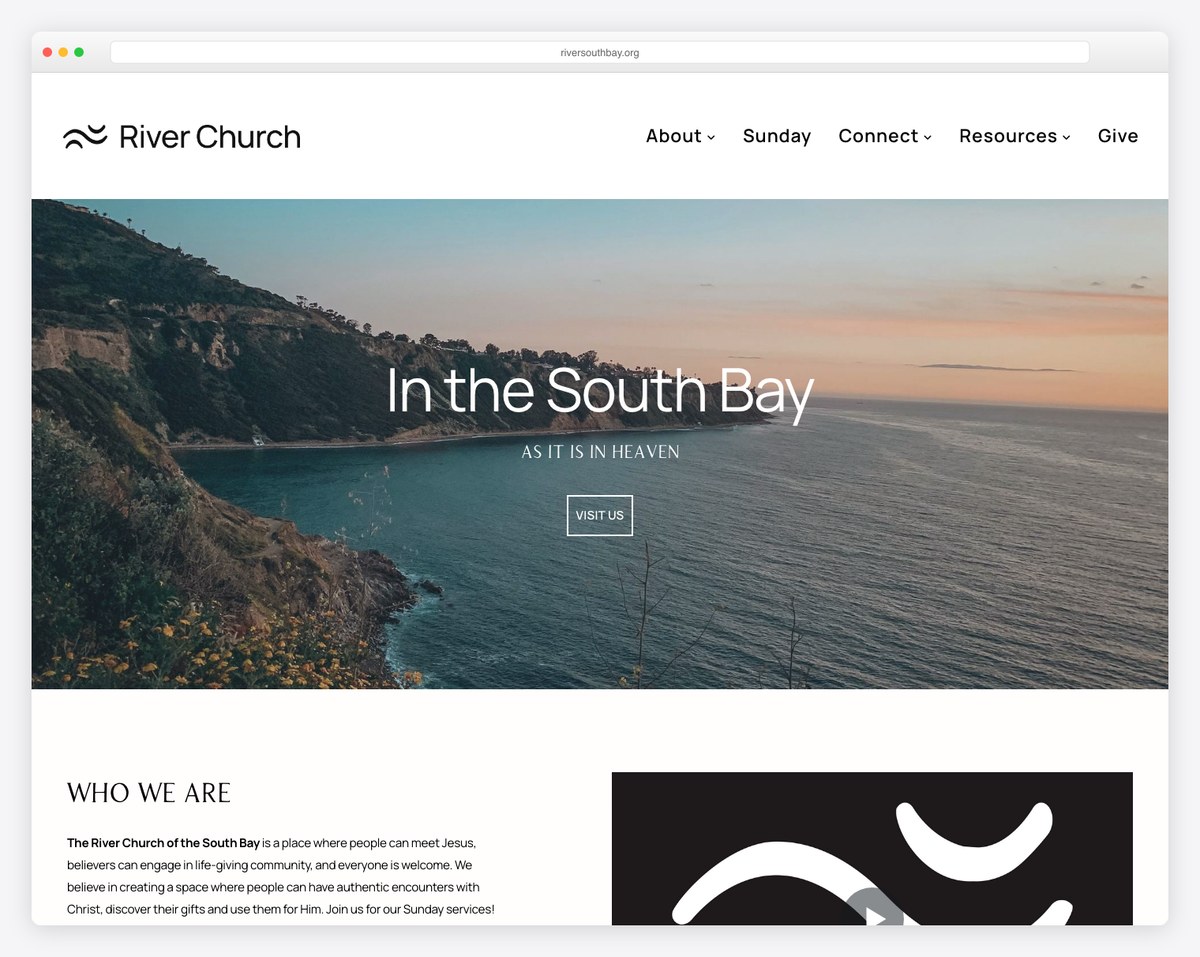
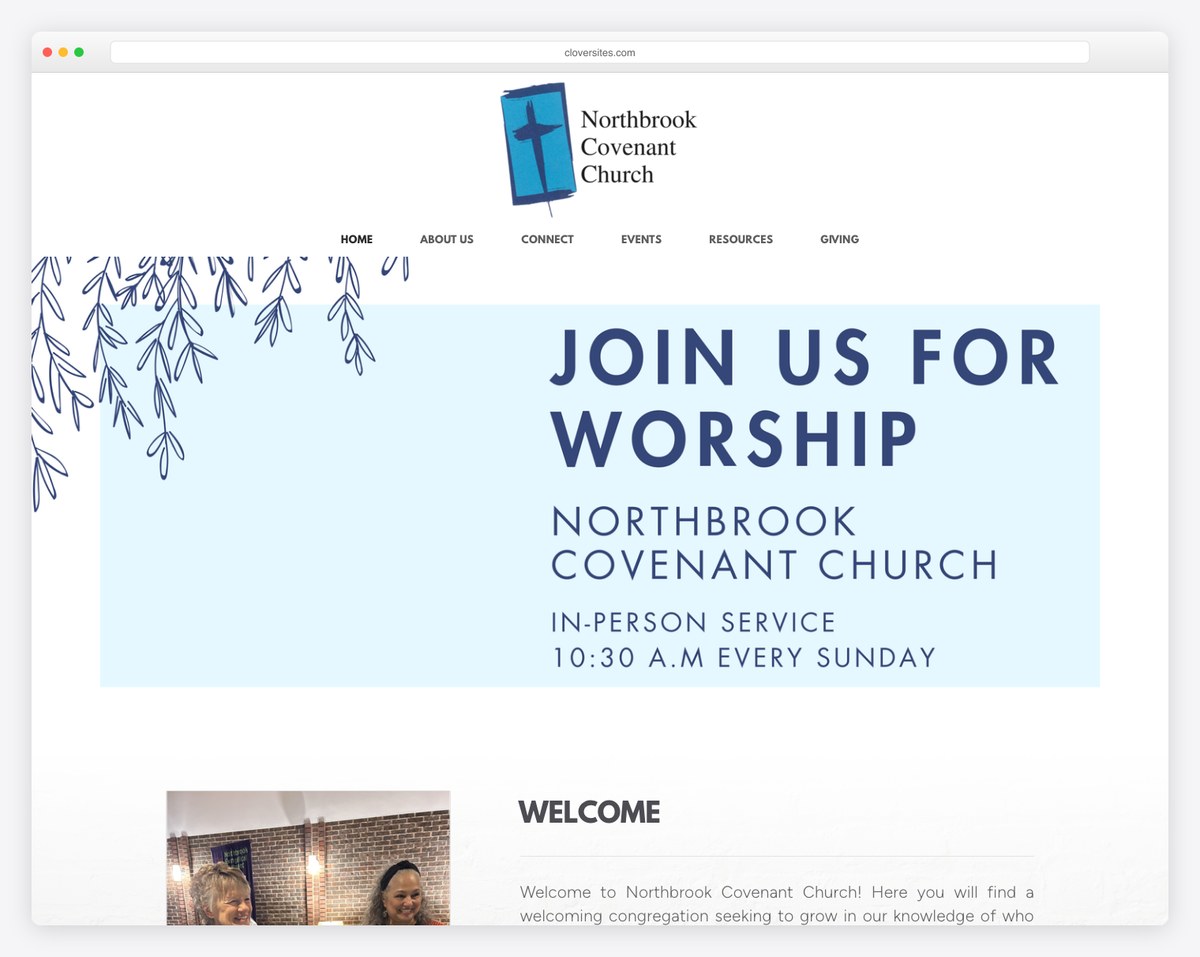
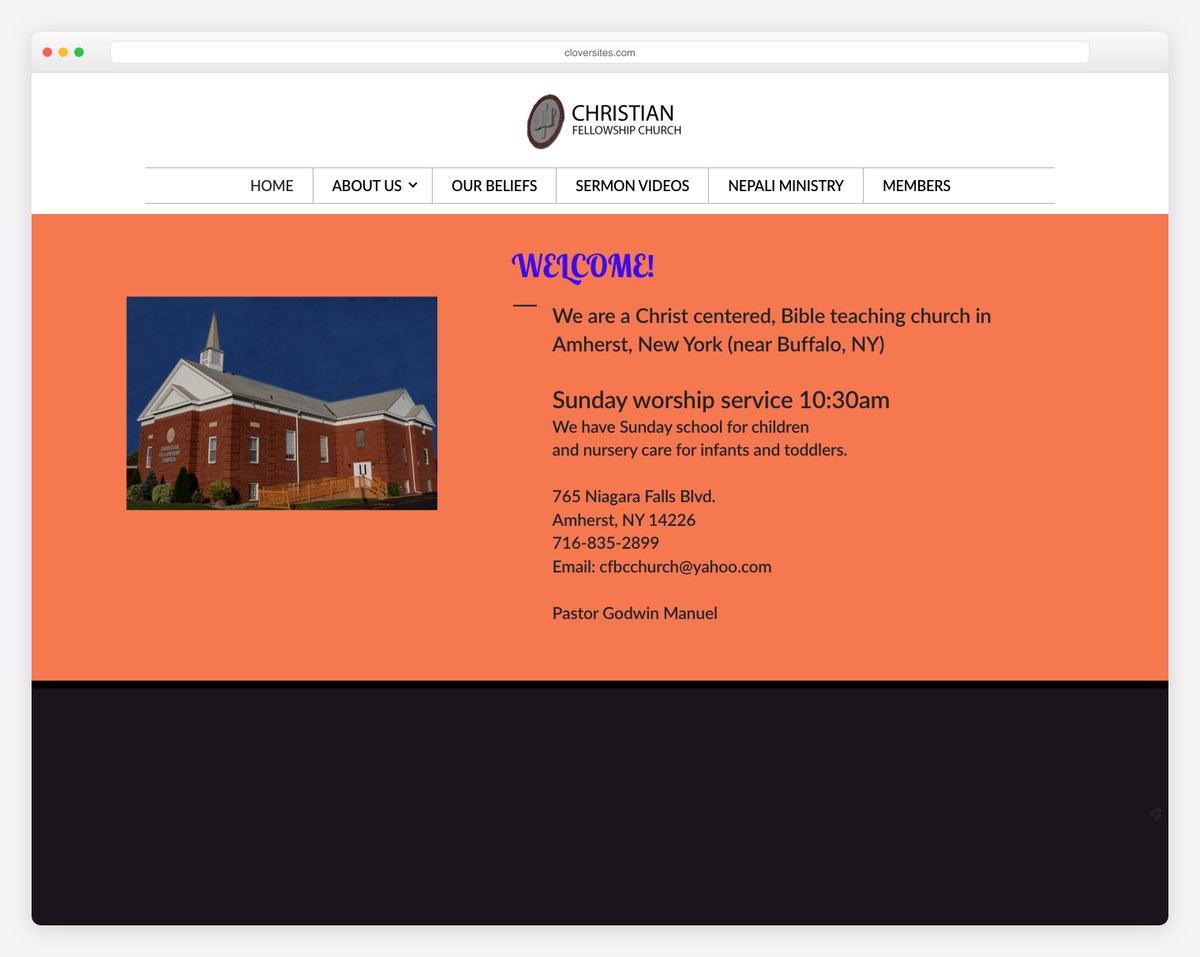
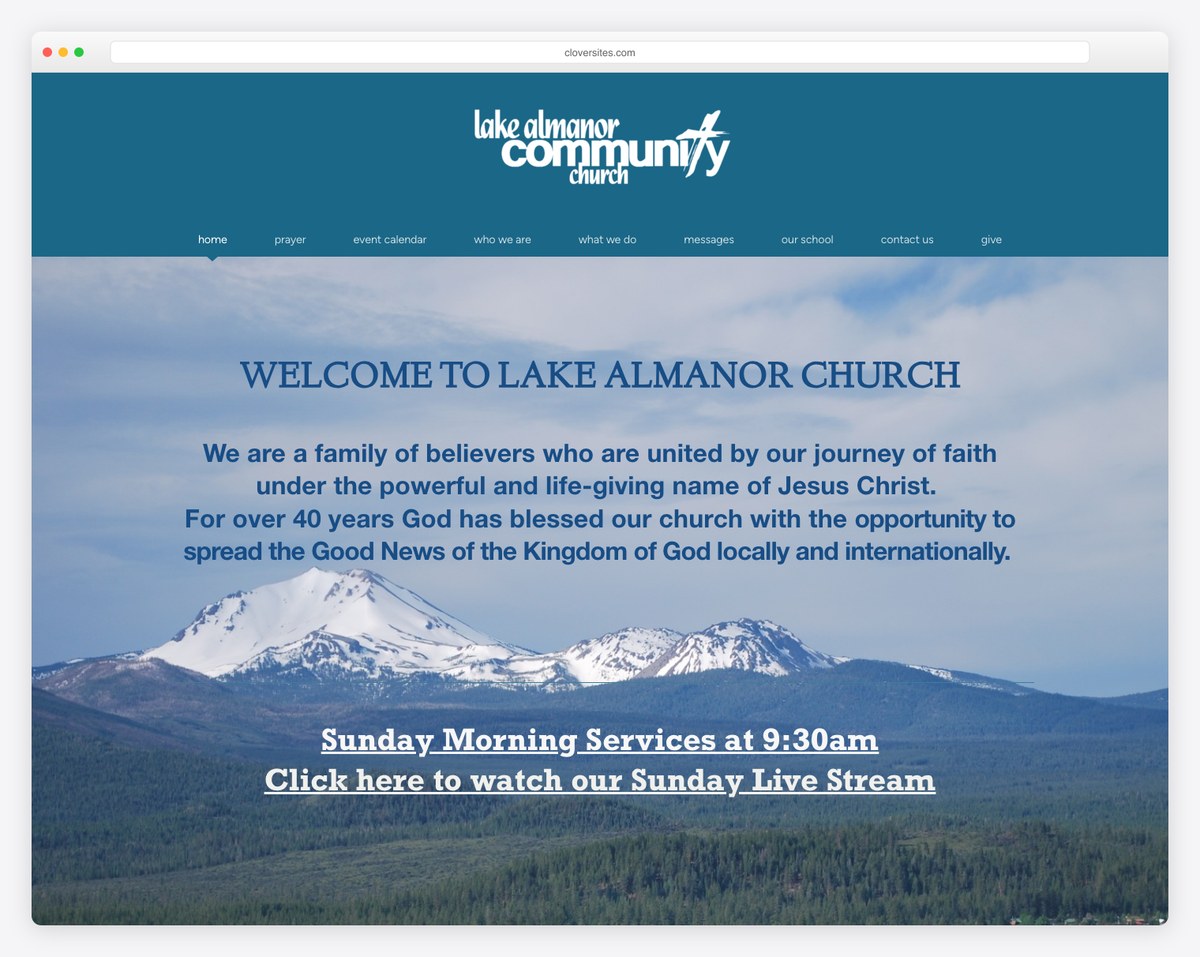
These are honest representations of what Clover delivers: clean, functional, volunteer-maintainable church sites. The designs are less cutting-edge than Squarespace or The Church Co, which is the trade-off for Clover’s simplicity.
Clover Sites integrates with Amplify Giving (formerly Clover Give), the giving product from the same Ministry Brands family. It is a separate product with its own pricing. The integration is seamless if you use both, but you’re paying for two products. Tithe.ly includes native giving on every plan, and its giving product is free on its own, which is better value for most churches. See our online giving guide for more options.
Yes. All paid Clover Sites plans support custom domains. You can register a domain through Clover or connect an existing domain. For tips on choosing a domain, see our church domain name tips.
Yes, the simplicity works in your favor here. The editor is intuitive enough that a new volunteer can learn to update content within an hour. However, because the platform has a smaller community, there are fewer tutorials and guides available compared to Squarespace or WordPress.
Both are church-specific builders, but they serve different needs. Nucleus is newer and more design-focused, while Clover Sites is more established and simpler. Clover has stronger ecosystem integration (giving, ChMS), while Nucleus focuses on the visitor experience. Neither is the market leader — for most churches, Tithe.ly or Squarespace are stronger choices than either.
Yes, but like any platform migration, it requires rebuilding your site on the new platform. Your content (text, images) can be manually transferred, but the design and layout won’t carry over. If you’re considering a switch, plan for a redesign process that takes 2-4 weeks.

Church Website Builders
Church Website Builders
Church Website Builders
10 complete church website templates, MIT licensed. Browse every demo freely; we will email you whichever folder you want.
All templates